Troubleshooting · 5 min read
Solar pool skimmer stuck on steps? Check the ledge, bars and signs of a jam
A skimmer grounded on a shallow ledge needs a different check from one circling in open water. Record where it stops, follow its exact anti-stranding instructions and avoid copying another model’s bar settings.
Based on published manufacturer information.
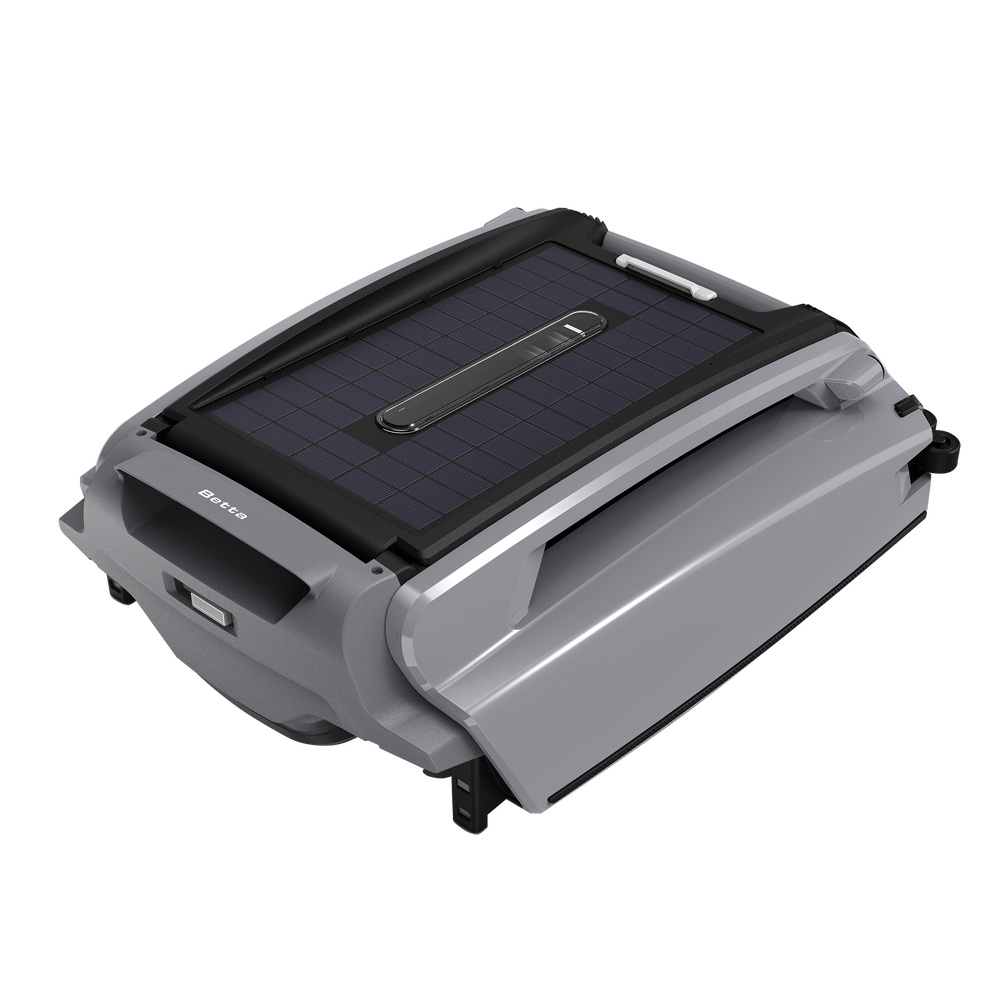
Checked Nov 27 · Price shown is from Betta. Check the model, price and availability in Lowe’s search results.
See all offers & model details ↗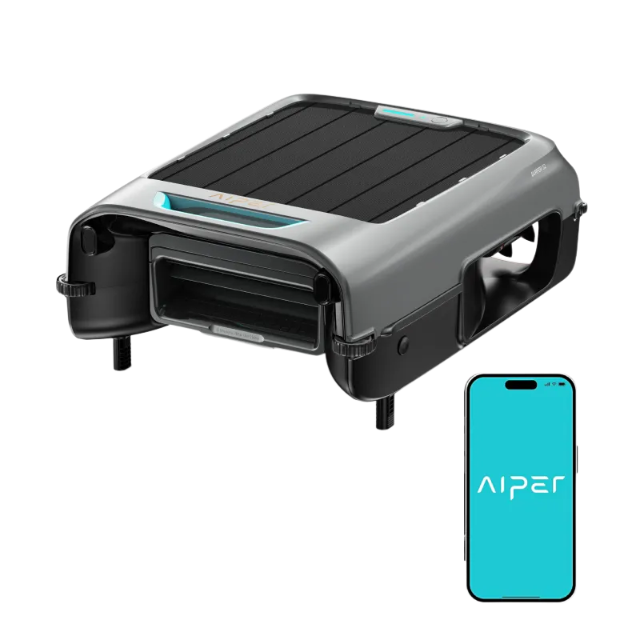
Checked Nov 27 · In stock when checked. Shipping and tax at checkout.
Buy at Lowe’s See all offers & model details ↗We may earn a commission when you buy through these links.
Our recommendations come from published specifications. We may earn a commission from qualifying purchases. As an Amazon Associate, we earn from qualifying purchases. How we work
The quick verdict
Here’s where we’d start.
Start by identifying contact with the ledge, an obstruction or a separate power fault. SE Plus documents paired anti-stranding-bar adjustments; S2 advertises anti-stranding features but needs its own current setup instructions. Check the actual water level, approach and accessories, then observe one permitted change at a time. Repeated stranding is a reason to stop and get the pool fit assessed.
SE Plus · Device Only
The exact SE Plus manual describes two bar-height positions and adjusting the corresponding front or rear pair together.
Follow the handling and operating rules. Its settings and indicator colors are not instructions for S2, Neo or another skimmer.
EcoSurfer S2
S2’s official US pages describe optical obstacle sensing, self-rescue and an anti-stranding design.
Those feature claims do not approve every step or supply a universal bar position. Obtain the current exact S2 instructions for its pool geometry.
Locate the contact point before changing settings.
Record whether the robot stops on the same tread, wedges under an edge, catches on equipment or circles in open water. Note the normal water level and any lights or app messages. A video taken from a safe position can show whether the hull, a bar or a moving part is making contact.
Betta SE Plus and Aiper EcoSurfer S2 skim floating debris. They do not scrub submerged steps like an underwater cleaner. Our skimmer-versus-cleaner guide separates those two different jobs.
Recover the unit using its supported method.
Keep people out of the pool during operation and follow the model’s retrieval and power-off instructions before inspection or adjustment. Do not put hands near running mechanisms or repeatedly force a wedged robot free under power.
Betta’s manual also prohibits operating SE Plus with other pool-cleaning devices in the water. Check that condition before observing another run. Its advice is model-specific, rather than proof that every skimmer has the same operating rules. Our swimming guide explains why the exact instructions control pool use.
Use the exact bar arrangement rather than a universal depth rule.
SE Plus’s manual describes using its anti-stranding bars around shallow structures. Each bar has two height positions; the corresponding front or rear bars are adjusted as pairs to keep the unit balanced. Follow the full instructions and check that the setting suits the actual obstacle.
S2’s US pages advertise anti-stranding and self-rescue features, but those descriptions are not a detailed adjustment procedure. Obtain its current instructions for the exact model. Do not transfer Betta’s button sequence, pair arrangement or a depth figure from a different manual. Our steps-and-sun-shelves guide explains why local geometry matters.
The same step can present a different problem after the water level changes.
Imagine the skimmer used to pass a broad step, then repeatedly grounds there after the pool’s water level falls. Record the depth above that tread and the precise contact point. Ask whether the normal pool level and the maker’s permitted bar configuration address that specific approach.
Now imagine it turns in circles well away from any step. A shallower tread no longer explains that observation. SE Plus’s manual identifies trapped propellers as a possible cause of circling, so use its supported obstruction checks with power off. These examples direct the investigation; they do not diagnose a motor or approve an unverified adjustment.
Our skimmer-going-in-circles guide compares contact at one tread with persistent circling away from obstacles. A propulsion check is a different investigation from changing an anti-stranding arrangement.
Check the basket and visible obstruction without improvising repairs.
Follow the exact owner-care sequence for removing debris and refitting the basket or cover. On SE Plus, the manual’s red/green stranded indication differs from its red low-power indication. Record the actual state rather than assume every stop is a step problem.
Do not apply those colors or its disassembly steps to S2. If the problem follows a charging failure or low sunlight, our solar-skimmer charging guide covers that separate symptom. Avoid adding weights, taped-on bumpers or improvised barriers that the manufacturer has not approved.
Observe a permitted change before restoring the schedule.
After the supported adjustment or care, refit all parts as instructed and observe a run with safe pool-edge access. Watch the same approach and another part of the perimeter. Record whether the original contact disappears or the new configuration creates a different catch point.
Change one supported setting at a time so the result is interpretable. If repeated contact continues, stop the attempts and ask the maker to assess the fit. A self-rescue feature is not a guarantee that the robot will escape every ledge, stool or narrow gap.
Give support the geometry and the exact setup.
Send the model and serial number, normal water level, depth over the obstacle, photos of the approach, current bar positions and the observed fault. Include recent equipment or water-level changes. That is more useful than only reporting that the robot gets stuck.
If replacement is being considered, have the same obstacle assessed for the new model before buying. The Betta buying guide and Neo versus S2 comparison cover different power and control arrangements without making every shallow-area installation interchangeable.
A closer look
The differences, in view.
Scroll horizontally on smaller screens. Values are manufacturer claims; see each product for qualifiers and original wording.
| Specification | SE Plus · Device Only | EcoSurfer S2 |
|---|---|---|
| Cleaning coverage | Water surface only | Water surface |
| Power source | Solar + AC adapter | Solar + DC charging |
| Filtration | 200 μm debris basket | 150 μm |
| Claimed runtime | 1800 minManufacturer claims 30+ hours; weather and operating mode matter. | Not confirmed |
| Charging | 5–6 hours direct sun; 3.5 hours adapter | Not confirmed |
Ready to choose?
Your next step, made simple.
Checked Nov 27 · Price shown is from Betta. Check the model, price and availability in Lowe’s search results.
See all offers & model details ↗Checked Nov 27 · In stock when checked. Shipping and tax at checkout.
Buy at Lowe’s See all offers & model details ↗We may earn a commission when you buy through these links.
Show your work
Sources & editorial method.
We reviewed official US product information and exact configurations. Our advice draws on published specifications and model-specific manufacturer instructions, with the practical trade-offs explained. Unknowns and conflicting claims are kept visible. Prices above come from the catalog and may change independently of this article’s review date.
- Betta official US page — exact model information
- Aiper official US page — exact model information
- Betta SE Plus official HTML manual — anti-stranding and troubleshooting
- Official linked Betta SE Plus PDF — bars, indicators and owner care
- Aiper official US S2 overview — anti-stranding feature scope
Published Nov 9, 2026 · Editorial review Nov 9, 2026.
Read our research standardsKeep exploring
A little more perspective.
Solar pool skimmer going in circles? Check the location, propulsion and faults
Repeated tight circles in open water need a different check from turns beside a ledge. Record where it happens, retrieve the skimmer safely and follow the exact model’s powered-off obstruction checks before another run.
Read the guideSolar pool skimmer not charging? Check the sunlight, power mode and signs of a jam
A skimmer sitting still does not automatically have a charging fault. Start with its indicators and exact charging instructions, then separate limited sunlight from an obstruction or a battery problem that needs support.
Read the guide