Ownership guide · 3 min read
Can You Swim While a Robotic Pool Cleaner Is Running?
We'd give swimming and robot cleaning separate times. The AquaSense 2 and AquaSense 2 Ultra manuals explicitly tell owners to keep people out of the pool while the robot works. Cordless power and obstacle detection don't change those instructions. Plan the clean and poolside retrieval before anyone gets in.
Based on published manufacturer information.
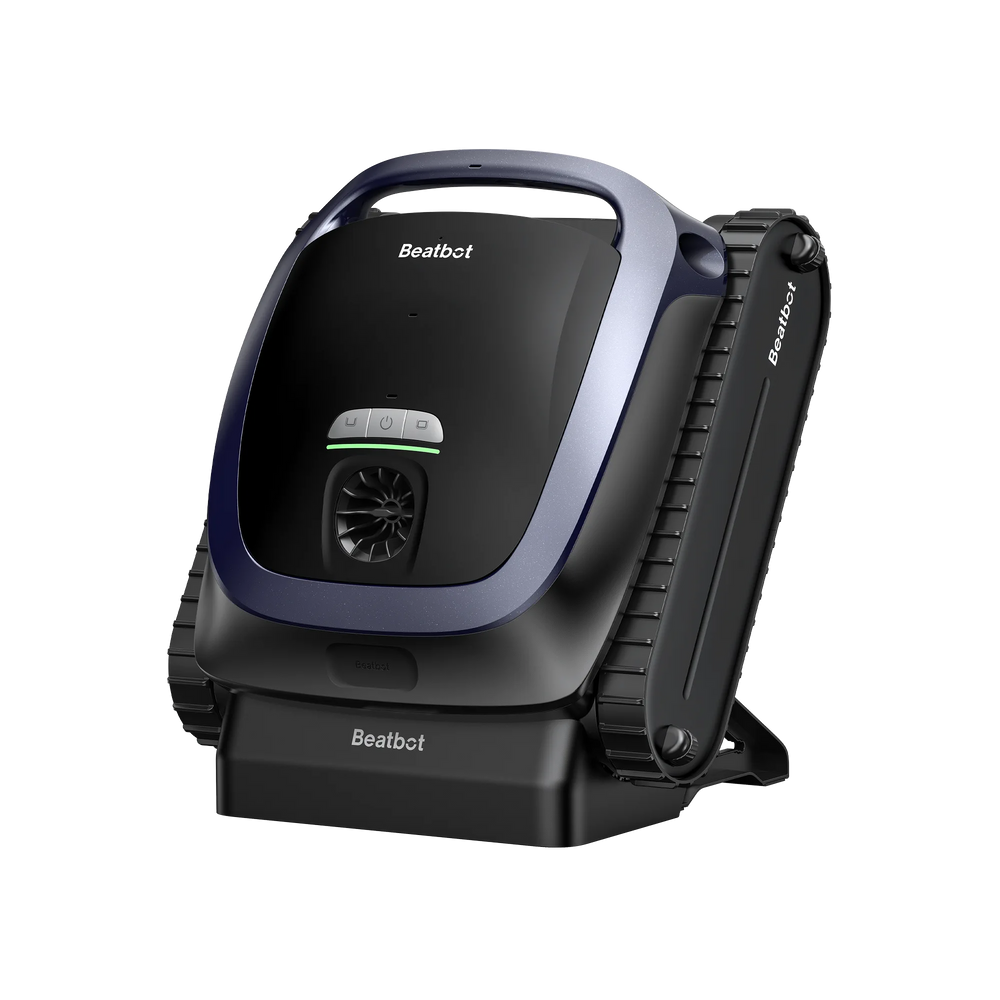
No current brand offer. Explore Amazon options.
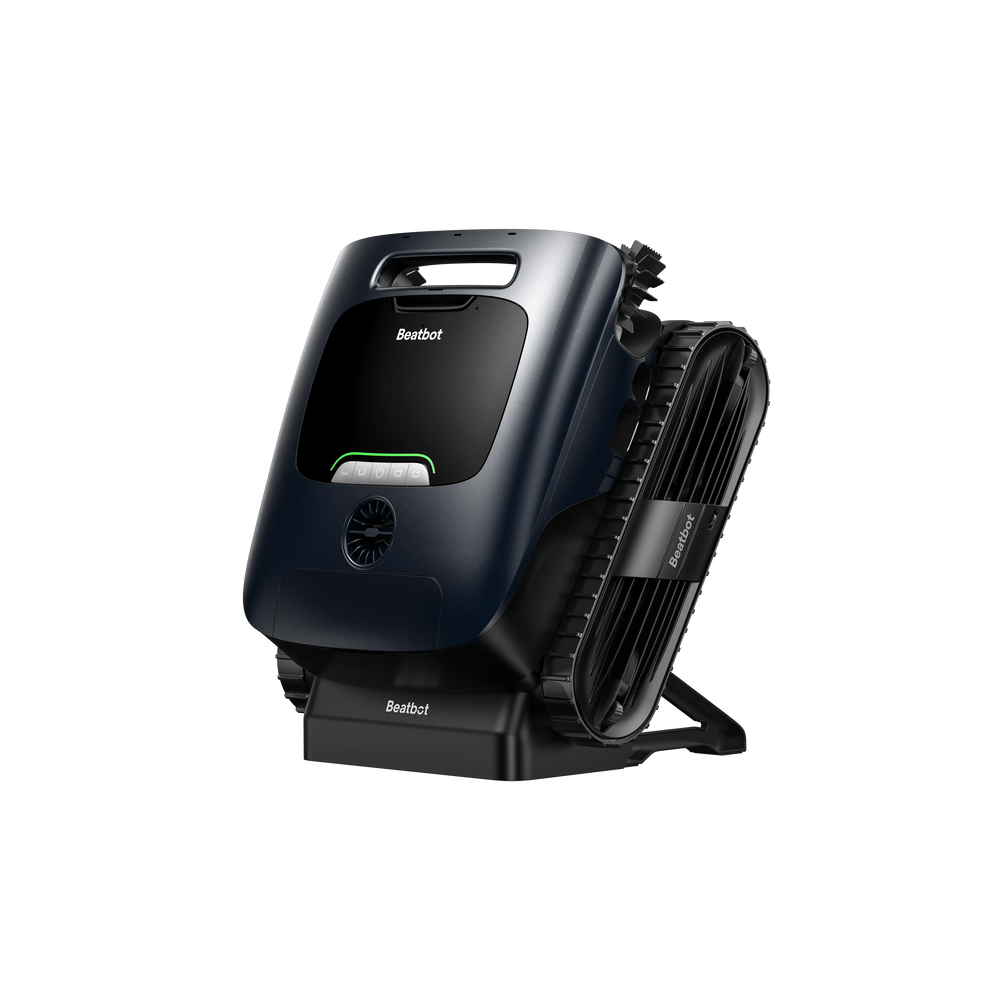
Checked Nov 27 · In stock when checked. Shipping and tax at checkout.
Buy at Lowe’s See all offers & model details ↗We may earn a commission when you buy through these links.
Our recommendations come from published specifications. We may earn a commission from qualifying purchases. As an Amazon Associate, we earn from qualifying purchases. How we work
The quick verdict
Here’s where we’d start.
Run the cleaning task at a time when the pool is empty, then follow the exact stop and poolside-retrieval procedure before swimming. Both AquaSense 2 and AquaSense 2 Ultra manuals tell owners not to enter the pool while the robot is working. For another model, use its current manual and plan separate swim and cleaning windows. A cordless design, app status, pause command or object-detection feature is not a substitute for the operating instructions.
AquaSense 2
The AquaSense 2 manual tells owners to keep people and animals out during cleaning and explains poolside retrieval.
Its end-of-cycle parking and app controls have specific conditions. Follow the exact manual before handling the robot.
AquaSense 2 Ultra
The Ultra manual separately gives the no-entry instruction, with its own hook and handling guidance.
Camera and obstacle-detection features do not replace the manual’s swimming precautions. Use Ultra’s own retrieval steps.
The manuals give a clear answer.
The Beatbot AquaSense 2 and AquaSense 2 Ultra manuals tell owners not to enter the pool while the robot is working in the water. Their operating sections also say to keep people and animals out during cleaning. We'd plan the household routine around that instruction.
For a different model, read its current manual before the first run and arrange separate cleaning and swimming times. Don't transfer a feature description from another robot into permission to share the water.
Cordless power doesn’t change the operating instruction.
A battery-powered cleaner removes a trailing power-cable arrangement, but that doesn't turn a working robot into a pool toy. Cameras, recognized-object claims and obstacle avoidance describe product features; they don't replace the manual's instruction to keep swimmers out.
Don't put a person in the water to test whether the cleaner detects them. Our corded-versus-cordless guide compares the ordinary power and charging routines when you're choosing a machine.
Choose a cleaning window before people want the pool.
Allow time for the selected task, pickup and basket care before the planned swim. A floor-only battery maximum isn't the duration of every cleaning mode, so use the actual task and current manual when planning the day.
Make sure everyone who uses the pool knows when cleaning is scheduled, including any supported timer mode that starts another task later. Our cleaning-frequency guide helps separate how often to clean from how long each session takes.
For the whole first-day routine, our pool-cleaner setup guide checks assembly, charging, app connection and the model-specific launch sequence before anyone gets in.
Retrieve it from poolside using the model’s procedure.
Follow the exact stop, retrieval and handling instructions before anyone enters. Both manuals describe a supplied hook for situations where direct lifting isn't convenient. Don't get into the water to catch or free a working robot.
An offline app message isn't proof that cleaning stopped. Nor does a pause message replace the complete handling procedure. Our retrieval guide and cleaner-stopping guide cover those separate situations.
If it will not reach the normal pickup position, our pool-edge return guide explains approved retrieval and evidence to keep, rather than entering the water to catch it.
Finish the routine before swim time.
Let the robot drain and follow its switching-off and carrying instructions. Keep it and the charging equipment in their approved locations, with children and pets away from operating equipment. If something prevents normal retrieval, use the maker's recovery instructions before opening the pool for a swim.
Then empty and care for the filter as the exact model requires. Our cleaner-care guide covers that work, while the leaving-it-in-the-pool guide addresses storage and scheduled operation. Neither replaces the manual's swimming instructions.
A closer look
The differences, in view.
Scroll horizontally on smaller screens. Values are manufacturer claims; see each product for qualifiers and original wording.
| Specification | AquaSense 2 | AquaSense 2 Ultra |
|---|---|---|
| Cleaning coverage | Floor, walls, waterline | Floor, walls, waterline, surface |
| Claimed runtime | 240 minUp to; continuous floor-only cleaning. Manufacturer claim, not a mixed-mode test. | 300 minUp to; floor-only cleaning. Separate claims: up to 10 hours surface-only and 4.5 hours walls + waterline. |
| Rated pool area | 3230 sq ftRecommended pool bottom area, not a measured cleaning result. | Not confirmed |
| Filtration | 150 μmLayer count conflicts elsewhere in the source; 150 μm is the stated particle rating. | 150 + 250 μm dual-layerThe source says particles as small as 150 μm; no finer filtration is implied. |
| Charging | Wireless dock; approximately 4 hours | Approximately 4.5 hours |
| Navigation | CleverNav + SonicSense ultrasonic navigation | HybridSense AI + CleverNav |
| Pool surfaces | Not confirmed | Concrete, vinyl, fiberglass, ceramic tile, stainless steel |
Ready to choose?
Your next step, made simple.
No current brand offer. Explore Amazon options.
Checked Nov 27 · In stock when checked. Shipping and tax at checkout.
Buy at Lowe’s See all offers & model details ↗We may earn a commission when you buy through these links.
Show your work
Sources & editorial method.
We reviewed official US product information and exact configurations. Our advice draws on published specifications and model-specific manufacturer instructions, with the practical trade-offs explained. Unknowns and conflicting claims are kept visible. Prices above come from the catalog and may change independently of this article’s review date.
- Current manufacturer US model page — exact configuration, equipment and operating qualifications
- Current manufacturer US model page — exact configuration, equipment and operating qualifications
- Beatbot AquaSense 2 user manual — manufacturer-authored PDF, retailer-hosted copy; swimming, stopping and poolside retrieval
- Beatbot AquaSense 2 Ultra official user manual — swimming precautions, hook retrieval and handling
Published Nov 3, 2026 · Editorial review Nov 3, 2026.
Read our research standardsKeep exploring
A little more perspective.
How to Use a Robotic Pool Cleaner for the First Time
Do the setup on dry land before lowering the cleaner into the pool. Read the exact manual, check the supplied parts, charge it correctly and pair the app while the robot is still easy to reach. Then choose the task and follow its own launch procedure. AquaSense 2 and Ultra are the examples here, with their steps kept model-specific.
Read the guideWhy Does My Robotic Pool Cleaner Keep Stopping?
Watch what happens when it stops before assuming the battery or motor has failed. Finishing a task, parking on low battery, getting trapped and stopping with an alert need different answers. We'd save the message and check the selected job, basket and location one step at a time.
Read the guide