Maintenance guide · 6 min read
How Often Should You Run a Robotic Pool Cleaner?
A useful schedule keeps up with the debris without turning every available hour into another cleaning cycle. We'd start with the pool's normal use, check what remains after a run and adjust the mode and frequency from there. The robot's timer isn't a maintenance plan by itself.
Based on published manufacturer information.
Checked Nov 26 · In stock when checked. Shipping and tax at checkout.
Buy at Lowe’s See all offers & model details ↗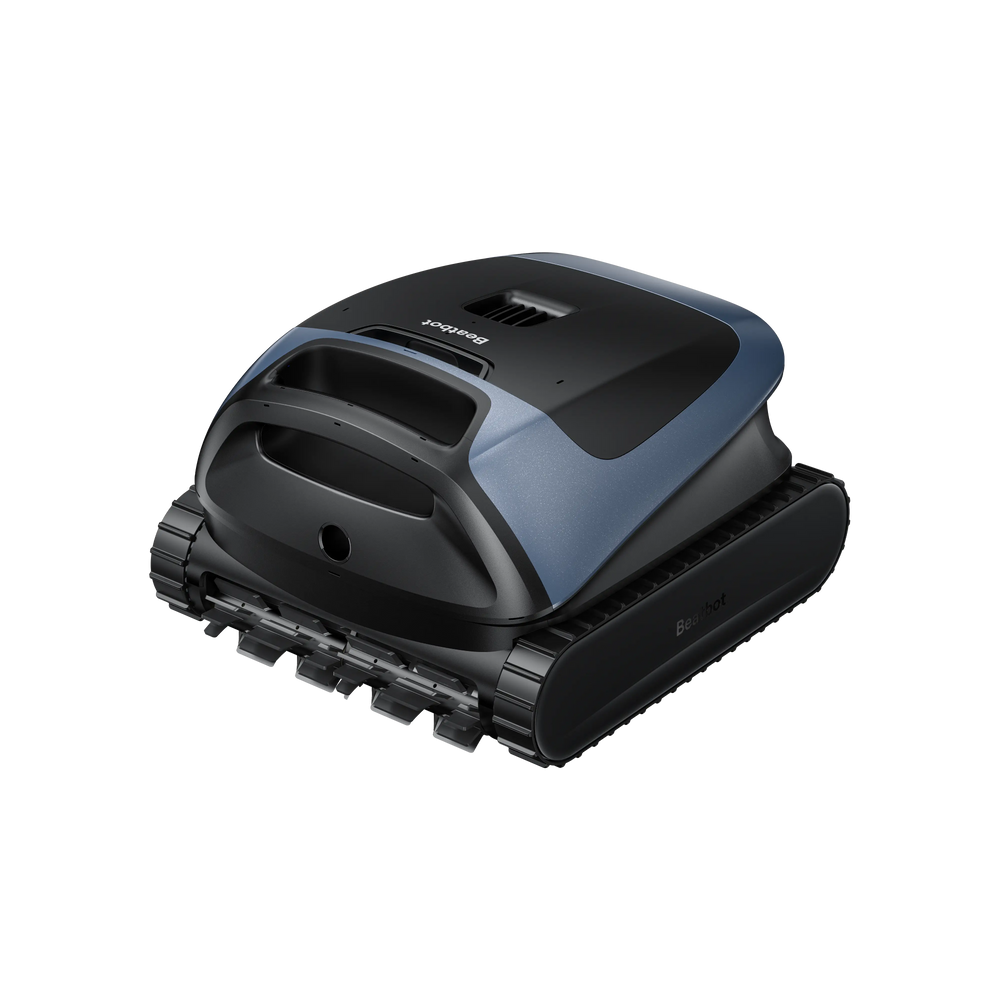
No current brand offer. Explore Amazon options.
We may earn a commission when you buy through these links.
Our recommendations come from published specifications. We may earn a commission from qualifying purchases. As an Amazon Associate, we earn from qualifying purchases. How we work
The quick verdict
Here’s where we’d start.
Aiper's general guidance suggests two or three cycles a week in normal swim-season use, with frequency adjusted for debris and use. Treat that as a starting point, not a rule for every model or pool. Follow your cleaner's instructions, inspect after a representative cycle and adjust the mode, interval and filter care together. Battery endurance and selectable timers don't establish that continuous operation is necessary or suitable.
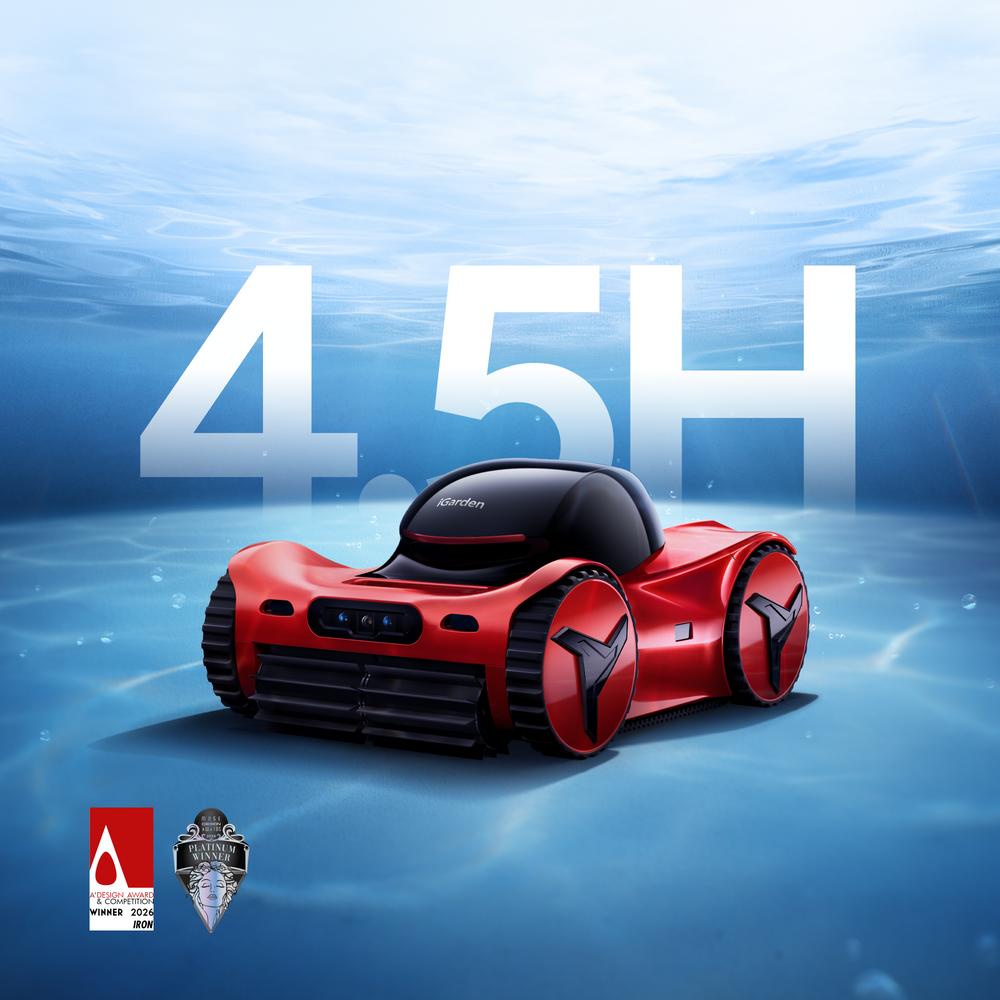
M1-AI 45
M1-AI lists selectable cycle lengths and 24/48/72-hour timer intervals for its scheduled routine.
Timer choices aren't a prescription for your pool or permission to skip filter care.
Sora 30 · Deep Blue
Sora 30 has separate floor, wall and standard modes, with different stated endurance for floor-only and combined work.
Pick the mode for the job. The longest battery figure doesn't tell you how often to run it.
Start with a routine, then look at the pool.
Aiper's general US buying advice suggests two or three cleaning cycles a week during normal swim-season use, with more or less attention depending on tree debris and how often the pool is used. We'd treat that as a starting point to discuss alongside the exact model's instructions, rather than a universal interval.
After a representative cycle, inspect the bottom, walls, waterline and basket before adding more runs. Is dirt arriving again between cleans, or did the last session never reach that patch? Those are different problems. Keeping a simple note of mode, debris and missed areas makes it easier to adjust one thing at a time.
Our pool-filter guide keeps the robot’s cleaning schedule separate from the circulation system’s requirements. A cleaner’s cycle length does not set a universal pump runtime.
Choose the missing job before shortening the interval.
A floor pass can be useful when grit is the main issue between fuller cleans. But repeating floor mode won't give the walls a turn. The Beatbot Sora 30 in Deep Blue lists separate cleaning modes; its FAQ gives five hours for floor-only work and 4.5 hours for floor, walls and waterline under laboratory conditions.
Those are endurance figures, not instructions to use the whole battery every time. Nor does Sora 30's surface parking make it a skimmer. If the mess keeps floating, read skimmers versus pool cleaners. For dirt that stays on the bottom, our fine-dirt guide helps check the filter before simply adding cycles.
For an edge that remains dirty after a clean, our waterline troubleshooting guide checks the selected job and actual behavior before adding more floor-only hours to the timetable.
Our cleaning-mode guide covers the separate choice of which part of the pool to clean, with exact AquaSense 2 and Ultra examples rather than a universal longest-program rule.
For floating debris between underwater cleans, our Betta SE Plus/Flex comparison explains solar-only periodic sweeps versus a skimmer with adapter backup.
A timer gives you options, rather than the answer.
The iGarden M1-AI 45 series table lists cycle choices of one hour, 1.5 hours, two hours or Max, plus timer intervals of 24, 48 or 72 hours. Which combination suits the pool depends on the actual job and the maker's operating instructions, not just which setting is available.
Its headline battery duration is floor mode, and long scheduled-maintenance claims don't mean weeks of uninterrupted scrubbing. Our M1-AI tier comparison separates battery size from physical pool limits. We'd check a successful routine before leaving a timer to repeat it.
Comparing the K Pro tiers for this routine? Our 100 versus 150 guide matches floor, full-coverage and Turbo modes so the longest headline does not become the assumed length of every session.
Our K-AI 50 versus K-AI 70 comparison shows how the same model upgrade changes floor, full-coverage and Turbo durations differently, before deciding whether more session time would help.
The K Pro 150 versus M1-AI 160 guide compares long-session options while keeping floor-only endurance separate from full-coverage duration, charging and filter attention.
If connection quality affects the plan, our pool-cleaner Wi-Fi guide separates ordinary onboard operation from initial setup, saved settings and live app control, using exact Sora 30/70 examples.
Fit every supported timer task around pool use as well as debris. The swimming and cleaner-operation guide explains the manual precautions and time needed for poolside retrieval.
Our EON 100/120d comparison keeps week-based charge claims separate from the selected cycle and frequency. They do not describe uninterrupted cleaning for the advertised interval.
The Betta Neo/SE Plus comparison explains Neo’s weather-aware or custom schedule without treating extra controls as the answer to how much skimming your pool needs.
Our Freedom Plus/LT comparison distinguishes app functions from a supported multi-day schedule. Confirm the exact mode and care instructions before arranging unattended sessions.
Revisit the plan when the pool gets busier or dirtier.
A quiet week and a week with regular swimming or falling leaves may need different attention. Inspect after the change and adjust within the model's instructions. If a basket fills before a cycle ends, the first job may be emptying it at the appropriate time, not programming an even longer unattended session.
Our leaf-cleaning guide helps identify where the debris is collecting. A robot also doesn't replace the rest of the pool's filtration and water-care routine. If water conditions or excessive dirt are outside the cleaner's permitted conditions, follow the manufacturer's guidance before continuing.
Leave time for the routine around each clean.
Plan for collection, the approved rinse and filter care, and any charging the model needs. Don't let a convenient timer hide a basket that hasn't been checked. Our cleaner-care guide explains the maintenance questions; the exact robot's manual controls the tools and cleaning method.
Schedule when the pool isn't being used and follow the model's rules about swimmers and time in the water. Charging and storage have their own requirements. Our leaving-a-cleaner-in-the-pool guide explains why scheduled capability isn't blanket permission for continuous immersion.
Our KN-series comparison includes the current three-, four- and six-hour charging figures, so the next session can be planned around care and recharging as well as advertised endurance.
The Dolphin CC Plus/Wi-Fi comparison covers weekly scheduling alongside the remaining filter and cable care. An app timer does not approve indefinite storage in the pool.
If another run leaves the same patch, check why.
We'd change frequency when debris returns between otherwise effective cleans. If the same area is missed on every run, check the selected mode, filter condition, feature access and the manufacturer's troubleshooting guidance. More repetitions of the same unsuitable setup may just repeat the result.
Our wall-climbing guide and steps and sun-shelf guide cover two common limits. Once the cleaner is doing the intended job, choose the least burdensome schedule that keeps up with the pool and its required care, then reassess when conditions change.
When the same dirt stays behind every time, our pickup troubleshooting guide helps work out whether the robot misses it or the material passes back through the filter.
A robot ending its task and one stopping with an alert need different answers. Our guide to cleaners that keep stopping helps identify that difference before adding more cycles.
Our cold-water guide explains why a normal schedule still needs the model’s permitted water conditions, with winter storage kept separate from another supported clean.
Solar charging can constrain the timetable. The S2 Solar Vision and M1-AI 160 comparison checks a daily routine against WYBOT’s lower-sunlight scheduling advice.
For two household pools, our shared-cleaner guide adds charging, care and travel time to the schedule, even when both pools are compatible.
A closer look
The differences, in view.
Scroll horizontally on smaller screens. Values are manufacturer claims; see each product for qualifiers and original wording.
| Specification | M1-AI 45 | Sora 30 · Deep Blue |
|---|---|---|
| Cleaning coverage | Floor, walls and waterline | Floor, walls, waterlineShallow platforms also claimed, subject to minimum water depth and platform size. |
| Claimed runtime | 270 minUp-to floor-only/headline runtime for this tier; full-coverage mode is shorter. | 300 minUp to; floor-only. FAQ separately gives 4.5 hours for floor + walls + waterline. |
| Maximum pool length | 29.5 ftMatching model column of the four-model specification table. | Not confirmed |
| Navigation | Dual-camera AI vision | S-shaped floor paths + SonicSense obstacle avoidance |
| Rated pool area | Not confirmed | 3230 sq ftManufacturer maximum cleaning coverage, not a measured result. |
| Pool types | Not confirmed | In-ground, above-ground |
| Pool surfaces | Not confirmed | Concrete, ceramic tile, vinyl, fiberglass |
Ready to choose?
Your next step, made simple.
Checked Nov 26 · In stock when checked. Shipping and tax at checkout.
Buy at Lowe’s See all offers & model details ↗No current brand offer. Explore Amazon options.
We may earn a commission when you buy through these links.
Show your work
Sources & editorial method.
We reviewed official US product information and exact configurations. Our advice draws on published specifications and model-specific manufacturer instructions, with the practical trade-offs explained. Unknowns and conflicting claims are kept visible. Prices above come from the catalog and may change independently of this article’s review date.
- Aiper US general buying advice — suggested two-to-three weekly cycles as a condition-dependent starting point, not an exact-model rule
- iGarden M1-AI series — exact selectable cycle lengths, timer intervals and floor-mode runtime scope
- Beatbot Sora 30 — floor versus combined endurance, cleaning modes and absence of surface skimming
Published Nov 2, 2026 · Editorial review Nov 22, 2026.
Read our research standardsKeep exploring
A little more perspective.
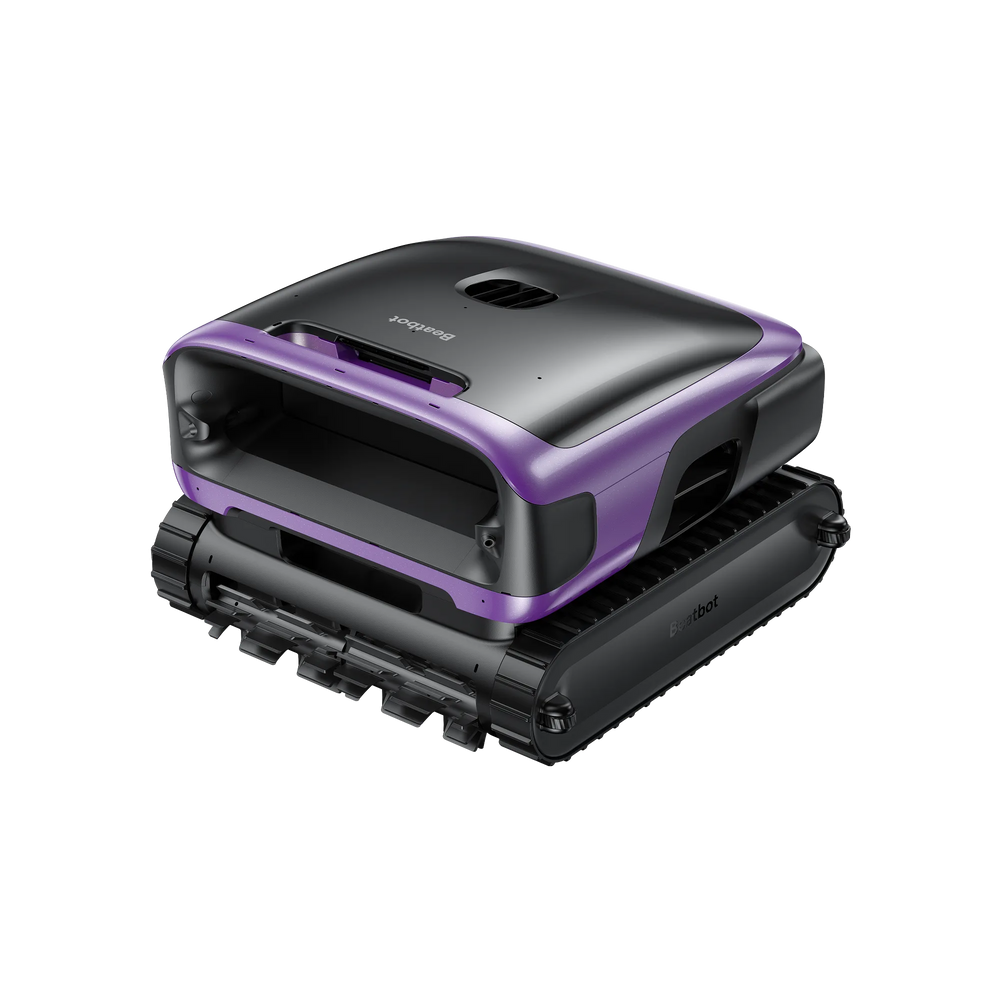
Do Robotic Pool Cleaners Need Wi-Fi to Clean?
Some can start ordinary cleaning from onboard buttons without Wi-Fi on every run. The app still has a separate role in setup, customization and updates. We'd check the exact model's offline controls before buying for a pool with weak signal, then plan retrieval without relying on a live underwater connection.
Read the guideHow to Clean a Robotic Pool Cleaner’s Filter, Brushes and Tracks
Emptying the basket is the first job, but don't stop there if hair or grit is caught around the brushes and tracks. A few checks after a clean are easier to fit into the routine than packing a dirty robot away and wondering why the next session isn't going well.
Read the guide