Seasonal care guide · 3 min read
Can You Run a Robotic Pool Cleaner in Cold Water?
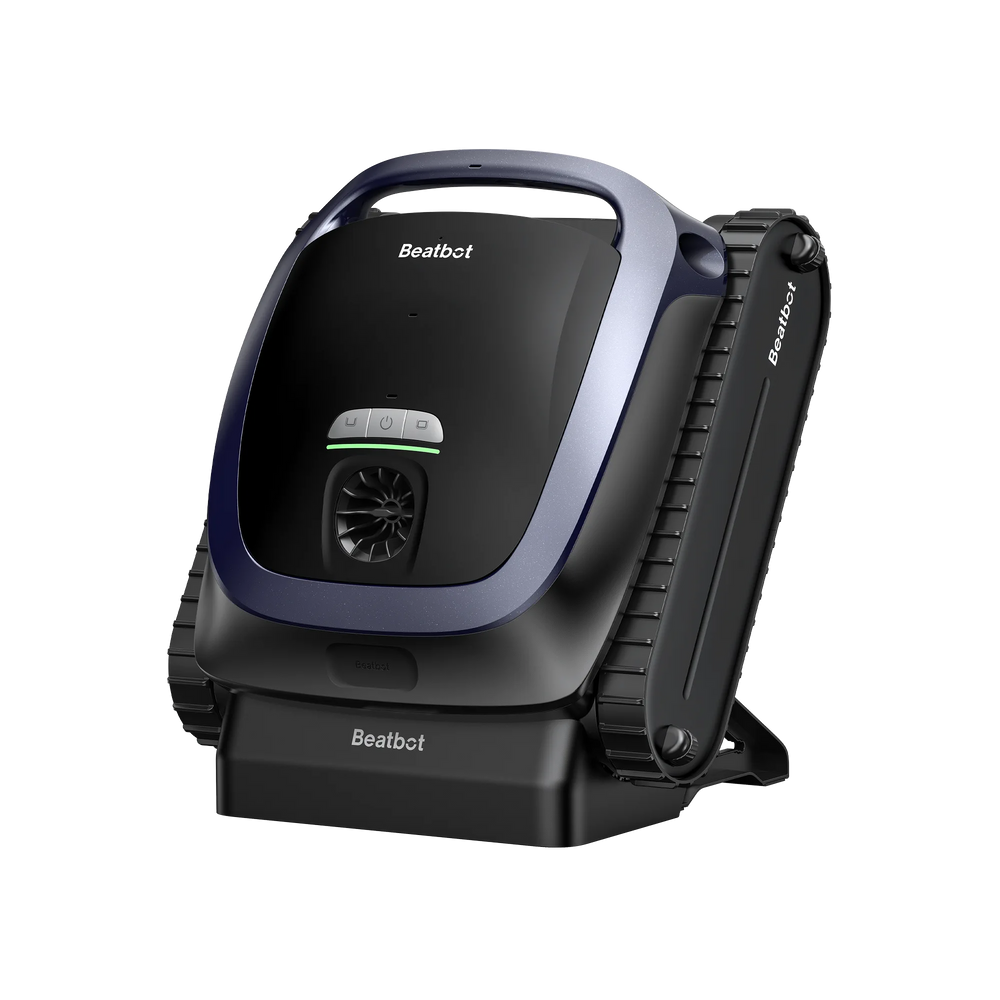
Check the water temperature against the exact model's working range, then check charging and storage separately. AquaSense 2's reviewed manual gives 6–35°C for use in the water; iGarden M1-AI lists 4–35°C. Neither figure makes the robot suitable for a freezing or closed pool.
Based on published manufacturer information.
No current brand offer. Explore Amazon options.
Checked Nov 26 · In stock when checked. Shipping and tax at checkout.
Buy at Lowe’s See all offers & model details ↗We may earn a commission when you buy through these links.
Our recommendations come from published specifications. We may earn a commission from qualifying purchases. As an Amazon Associate, we earn from qualifying purchases. How we work
The quick verdict
Here’s where we’d start.
Measure the pool water and follow the exact model's operating range. The reviewed AquaSense 2 manual gives 6–35°C, about 43–95°F, under water conditions for use. The M1-AI specifications give 4–35°C, about 39–95°F. Those limits belong to different models and do not establish equal runtime at the minimum. AquaSense 2's separate 0–40°C charging-environment range is not a water-use range. If conditions are outside the model's instructions, postpone the task and follow the appropriate storage procedure.
AquaSense 2
The exact reviewed AquaSense 2 manual lists 6–35°C, about 43–95°F, under water conditions for robot use.
Its charging and storage temperatures are separate. Confirm the manual revision supplied with your own machine.
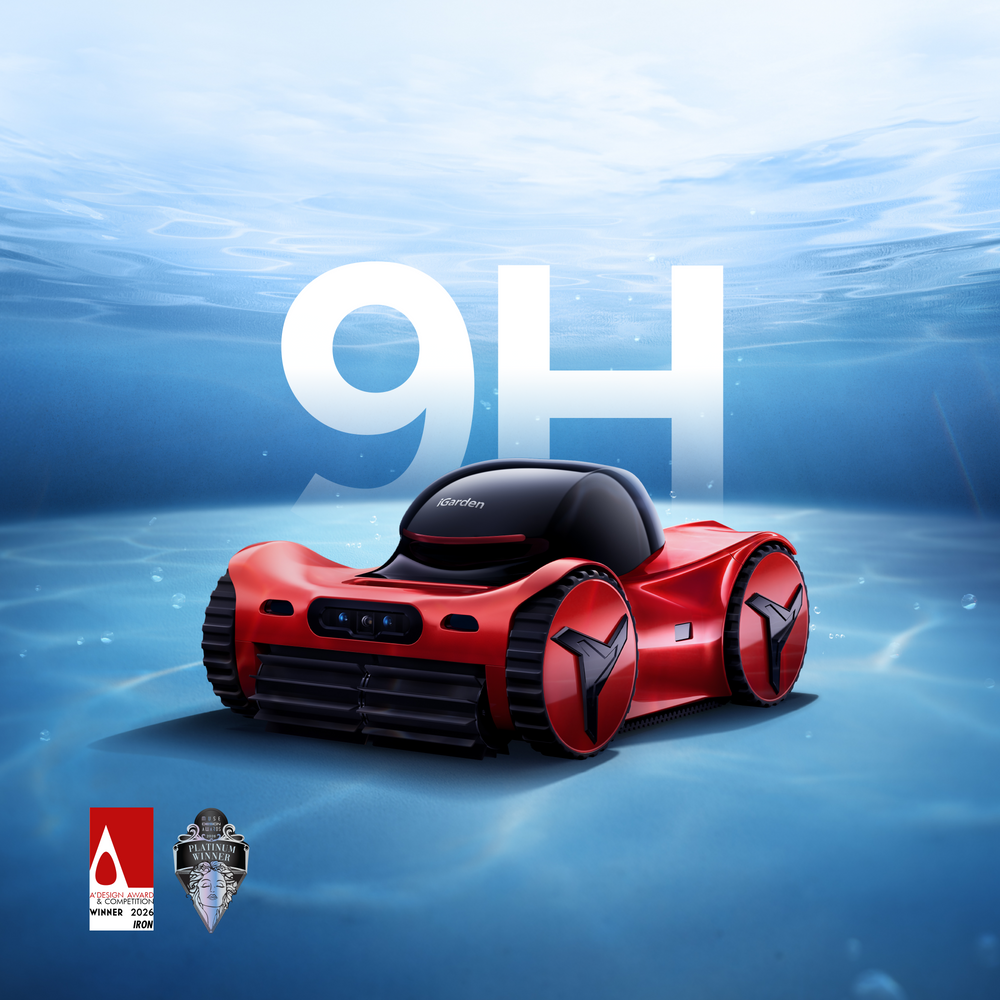
M1-AI 90
The M1-AI model table lists pool water temperature of 4–35°C, about 39–95°F, including M1-AI 90.
A lower stated minimum is not a freezing-weather approval or a matched low-temperature runtime result. Use its own charging and storage instructions.
Use the pool-water reading, not the afternoon forecast.
A mild spell doesn't tell you the pool water has reached the cleaner's permitted range. Check the water temperature with the pool's normal measuring equipment before choosing a task, then compare it with the exact model and manual revision.
If the reading is outside the stated operating range, postpone the run. Don't use a general cordless-cleaner temperature from another brand. Our first-use guide covers the wider preparation checks before launch.
AquaSense 2 separates water use from charging.
The reviewed Beatbot AquaSense 2 manual gives 6–35°C, about 43–95°F, in its water-conditions table. The separate charging-environment row gives 0–40°C, about 32–104°F. These are different conditions for different jobs.
The lower charging minimum is not permission to operate the cleaner in water below its stated range. Follow the exact dock, drying and charging instructions too. Our charging guide covers a charge that fails or stops.
M1-AI’s lower minimum belongs to that model family.
The manufacturer table for iGarden M1-AI 90 lists pool water at 4–35°C, about 39–95°F. That is a lower minimum than the reviewed AquaSense 2 manual, but it doesn't make the two machines equivalent in the same cold pool.
Confirm the other pool conditions and the manual supplied with the exact order. Don't assign AquaSense 2's charging temperatures to M1-AI. Our M1 tier guide keeps the different M1 sizes and floor-mode runtime claims separate.
An operating limit isn’t a promised runtime at that temperature.
A permitted water-temperature range doesn't tell you the cleaner will achieve its longest headline session at the cold end. Keep the cleaning mode, battery state, selected cycle and actual result together; don't invent a percentage adjustment from the temperature alone.
If it stops unexpectedly within supported conditions, save the warning and the water reading for support. Our stopping guide distinguishes a completed task, low-battery return and a fault before more cycles are added.
Separate a usable cool pool from winter storage.
If the pool is being closed or conditions no longer permit normal use, follow the model's winter-storage procedure. A storage-temperature figure is not approval to leave a wet robot working in freezing water. The pool's cover and seasonal care need their own instructions too.
Our winter-storage guide covers the model-specific battery and storage routine. The leaving-it-in-the-pool guide explains why an ordinary charging or scheduling feature doesn't settle indefinite immersion.
When reopening, use the spring pool-opening guide. Its Liberty 400 and Z1 Pro example checks measured water temperature alongside the exact chlorine limit.
Retrieve and care for it using the normal approved method.
Use the exact poolside pickup, stopping, draining and cleaning instructions. Check the charging location's conditions before reconnecting the robot, and follow its own storage guidance if another run is unlikely. Don't bypass a temperature or protection message to force a session.
Our retrieval guide and cleaner-care guide cover those handling questions. We'd settle the exact temperature range and operating conditions before comparing a replacement robot for colder months.
A closer look
The differences, in view.
Scroll horizontally on smaller screens. Values are manufacturer claims; see each product for qualifiers and original wording.
| Specification | AquaSense 2 | M1-AI 90 |
|---|---|---|
| Cleaning coverage | Floor, walls, waterline | Floor, walls and waterline |
| Claimed runtime | 240 minUp to; continuous floor-only cleaning. Manufacturer claim, not a mixed-mode test. | 540 minUp-to floor-only/headline runtime for this tier; full-coverage mode is shorter. |
| Rated pool area | 3230 sq ftRecommended pool bottom area, not a measured cleaning result. | Not confirmed |
| Pool types | In-ground, above-ground | Not confirmed |
| Filtration | 150 μmLayer count conflicts elsewhere in the source; 150 μm is the stated particle rating. | Not confirmed |
| Charging | Wireless dock; approximately 4 hours | Not confirmed |
| Retrieval | Automatic surface parkingAfter completion or low battery; app recall during a cleaning cycle is not supported according to the FAQ. | Not confirmed |
Ready to choose?
Your next step, made simple.
No current brand offer. Explore Amazon options.
Checked Nov 26 · In stock when checked. Shipping and tax at checkout.
Buy at Lowe’s See all offers & model details ↗We may earn a commission when you buy through these links.
Show your work
Sources & editorial method.
We reviewed official US product information and exact configurations. Our advice draws on published specifications and model-specific manufacturer instructions, with the practical trade-offs explained. Unknowns and conflicting claims are kept visible. Prices above come from the catalog and may change independently of this article’s review date.
- Manufacturer US model page — exact configuration, specifications and qualifications
- Manufacturer US model page — exact configuration, specifications and qualifications
- AquaSense 2 manufacturer-authored manual, retailer-hosted copy — water, charging and storage temperatures
Published Nov 4, 2026 · Editorial review Nov 12, 2026.
Read our research standardsKeep exploring
A little more perspective.
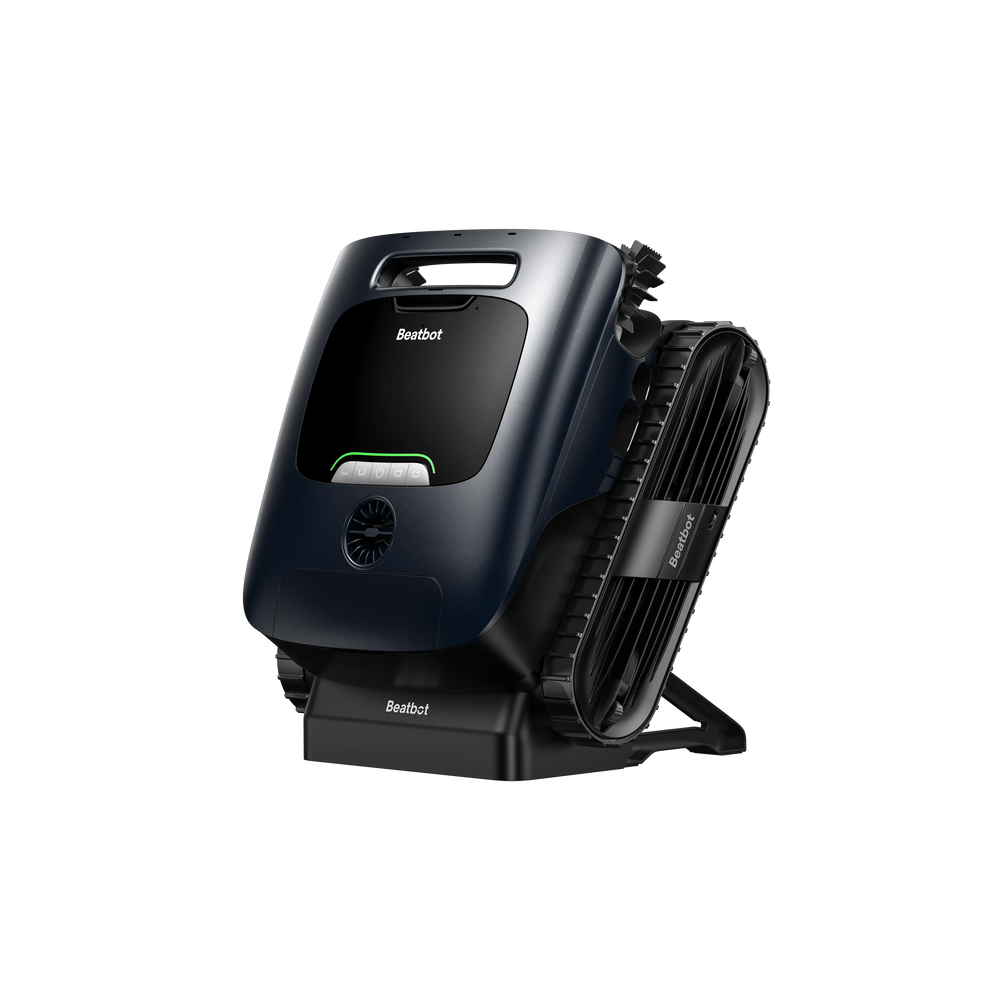
How to Use a Robotic Pool Cleaner for the First Time
Do the setup on dry land before lowering the cleaner into the pool. Read the exact manual, check the supplied parts, charge it correctly and pair the app while the robot is still easy to reach. Then choose the task and follow its own launch procedure. AquaSense 2 and Ultra are the examples here, with their steps kept model-specific.
Read the guide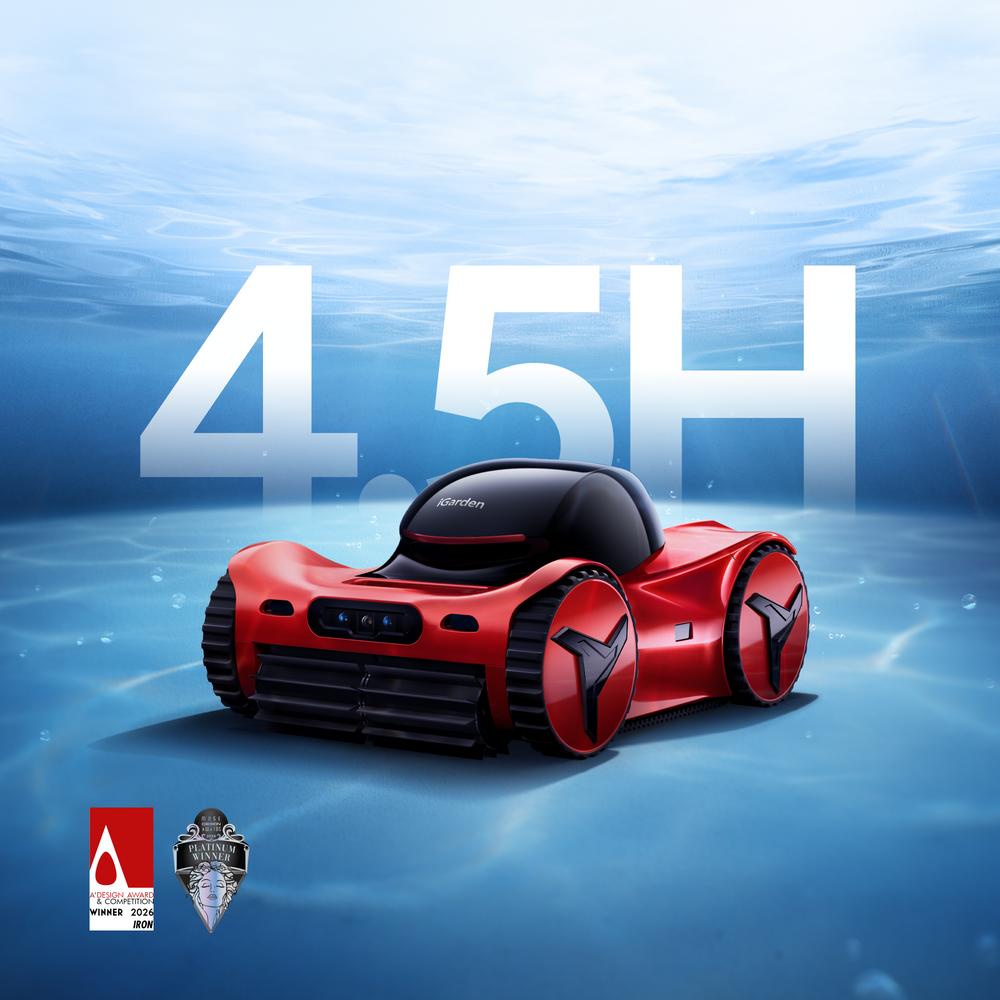 vs
iGarden M1-AI 45 vs 90 vs 125 vs 160: Which Should You Buy?
We'd choose an M1-AI around pool size and the cleaning schedule you want, rather than automatically buy the longest-running model. The big numbers are floor-mode claims, and the 160 doesn't increase the stated maximum pool length over the 125.
Read the guide