Getting started guide · 3 min read
How to Use a Robotic Pool Cleaner for the First Time
Do the setup on dry land before lowering the cleaner into the pool. Read the exact manual, check the supplied parts, charge it correctly and pair the app while the robot is still easy to reach. Then choose the task and follow its own launch procedure. AquaSense 2 and Ultra are the examples here, with their steps kept model-specific.
Based on published manufacturer information.
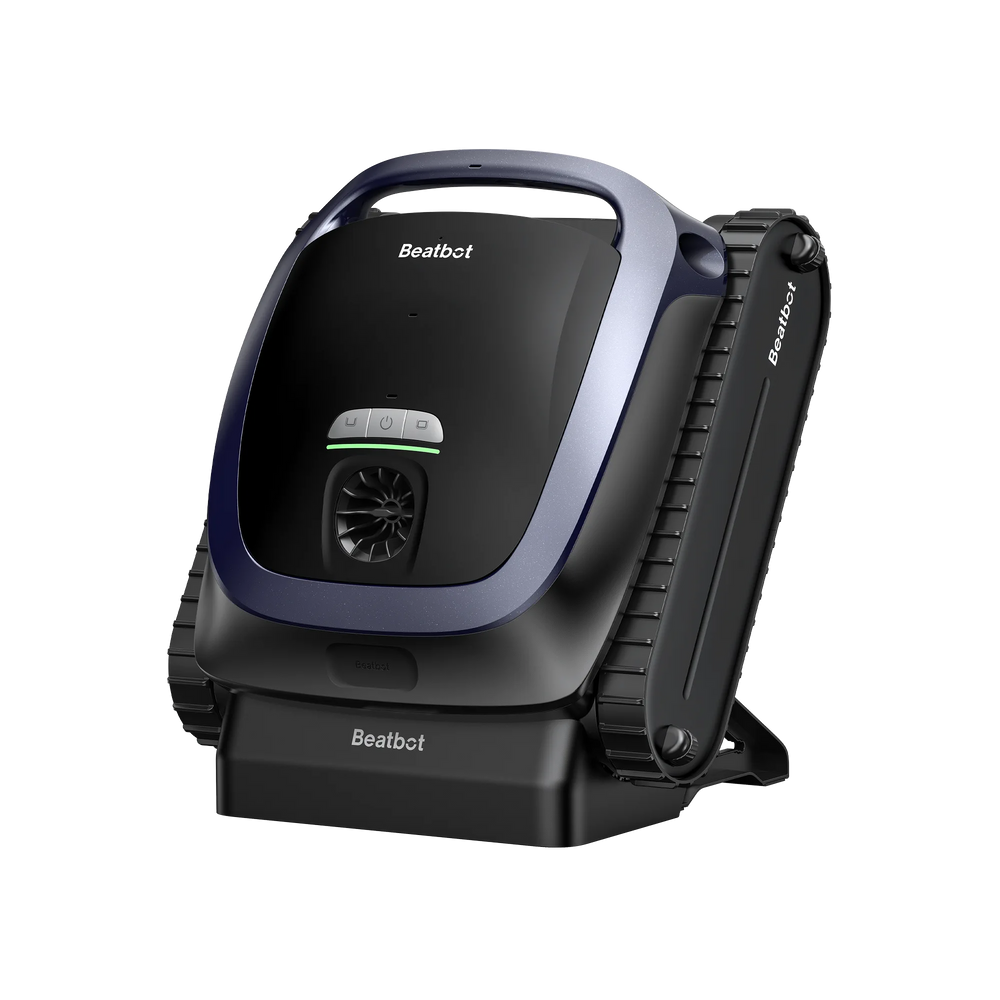
No current brand offer. Explore Amazon options.
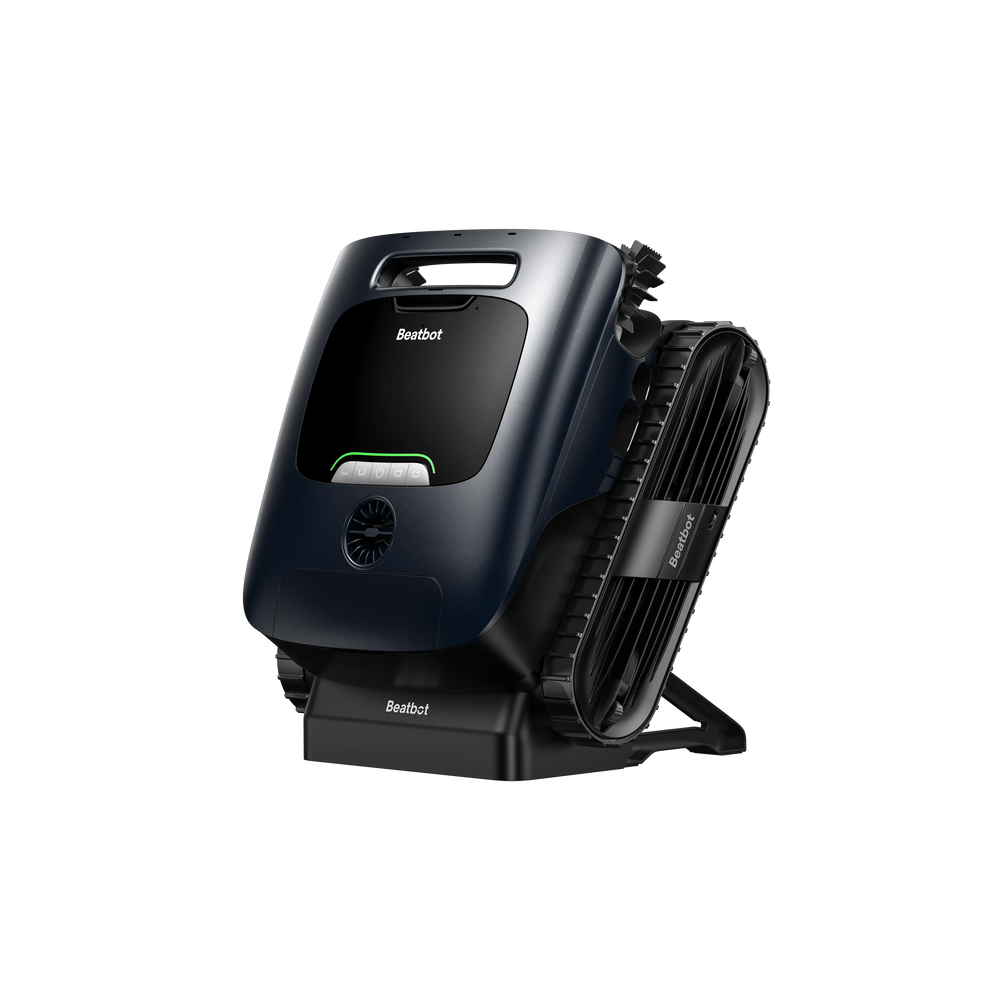
Checked Nov 27 · In stock when checked. Shipping and tax at checkout.
Buy at Lowe’s See all offers & model details ↗We may earn a commission when you buy through these links.
Our recommendations come from published specifications. We may earn a commission from qualifying purchases. As an Amazon Associate, we earn from qualifying purchases. How we work
The quick verdict
Here’s where we’d start.
Follow the exact model's manual from assembly and charging through launch and retrieval. For AquaSense 2 and AquaSense 2 Ultra, complete app setup before submerging the robot, clear the pool, select the intended task and allow the documented level-surface calibration before entry. Keep swimmers out during cleaning and use the approved poolside retrieval procedure. These examples don't create a universal button sequence, charging time or launch method for every robot.
AquaSense 2
Its manual covers dock assembly, charging, app connection, mode selection and calibration before water entry.
Use the exact model instructions. Basic underwater cleaning and live app access have different operating conditions.
AquaSense 2 Ultra
Ultra’s manual separately includes side-brush assembly and its own charging, mode and retrieval instructions.
Do not copy every standard-model button or accessory step. Follow the Ultra manual for supplied parts and handling.
Open the manual before opening the app.
Start with the full model name and the supplied parts. Beatbot AquaSense 2 and AquaSense 2 Ultra have separate instructions. Both describe assembling a charging dock; Ultra also shows fitting its side brushes. Complete the steps shown for the actual machine.
Check that the selected filter and accessories match the order before the first clean. An optional finer basket in a photograph isn't automatically included. Our fine-filter guide explains that package check.
Our Dolphin Liberty 400/600 guide gives another exact-package example, including the two app names and the additional filter kits listed for the selected US part numbers.
The Dolphin buying guide distinguishes the CC Plus, Pro, Liberty and EON names before setup. Check the exact filter kit and named app rather than use another Dolphin’s instructions.
Charge it in the approved place with its own equipment.
Follow the exact dock and power instructions, including the stated environment and charging conditions. The AquaSense manuals describe placing the robot correctly on the dock and checking its charging indication. Don't treat a label saying cordless as permission to use any charger.
Give charging time and the planned cleaning task room in the day. If it doesn't show the expected state, our charging troubleshooting guide starts with model-specific checks rather than repeated relaunches.
Connect the app while the robot is still on land.
The AquaSense manuals ask for the phone and robot within strong Wi-Fi coverage and the phone close to the robot during setup. Follow the current app's instructions for adding the exact model before lowering it into the pool.
The manuals also explain that connection weakens underwater and returns at the surface. An offline display after launch doesn't automatically mean cleaning stopped. Our pool-cleaner Wi-Fi guide separates onboard operation from live app access.
See pool-cleaner firmware troubleshooting for the Z1 Pro battery requirement and S2 Solar Vision’s robot-and-dock procedure.
For Dreame Z1 models, use the family app-sharing guide when a second person wants access. Device Sharing and changing the bound owner use different commands.
Clear the pool and follow the launch sequence.
The two manuals call for removing foreign objects such as towels and toys and keeping people and animals out during cleaning. Choose the task you actually need; Standard, floor-only and other modes aren't interchangeable promises of one complete clean.
For these exact AquaSense models, the instructions include about five seconds on a level surface for calibration before water entry. Follow the full model-specific sequence for mode selection and lowering the robot. Don't apply that timing or button order to another brand. Our swimming guide explains the separate cleaning window.
Our cleaning-mode guide explains the exact AquaSense 2 and Ultra task differences before launch, including Floor, Standard and Ultra’s additional surface-cleaning sequence.
After shock treatment, follow our restart-check guide alongside the exact cleaner instructions and treatment label. Confirm the required measurement rather than silently treating an unspecified chlorine limit as free or total chlorine.
For a recently plastered or resurfaced pool, read our new-plaster guide before launch. Finish-specific startup requirements and the exact robot instructions need to be satisfied separately.
After a storm, use our heavy-rain restart guide before restoring the timer. Debris, damaged equipment, operating-water limits and treatment restrictions need separate checks.
If the robot powers on and stays still, check the startup troubleshooting guide. The Z1 Pro and LIBERTY 400 have different instructions for launching the cleaning cycle.
For a pool being reopened after winter, follow the spring-opening sequence before launch. Major debris removal, operating filtration and exact water conditions come first.
Use the first run to learn the normal routine.
Note the chosen mode, start time, normal lights and where the robot ends up. An app status change, wall-cleaning pause or return to the edge needs the exact manual's explanation before it becomes a fault diagnosis.
Don't assume one pass reaches every stair or shallow feature. If the robot keeps stopping, keep the message and location. Our cleaner-stopping guide covers that evidence without treating every return as a failure.
Our missed-coverage guide explains why an irregular route or a floor map that omits a shelf is not enough to diagnose the cleaning result from one early turn.
If the displayed outline looks unfamiliar, read why a pool-cleaner map can look wrong. Confirm the exact mapping scope and whether initial exploration finished before resetting anything.
Finish with proper pickup and basket care.
Use the exact stop and poolside-retrieval procedure, then follow the draining, switching-off and handling instructions. The AquaSense manuals provide a supplied-hook option when direct lifting isn't convenient. Don't enter the water to catch a working robot.
Empty and care for the filter as the model requires before preparing the next task. Our retrieval guide and cleaner-care guide cover the routine you'll repeat after the first day.
For a failed end-of-cycle pickup, the return-to-pool-edge guide separates the chosen task, app operating state and exact maker troubleshooting before repeated resets.
If the cleaner arrived from another pool, use the transport and arrival checklist to inspect it and confirm the new pool’s fit before startup.
A closer look
The differences, in view.
Scroll horizontally on smaller screens. Values are manufacturer claims; see each product for qualifiers and original wording.
| Specification | AquaSense 2 | AquaSense 2 Ultra |
|---|---|---|
| Cleaning coverage | Floor, walls, waterline | Floor, walls, waterline, surface |
| Claimed runtime | 240 minUp to; continuous floor-only cleaning. Manufacturer claim, not a mixed-mode test. | 300 minUp to; floor-only cleaning. Separate claims: up to 10 hours surface-only and 4.5 hours walls + waterline. |
| Rated pool area | 3230 sq ftRecommended pool bottom area, not a measured cleaning result. | Not confirmed |
| Filtration | 150 μmLayer count conflicts elsewhere in the source; 150 μm is the stated particle rating. | 150 + 250 μm dual-layerThe source says particles as small as 150 μm; no finer filtration is implied. |
| Charging | Wireless dock; approximately 4 hours | Approximately 4.5 hours |
| Navigation | CleverNav + SonicSense ultrasonic navigation | HybridSense AI + CleverNav |
| Pool surfaces | Not confirmed | Concrete, vinyl, fiberglass, ceramic tile, stainless steel |
Ready to choose?
Your next step, made simple.
No current brand offer. Explore Amazon options.
Checked Nov 27 · In stock when checked. Shipping and tax at checkout.
Buy at Lowe’s See all offers & model details ↗We may earn a commission when you buy through these links.
Show your work
Sources & editorial method.
We reviewed official US product information and exact configurations. Our advice draws on published specifications and model-specific manufacturer instructions, with the practical trade-offs explained. Unknowns and conflicting claims are kept visible. Prices above come from the catalog and may change independently of this article’s review date.
- Current manufacturer US model page — exact configuration, specifications and operating qualifications
- Current manufacturer US model page — exact configuration, specifications and operating qualifications
- Beatbot AquaSense 2 user manual — manufacturer-authored PDF, retailer-hosted copy; charging, app setup, calibration and first clean
- Beatbot AquaSense 2 Ultra official user manual — assembly, charging, app setup, calibration and retrieval
Published Nov 3, 2026 · Editorial review Nov 20, 2026.
Read our research standardsKeep exploring
A little more perspective.
Can You Swim While a Robotic Pool Cleaner Is Running?
We'd give swimming and robot cleaning separate times. The AquaSense 2 and AquaSense 2 Ultra manuals explicitly tell owners to keep people out of the pool while the robot works. Cordless power and obstacle detection don't change those instructions. Plan the clean and poolside retrieval before anyone gets in.
Read the guideHow to Choose the Right Mode for Your Robotic Pool Cleaner
Choose the part of the pool that needs cleaning before selecting the longest program. AquaSense 2 and Ultra give Floor and Standard modes different jobs; Ultra also has Pro and Custom controls. The same word or button sequence doesn't necessarily mean the same thing on another cleaner.
Read the guide