Pool troubleshooting · 4 min read
What to check when a cordless pool cleaner won’t start
A dark indicator after storage and a powered robot waiting to reach the pool floor need different checks. Start with the charge light and the model’s startup instructions before deciding the cleaner has failed.
Based on published manufacturer information.
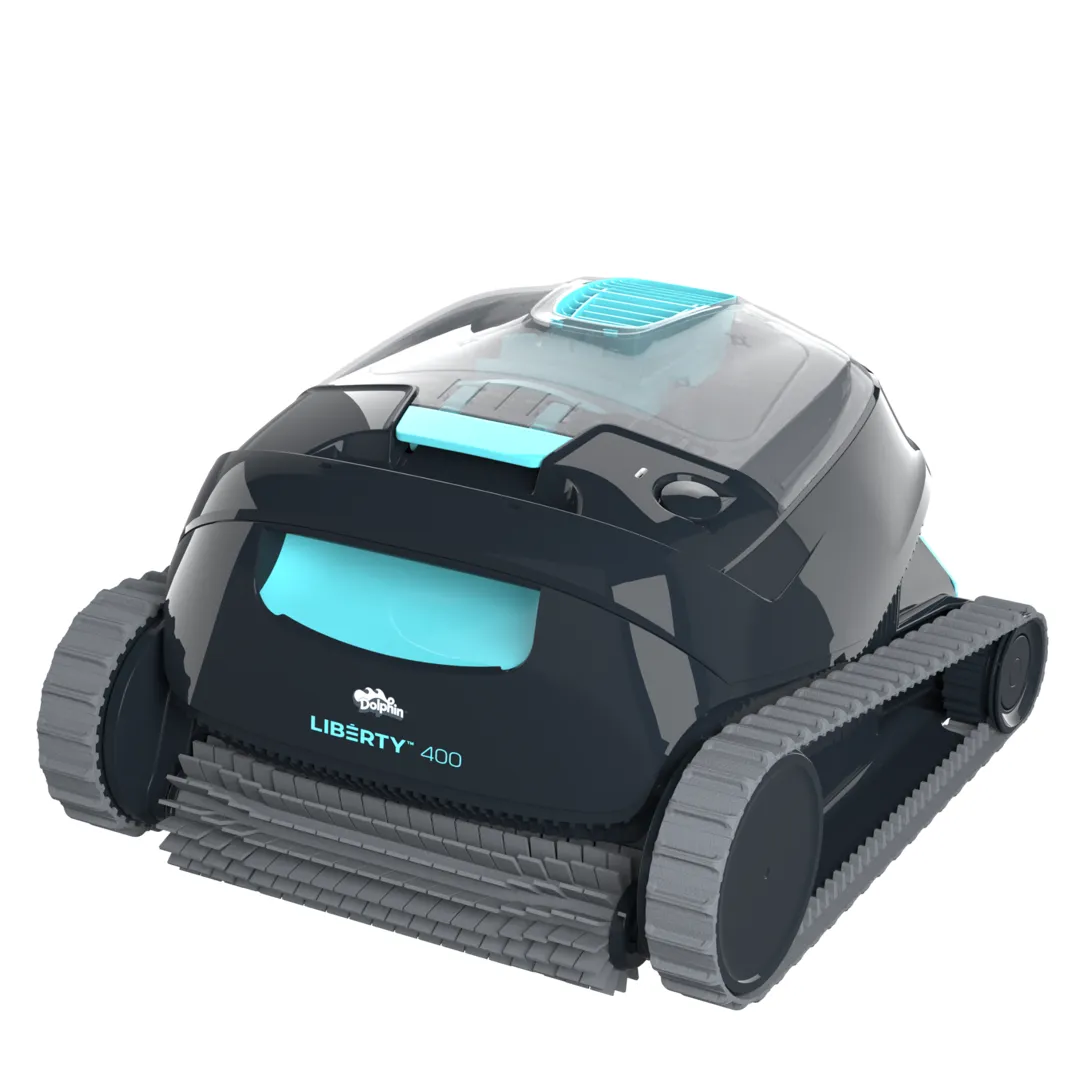
Checked Nov 27 · Price shown is from Dolphin. Check the model, price and availability in Lowe’s search results.
See all offers & model details ↗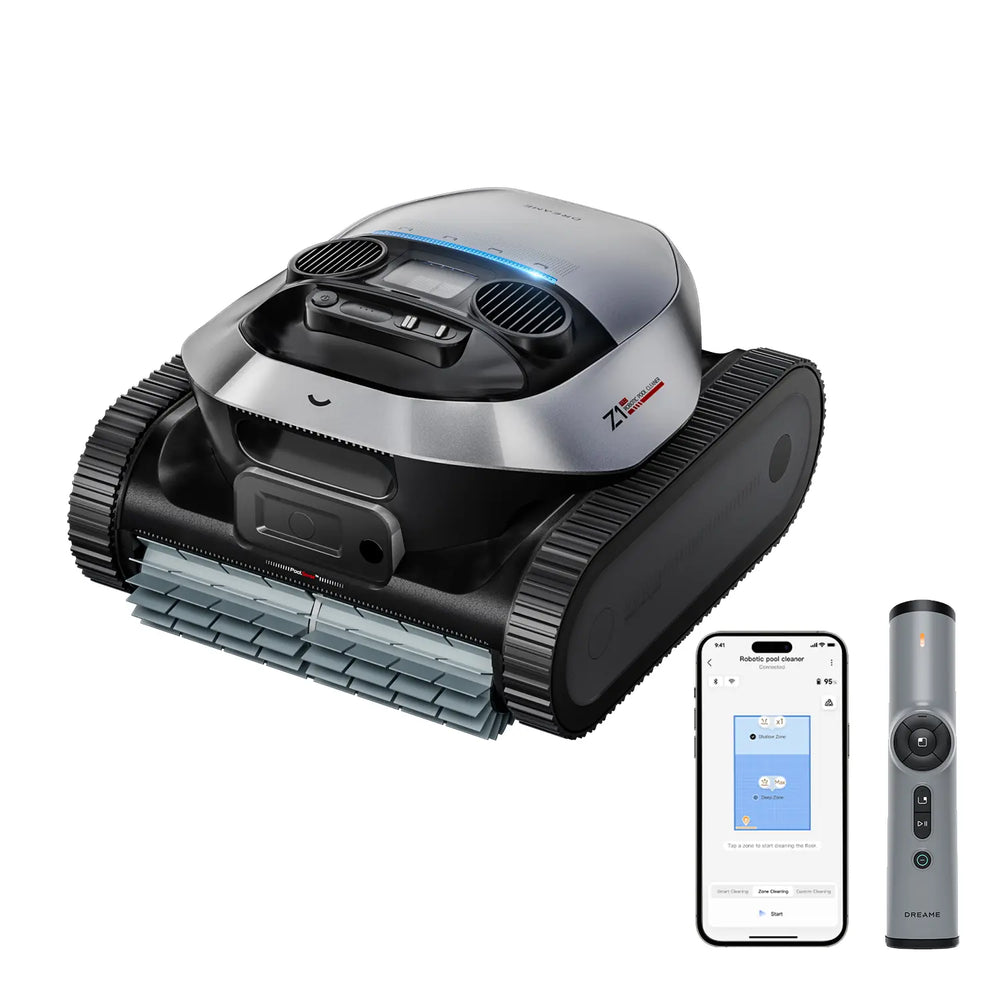
No current brand offer. Explore Amazon options.
We may earn a commission when you buy through these links.
Our recommendations come from published specifications. We may earn a commission from qualifying purchases. As an Amazon Associate, we earn from qualifying purchases. How we work
The quick verdict
Here’s where we’d start.
Check whether the cleaner wakes up on its correct charger, then follow the power and in-water sequence for the model. If the robot still has a fault after a full charge and correct startup, record the indicator and contact support.
Liberty 400
The manual describes low-battery standby with the lights off and waking the cleaner by connecting its charger.
Check for three green bars after charging and read the app if the cleaner displays an error.
Z1 Pro
The manual shows a three-second power hold on the robot and says the drive and pump start after it reaches the pool floor.
Power on with the charger disconnected and the robot on a level surface.
Find out whether the robot has power
Look for an indicator on the cleaner itself and note what the charger shows. A powered cleaner waiting for the next step in its start sequence needs a different check from one that stays dark on its charger.
If it starts and then stops during a pass, use the stopping guide to check the cycle, position and debris load.
Wake a LIBERTY 400 from standby
The LIBERTY 400 manual describes low-battery standby with all indicators off. Connect its specified charger to wake it, then charge in the conditions specified by Maytronics until the battery shows three green bars.
If it stays dark or never gains charge, use the charging checks for the outlet, charger and connection before opening any part of the cleaner.
Use the power button on the Z1 Pro itself
The Dreame Z1 Pro manual calls for a full charge and disconnecting the charger before holding the robot’s power button for three seconds. Start it on a level surface for sensor calibration, then use the documented mode and placement steps.
The magnetic port should be dry for charging. The Z1 Pro remote guide covers the separate handset, which has its own power and battery indicators.
Check what happens as it reaches the floor
Suppose the Z1 Pro powers on and shows the selected mode, but its tracks are still quiet on the deck. Dreame says the pump and tracks begin after it lands on the floor. Follow the normal pool placement instructions and watch from the deck.
Maytronics tells LIBERTY owners to place the cleaner in the water within 30 seconds of starting it. Follow the sequence for the machine in front of you. Our first-run guide covers placement and pickup planning.
Check the error before repeating the start
The LIBERTY 400 manual directs you to the app when its red error indicator is on. A foreign object in the track or impeller can also prevent startup. Use the manufacturer’s powered-off inspection instructions for owner-accessible parts.
If you find debris around the drive, see the brush troubleshooting guide for a safe inspection sequence.
Allow time for a full charge after storage
A battery stored partway charged may need time on the charger before the first run. Use the exact charger and temperature instructions for the model. The winter storage guide explains why storage and operating charge targets can differ.
Tell support what changed at each step
If it still will not start, record the charge indication, the response to the power button, any app error and what happens when it reaches the floor. That gives support a clearer picture of whether the problem is power, startup or movement.
A closer look
The differences, in view.
Scroll horizontally on smaller screens. Values are manufacturer claims; see each product for qualifiers and original wording.
| Specification | Liberty 400 | Z1 Pro |
|---|---|---|
| Maximum pool length | 33 ft | Not confirmed |
| Cleaning coverage | Floor, walls and waterline | Floor, walls, waterline |
| Filtration | Combined filter kit + additional ultra-fine kit | 180 μm filterManufacturer comparison table, not a tested filtration result. |
| Connectivity | MyDolphin Plus | App control |
| Rated pool area | Not confirmed | 2160 sq ftManufacturer maximum; pool geometry and conditions still matter. |
| Power source | Not confirmed | Cordless |
| Charging | Not confirmed | 4–6 hoursComparison table; the Z1 marketing panel also says 4 hours. |
Ready to choose?
Your next step, made simple.
Checked Nov 27 · Price shown is from Dolphin. Check the model, price and availability in Lowe’s search results.
See all offers & model details ↗No current brand offer. Explore Amazon options.
We may earn a commission when you buy through these links.
Show your work
Sources & editorial method.
We reviewed official US product information and exact configurations. Our advice draws on published specifications and model-specific manufacturer instructions, with the practical trade-offs explained. Unknowns and conflicting claims are kept visible. Prices above come from the catalog and may change independently of this article’s review date.
- Dolphin official US model page
- Dreame official US model page
- Dreame Z1 Pro manual, charging and starting a cycle
- Maytronics LIBERTY manual, charging and startup troubleshooting
Published Nov 10, 2026 · Editorial review Nov 10, 2026.
Read our research standardsKeep exploring
A little more perspective.
Can you steer a robot pool cleaner underwater? Check the actual control link
App support, a retrieval command and underwater directional steering are different functions. Dreame Z1 Pro documents a light-based remote; AquaSense 2 Ultra limits its app control to operation at the surface. Check the exact model before treating a missing response as a fault.
Read the guide
Pool cleaner brushes not turning? Check the operating state and tangled debris
A stationary cleaner, a tangled roller and a misleading view from above are different observations. Check the exact operating state, retrieve the robot correctly and inspect only the owner-accessible parts after shutdown.
Read the guide