Troubleshooting guide · 4 min read
Why Won’t My Cordless Pool Cleaner Charge?
First separate a cleaner that will not charge from one that charges and then runs for less time than expected. Save the lights and app message before changing anything. We'd check the exact charger, approved charging conditions and model-specific instructions before assuming the battery needs replacing.
Based on published manufacturer information.
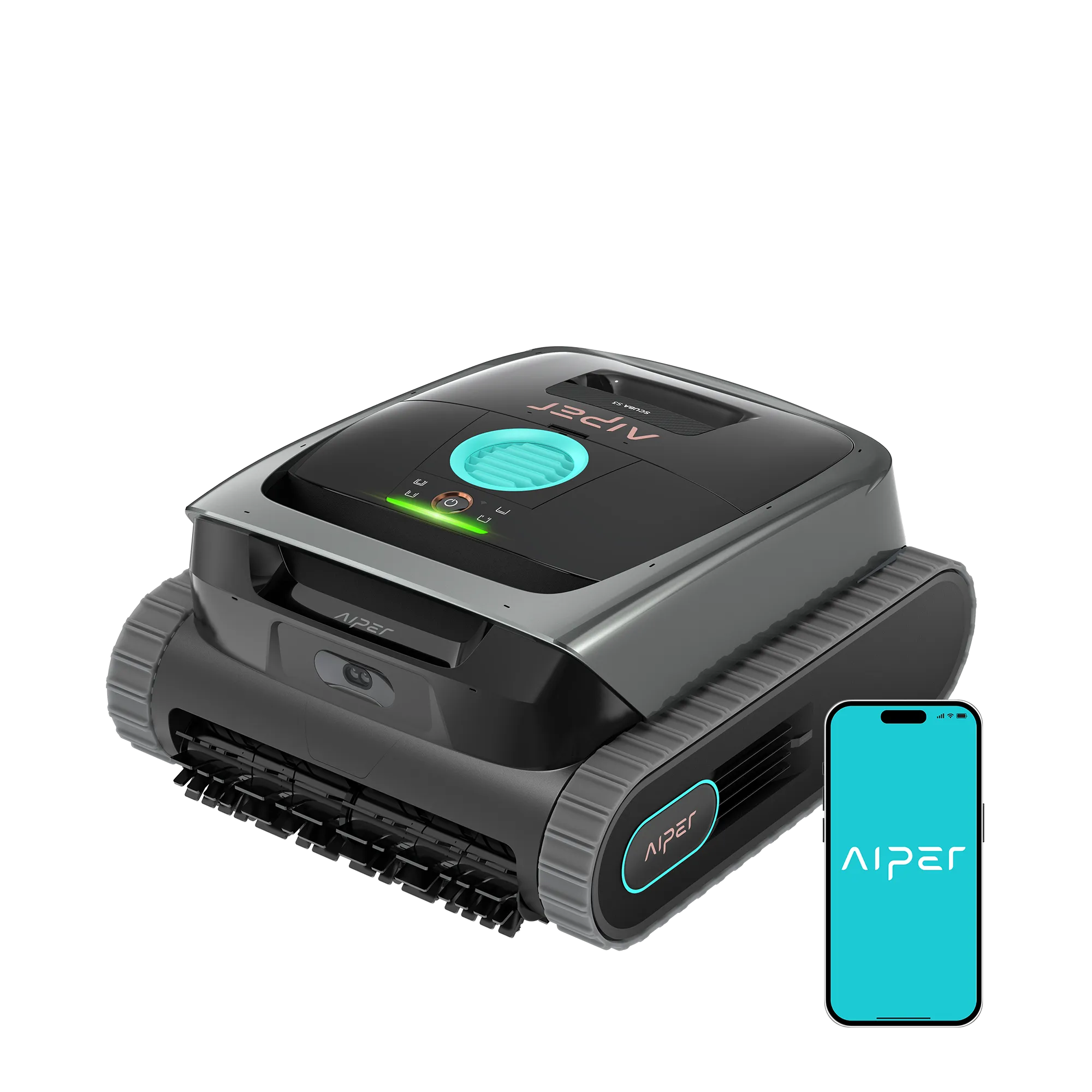
Checked Nov 27 · In stock when checked. Shipping and tax at checkout.
Buy at Lowe’s See all offers & model details ↗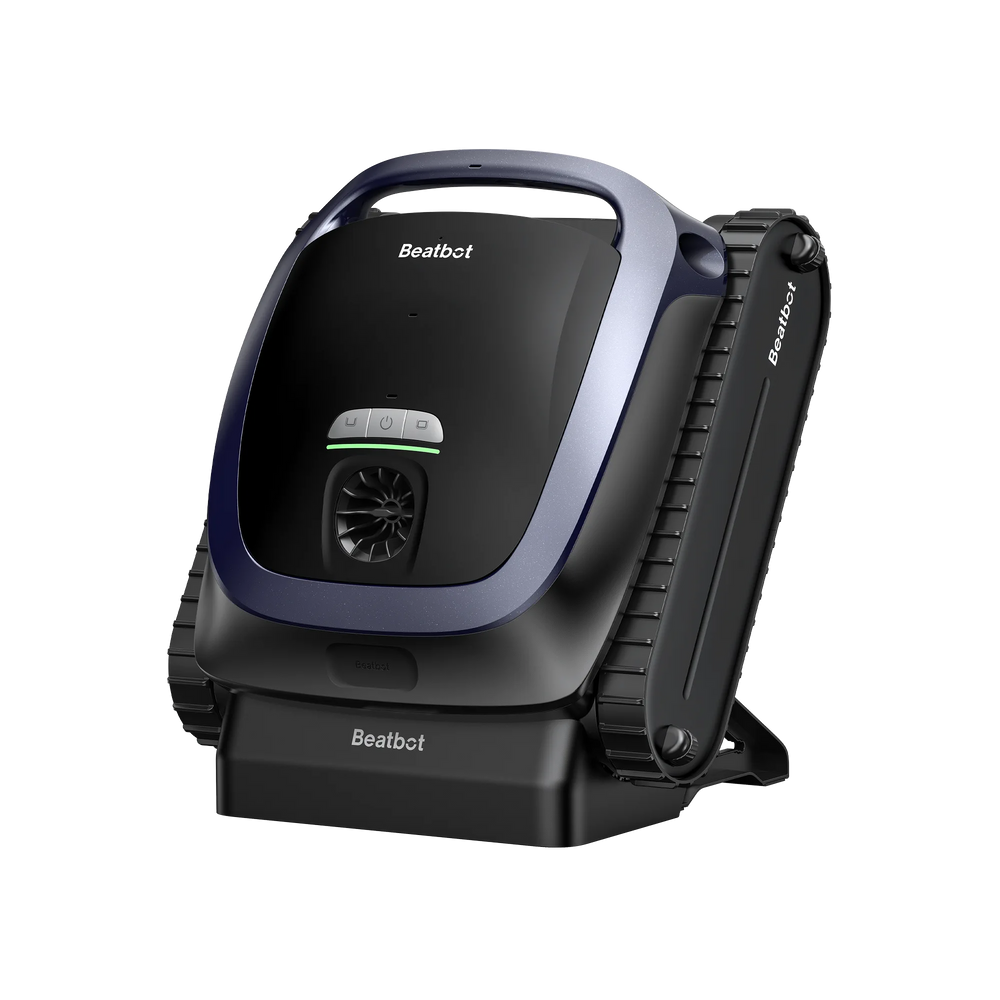
No current brand offer. Explore Amazon options.
We may earn a commission when you buy through these links.
Our recommendations come from published specifications. We may earn a commission from qualifying purchases. As an Amazon Associate, we earn from qualifying purchases. How we work
The quick verdict
Here’s where we’d start.
Use the exact model's charging instructions and record whether the charger, dock or robot shows any response. Aiper's Scuba S3 support checks the original charger's indicator and temperature protection; Beatbot's AquaSense 2 guidance separates charging lights, drainage and dock faults. Follow the correct draining and drying steps before connecting power. Stop at the approved owner checks and contact support if they don't resolve it; don't attempt a battery jump-start, protection bypass or sealed repair.
Scuba S3
Aiper’s S3 support distinguishes a dark charger indicator from robot temperature protection and a battery needing service.
Keep the exact S3 instructions and genuine charger. Its charging-temperature guidance is not a universal range for other robots.
AquaSense 2
Beatbot’s exact A200 section describes charging indications, complete drainage and checking the dock’s power supply.
Use AquaSense 2 instructions, not another generation’s port-cleaning, drainage or reset sequence.
Write down what happens when you try to charge.
Does the charger show no light, the robot ignore a working charger, or the battery percentage stay unchanged on the dock? Save the indicator pattern, battery reading and app message. Note whether the fault appeared after a normal clean, a long storage break or a change of charger.
A robot that charges and then stops early needs a different check from one that never accepts a charge. Our cleaner-stopping guide separates normal task completion, low-battery parking and unexpected stops.
If the robot charges but app setup fails, use our Wi-Fi connection guide. It treats supported bands, pairing state and credentials separately from a charging fault.
Our short-runtime guide handles the next question after charging appears complete. Confirm the exact completion indicator, selected cycle and stopping state before interpreting fewer minutes as battery wear.
The cordless cleaner startup guide covers the next step once a charger responds. Check the model’s power and placement sequence before diagnosing the drive.
Start with the supplied equipment and its handling instructions.
Confirm the full model and use the charger or dock specified for it. Follow that model's draining and drying instructions before connecting power. Don't continue testing a damaged connector or cable, and don't assume a plug that fits establishes charger compatibility.
Keep the charging equipment in its approved location and use the maker's ordinary owner checks for power. A wireless dock and a plug-in port need different care. Our retrieval guide covers the handling before charging; the care guide separates routine cleaning from repair.
The Freedom Plus/Freedom LT guide separates their charging packages. Match the supplied equipment to the exact model rather than assume another Freedom unit uses the same arrangement.
On Scuba S3, note the charger’s own indicator.
Aiper's Scuba S3 support checks the original charger separately, on a known working outlet. Note whether its indicator stays dark or the charger lights normally while the robot gives no charging response.
Follow the exact article and manual in the approved dry charging location. Send the result to Aiper before ordering replacement equipment.
S3’s support also checks temperature and storage history.
S3's support article identifies charging protection below 10°C/50°F or above 40°C/104°F. It advises letting the robot stabilize at room temperature before reconnecting. Check another model's own limits.
It also says prolonged empty-battery storage can cause a lockout needing professional service. Don't jump-start it or bypass protection. Our winter-storage guide keeps storage targets and recharge intervals with the model they describe.
For a cooler pool and charging location, our cold-water guide distinguishes the robot’s water-use range from the separate charging-environment requirement.
On AquaSense 2, keep drainage and charging status separate.
The exact Beatbot AquaSense 2 A200 help section describes completing drainage and drying the charging contacts with a towel before returning to the dock. It separately explains battery-level charging lights and checking the dock's power source when a robot powers on but won't charge.
Use A200's actual instructions instead of another Beatbot family's button sequence or port-care procedure. Record the lights and whether the supplied dock is powered. If approved checks don't resolve it, send that record to Beatbot; this guide doesn't walk through electrical measurements or hardware repair.
Send support a record that distinguishes charger and robot behavior.
Include the full model, serial number, charger label, indicator video, battery readings, storage history and owner checks already completed. Explain whether the charger lights by itself and what changes when the robot is connected or correctly seated. Use the manufacturer's supported process for any requested logs.
We'd settle the service question before ordering a battery or another cleaner. Our Aiper lineup guide and Beatbot lineup guide help identify the equipment. If charging resumes, follow the correct care routine rather than repeatedly testing an unapproved workaround.
If diagnosis points to the battery, use the battery-service guide before ordering parts; Liberty 400 and Z1 Pro manuals do not support a generic owner pack swap.
A closer look
The differences, in view.
Scroll horizontally on smaller screens. Values are manufacturer claims; see each product for qualifiers and original wording.
| Specification | Scuba S3 | AquaSense 2 |
|---|---|---|
| Rated pool area | 1614 sq ftModel-specific column of the manufacturer comparison. | 3230 sq ftRecommended pool bottom area, not a measured cleaning result. |
| Cleaning coverage | Floor, walls and waterline | Floor, walls, waterline |
| Power source | Rechargeable battery | Not confirmed |
| Filtration | 180 μm + 3 μm | 150 μmLayer count conflicts elsewhere in the source; 150 μm is the stated particle rating. |
| Claimed runtime | Not confirmed | 240 minUp to; continuous floor-only cleaning. Manufacturer claim, not a mixed-mode test. |
| Pool types | Not confirmed | In-ground, above-ground |
| Charging | Not confirmed | Wireless dock; approximately 4 hours |
Ready to choose?
Your next step, made simple.
Checked Nov 27 · In stock when checked. Shipping and tax at checkout.
Buy at Lowe’s See all offers & model details ↗No current brand offer. Explore Amazon options.
We may earn a commission when you buy through these links.
Show your work
Sources & editorial method.
We reviewed official US product information and exact configurations. Our advice draws on published specifications and model-specific manufacturer instructions, with the practical trade-offs explained. Unknowns and conflicting claims are kept visible. Prices above come from the catalog and may change independently of this article’s review date.
- Aiper Scuba S3 US page — exact model, charging and mode-specific ownership guidance
- Beatbot AquaSense 2 US page — exact wireless-dock model and manufacturer charging description
- Aiper Scuba S3 charging diagnosis — original charger indicator, temperature protection and professional battery service
- Beatbot US help center — exact AquaSense 2/A200 charging, drainage, indicators and support guidance
Published Nov 3, 2026 · Editorial review Nov 21, 2026.
Read our research standardsKeep exploring
A little more perspective.
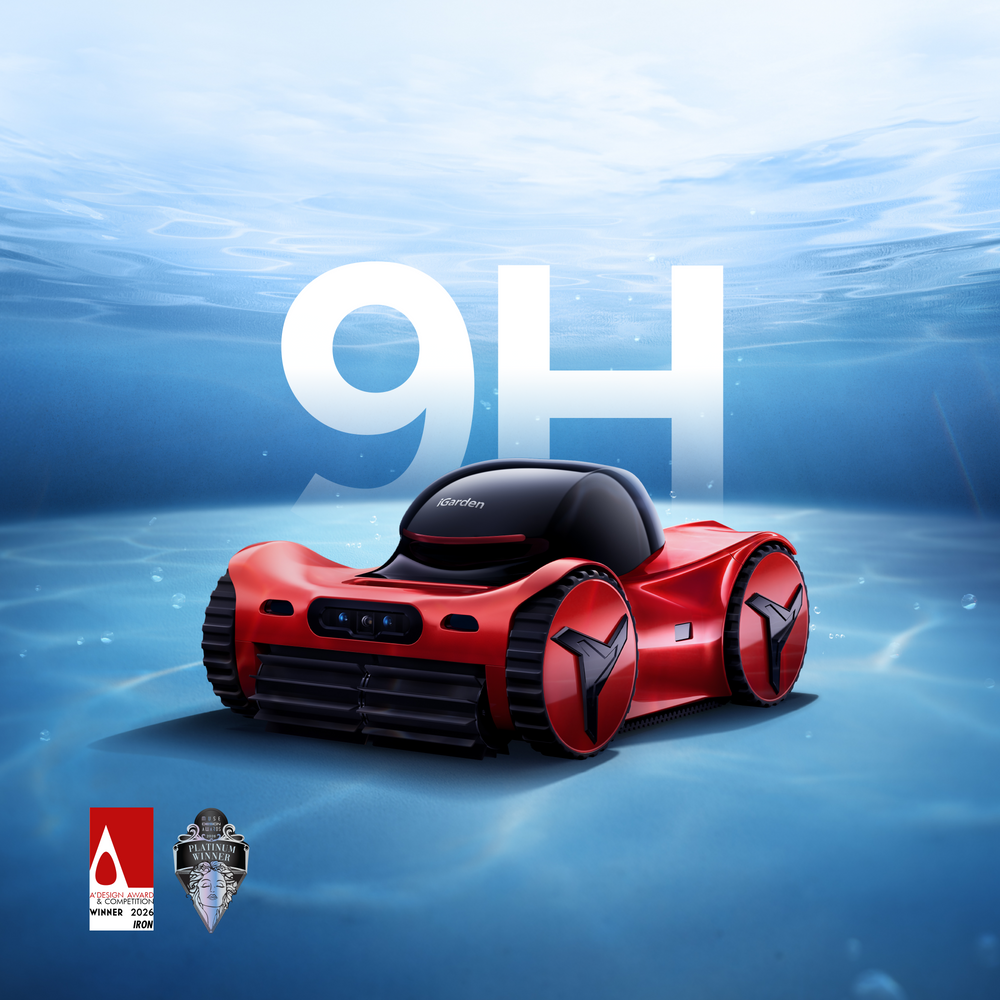
Can You Run a Robotic Pool Cleaner in Cold Water?
Check the water temperature against the exact model's working range, then check charging and storage separately. AquaSense 2's reviewed manual gives 6–35°C for use in the water; iGarden M1-AI lists 4–35°C. Neither figure makes the robot suitable for a freezing or closed pool.
Read the guide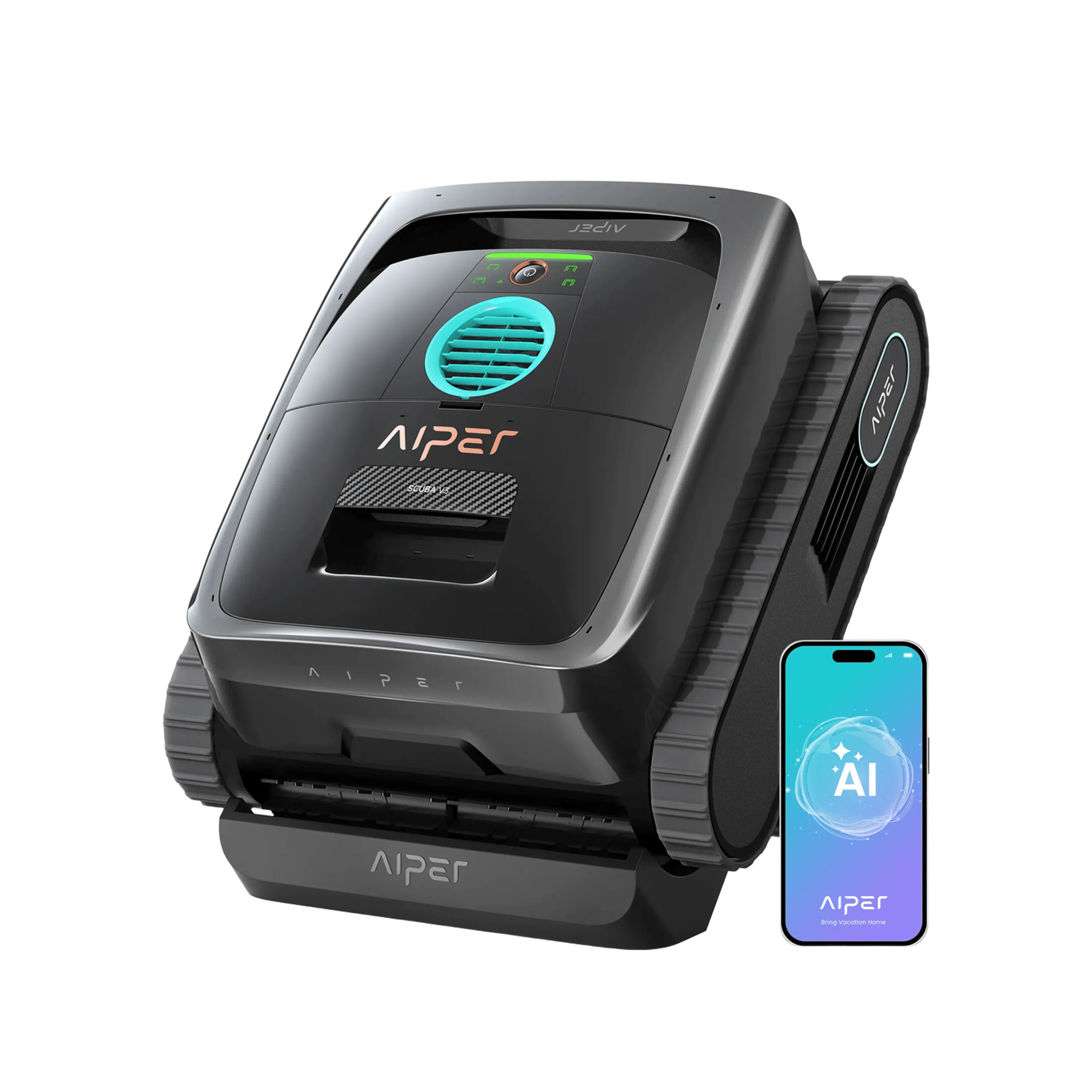
The Best Aiper Pool Cleaners: Which Scuba Should You Buy?
Choose the cleaning jobs before the Scuba number. Some Aiper robots clean underwater, others also collect floating debris, and EcoSurfer S2 is a separate surface skimmer. We'd start with what the pool still needs you to do by hand, then check its size and shape.
Read the guide