Troubleshooting guide · 4 min read
Why Won’t My Robotic Pool Cleaner Connect to Wi-Fi?
First separate failed setup from a robot that only appears offline while submerged. We'd check the exact model, pairing state and supported network, then keep the error message before changing settings. Sora 30 and 70 have explicit manufacturer steps for both Wi-Fi and Bluetooth pairing.
Based on published manufacturer information.
No current brand offer. Explore Amazon options.
Checked Nov 27 · In stock when checked. Shipping and tax at checkout.
Buy at Lowe’s See all offers & model details ↗We may earn a commission when you buy through these links.
Our recommendations come from published specifications. We may earn a commission from qualifying purchases. As an Amazon Associate, we earn from qualifying purchases. How we work
The quick verdict
Here’s where we’d start.
Check whether the problem is initial pairing or only live app access during a clean. Beatbot's exact Sora 30/70 help sections support 2.4 and 5 GHz Wi-Fi, exclude 6 GHz, and recommend a separate 2.4 GHz network first when combined-band pairing fails. Confirm the password and actual model hotspot, then follow the documented Bluetooth or manual-selection fallback. An offline app while submerged isn't proof the cleaner stopped or needs a factory reset.
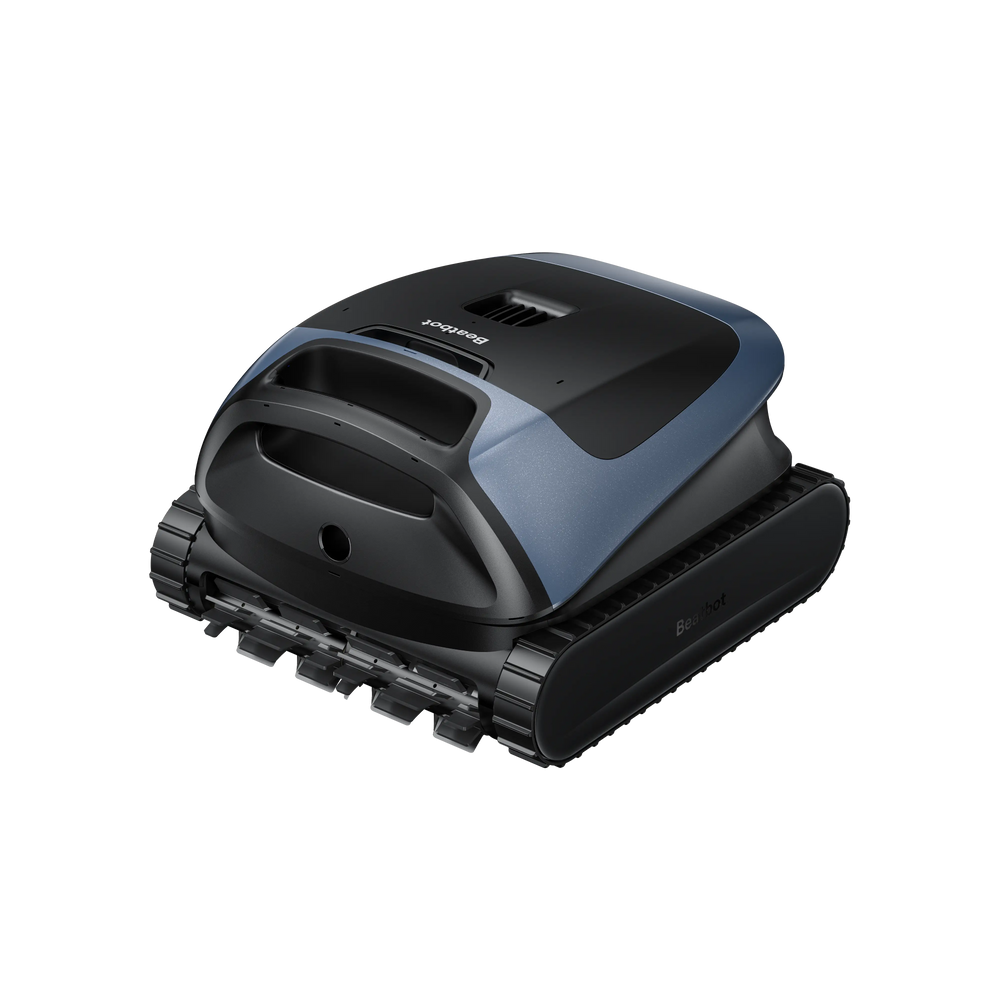
Sora 30 · Deep Blue
Its support section describes supported bands, password checks, the model’s pairing hotspot and Bluetooth/manual fallback.
Use Sora 30’s own pairing controls. App mode changes require the appropriate surface-and-online state.
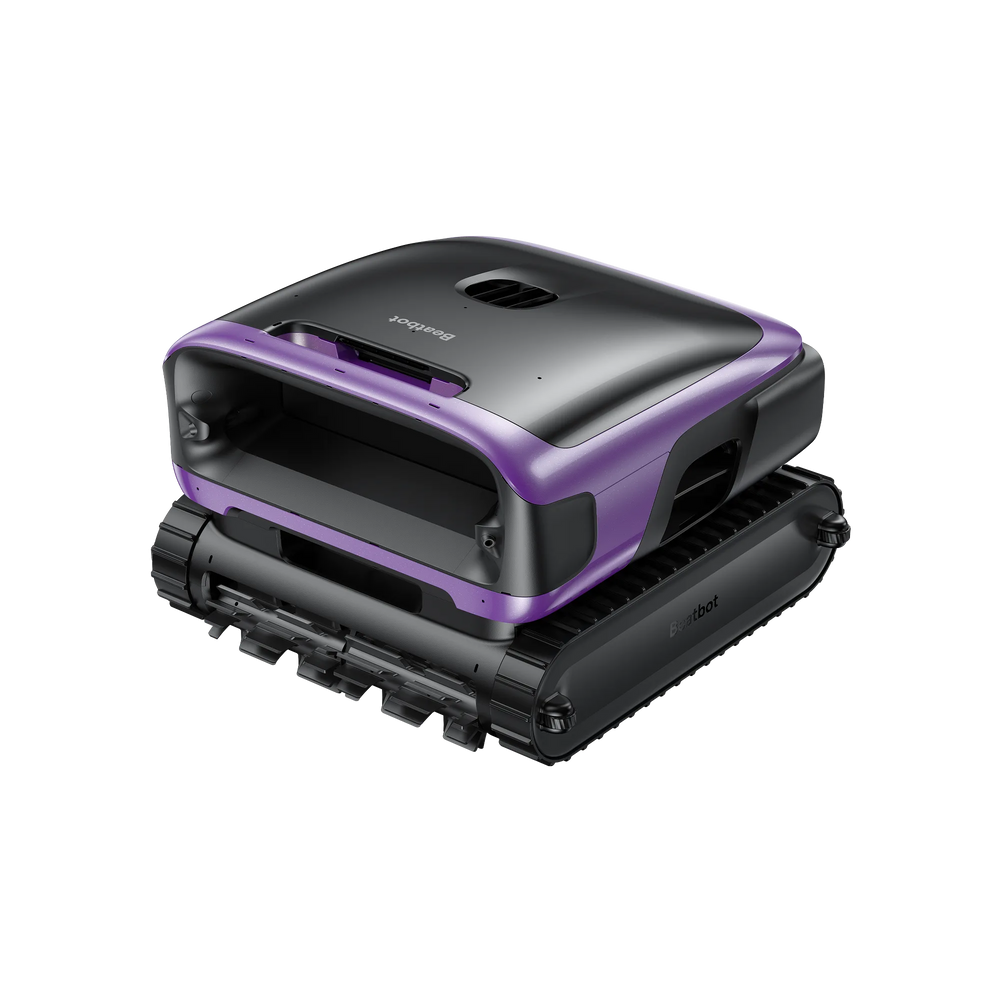
Sora 70 · Lavender Purple
Its own help section gives the same supported Wi-Fi bands with a Sora 70-specific hotspot identity.
Do not borrow a button sequence or reset from another Beatbot generation. Preserve any error before contacting support.
Decide whether pairing failed or the app merely went offline.
Did setup ever complete, or did the cleaner disappear from the app only after entering the water? Note the model, message, device lights and stage where it fails. Those details distinguish a setup problem from expected limits on live underwater communication.
A robot may continue its selected clean while app status is unavailable. Our pool-cleaner Wi-Fi guide separates ordinary onboard operation from setup, updates and live control.
Our underwater-steering guide separates a missing response under water from a genuine connection fault. Check the exact model’s permitted operating state before changing the network or repeating resets.
If a second household account is trying to add an already-paired Z1, check the family-sharing guide. One owner binding with shared access is different from another Wi-Fi pairing attempt.
Use the bands supported by the exact model.
Beatbot's help sections for Sora 30 and Sora 70 specify 2.4 GHz and 5 GHz Wi-Fi, with no 6 GHz support. For combined-band routers, their guidance recommends choosing a separate 2.4 GHz network first during pairing.
Use the current instructions for your model and network rather than transfer those bands to every pool cleaner. A dual-band Wi-Fi feature is not a cellular-data service, and it doesn't establish continuous control through water.
Check the network password, rather than the account login.
The same Sora help guidance specifies a Wi-Fi password between eight and 32 characters. Verify the intended home network and enter its actual password in the setup flow; the Beatbot account password is a different credential.
If the existing network configuration doesn't fit the documented setup, get a supported answer from the maker rather than assume the cleaner is defective. Keep the exact error so support can distinguish credentials, pairing state and connectivity.
Check whether the model’s hotspot appears.
Follow the current model's instructions to enter pairing mode. Beatbot describes a flashing blue indicator and a hotspot named for Sora 30 or Sora 70 followed by its identifier. Check the expected model name rather than select a different nearby device.
If the cleaner cannot enter pairing mode or its expected hotspot never appears, the help guidance directs owners to support. Don't improvise a long-press combination from an older AquaSense. A reset isn't the first answer to every failed setup.
Use the documented Bluetooth or manual-selection route.
For these exact models, Beatbot suggests Bluetooth pairing or manually selecting the device in the app if standard Wi-Fi pairing keeps failing. Follow that in-app process and confirm the full model, rather than interpret a fallback as every online feature working without Wi-Fi.
Once paired, Sora 30's app mode changes and Sora 70's live control still have their own surface-state conditions. If the physical issue is stopping or pickup, our cleaner-stopping guide and retrieval guide address those symptoms.
If the robot pairs but a firmware update fails, use the pool-cleaner update guide to check the charging location, battery and any separate dock firmware.
Send the failed stage and exact message.
Record the model, serial number, app/firmware versions, supported band used, pairing-light behavior and whether the expected hotspot appeared. Include the error and any recent phone, router or network changes, along with the documented fallback already tried.
We'd have support assess that evidence before repeatedly resetting the cleaner or replacing hardware. If it runs normally from its onboard controls, say so: basic cleaning and remote app access are separate parts of the diagnosis.
Owners of Prowler 930W can use our Pentair Prowler support guide to prepare the exact identity and app questions. A discontinued product and an available support page do not establish a service end date.
A dedicated handset can fail independently of the app. The remote-control checklist separates Z1 Pro’s light link and handset indicators from phone connectivity.
A closer look
The differences, in view.
Scroll horizontally on smaller screens. Values are manufacturer claims; see each product for qualifiers and original wording.
| Specification | Sora 30 · Deep Blue | Sora 70 · Lavender Purple |
|---|---|---|
| Cleaning coverage | Floor, walls, waterlineShallow platforms also claimed, subject to minimum water depth and platform size. | Floor, walls, waterline, surfaceShallow-platform cleaning is conditional on depth and platform dimensions. |
| Rated pool area | 3230 sq ftManufacturer maximum cleaning coverage, not a measured result. | 3229 sq ftManufacturer maximum cleaning coverage, not a measured result. |
| Navigation | S-shaped floor paths + SonicSense obstacle avoidance | S-shaped paths + SonicSense obstacle avoidance |
Ready to choose?
Your next step, made simple.
No current brand offer. Explore Amazon options.
Checked Nov 27 · In stock when checked. Shipping and tax at checkout.
Buy at Lowe’s See all offers & model details ↗We may earn a commission when you buy through these links.
Show your work
Sources & editorial method.
We reviewed official US product information and exact configurations. Our advice draws on published specifications and model-specific manufacturer instructions, with the practical trade-offs explained. Unknowns and conflicting claims are kept visible. Prices above come from the catalog and may change independently of this article’s review date.
- Current manufacturer US model page — exact configuration, specifications, modes and qualifications
- Current manufacturer US model page — exact configuration, specifications, modes and qualifications
- Beatbot US help center — separate Sora 30 and Sora 70 Wi-Fi pairing and app troubleshooting instructions
Published Nov 3, 2026 · Editorial review Nov 25, 2026.
Read our research standardsKeep exploring
A little more perspective.
Do Robotic Pool Cleaners Need Wi-Fi to Clean?
Some can start ordinary cleaning from onboard buttons without Wi-Fi on every run. The app still has a separate role in setup, customization and updates. We'd check the exact model's offline controls before buying for a pool with weak signal, then plan retrieval without relying on a live underwater connection.
Read the guide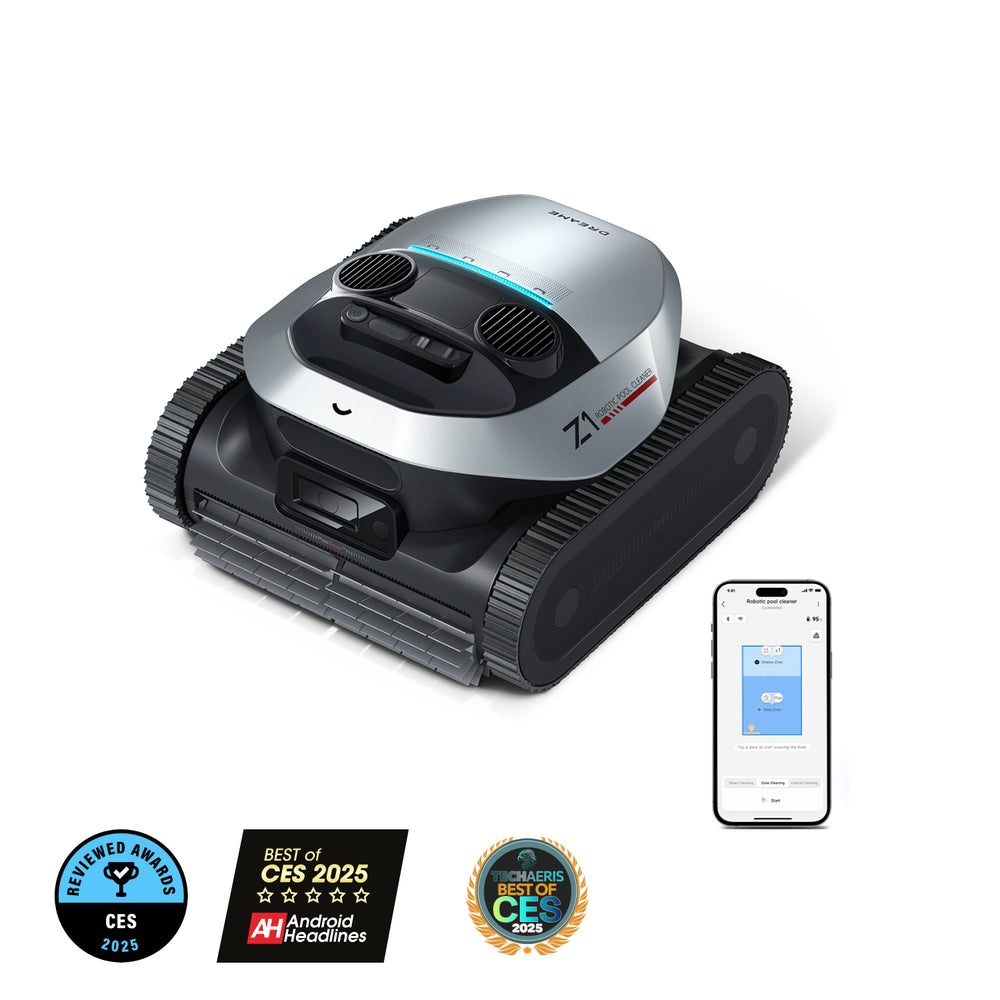
How to Get a Cordless Pool Cleaner Out of the Pool
Work out the pickup routine before the cleaner is sitting at the bottom. A retrieval hook, surface parking and an app return button do different jobs. Here's how we'd plan the reach, timing and handling, using exact Dreame, Beatbot and CHASING examples.
Read the guide