Pool troubleshooting · 4 min read
What to do when a pool cleaner firmware update fails
Check the exact robot, charging setup and network before retrying. A docked solar cleaner can have two sets of firmware, and a battery threshold for one model should stay with that model.
Based on published manufacturer information.
Checked Nov 27 · In stock when checked. Shipping and tax at checkout.
Buy at Lowe’s See all offers & model details ↗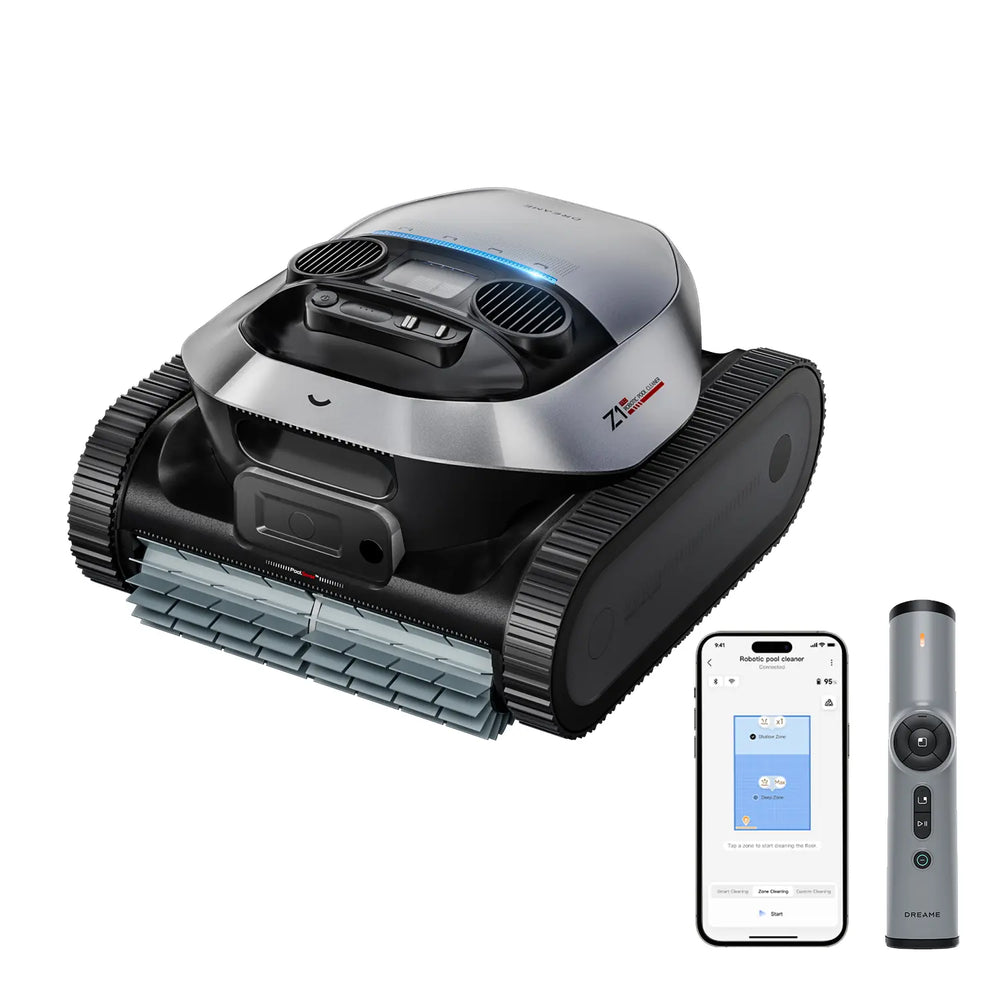
No current brand offer. Explore Amazon options.
We may earn a commission when you buy through these links.
Our recommendations come from published specifications. We may earn a commission from qualifying purchases. As an Amazon Associate, we earn from qualifying purchases. How we work
The quick verdict
Here’s where we’d start.
Use the update procedure for the exact robot and dock. Keep power and the required network stable while installation is active. After a failed attempt, check the model’s battery, charging and connection requirements before retrying or contacting support.
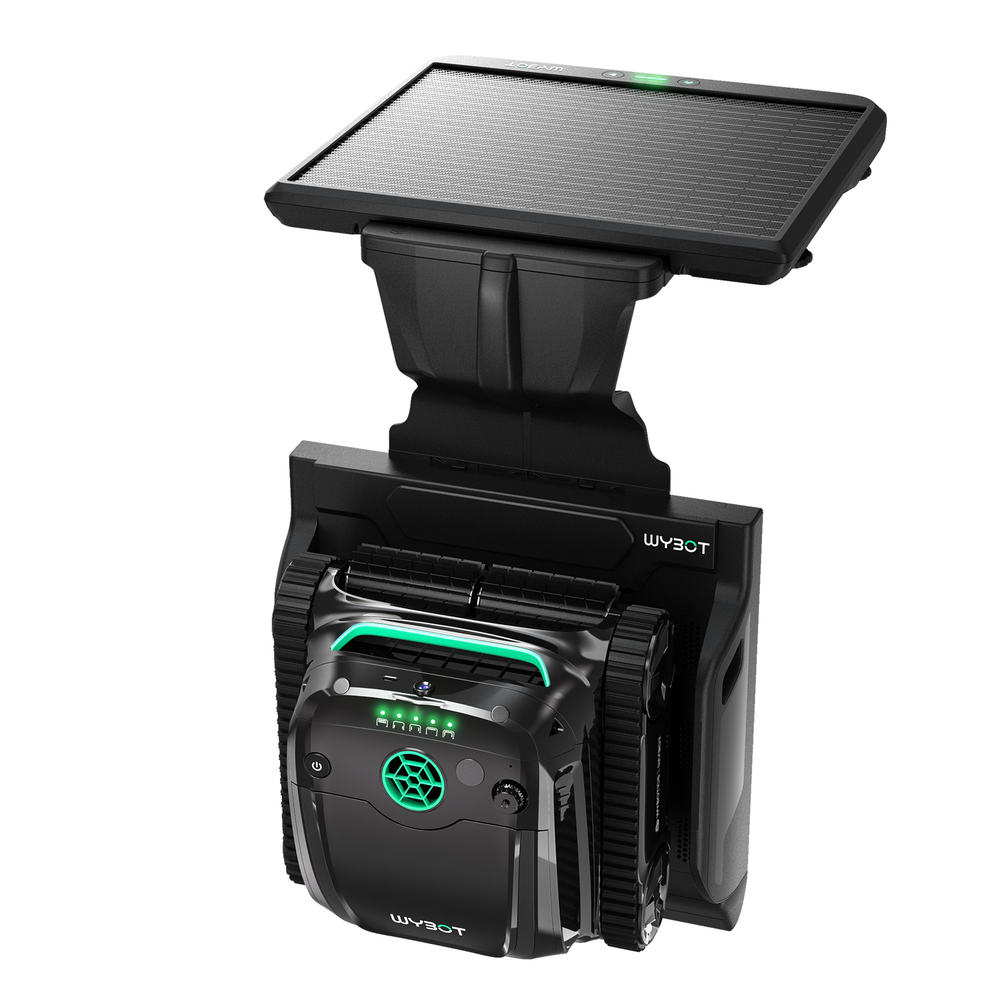
S2 Solar Vision
WYBOT asks owners to update both robot and dock and gives a charging-based procedure.
Use the exact support instructions, compatible adapter and matching Wi-Fi information for the dock.
Z1 Pro
Dreame says its app notifies you of updates and requires more than 30% battery with stable Wi-Fi.
Watch the robot’s update state and keep its battery instructions separate from WYBOT’s procedure.
Check the exact machine in the app
Confirm the model and serial number before following an update guide. WYBOT S2 Solar Vision has a robot and dock to keep current. Dreame Z1 Pro uses its Dreamehome device page and update notifications.
If the device is missing from the app entirely, start with the pool-cleaner connection guide.
The family app-sharing guide distinguishes the bound owner from an invited Z1 user. Check which device and account you are using before diagnosing a missing setting.
Follow the S2 Solar Vision charging procedure
WYBOT’s exact support entry asks owners to check About Device, enable automatic updates, remove the robot from the water and charge it with the compatible AC adapter. The charging location needs Wi-Fi coverage matching the dock’s configured network.
It describes roughly 30 minutes for the process and lists robot and dock firmware separately. Check the current update offered for your hardware instead of treating an old version number as the target.
Check the Z1 Pro’s battery and connection
Dreame’s pool FAQ specifies more than 30% charge and stable Wi-Fi for its update. The Z1 Pro manual describes update notifications and the auto-update option.
Its manual identifies a colorful flowing light during firmware installation. Keep the robot powered and let that process finish before starting a clean or retrying.
A low battery and a weak dock connection need different fixes
Suppose a Z1 Pro update is offered at 25% charge. Charge it using its approved instructions before trying again. If an S2 Solar Vision is charged but its update fails, check the charging location’s Wi-Fi and the dock’s configuration.
A phone having internet access does not establish the robot’s connection at the charging location. Note where the attempt failed before changing network settings.
Check charging before repeating the download
If the cleaner loses charge or the adapter never starts charging, follow the charging troubleshooting guide and the exact model instructions. Keep charging equipment in the conditions allowed by its manufacturer.
Confirm both versions and the next normal task
After a successful S2 Solar Vision update, check both the robot and dock version. On Z1 Pro, confirm the update has finished in the app and the robot’s status has returned to normal.
Before the next clean, follow the first-run checks for the selected mode and pool placement.
Record the failed stage for support
If it fails again, send the model, serial number, app version, current firmware, battery level, exact time and any error screenshot. Include both robot and dock details when the system has a separate dock.
If the update completes but the cleaner stays still, use the startup guide for the next diagnostic step.
A closer look
The differences, in view.
Scroll horizontally on smaller screens. Values are manufacturer claims; see each product for qualifiers and original wording.
| Specification | S2 Solar Vision | Z1 Pro |
|---|---|---|
| Rated pool area | 3229 sq ft | 2160 sq ftManufacturer maximum; pool geometry and conditions still matter. |
| Charging | Solar and DC charging | 4–6 hoursComparison table; the Z1 marketing panel also says 4 hours. |
| Filtration | 180 μm filter box + sponge layer | 180 μm filterManufacturer comparison table, not a tested filtration result. |
| Claimed runtime | 150 minManufacturer says 2.5 hours or more; conditions and mode affect duration. | 180 minHero says up to 180 minutes; another table says over 180. Approximate, mode-dependent manufacturer information. |
| Cleaning coverage | Not confirmed | Floor, walls, waterline |
| Power source | Not confirmed | Cordless |
| Connectivity | Not confirmed | App control |
Ready to choose?
Your next step, made simple.
Checked Nov 27 · In stock when checked. Shipping and tax at checkout.
Buy at Lowe’s See all offers & model details ↗No current brand offer. Explore Amazon options.
We may earn a commission when you buy through these links.
Show your work
Sources & editorial method.
We reviewed official US product information and exact configurations. Our advice draws on published specifications and model-specific manufacturer instructions, with the practical trade-offs explained. Unknowns and conflicting claims are kept visible. Prices above come from the catalog and may change independently of this article’s review date.
- WYBOT official US model page
- Dreame official US model page
- Dreame Z1 Pro manual, firmware indication and update options
- WYBOT S2 Solar Vision firmware support
- Dreame Z1 family firmware update FAQ
Published Nov 10, 2026 · Editorial review Nov 19, 2026.
Read our research standardsKeep exploring
A little more perspective.
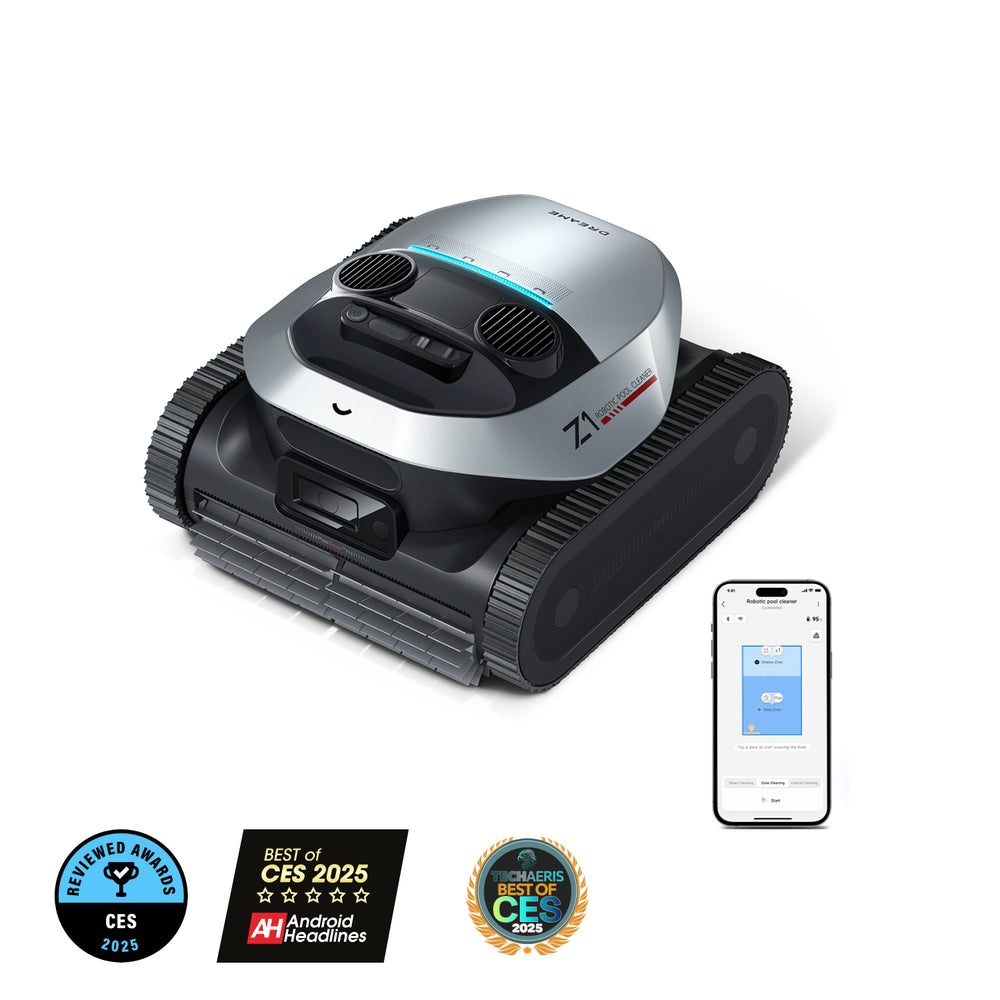
How to share a robotic pool cleaner with your family
On Dreame’s Z1 models, sharing controls and changing the bound account are different operations. Use Device Sharing so another household member can access the cleaner through their own account.
Read the guide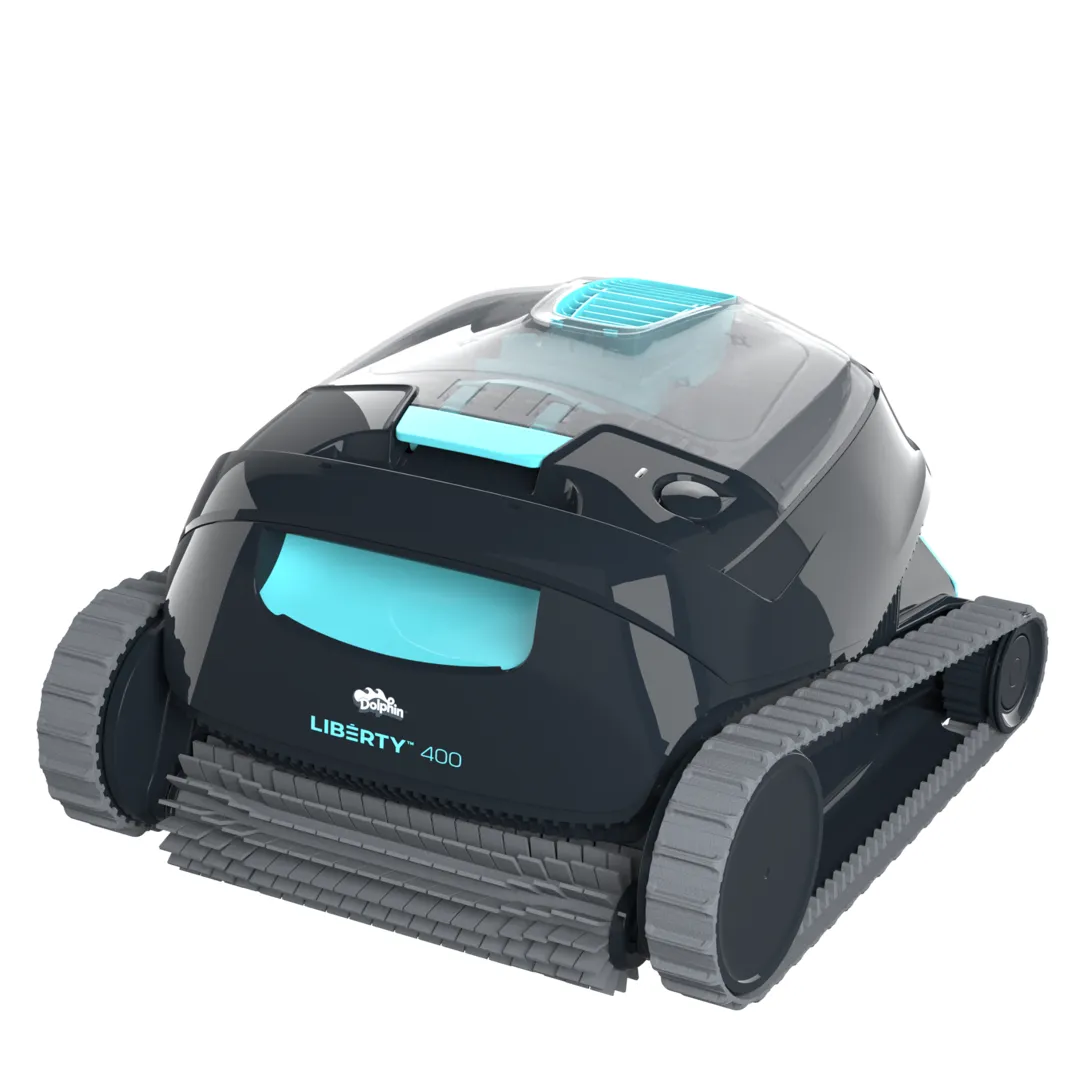
What to check when a cordless pool cleaner won’t start
A dark indicator after storage and a powered robot waiting to reach the pool floor need different checks. Start with the charge light and the model’s startup instructions before deciding the cleaner has failed.
Read the guide