Pool cleaner app setup · 4 min read
How to share a robotic pool cleaner with your family
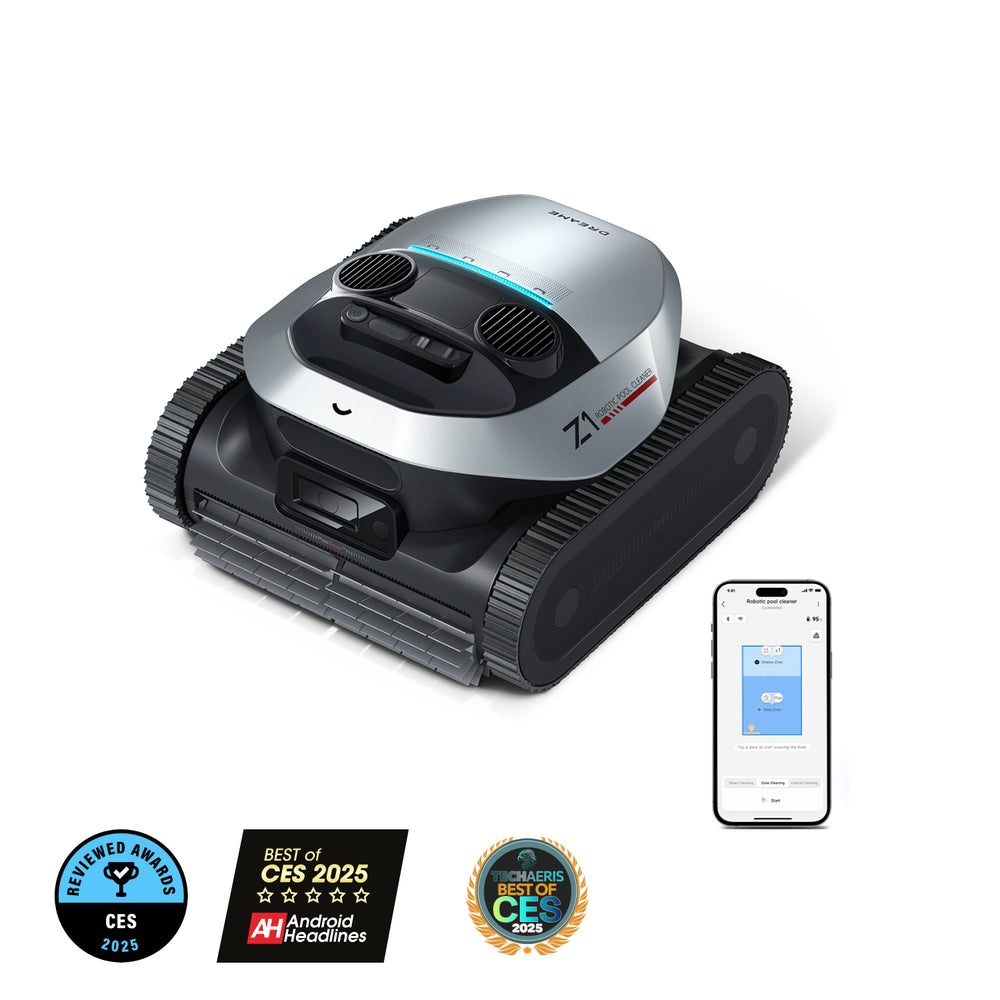
On Dreame’s Z1 models, sharing controls and changing the bound account are different operations. Use Device Sharing so another household member can access the cleaner through their own account.
Based on published manufacturer information.
Checked Nov 27 · In stock when checked. Shipping and tax at checkout.
No current brand offer. Explore Amazon options.
We may earn a commission when you buy through these links.
Our recommendations come from published specifications. We may earn a commission from qualifying purchases. As an Amazon Associate, we earn from qualifying purchases. How we work
The quick verdict
Here’s where we’d start.
Keep the cleaner bound to its primary account and invite the other person through Device Sharing. Select the exact robot before sending the invitation and check the recipient’s available controls. Use the manufacturer’s separate unbinding workflow only when changing the bound owner, not as a sharing step.
Z1
Dreame’s Z1 support article describes one bound account with invitations through Device Sharing.
A second household user should receive shared access rather than try to create another simultaneous owner binding.
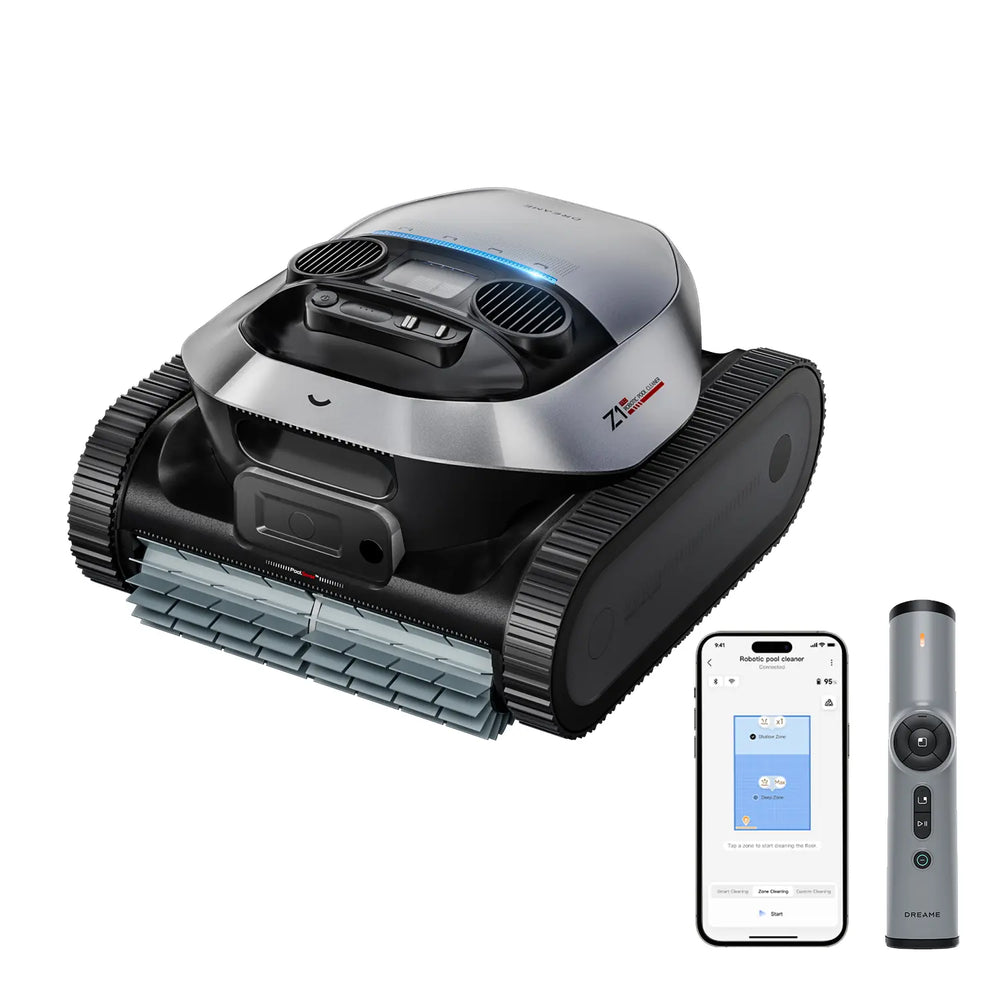
Z1 Pro
The exact manual shows selecting the robot, opening its upper-right menu and choosing Device Sharing.
Delete device and Delete Account are separate commands with different purposes.
Keep the owner account and shared access separate
Dreame’s support article says standard Dreame Z1 can be bound to one app account at a time and shared with family through the app. The Z1 Pro manual also separates binding and sharing.
A second person gaining access does not create a second simultaneous owner binding. Keep the primary account in place for an ordinary household invitation.
Use the Z1’s Device Sharing option
Dreame’s Z1 support steps are to open Dreamehome, enter Device Sharing in the settings and invite the family member using their account details.
Check the recipient’s registered details carefully. If the cleaner has never completed normal pairing, use the first-use guide with the exact manual before sending an invitation.
Select the correct Z1 Pro before opening its menu
The Z1 Pro manual starts from the app’s home page. If several robots are listed, select the one you want to share, open its upper-right menu and choose Device Sharing.
Confirm the model and device name before continuing. This matters when more than one Dreame device appears in the same account.
One owner and one invited partner are still sharing one cleaner
Imagine one person paired a Z1 and their partner now wants to manage cleaning. The first person keeps the bound account and sends a sharing invitation to the partner’s registered account.
The partner checks the invitation and the correct device card. This gives a clear sharing workflow without deleting the existing device to attempt a second owner binding.
Keep the other account commands separate
The Pro manual uses Delete on the device page for unbinding. It describes account logout and account deletion in a separate Account menu. Device Sharing is the option for household access.
If ownership is actually changing, follow the exact unbinding and new-pairing instructions with the current owner. A sharing invitation does not complete an ownership transfer.
Check the recipient’s actual controls
Confirm the cleaner appears for the invited account and review the controls shown there. Ask Dreame which actions are shared if an expected setting is absent; do not assume every account has identical access.
The control guide covers the separate question of which commands the exact hardware supports. Sharing an account role does not add hardware features.
Record where the sharing attempt fails
If the invitation never arrives or the cleaner is absent, check the selected device and recipient account, then record the app versions, time and error for support.
Use the connection guide for a device that cannot connect normally. Once access is working, agree on the household cleaning schedule.
Sharing app access and sharing one machine between pools need different checks. Our two-pool guide covers physical fit, saved maps and the care routine between visits.
Shared app access does not establish remote steering. Our remote troubleshooting guide checks the exact control feature and distinguishes a Z1 Pro handset from Sora 10’s app-only controls.
A closer look
The differences, in view.
Scroll horizontally on smaller screens. Values are manufacturer claims; see each product for qualifiers and original wording.
| Specification | Z1 | Z1 Pro |
|---|---|---|
| Rated pool area | 1950 sq ftManufacturer maximum; pool geometry and conditions still matter. | 2160 sq ftManufacturer maximum; pool geometry and conditions still matter. |
| Navigation | Ultrasound + 3D structured light | PoolSense navigation |
| Remote control | No LiFi handheld remote | LiFi-enabled handheld remote |
| Retrieval | Not confirmed | Automatic waterline parking |
Ready to choose?
Your next step, made simple.
Checked Nov 27 · In stock when checked. Shipping and tax at checkout.
No current brand offer. Explore Amazon options.
We may earn a commission when you buy through these links.
Show your work
Sources & editorial method.
We reviewed official US product information and exact configurations. Our advice draws on published specifications and model-specific manufacturer instructions, with the practical trade-offs explained. Unknowns and conflicting claims are kept visible. Prices above come from the catalog and may change independently of this article’s review date.
- Dreame official US model page
- Dreame official US model page
- Dreame Z1 Pro manual, binding versus Device Sharing
- Dreame standard Z1 family-sharing instructions
Published Nov 19, 2026 · Editorial review Nov 25, 2026.
Read our research standardsKeep exploring
A little more perspective.
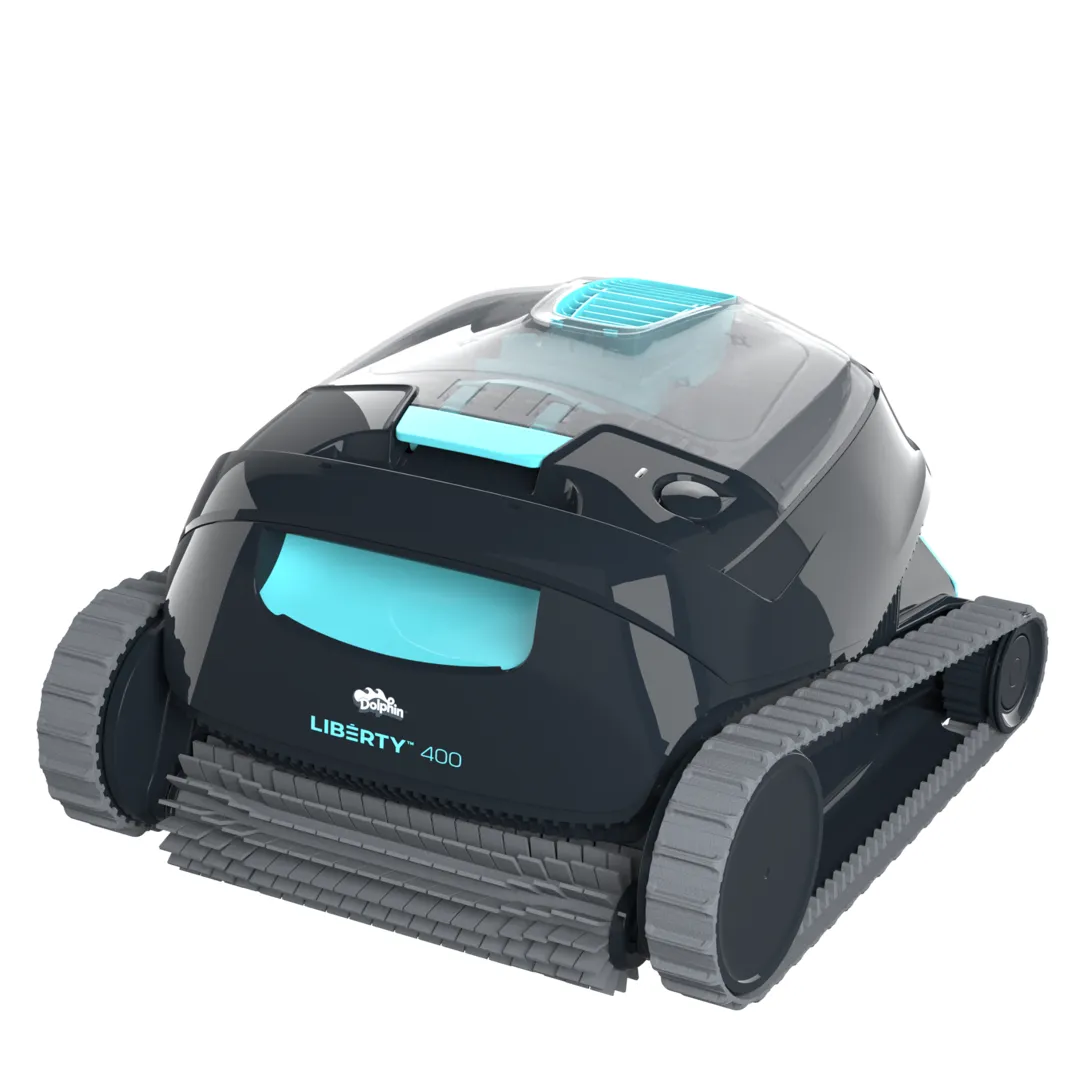
Can one robotic pool cleaner clean two pools?
One cleaner may be practical for two household pools, but both pools must fit the exact model. Map storage, charging, water conditions and the trip between them all need checking before you share the machine.
Read the guide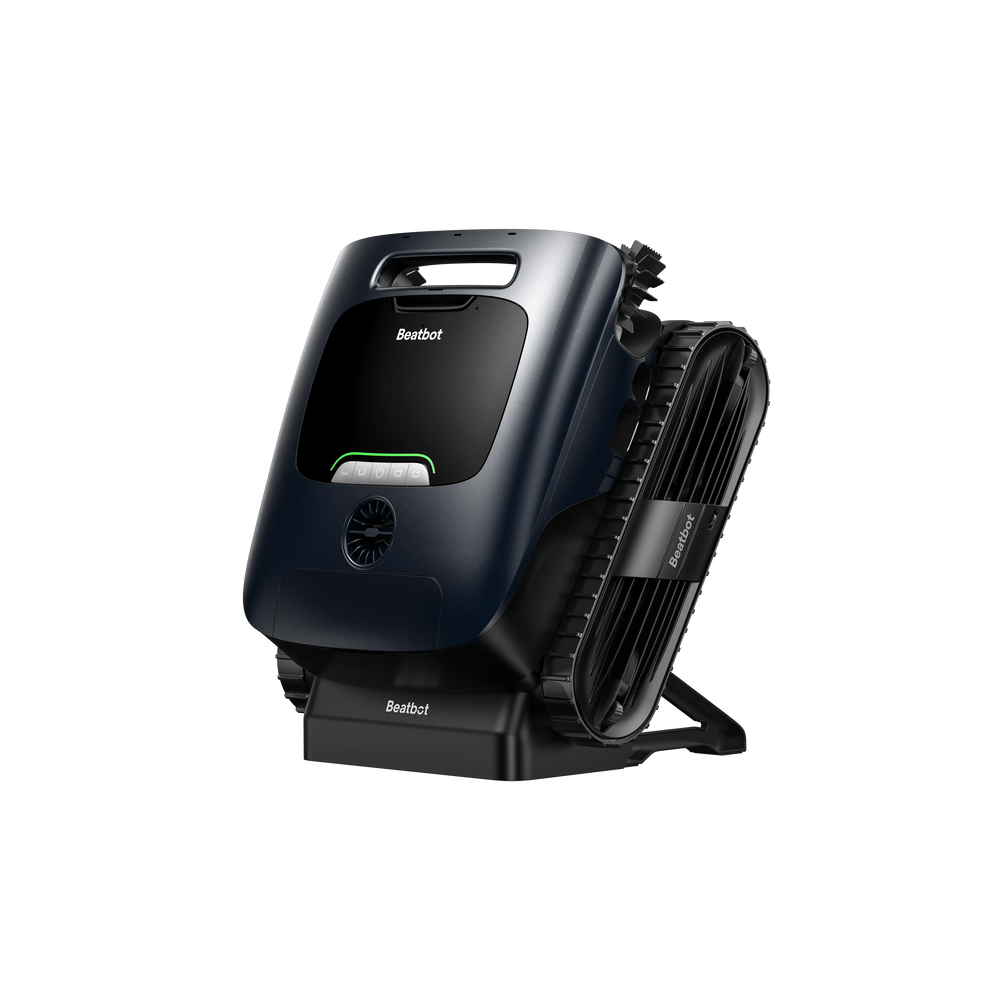
Can you steer a robot pool cleaner underwater? Check the actual control link
App support, a retrieval command and underwater directional steering are different functions. Dreame Z1 Pro documents a light-based remote; AquaSense 2 Ultra limits its app control to operation at the surface. Check the exact model before treating a missing response as a fault.
Read the guide