Ownership guide · 4 min read
Robotic Pool Cleaner Remote Not Working: What to Check
A silent remote can be a flat handset, an automatic timeout or a feature the cleaner never had. Identify the control system first, then use the indicator and model instructions to choose the next step.
Based on published manufacturer information.
No current brand offer. Explore Amazon options.
No current brand offer. Explore Amazon options.
We may earn a commission when you buy through these links.
Our recommendations come from published specifications. We may earn a commission from qualifying purchases. As an Amazon Associate, we earn from qualifying purchases. How we work
The quick verdict
Here’s where we’d start.
Check that the model supports the command, then separate handset power from cleaner power and phone connectivity. Z1 Pro’s manual documents a ten-minute handset timeout and specific battery and overheating indicators. Sora 10 has app support but no remote-control mode.
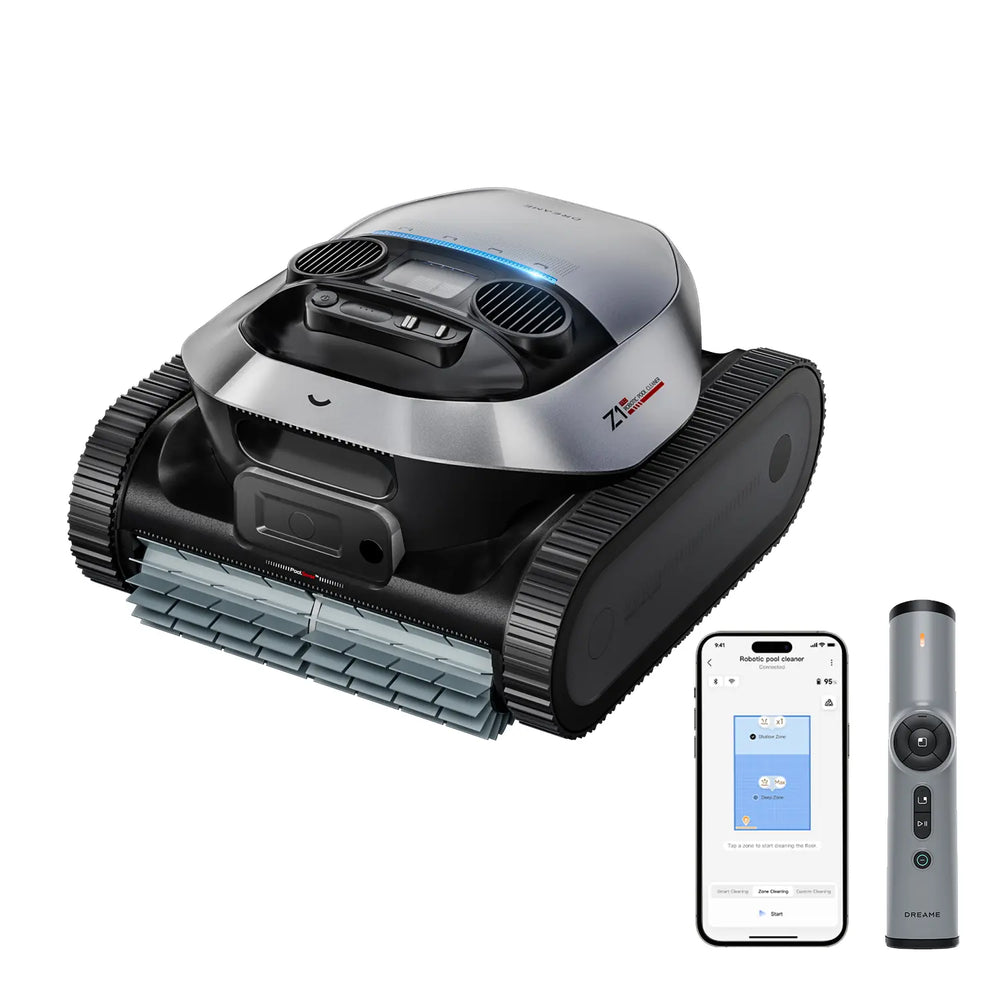
Z1 Pro
Z1 Pro uses a separate remote communicating underwater through light signals.
The receiver’s IPX8 rating is not a waterproof rating for the handset.
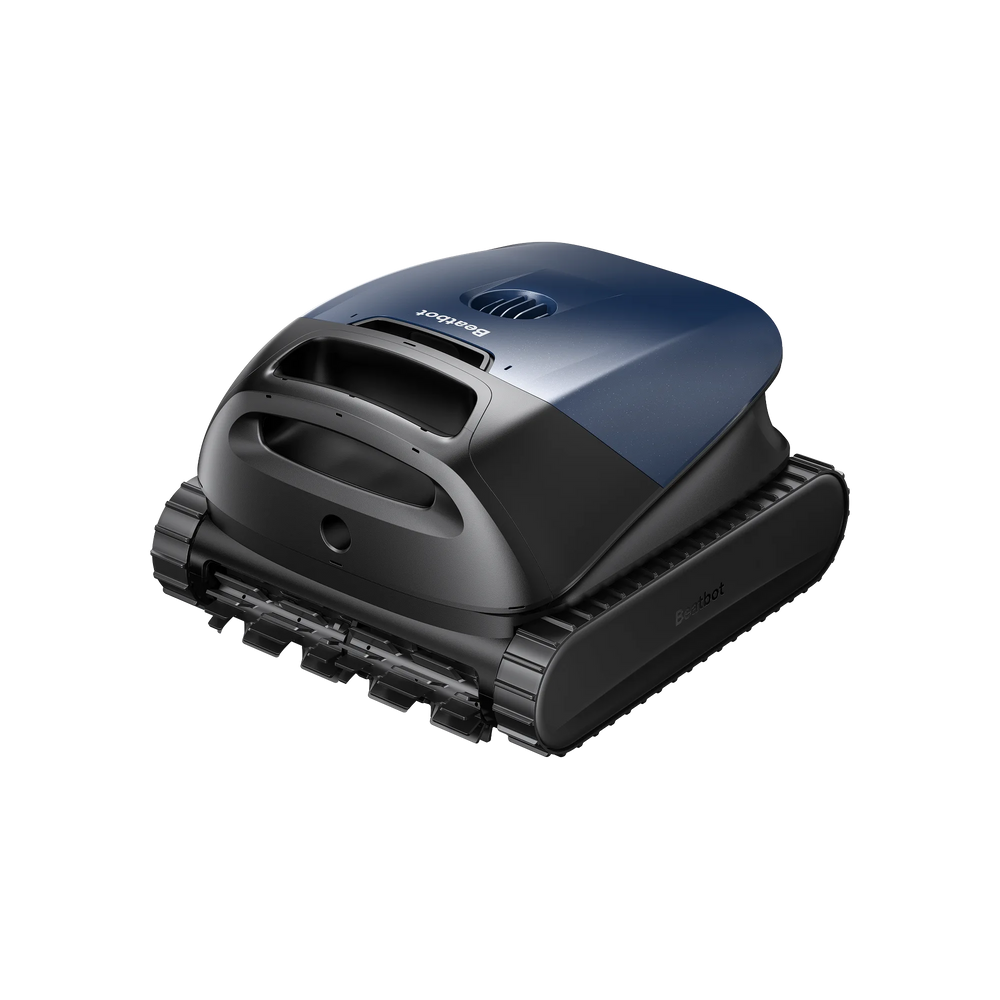
Sora 10 · Deep Blue
Beatbot explicitly says Sora 10 does not support remote-control mode.
Troubleshooting Wi-Fi cannot enable an unsupported steering feature.
Check what kind of control the cleaner has
Dreame Z1 Pro includes a separate light-communication remote. Beatbot Sora 10 supports its app but explicitly lacks remote-control mode.
Find the exact model and command in the manual. The underwater-control guide explains why app setup, remote steering and retrieval are separate features.
Wake the Z1 Pro handset before changing the cleaner
The Z1 Pro manual says to hold the remote’s power button for one second to turn it on. It turns itself off after ten minutes without use.
Check the handset indicator separately from the cleaner’s battery display. A dead handset does not establish a failed cleaner battery; the battery-service guide covers that later diagnosis.
Read the light in the right state
During operation, orange means the Z1 Pro remote is below 30% charge; green means sufficient charge. Blinking red means overheating protection has temporarily disabled the buttons, which resume after cooling.
The charging indications differ: blinking orange or green indicates charging, and solid green indicates fully charged. The manual lists about five hours to charge the handset. Follow its charger instructions; the charging guide concerns the cleaner as a separate device.
Try the twelve-minute pause example
Suppose the remote worked, sat unused for twelve minutes, and now gives no response. That interval exceeds its documented ten-minute timeout. Power the handset on and check its indicator before resetting accounts or deleting maps.
If it shows blinking red, let it cool before trying again. Record the indicator and the command if it remains unresponsive. The stopping guide helps distinguish a paused cleaner from a control fault.
Keep the handset and underwater receiver separate
Z1 Pro communicates with the cleaner using light signals underwater. The manual rates the receiver IPX8 and gives no IP rating for the remote itself. Keep the handset out of the pool. The manual gives a maximum seven-meter range and warns that strong sunlight can disrupt the signal; check both before changing network settings.
A phone connection problem is a different investigation; use the Wi-Fi guide when the app is the part failing. Do not invent a pairing reset or open the handset.
Use the model’s retrieval method if control does not return
Z1 Pro’s remote has a separate retrieval button that requests a climb to the waterline. If remote control remains unavailable, use the manual’s hook-on-pole method to bring the handle to the waterline, then lift by the handle and let the cleaner drain vertically. The retrieval guide covers handling; do not enter the pool with the cleaner running.
Send support the model, handset indicator, charging result and which commands failed. Use the first-use guide to check the setup before replacing parts.
A closer look
The differences, in view.
Scroll horizontally on smaller screens. Values are manufacturer claims; see each product for qualifiers and original wording.
| Specification | Z1 Pro | Sora 10 · Deep Blue |
|---|---|---|
| Rated pool area | 2160 sq ftManufacturer maximum; pool geometry and conditions still matter. | 3229 sq ftManufacturer maximum cleaning coverage. |
| Power source | Cordless | Not confirmed |
| Filtration | 180 μm filterManufacturer comparison table, not a tested filtration result. | 150 μm included5 L basket; 150 μm is the stated particle rating. The separately advertised 3 μm ultra-fine basket is optional. |
| Charging | 4–6 hoursComparison table; the Z1 marketing panel also says 4 hours. | 65 W plug charging; approximately 3.5 hours |
| Connectivity | App control | Dual-band Wi-Fi + BluetoothBeatbot app support; the FAQ explicitly says Sora 10 does not support remote-control mode. Wi-Fi bands do not imply cellular connectivity. |
| Pool types | Above-ground and in-ground | In-ground, above-ground |
| Pool surfaces | Concrete, vinyl, fiberglass, tile | Concrete, ceramic tile, vinyl, fiberglass |
Ready to choose?
Your next step, made simple.
No current brand offer. Explore Amazon options.
No current brand offer. Explore Amazon options.
We may earn a commission when you buy through these links.
Show your work
Sources & editorial method.
We reviewed official US product information and exact configurations. Our advice draws on published specifications and model-specific manufacturer instructions, with the practical trade-offs explained. Unknowns and conflicting claims are kept visible. Prices above come from the catalog and may change independently of this article’s review date.
- Dreame official US model page
- Beatbot official US model page
- Dreame Z1 Pro manual, handset controls, indicators, signal limits and retrieval
Published Nov 25, 2026 · Editorial review Nov 25, 2026.
Read our research standardsKeep exploring
A little more perspective.
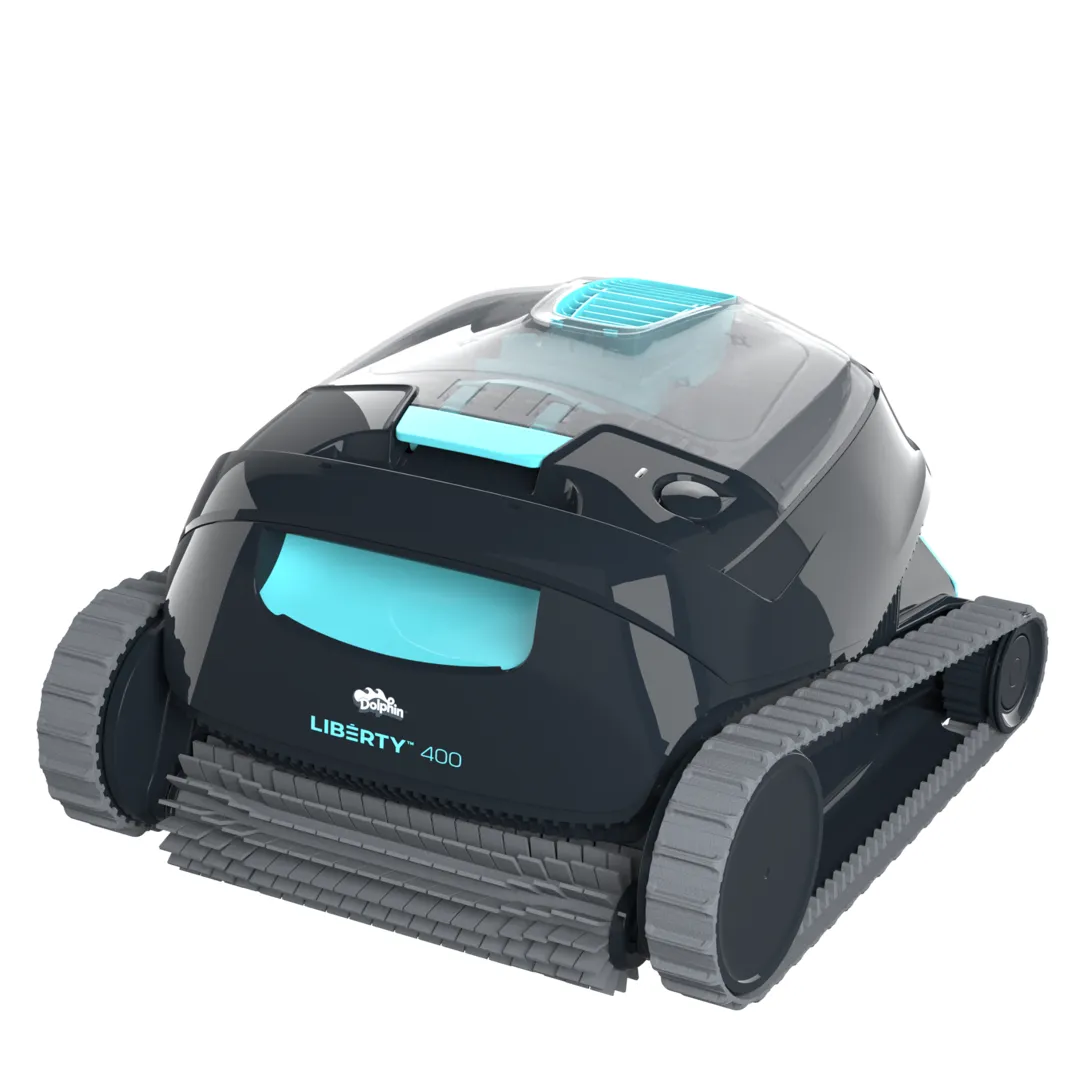
Can you replace a robotic pool cleaner’s battery?
Some cordless cleaners explicitly describe their battery as non-replaceable. Before buying a pack or opening the robot, check the exact manual and ask what service the manufacturer actually offers.
Read the guide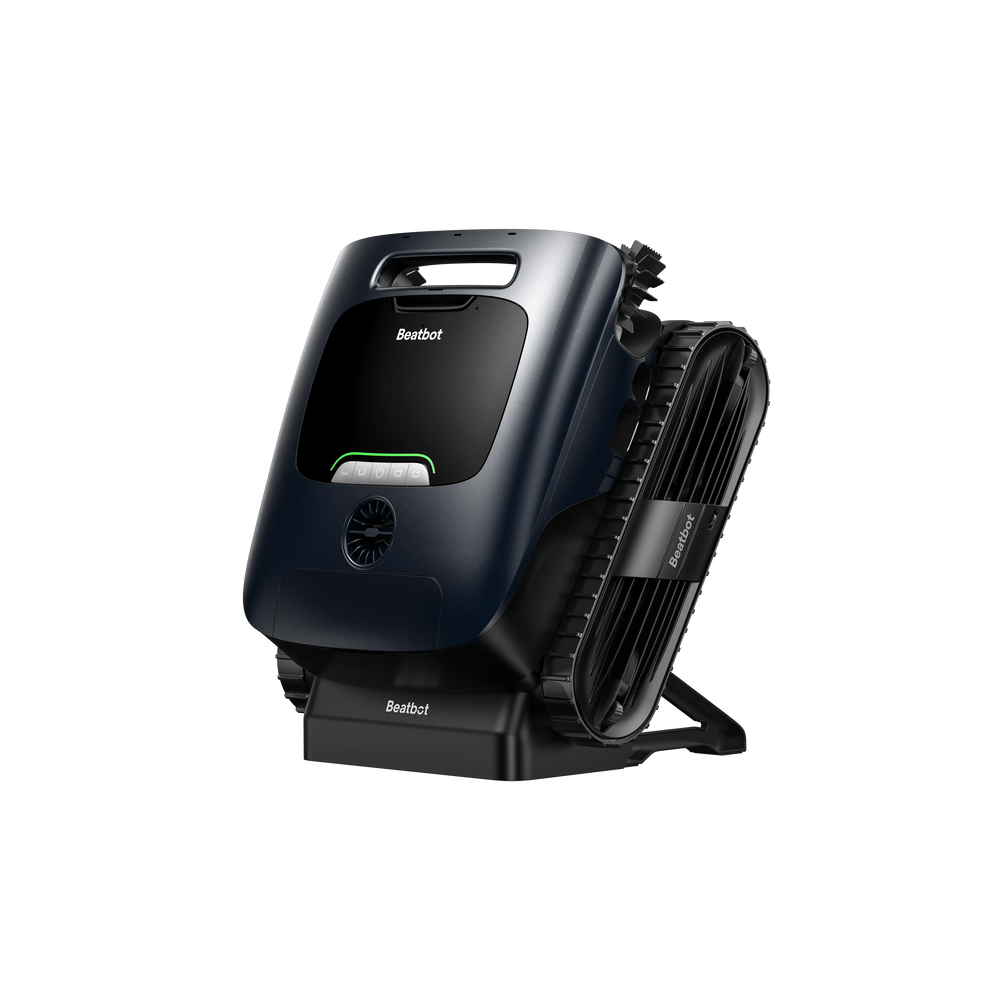
Can you steer a robot pool cleaner underwater? Check the actual control link
App support, a retrieval command and underwater directional steering are different functions. Dreame Z1 Pro documents a light-based remote; AquaSense 2 Ultra limits its app control to operation at the surface. Check the exact model before treating a missing response as a fault.
Read the guide