How-to guide · 5 min read
How to Get a Cordless Pool Cleaner Out of the Pool
Work out the pickup routine before the cleaner is sitting at the bottom. A retrieval hook, surface parking and an app return button do different jobs. Here's how we'd plan the reach, timing and handling, using exact Dreame, Beatbot and CHASING examples.
Based on published manufacturer information.
Checked Nov 27 · In stock when checked. Shipping and tax at checkout.
No current brand offer. Explore Amazon options.
We may earn a commission when you buy through these links.
Our recommendations come from published specifications. We may earn a commission from qualifying purchases. As an Amazon Associate, we earn from qualifying purchases. How we work
The quick verdict
Here’s where we’d start.
Use the retrieval method and shutdown sequence specified for the exact cleaner. Z1's listed hook works with a compatible telescopic pole; Sora 30's app mode control requires surface parking and an online connection; L1 Ultra describes a five-minute surface-pickup window. None of those features is proof of automatic pool exit. Plan a stable collection spot, the approved lifting point and the next cleaning/charging steps before the run.
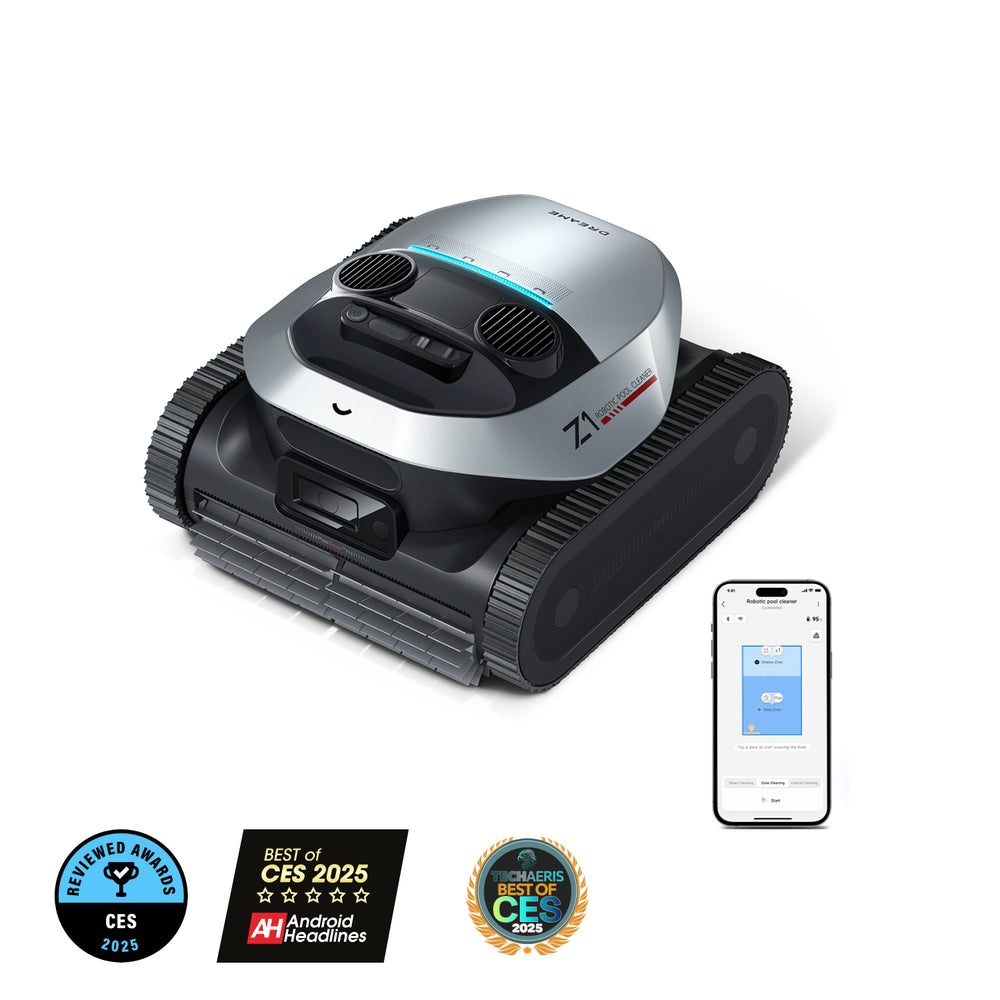
Z1
Dreame lists a retrieval hook with Z1 and a Z1-series accessory that attaches to standard telescopic poles.
Confirm pole compatibility and follow Z1's pickup instructions. Included hook doesn't mean an included pole.
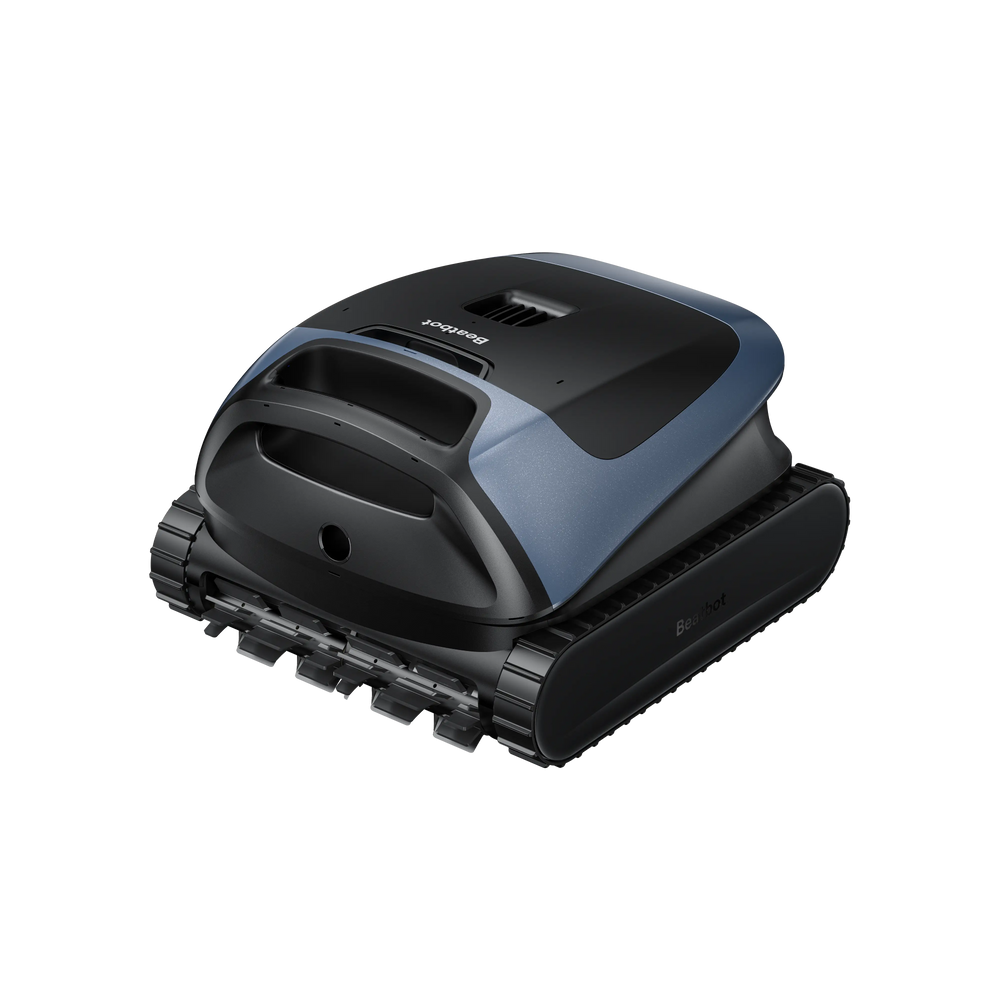
Sora 30 · Deep Blue
Sora 30 lists automatic surface parking and app retrieval during that parked state.
Its FAQ restricts app control while it is on the floor or wall; don't assume continuous underwater recall.
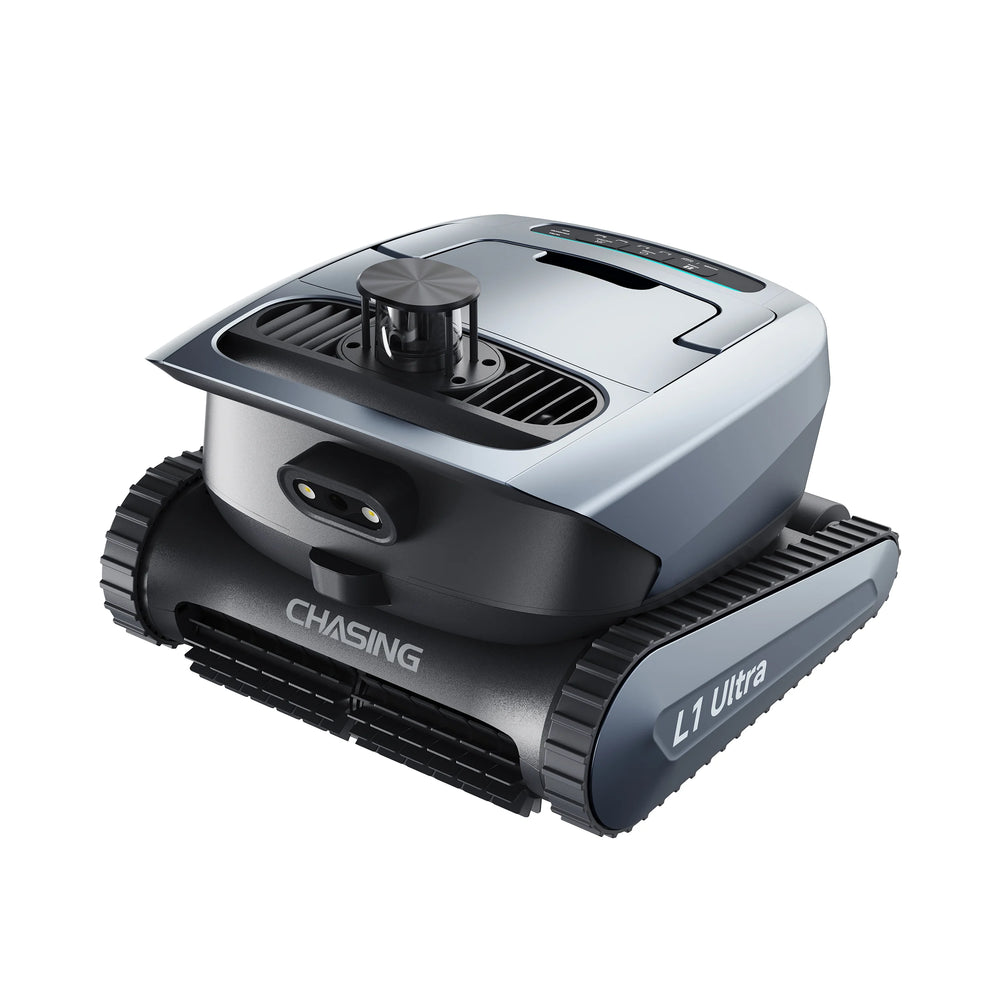
L1 Ultra
CHASING describes automatic surfacing at the edge after a clean or low battery, with a configurable pickup point.
It waits five minutes before submerging again if not collected. Confirm the approved collection procedure.
Choose somewhere you can collect it comfortably.
Before starting, look at the allowed pickup point, your reach and the route to where the cleaner will be cleaned or charged. Check the model's handling instructions, permitted lifting point and shutdown sequence. A low quoted robot weight doesn't tell you how awkward it feels to reach over the edge.
We'd make the decision from a stable position on the deck, without stretching out over the water or improvising a lifting tool. Keep swimmers and other people clear as the model's instructions require. Our leaving-a-cleaner-in-the-pool guide explains why finishing the cleaning task isn't the end of the routine.
Plan pickup before people enter the pool. Our swimming and cleaner-operation guide keeps the exact manual’s no-entry instruction separate from a surface-parking or app-control feature.
If this is the first day with the robot, our first-use guide puts pickup planning alongside assembly, charging and the model’s launch sequence.
Our Polaris Freedom Plus/LT comparison makes retrieval part of the purchase decision. Check the exact controls and access at the coping before choosing the routine you want.
Our pool-cover guide puts the retrieval route beside the cover’s operating instructions. Two independent timers do not establish an approved arrangement or an automatic interlock.
Our underwater-steering guide separates a retrieval request from continuous directional control. Dedicated remote hardware and a surface-only app interface do not provide the same capability.
For a hook-equipped cleaner, check the pole as well.
The Dreame Z1 package list includes a retrieval hook. Dreame's exact Z1-series hook accessory describes attachment to standard telescopic poles and compatibility with Z1 and Z1 Pro. That establishes a supported tool to check, rather than a reason to use an arbitrary hook on any robot.
Confirm that your pole fits and follow the cleaner's instructions for engaging the approved pickup point, bringing it within reach and handling it out of the water. Don't assume the pole is included just because the hook is. If the robot is stuck or the approved tool can't reach it, stop and ask support for the model's retrieval procedure rather than force it.
If a robot is caught on a drain, follow the drain recovery guide before trying the hook. Get professional help if the cleaner will not release from the deck.
Surface parking and underwater recall aren’t the same feature.
The Beatbot Sora 30 in Deep Blue lists automatic surface parking and one-touch app retrieval during that state. Its FAQ says app mode control is available on the surface while online, but not when the robot is on the floor or wall.
We wouldn't promise a button that calls it from any underwater location whenever you want. Check the current manual and app behavior for the exact task, then plan around the documented pickup state. Our Sora 10 versus Sora 30 guide puts retrieval alongside charging and the other differences.
If normal parking fails, our return-to-pool-edge troubleshooting guide checks the operating state, basket, entanglement and coping geometry for the exact AquaSense models.
The Dolphin Liberty 400/600 comparison covers Click-Up retrieval assistance. Confirm the model’s instructions and the pool-edge fit, and plan the final lift rather than treating assistance as automatic removal.
Be ready for L1 Ultra’s pickup window.
CHASING says L1 Ultra surfaces at the pool edge after cleaning or when its battery falls below 5%. The page describes an app-configurable surfacing point and a five-minute wait before the robot submerges again if it hasn't been collected.
That timing matters if you normally leave the cleaner running while doing something else. Have the allowed collection spot and next handling step ready. If you miss the window, use the exact model's instructions rather than assume it will float there indefinitely. Our L1 Ultra versus Hydro 3S comparison explains why similar parking labels can hide different routines.
Follow the approved lift, draining and shutdown sequence.
Once the robot is within reach, use its permitted lifting point and the manual's handling sequence. Allow water to drain in the way that model specifies before carrying it away. A retrieval feature doesn't mean the cleaner climbs out by itself, and a charging lead isn't a substitute lifting tool.
If you can't collect it comfortably from the approved spot, get help or ask the manufacturer about a supported arrangement before the next run. Don't enter the pool to chase an operating robot or reach toward moving parts. The goal is a repeatable pickup routine you can manage, rather than making every clean end with an awkward lift.
The AQUABOT/Pro guide covers an additional pickup consideration: Pro’s floating battery remains part of the handling routine even when the robot body is described as easier to lift.
Our BWT ES Nano/ES Echo guide keeps retrieval access and emptying in the purchase decision alongside the pool-length limit and larger basket. App support does not take over the final lift.
Our pool-cleaner caddy guide follows the handling routine beyond the water. Check the lift first, then the gate, steps and route to approved storage.
Leave time for the basket and charging routine.
Follow the exact power-off, basket cleaning, drying and charging instructions after collection. Keep the model's requirements for connectors, charger placement and water exposure together; one robot's charging dock doesn't give every cleaner the same routine. Our cleaner-care guide covers those maintenance questions.
Then choose the next cycle around the pool's needs and the time required for care. Our cleaning-frequency guide helps with that schedule, and winter storage covers a longer break. Automatic parking is useful when the rest of the ownership routine fits too.
If the correctly drained robot does not begin charging, our charging guide keeps Aiper S3’s plug-in routine separate from AquaSense 2’s dock, contacts and indicator guidance.
Our pool-cleaner Wi-Fi guide explains why offline cleaning, app status and retrieval are separate questions. It keeps Sora 70’s surface-state recall distinct from Sora 30’s own pickup behavior.
Our Wi-Fi connection guide helps when app access is the concern after pickup, keeping initial pairing, normal underwater offline status and model-specific live-control conditions separate.
Our retrieval-spill guide checks debris escaping during the lift. It keeps Z1’s vertical draining instructions separate from broad Dolphin guidance and makes EON monoblock orientation conditional on the actual basket.
For a service visit or a move to another pool, continue with the transport guide after retrieval; it covers draining, care, packing and destination checks.
A closer look
The differences, in view.
Scroll horizontally on smaller screens. Values are manufacturer claims; see each product for qualifiers and original wording.
| Specification | Z1 | Sora 30 · Deep Blue | L1 Ultra |
|---|---|---|---|
| Rated pool area | 1950 sq ftManufacturer maximum; pool geometry and conditions still matter. | 3230 sq ftManufacturer maximum cleaning coverage, not a measured result. | Not confirmed |
| Cleaning coverage | Floor, walls, waterline | Floor, walls, waterlineShallow platforms also claimed, subject to minimum water depth and platform size. | Floor, walls and waterline |
| Power source | Cordless | Not confirmed | Rechargeable battery |
| Filtration | 180 μm filterManufacturer comparison table, not a tested filtration result. | 150 μm includedOptional 3 μm filter is sold separately. | 180 μm |
| Charging | 4–6 hoursComparison table; the Z1 marketing panel also says 4 hours. | 65 W plug charging; approximately 4.5 hours | Not confirmed |
| Connectivity | App control | Dual-band Wi-Fi + BluetoothApp mode changes only while on the water surface and online. | Not confirmed |
| Pool types | Above-ground and in-ground | In-ground, above-ground | Not confirmed |
Ready to choose?
Your next step, made simple.
Checked Nov 27 · In stock when checked. Shipping and tax at checkout.
No current brand offer. Explore Amazon options.
Checked Nov 27 · In stock when checked. Shipping and tax at checkout.
Buy at Lowe’s See all offers & model details ↗We may earn a commission when you buy through these links.
Show your work
Sources & editorial method.
We reviewed official US product information and exact configurations. Our advice draws on published specifications and model-specific manufacturer instructions, with the practical trade-offs explained. Unknowns and conflicting claims are kept visible. Prices above come from the catalog and may change independently of this article’s review date.
- Dreame Z1 US product page — listed retrieval hook, poolside parking and app limitations
- Dreame official Z1 Series Retrieval Hook — compatible models and standard telescopic-pole attachment
- Beatbot Sora 30 — surface parking, retrieval state and underwater app-control limits
- CHASING L1 Ultra — exact surfacing triggers, adjustable pickup location and five-minute window
Published Nov 2, 2026 · Editorial review Nov 20, 2026.
Read our research standardsKeep exploring
A little more perspective.
 vs
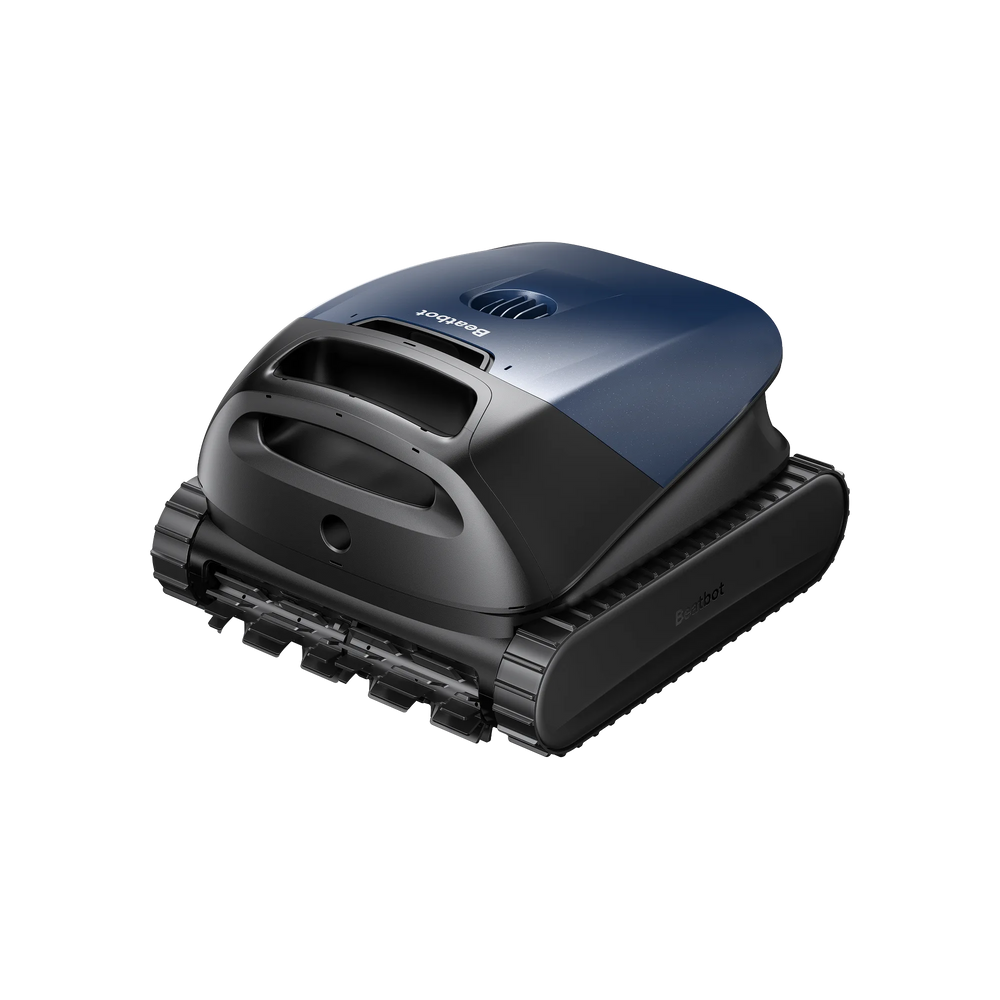
Beatbot Sora 10 vs Sora 30: Is the Upgrade Worth It?
Sora 10 already covers the floor, walls and waterline. Before paying more for Sora 30, we'd check whether its retrieval features or shelf-cleaning requirements would make life easier around your pool.
Read the guide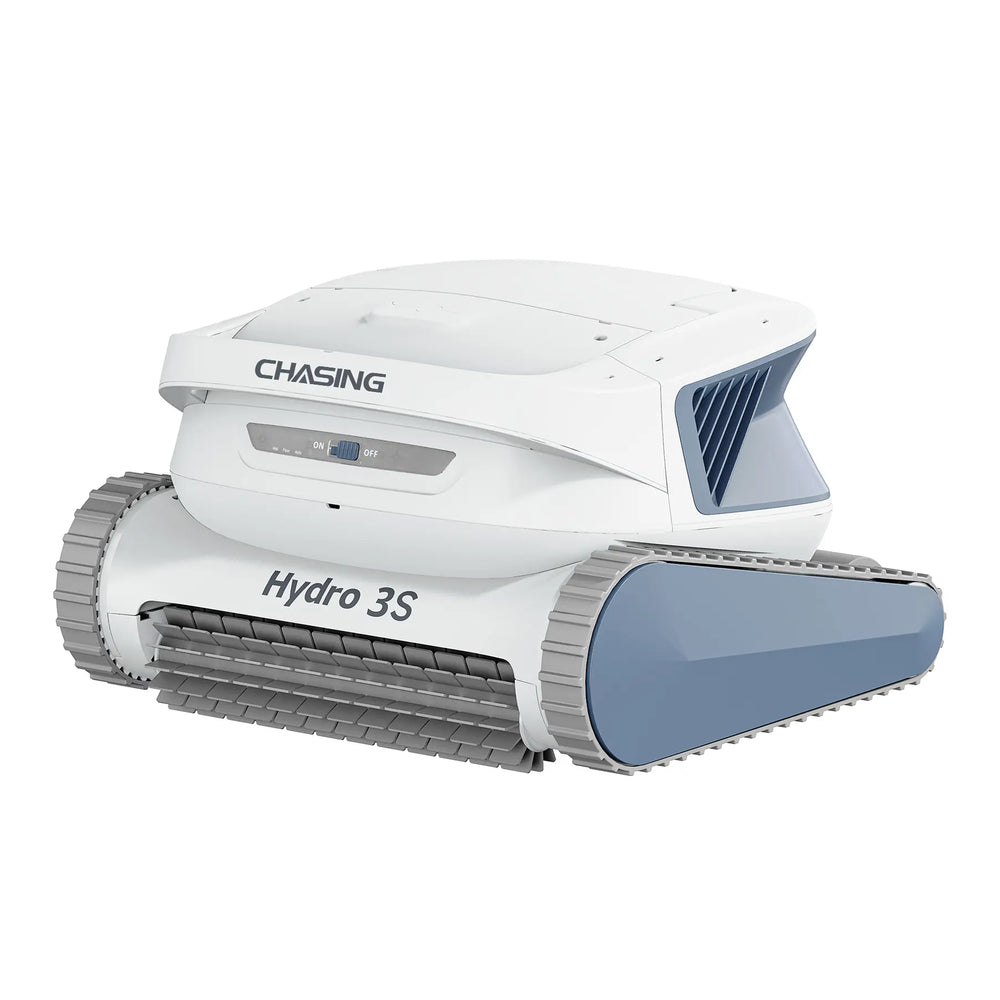 vs
CHASING L1 Ultra vs Hydro 3S: Is the Upgrade Worth It?
We'd pay extra for L1 Ultra if its mapping, pickup routine and charging dock would make pool care easier. Hydro 3S already offers app control and separate cleaning modes, so the decision needs more than an AI label or the longest runtime on the page.
Read the guide