Ownership guide · 6 min read
Can You Leave a Robotic Pool Cleaner in the Pool?
For a normal cleaning cycle, plan to take the robot out and care for it afterward. Some scheduled modes and solar skimmers work differently. The answer belongs to the exact model and operating mode, so we'd check those before treating the pool as its permanent storage spot.
Based on published manufacturer information.
Checked Nov 27 · In stock when checked. Shipping and tax at checkout.
Buy at Lowe’s See all offers & model details ↗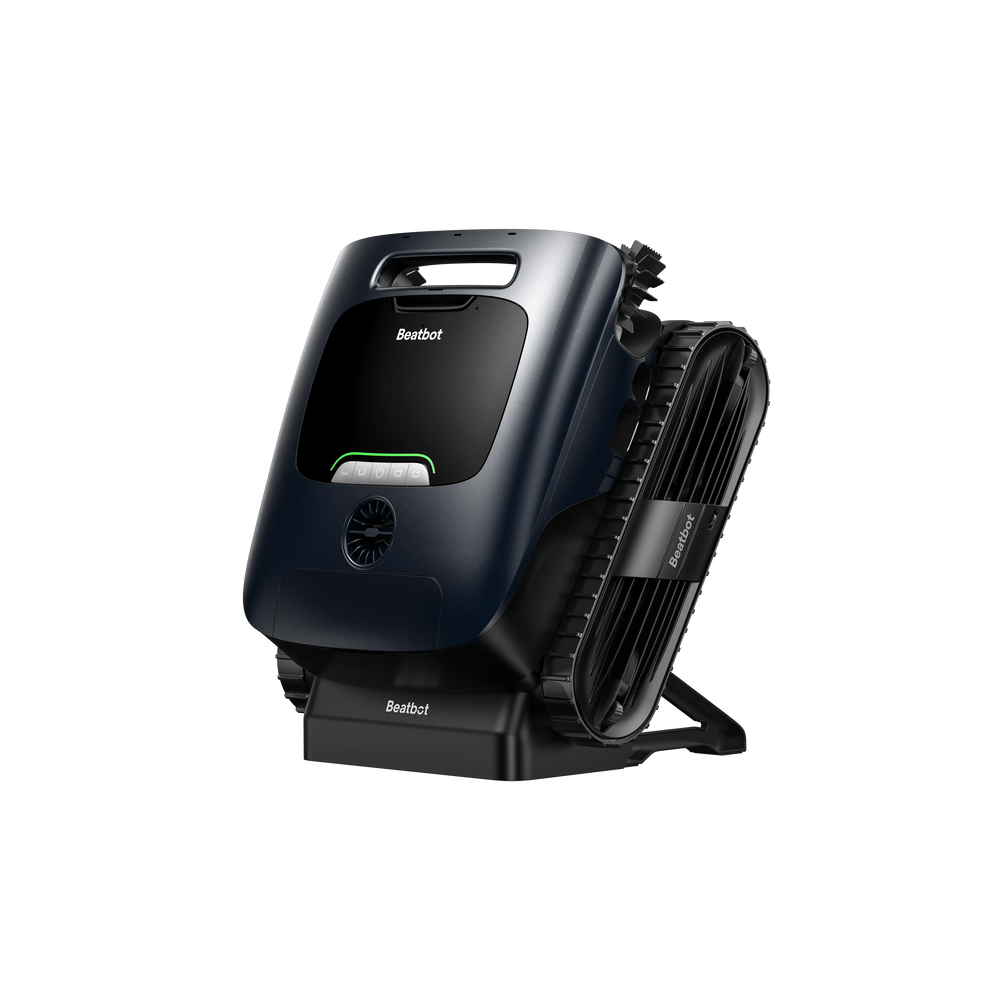
Checked Nov 27 · In stock when checked. Shipping and tax at checkout.
Buy at Lowe’s See all offers & model details ↗We may earn a commission when you buy through these links.
Our recommendations come from published specifications. We may earn a commission from qualifying purchases. As an Amazon Associate, we earn from qualifying purchases. How we work
The quick verdict
Here’s where we’d start.
For an ordinary completed cleaning cycle, we'd follow the manufacturer's removal and filter-care routine. Aiper and Beatbot both recommend taking their underwater cleaners out after use in the guidance cited here. Confirm any exception for the exact model and scheduled program. A solar skimmer designed for ongoing surface work is a different case; none of these arrangements removes the need to empty debris, inspect the machine and follow storage instructions.
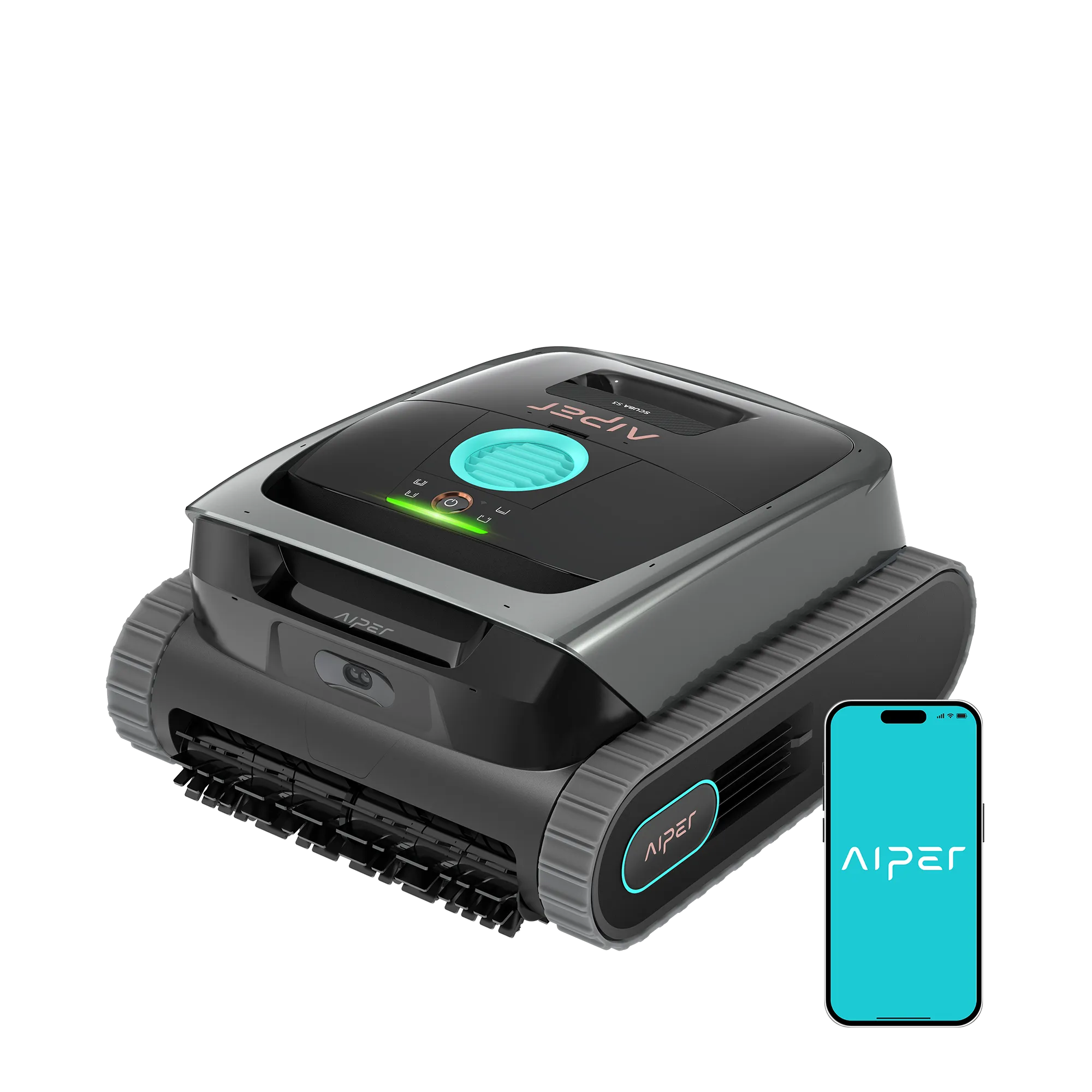
Scuba S3
S3 is an underwater floor, wall and waterline cleaner; Aiper's general guidance recommends removal after use.
Its Eco runtime doesn't establish an unattended multi-day program. Check the exact manual before leaving it between cycles.
AquaSense 2 Ultra
AquaSense 2 Ultra documents surface parking, making the end-of-cycle retrieval arrangement part of its design.
Beatbot's cited guidance recommends removal after each cycle. Parking at the surface isn't permanent storage.
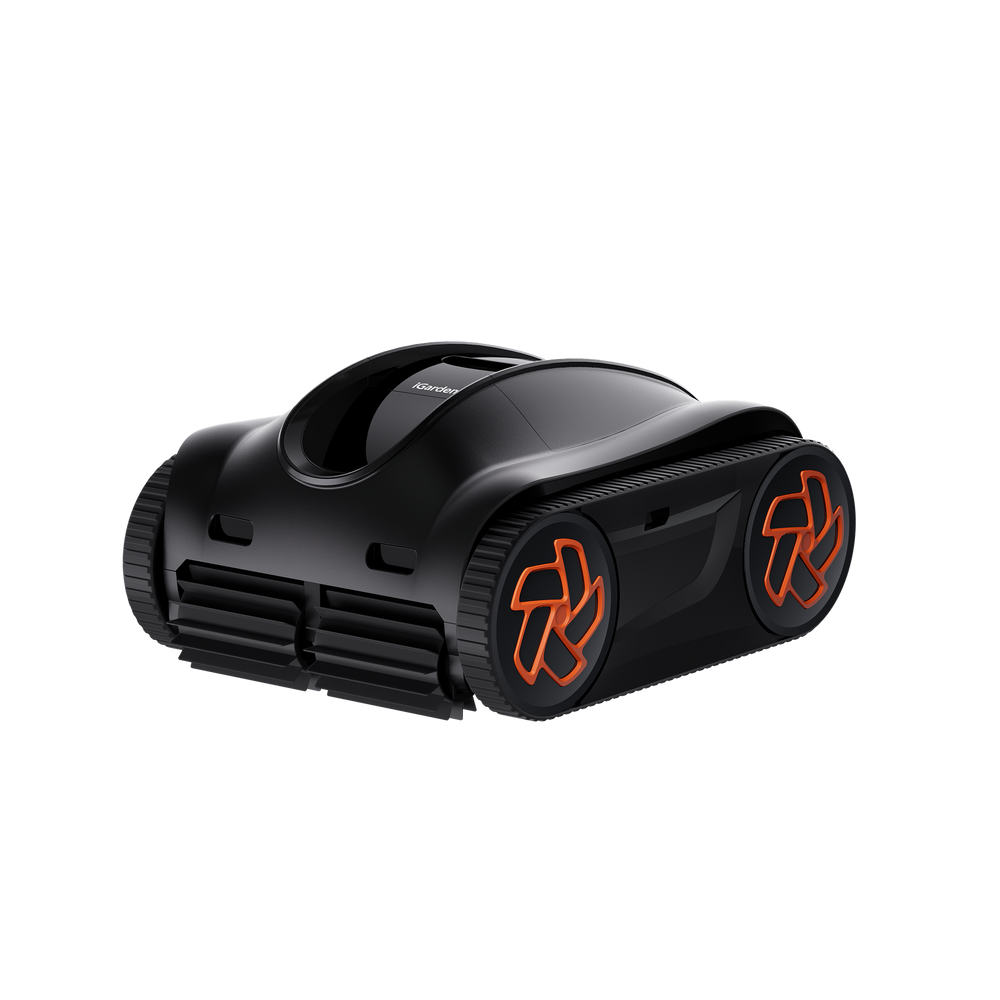
K40
K40 supports scheduled starts at 24-, 48- or 72-hour intervals on its current series page.
Confirm permitted time in the water and mode/filter requirements. The timer doesn't empty the basket or recharge the cleaner.
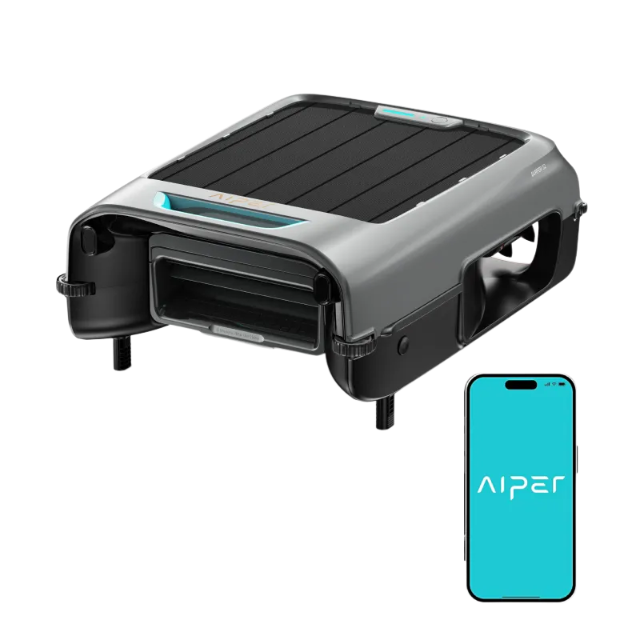
EcoSurfer S2
EcoSurfer S2 is a solar/DC-charged floating skimmer advertised for continuous surface cleaning.
It doesn't vacuum the pool floor. Ongoing skimming still needs basket care and the exact model's weather, water and storage instructions.
For an ordinary finished clean, plan to take it out.
Aiper’s US FAQ recommends removing its cleaner after use and rinsing the filters. That is the starting point we’d use when planning an ordinary cycle with the Scuba S3, while checking its own manual for the complete procedure. The robot being waterproof doesn’t make permanent submersion the recommended care routine.
Beatbot’s cited compatibility guidance also recommends removal after each cycle and specifically discusses AquaSense 2 series parking. For an AquaSense 2 Ultra, plan for retrieval and filter care after the clean. Don’t leave the next basket check to chance simply because the robot finished without needing help.
Swimming needs its own check too. Our guide to swimming while a cleaner is running uses the exact AquaSense 2 and Ultra manuals to plan separate swim and cleaning times.
Eco mode and a scheduled start aren’t interchangeable features.
S3's longer Eco runtime describes a cleaning mode. It doesn't, by itself, establish a program that starts a fresh clean several days later. Aiper's general FAQ allows longer stays for some Eco-mode devices but sets a two-week ceiling; that broad statement isn't approval for every model or every program. Ask which instruction applies to your exact cleaner.
The iGarden K40 provides a more specific scheduled example: its current series page describes AI Timer starts every 24, 48 or 72 hours. Confirm permitted immersion time, charging, battery reserve and filter checks with iGarden. A timer can arrange a start without making a full basket disappear.
To turn those timer options into a workable routine, read how often to run a robotic pool cleaner. It treats weekly suggestions as a starting point and keeps the selected mode, filter care and exact immersion instructions together.
For an automatic charging arrangement, our WYBOT S2/Solar Vision guide covers dock approval and sunlight-dependent intervals. Follow that exact model’s operating, care and scheduled-use instructions rather than apply its arrangement to another cleaner.
A floating solar skimmer has a different job.
The Aiper EcoSurfer S2 is a surface-only skimmer with solar and DC charging, advertised for ongoing surface cleaning. That is a different arrangement from leaving a discharged underwater robot at the bottom. Aiper’s general FAQ separately identifies its solar-skimmer category as intended for longer pool exposure.
Ongoing operation still needs debris removal and checks of the exact model's permitted conditions. Don't turn a solar headline into a promise that every shaded pool gets uninterrupted service or that the skimmer can be ignored all season. Our leaf and surface-debris guide helps decide whether surface skimming is the job you need.
Parking is a chance to retrieve it, not the end of maintenance.
Surface or waterline parking can make the robot easier to reach, but check where it parks around your pool and what happens if you don't collect it promptly. Don't assume every model stays at the same height indefinitely or offers app-directed recall. Those are separate features with their own operating conditions.
Once the cycle is over, use the model's retrieval instructions and let it drain as directed. We’d include the time and comfortable lifting position in a buying decision. Our S3 vs X1 comparison explains why a charging dock doesn't perform the retrieval or filter-cleaning jobs for you.
To plan collection rather than just the end of cleaning, read our cordless-cleaner retrieval guide. It includes Sora 30’s app limits and L1 Ultra’s timed pickup window.
Our pool-cover compatibility guide checks the full cycle, including waterline waiting and retrieval. A machine resting on the floor does not establish that every later phase fits beneath a cover.
Make the basket check part of putting it away.
Follow the model's power-off and maintenance sequence before removing the filter. Empty the collected debris, clean the permitted filter components as instructed and inspect the robot for anything wrapped around moving parts. Use the cleaner-maintenance guide alongside your own manual; cleaning methods can differ between a fine insert, mesh basket and sensor.
Follow the exact drainage, charging-contact and charger-placement instructions as well. We wouldn't replace them with a universal drying time or storage-charge percentage. Keeping the care routine beside the charger can make it easier to do each time instead of discovering a forgotten dirty basket before the next swim.
The wall-climbing guide explains why basket care and the approved filter configuration matter after retrieval. A scheduled program doesn't prevent debris buildup between visits.
Pool compatibility doesn’t remove the storage rules.
A cleaner approved for a saltwater pool still has limits and an after-use routine. Follow its instructions for rinsing, chemical treatments, storms and pool covers. The saltwater compatibility guide keeps exact concentration requirements separate; a saltwater label isn't permission to leave any robot exposed indefinitely.
For a longer break, use the cordless winter-storage guide and the exact manual. Disable automatic programs as directed, prepare the machine and battery correctly and choose the specified storage conditions. An in-season scheduled program isn't an off-season storage procedure.
Our cold-water guide compares exact AquaSense 2 and M1-AI water-use limits without treating a lower storage or charging temperature as permission to keep cleaning.
Our after-shock guide works through a reading above the Z1 family’s stated chlorine ceiling. The example keeps that exact-model limit separate from other cleaners and swimming approval.
Our after-heavy-rain guide separates safe poolside access from actual water and equipment readiness. The weather ending does not independently authorize the next automatic run.
Choose a routine you can keep up with.
We'd plan retrieval and care after a normal clean. We'd leave a cleaner operating between scheduled sessions only when its exact instructions support that use, and treat an ongoing solar-skimmer routine as a separate decision. Keep a clear plan for who checks the basket when the pool isn't being used every day.
If you're buying for a pool visited only occasionally, ask the manufacturer to describe the whole proposed interval between visits, including debris, charging and weather. Our Aiper guide and Beatbot guide compare the cleaning jobs and retrieval features. The useful choice is the one whose real care routine fits those visits.
If you're choosing a scheduled iGarden cleaner, our M1-AI size comparison explains which runtimes belong to floor mode. A long battery claim doesn't remove retrieval, charging or filter care.
If floating leaves keep appearing after the underwater clean, read skimmers versus pool cleaners. It helps decide whether a separate surface machine or a combined cleaner would address the missing job.
If battery condition is the concern, our replacement and service guide explains how to document the change and check the exact manual before buying a pack.
A closer look
The differences, in view.
Scroll horizontally on smaller screens. Values are manufacturer claims; see each product for qualifiers and original wording.
| Specification | Scuba S3 | AquaSense 2 Ultra | K40 | EcoSurfer S2 |
|---|---|---|---|---|
| Rated pool area | 1614 sq ftModel-specific column of the manufacturer comparison. | Not confirmed | Not confirmed | Not confirmed |
| Cleaning coverage | Floor, walls and waterline | Floor, walls, waterline, surface | Floor, walls and waterline | Water surface |
| Power source | Rechargeable battery | Not confirmed | Not confirmed | Solar + DC charging |
| Filtration | 180 μm + 3 μm | 150 + 250 μm dual-layerThe source says particles as small as 150 μm; no finer filtration is implied. | 180 μm + 50 μm | 150 μm |
| Claimed runtime | Not confirmed | 300 minUp to; floor-only cleaning. Separate claims: up to 10 hours surface-only and 4.5 hours walls + waterline. | 240 minUp-to floor-only/headline runtime for this tier; full-coverage mode is shorter. | Not confirmed |
| Pool types | Not confirmed | In-ground, above-ground | Not confirmed | Not confirmed |
| Pool surfaces | Not confirmed | Concrete, vinyl, fiberglass, ceramic tile, stainless steel | Not confirmed | Not confirmed |
Ready to choose?
Your next step, made simple.
Checked Nov 27 · In stock when checked. Shipping and tax at checkout.
Buy at Lowe’s See all offers & model details ↗Checked Nov 27 · In stock when checked. Shipping and tax at checkout.
Buy at Lowe’s See all offers & model details ↗Checked Nov 27 · In stock when checked. Shipping and tax at checkout.
Buy at Lowe’s See all offers & model details ↗Checked Nov 27 · In stock when checked. Shipping and tax at checkout.
Buy at Lowe’s See all offers & model details ↗We may earn a commission when you buy through these links.
Show your work
Sources & editorial method.
We reviewed official US product information and exact configurations. Our advice draws on published specifications and model-specific manufacturer instructions, with the practical trade-offs explained. Unknowns and conflicting claims are kept visible. Prices above come from the catalog and may change independently of this article’s review date.
- Aiper US FAQ — ordinary removal advice, general Eco-mode ceiling, solar-skimmer exception and exact-manual requirement
- Aiper Scuba S3 — underwater jobs and mode-specific Eco/Standard runtime
- Beatbot compatibility FAQ — after-cycle removal recommendation and AquaSense 2 parking context
- Beatbot AquaSense 2 Ultra — exact cleaning jobs, surface parking and retrieval/control limits
- iGarden K Series — exact K40 timer intervals and mode/filter requirements
- Aiper EcoSurfer S2 — surface-only work, ongoing solar operation and solar/DC charging
Published Nov 2, 2026 · Editorial review Nov 21, 2026.
Read our research standardsKeep exploring
A little more perspective.
Robotic Pool Skimmer vs Pool Cleaner: Do You Need Both?
Leaves floating across the water and grit sitting on the bottom are two different jobs. A surface skimmer won't replace an underwater cleaner. Here's when we'd buy one, the other, or a robot that can handle both kinds of debris.
Read the guide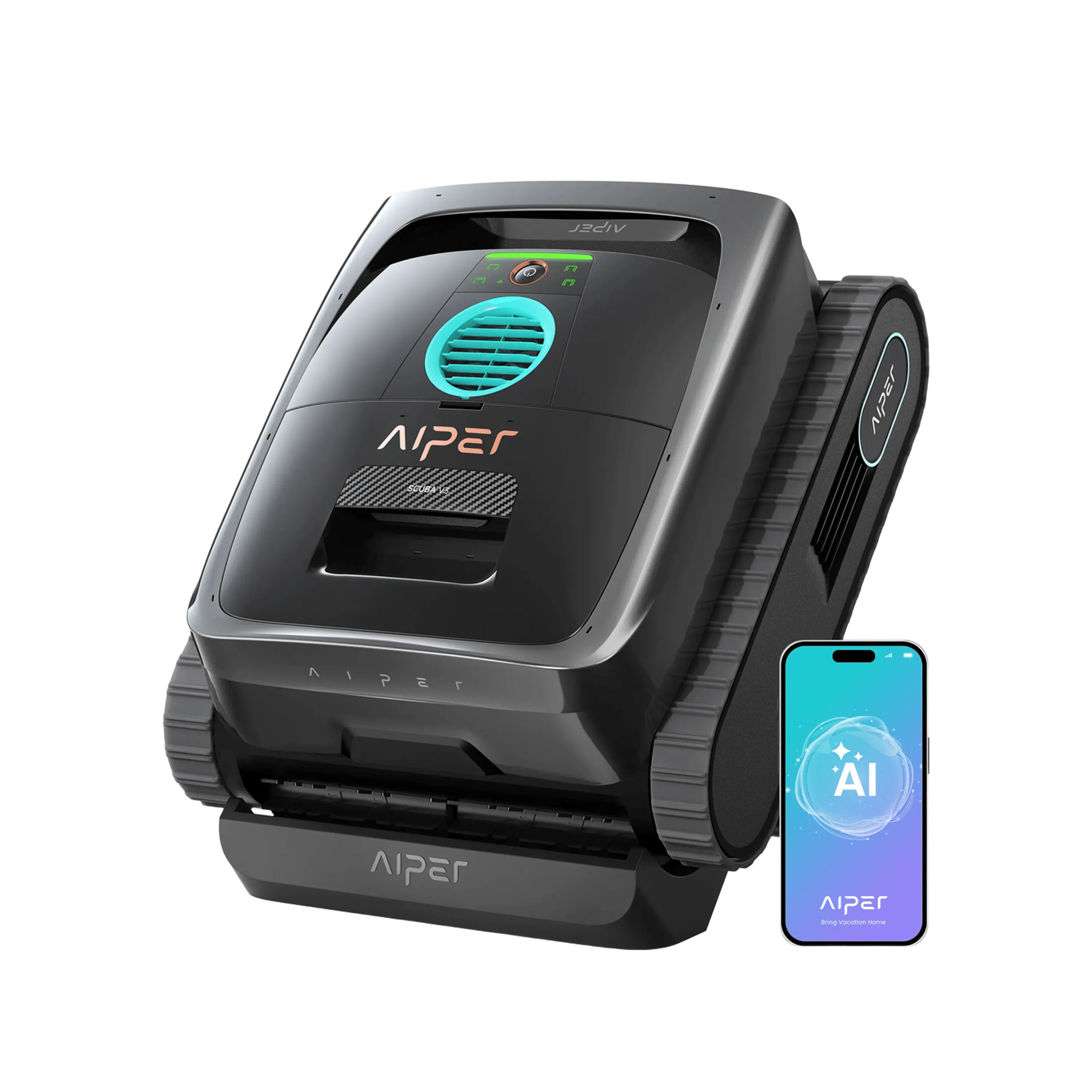
The Best Aiper Pool Cleaners: Which Scuba Should You Buy?
Choose the cleaning jobs before the Scuba number. Some Aiper robots clean underwater, others also collect floating debris, and EcoSurfer S2 is a separate surface skimmer. We'd start with what the pool still needs you to do by hand, then check its size and shape.
Read the guide