Model comparison · 3 min read
WYBOT S2 vs S2 Solar Vision: Would a solar dock suit your pool?
S2 Solar Vision changes the charging routine and adds camera-guided floor cleaning. Both list similar maximum pool areas, so start with the dock location and the jobs you need.
Based on published manufacturer information.
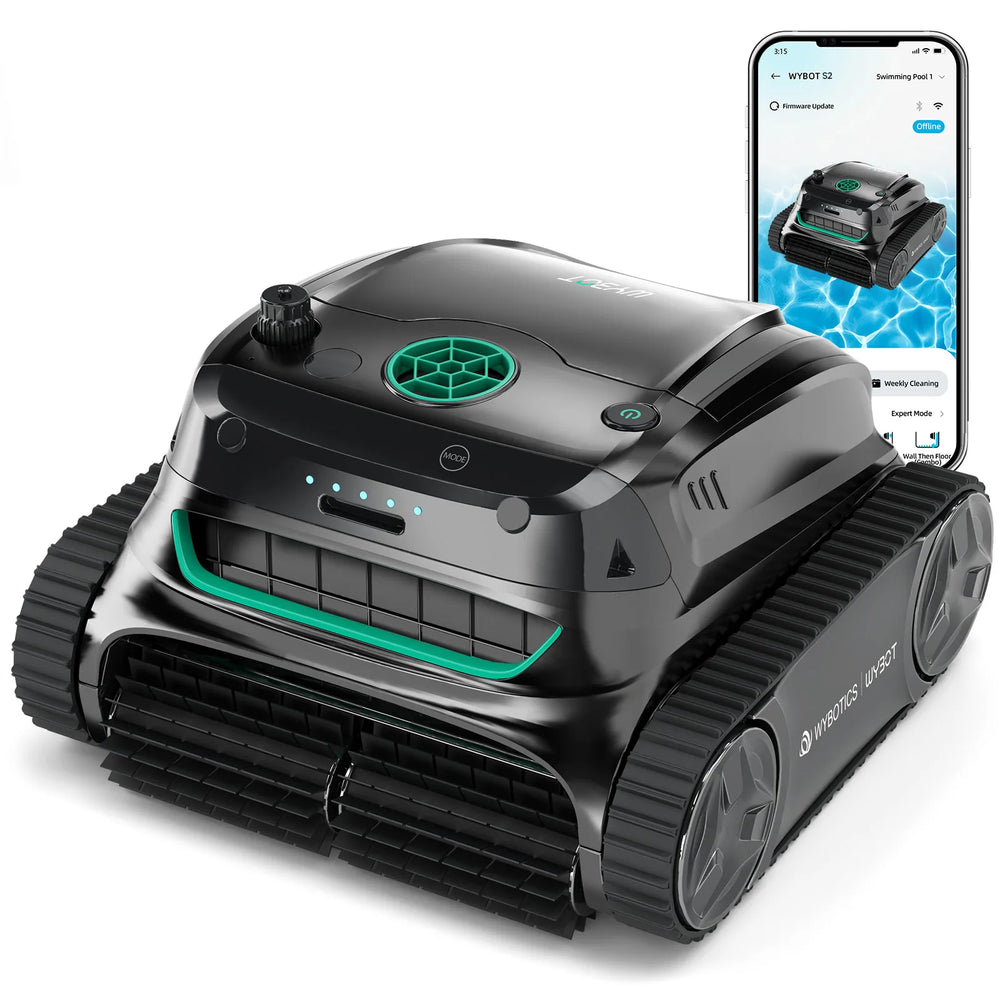
Checked Nov 27 · In stock when checked. Shipping and tax at checkout.
Buy at Lowe’s See all offers & model details ↗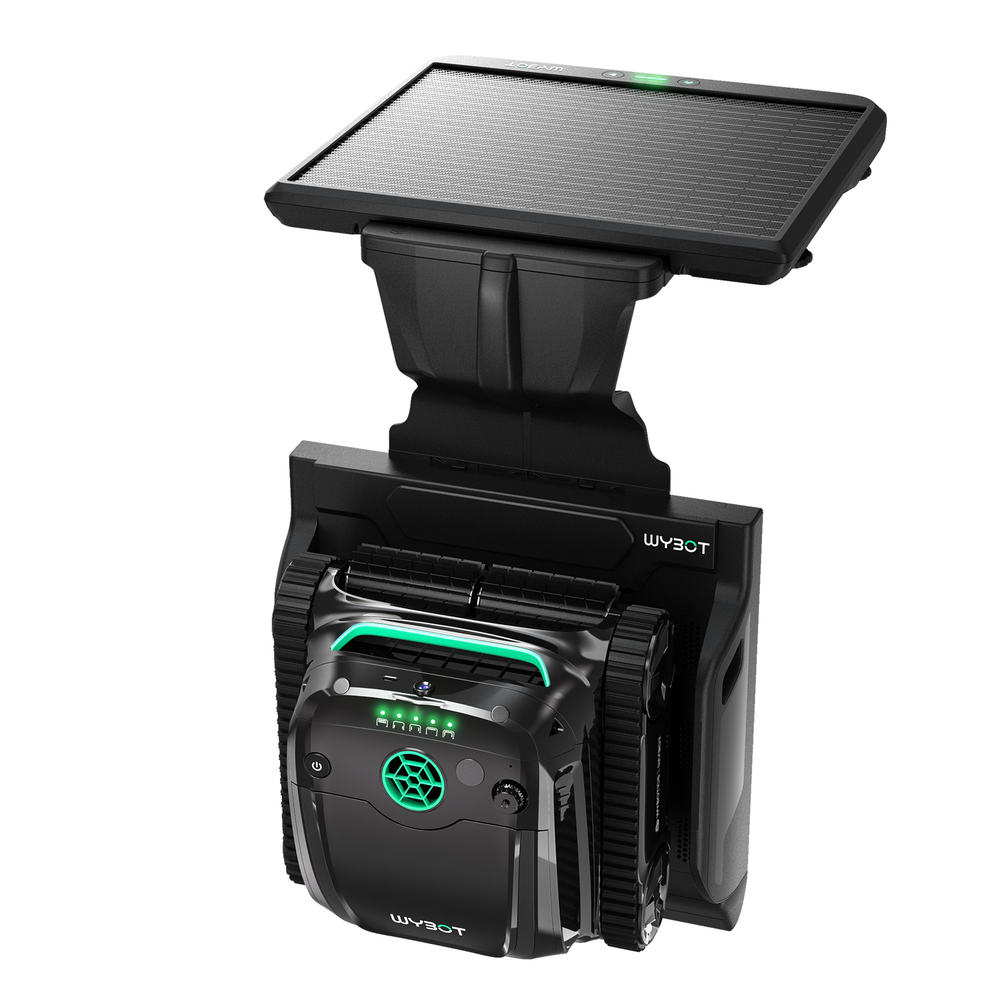
Checked Nov 27 · In stock when checked. Shipping and tax at checkout.
Buy at Lowe’s See all offers & model details ↗We may earn a commission when you buy through these links.
Our recommendations come from published specifications. We may earn a commission from qualifying purchases. As an Amazon Associate, we earn from qualifying purchases. How we work
The quick verdict
Here’s where we’d start.
Choose S2 when a normal retrieval-and-charging routine suits you. Consider S2 Solar Vision when an approved dock location gets suitable sunlight and its camera-guided floor task would help. Solar charging does not establish uninterrupted cleaning in every season.
S2
S2 lists floor, wall and waterline work, up to 3,229 square feet and a three-hour charging claim.
Its up-to-210-minute runtime needs the selected task and filter conditions. Self-parking is not automatic return to a solar charging dock.
S2 Solar Vision
Solar Vision describes automatic back-to-dock charging, solar and DC power, and an AI Vision floor mode.
Confirm the exact dock installation and sunlight. Its 2.5-hour-plus claim is not a matched runtime upgrade over S2.
Start with where the dock could actually go.
Standard S2 suits a routine where you retrieve the cleaner and recharge it with its supplied equipment. S2 Solar Vision describes automatic return to a solar-powered charging dock, with DC charging as another option.
Have WYBOT approve the installation, pool edge and access before ordering. Our corded-versus-cordless guide explains why the power arrangement matters alongside cleaning performance.
Compare standard S2 and K Pro 100 for different cleaning-and-charge routines. The standard S2 offer does not gain the Solar Vision dock, and a long session still needs filter servicing.
Solar charging still needs a realistic schedule.
The Solar Vision FAQ says to adjust cleaning intervals to the sunlight reaching the dock. In limited sunlight it suggests cleaning every two days or less frequently. That is a useful qualification beside the solar headline.
Check shadows across the day and the supported DC backup routine. Our cleaning-frequency guide helps plan around debris, weather and the time the pool is in use.
For floating debris instead of underwater cleaning, compare WYBOT F1 and Betta Neo. F1’s onboard solar arrangement is different from Solar Vision’s pool-edge charging dock.
Our S2 Solar Vision versus AQUABOT Pro comparison adds an alternative with a floating battery. It is useful if the pool cannot give the WYBOT dock enough sun for your preferred schedule.
Our S2 Solar Vision and AquaSense 2 Ultra guide works through a shaded dock and daily cleanup. Check whether solar charging can support the schedule you need.
The added AI Vision task is floor-only.
Solar Vision describes camera-guided targeting in AI Vision Mode, explicitly for the floor. Its scheduling note says that mode must be activated before scheduling. Do not treat it as camera-targeted wall or waterline cleaning.
Standard S2 already offers app and on-device cleaning choices. Our mode-selection guide helps choose the intended task without assuming the camera makes every clean faster.
Keep the duration and area claims in context.
S2 advertises up to 210 minutes; Solar Vision advertises 2.5 hours or more. These are not matched-task test results, and the longer standard-S2 headline does not settle the more convenient routine.
Both list roughly 3,229 square feet and underwater cleaning areas including the floor, walls and waterline. Confirm finish, depth and steps separately. Our steps-and-shelves guide covers that fit.
Automatic charging does not empty the filter.
Solar Vision describes a 180 μm filter box with an ultra-fine sponge. S2 describes dual-layer filtration, but that alone does not establish an identical finer layer or a matched particle-capture result.
Confirm the supplied filters, approved modes and care routine for each. Our fine-filter guide and cleaner-care guide cover the chores that remain.
For a different cordless pickup and filter arrangement, compare standard S2 and Dolphin Liberty 600. A parking feature still leaves draining, lifting and filter care to the owner.
The pool-cleaner firmware guide covers the exact S2 Solar Vision charging-based update procedure and checking both the robot and dock versions.
Pay for the charging routine if it fits the pool.
We would keep S2 for straightforward cordless cleaning when manual pickup and charging are manageable. Solar Vision is worth investigating when the approved dock and sunlight make its different routine useful.
For another camera upgrade, compare C2 and C2 Vision. For floating debris, our Betta Neo/SE Plus guide covers dedicated surface skimmers; Solar Vision is not a surface-skimming replacement.
For the rest of the range, read our WYBOT buying guide. It separates underwater cleaning, floor-only Vision tasks and dedicated surface skimming.
A dock is not the only way to change the charging routine. Our S2 Solar Vision versus M1-AI 160 guide weighs sunlight and installation against a long floor-mode battery.
For a different battery-and-charging choice, our standard S2 versus KN60 guide keeps the standard model separate from Solar Vision and checks the exact filter descriptions.
A closer look
The differences, in view.
Scroll horizontally on smaller screens. Values are manufacturer claims; see each product for qualifiers and original wording.
| Specification | S2 | S2 Solar Vision |
|---|---|---|
| Cleaning coverage | Floor, walls, waterline and steps claimed | Not confirmed |
| Claimed runtime | 210 min | 150 minManufacturer says 2.5 hours or more; conditions and mode affect duration. |
| Charging | 3 hours | Solar and DC charging |
| Filtration | Not confirmed | 180 μm filter box + sponge layer |
Ready to choose?
Your next step, made simple.
Checked Nov 27 · In stock when checked. Shipping and tax at checkout.
Buy at Lowe’s See all offers & model details ↗Checked Nov 27 · In stock when checked. Shipping and tax at checkout.
Buy at Lowe’s See all offers & model details ↗We may earn a commission when you buy through these links.
Show your work
Sources & editorial method.
We reviewed official US product information and exact configurations. Our advice draws on published specifications and model-specific manufacturer instructions, with the practical trade-offs explained. Unknowns and conflicting claims are kept visible. Prices above come from the catalog and may change independently of this article’s review date.
- Manufacturer US model page — exact specifications, package and qualifications
- Manufacturer US model page — exact specifications, package and qualifications
Published Nov 4, 2026 · Editorial review Nov 22, 2026.
Read our research standardsKeep exploring
A little more perspective.
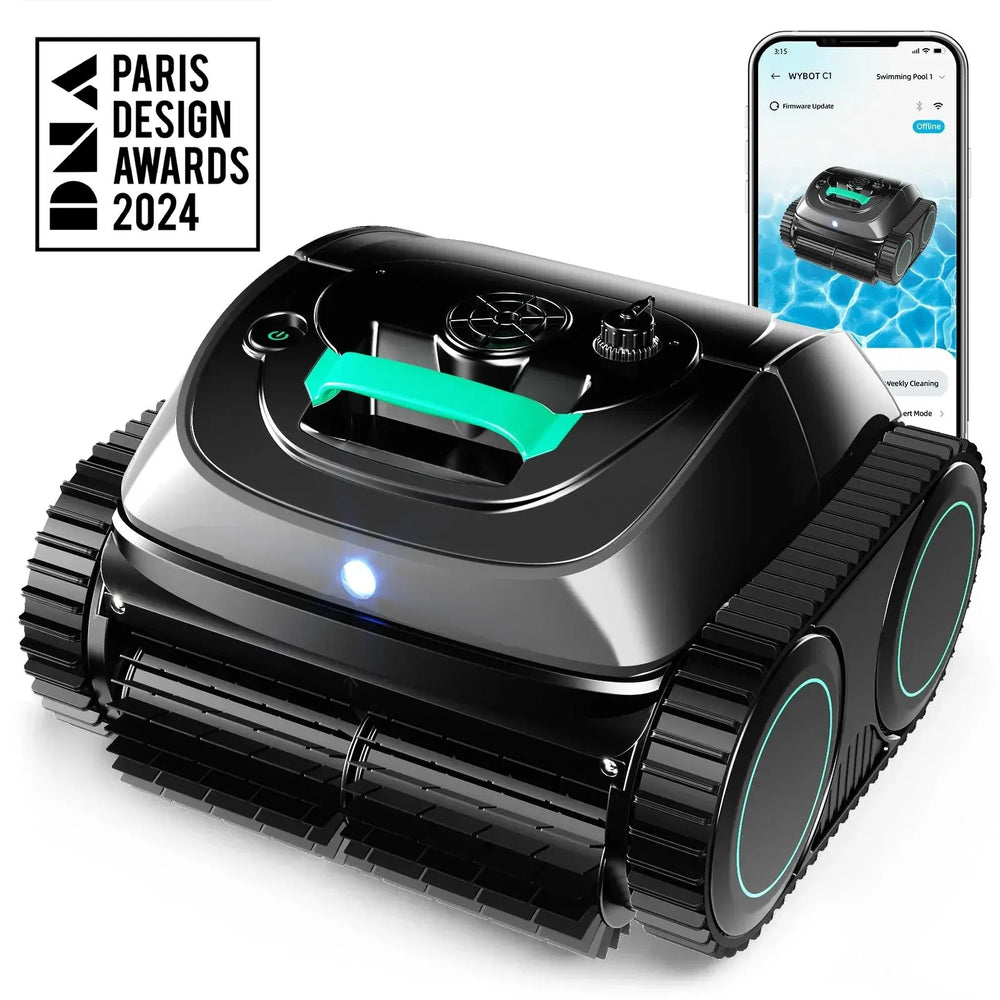
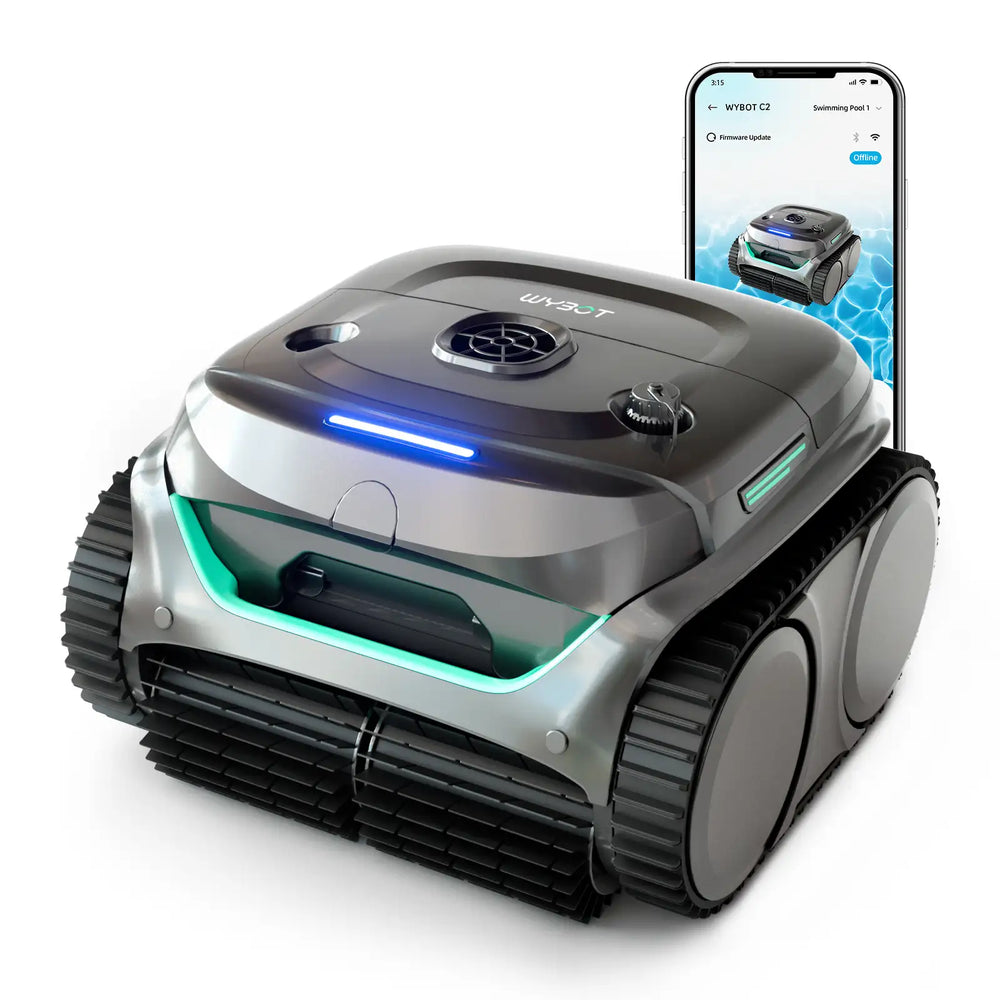
Which WYBOT pool cleaner? C1, C2, S2 or F1
Choose the cleaning job first. The C and S models handle underwater debris; F1 is a surface skimmer. Camera modes and solar charging have their own conditions.
Read the guide vs
iGarden K Pro 100 vs WYBOT S2: Long cleaning runs or a quicker recharge?
K Pro 100 lists ten hours floor-only and six hours full coverage, followed by about nine hours to charge. Standard S2 advertises up to 210 minutes and a three-hour recharge. Plan the whole routine before choosing from the largest runtime number.
Read the guide