Use guide · 3 min read
How to Choose the Right Mode for Your Robotic Pool Cleaner
Choose the part of the pool that needs cleaning before selecting the longest program. AquaSense 2 and Ultra give Floor and Standard modes different jobs; Ultra also has Pro and Custom controls. The same word or button sequence doesn't necessarily mean the same thing on another cleaner.
Based on published manufacturer information.
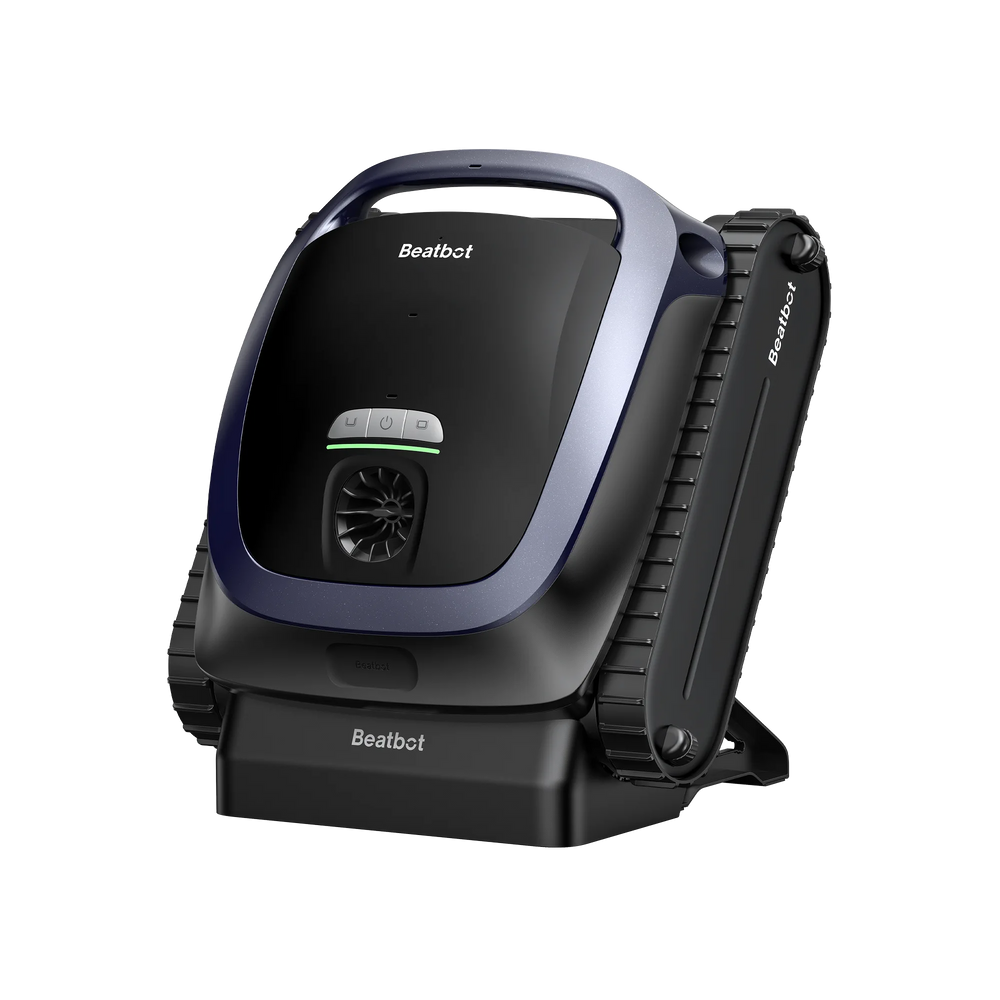
No current brand offer. Explore Amazon options.
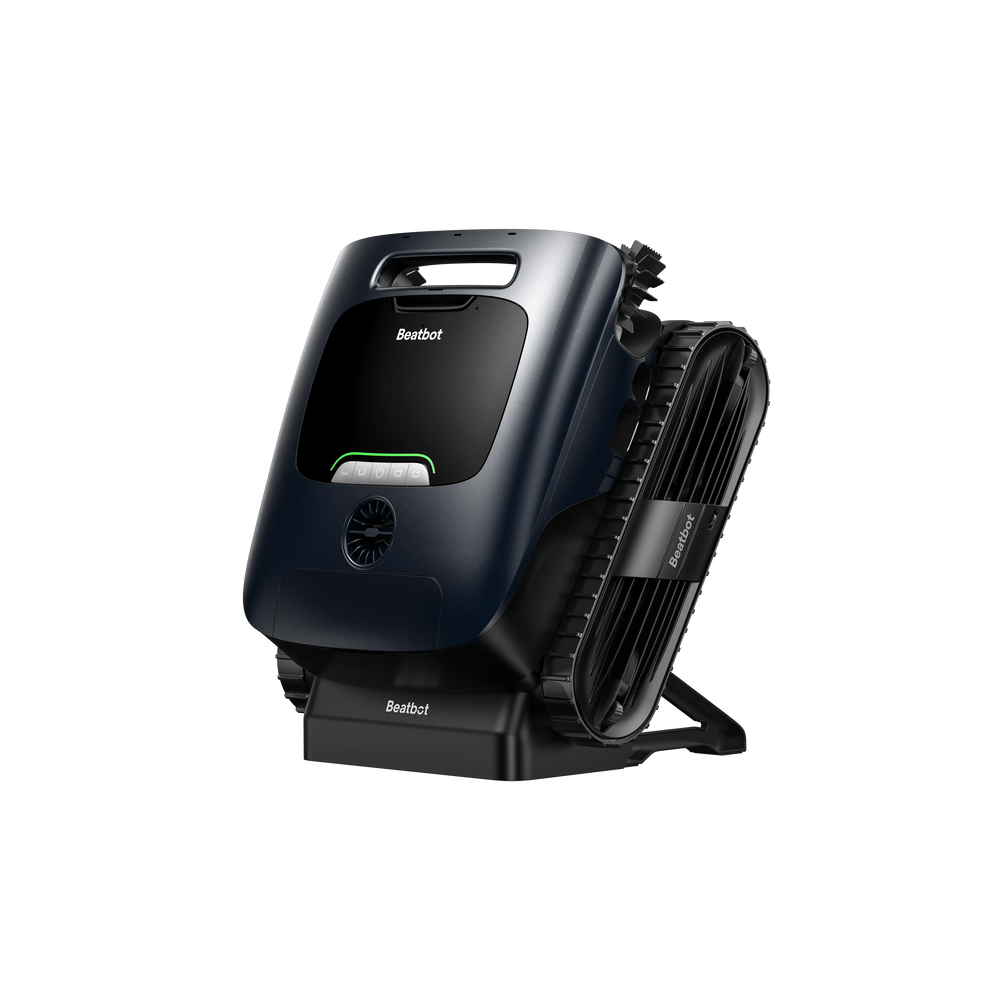
Checked Nov 27 · In stock when checked. Shipping and tax at checkout.
Buy at Lowe’s See all offers & model details ↗We may earn a commission when you buy through these links.
Our recommendations come from published specifications. We may earn a commission from qualifying purchases. As an Amazon Associate, we earn from qualifying purchases. How we work
The quick verdict
Here’s where we’d start.
Match the mode to the actual job and use the exact manual. AquaSense 2's Floor mode targets the floor; Standard proceeds through floor, walls and waterline. Ultra adds Pro, which also includes surface cleaning, and an app-configured Custom mode. Their separate help sections also describe Custom Mode – Floor x2 for perpendicular floor passes. A longer floor-runtime claim is not a promise about a full-coverage cycle. Configure supported settings before launch and follow exact retrieval instructions before changing a task that needs handling.
AquaSense 2
The exact manual separates floor cleaning from the floor, wall and waterline Standard sequence.
AquaSense 2 does not add Ultra’s open-surface Pro task. Use its own supported app and panel functions.
AquaSense 2 Ultra
Ultra’s manual adds Pro with surface cleaning and an app-configured Custom area and duration.
Mode switching is not a generic long-press sequence. Keep surface-state app controls, accessories and runtime modes specific to Ultra.
Start with what actually needs cleaning.
Is the dirt on the floor, the walls, the waterline or floating at the surface? Choose a supported task for that problem instead of assuming the longest program is always the best use of the battery.
Also check whether the robot can reach the feature at all. A different mode doesn't approve an unsuitable step or shelf. Our steps guide and missed-coverage guide cover those separate questions.
AquaSense 2 separates Floor from Standard.
Beatbot AquaSense 2's manual describes Floor mode as cleaning the floor. Standard cleans in the order of floor, walls and waterline. A floor task isn't a failed wall clean simply because the robot remains on the bottom.
Likewise, don't judge the final coverage from one turn early in a multi-part task. Record the selected mode and completed result first. Our dirt-pickup guide helps distinguish an unreached patch from debris passing through the basket.
The Polaris VRX iQ+/Alpha iQ+ comparison shows why different menu labels need explanation. Confirm the task each program performs rather than assume similarly positioned cleaners have identical modes.
The Polaris buying guide distinguishes scheduling from app functions and differently named programs. Ask which exact task is supported rather than assume an extra control adds the same cleaning job.
Ultra adds surface work through its own Pro mode.
AquaSense 2 Ultra's manual lists Floor, then Standard for floor, walls and waterline. Its Pro sequence adds the open surface after those underwater jobs. The Custom mode uses the area and duration configured in the app.
Those names belong to Ultra's controls. AquaSense 2 doesn't gain a surface-cleaning job by using a similarly named app setting. Our AquaSense 2-versus-Ultra guide explains the underlying hardware and cleaning differences.
Floor x2 is a specific supported floor option.
Beatbot's separate AquaSense 2 and Ultra help answers describe Custom Mode – Floor x2 for two perpendicular S-shaped floor passes. They also explain that complex rounded bottoms or MultiZone mode can produce Deep Sense random routing.
Use the supported choice for the intended floor task, not as a promise to clean every wall or narrow shelf. If the same area remains missed after a completed task, send the mode, photos and location to support rather than repeatedly resetting the robot.
The Diver A10/Scuba S3 guide separates MOVA’s floor and wall/waterline durations from Aiper’s Standard and Eco claims. Confirm the task before comparing the longest number.
Keep the runtime and filter instructions beside the chosen task.
AquaSense 2's up-to-four-hour claim is floor cleaning. Ultra separately advertises up to ten hours surface, five floor and 4.5 walls plus waterline. These are not the duration of every selectable combined task or results from one matched pool.
Use only the exact accessory and filter arrangement approved for that mode. Our fine-filter guide explains why adding a layer or borrowing another model's basket isn't a universal way to improve a full-coverage run.
The 2026 WYBOT C1/C2 comparison gives another mode-specific example: C2’s 180-minute claim is for Eco, while its dedicated waterline and Turbo choices describe different tasks.
Our MOVA Diver A10/Rover X10 comparison keeps four- and six-hour floor claims separate from wall/waterline and broader multi-mode runtime wording. They are not matching full-pool cycles.
The 2026 WYBOT C2/C2 Vision comparison keeps AI Vision Mode’s floor-only scope separate from the full-pool tasks and the 180-minute Eco headline.
Our WYBOT S2/Solar Vision comparison keeps the added camera mode’s floor-only scope and required scheduling activation separate from the other cleaning tasks and runtime headlines.
Our short-runtime guide explains why changing from a long floor run to a shorter selected wall routine prevents a direct battery comparison. Record the mode and final state first.
The K-AI 70 and Scuba V3 comparison gives an example of keeping the runtime and permitted filter together for the selected job.
See Hydro 3 versus Liberty 400 for an example of a regular cycle, an unresolved longer runtime claim and shorter Eco visits. Confirm the actual selected job before comparing duration.
Set up the supported task before launch, then review the result.
Follow the current manual's ordinary mode selection and launch procedure with adequate charge. Don't copy long-press button combinations between models. Their manuals call for a brief level-surface calibration before water entry; app control also has operating-state conditions.
If a change needs retrieval or handling, use the exact poolside procedure and stopping instructions. Our first-use guide, retrieval guide and frequency guide help turn the selected task into an ordinary care routine.
Our pool-cover compatibility guide includes the selected cleaning mode, waterline behavior and retrieval before a cover closes. Changing a timer alone does not establish compatibility.
A closer look
The differences, in view.
Scroll horizontally on smaller screens. Values are manufacturer claims; see each product for qualifiers and original wording.
| Specification | AquaSense 2 | AquaSense 2 Ultra |
|---|---|---|
| Cleaning coverage | Floor, walls, waterline | Floor, walls, waterline, surface |
| Claimed runtime | 240 minUp to; continuous floor-only cleaning. Manufacturer claim, not a mixed-mode test. | 300 minUp to; floor-only cleaning. Separate claims: up to 10 hours surface-only and 4.5 hours walls + waterline. |
| Rated pool area | 3230 sq ftRecommended pool bottom area, not a measured cleaning result. | Not confirmed |
| Filtration | 150 μmLayer count conflicts elsewhere in the source; 150 μm is the stated particle rating. | 150 + 250 μm dual-layerThe source says particles as small as 150 μm; no finer filtration is implied. |
| Charging | Wireless dock; approximately 4 hours | Approximately 4.5 hours |
| Navigation | CleverNav + SonicSense ultrasonic navigation | HybridSense AI + CleverNav |
| Pool surfaces | Not confirmed | Concrete, vinyl, fiberglass, ceramic tile, stainless steel |
Ready to choose?
Your next step, made simple.
No current brand offer. Explore Amazon options.
Checked Nov 27 · In stock when checked. Shipping and tax at checkout.
Buy at Lowe’s See all offers & model details ↗We may earn a commission when you buy through these links.
Show your work
Sources & editorial method.
We reviewed official US product information and exact configurations. Our advice draws on published specifications and model-specific manufacturer instructions, with the practical trade-offs explained. Unknowns and conflicting claims are kept visible. Prices above come from the catalog and may change independently of this article’s review date.
- Manufacturer US model page — exact configuration, specifications and qualifications
- Manufacturer US model page — exact configuration, specifications and qualifications
- AquaSense 2 manufacturer-authored manual, retailer-hosted copy — Floor and Standard modes, preparation and handling
- AquaSense 2 Ultra official manual — Floor, Standard, Pro and Custom modes
- Beatbot US help center — separate AquaSense 2 and Ultra irregular-path answers and Custom Mode – Floor x2
Published Nov 4, 2026 · Editorial review Nov 12, 2026.
Read our research standardsKeep exploring
A little more perspective.
vsBeatbot AquaSense 2 vs AquaSense 2 Ultra: Is the Upgrade Worth It?
Ultra adds surface cleaning, AI mapping and a higher pool-size rating. If an underwater clean already covers the job, those extras may not change much. We'd start with the work you still do by hand, then check fit, filters and pickup rather than assume Ultra is better at every task.
Read the guideHow to Use a Robotic Pool Cleaner for the First Time
Do the setup on dry land before lowering the cleaner into the pool. Read the exact manual, check the supplied parts, charge it correctly and pair the app while the robot is still easy to reach. Then choose the task and follow its own launch procedure. AquaSense 2 and Ultra are the examples here, with their steps kept model-specific.
Read the guide