Troubleshooting guide · 3 min read
Why Is My Robotic Pool Cleaner Missing Parts of the Pool?
A route that looks irregular isn't necessarily a missed area. Start with the selected mode and what remains after the task ends. Beatbot's exact AquaSense 2 and Ultra help sections explain changes in path planning, while Ultra's floor map can omit steps and shelves. Those are different questions from a robot that never reaches a dirty patch.
Based on published manufacturer information.
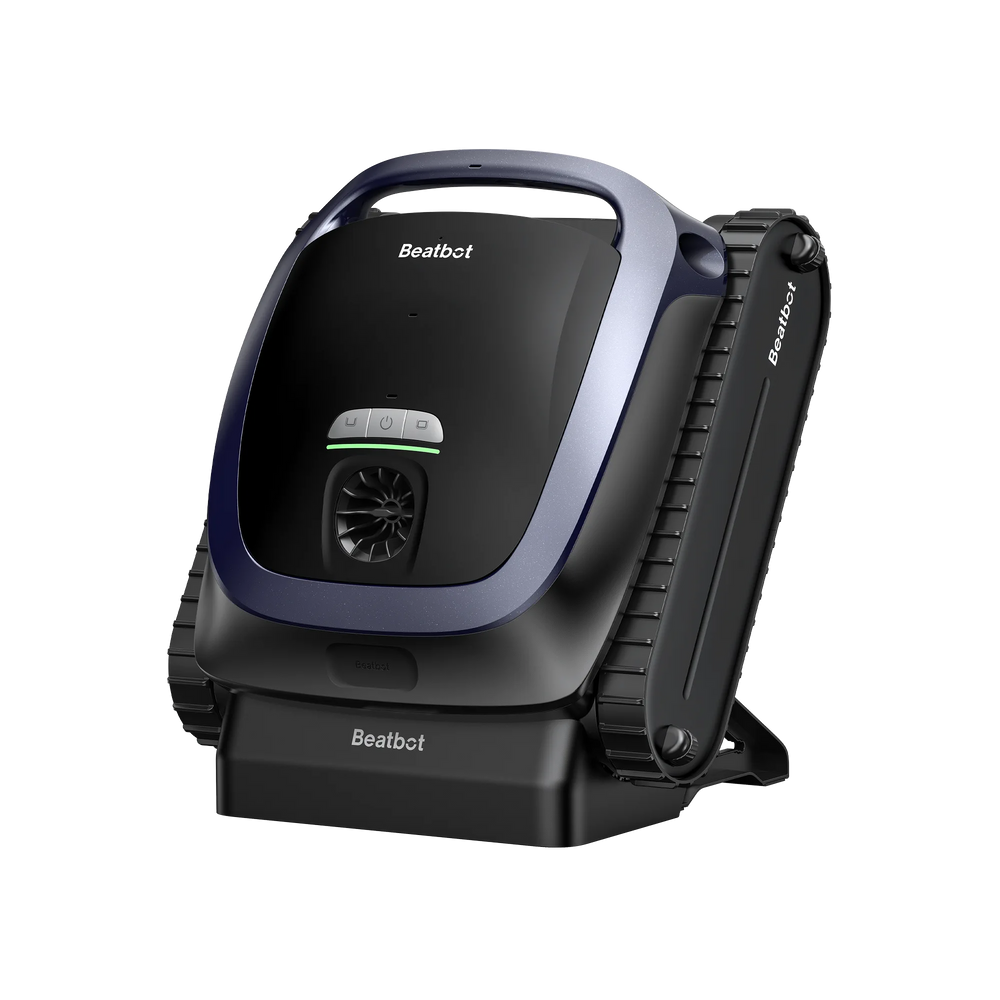
No current brand offer. Explore Amazon options.
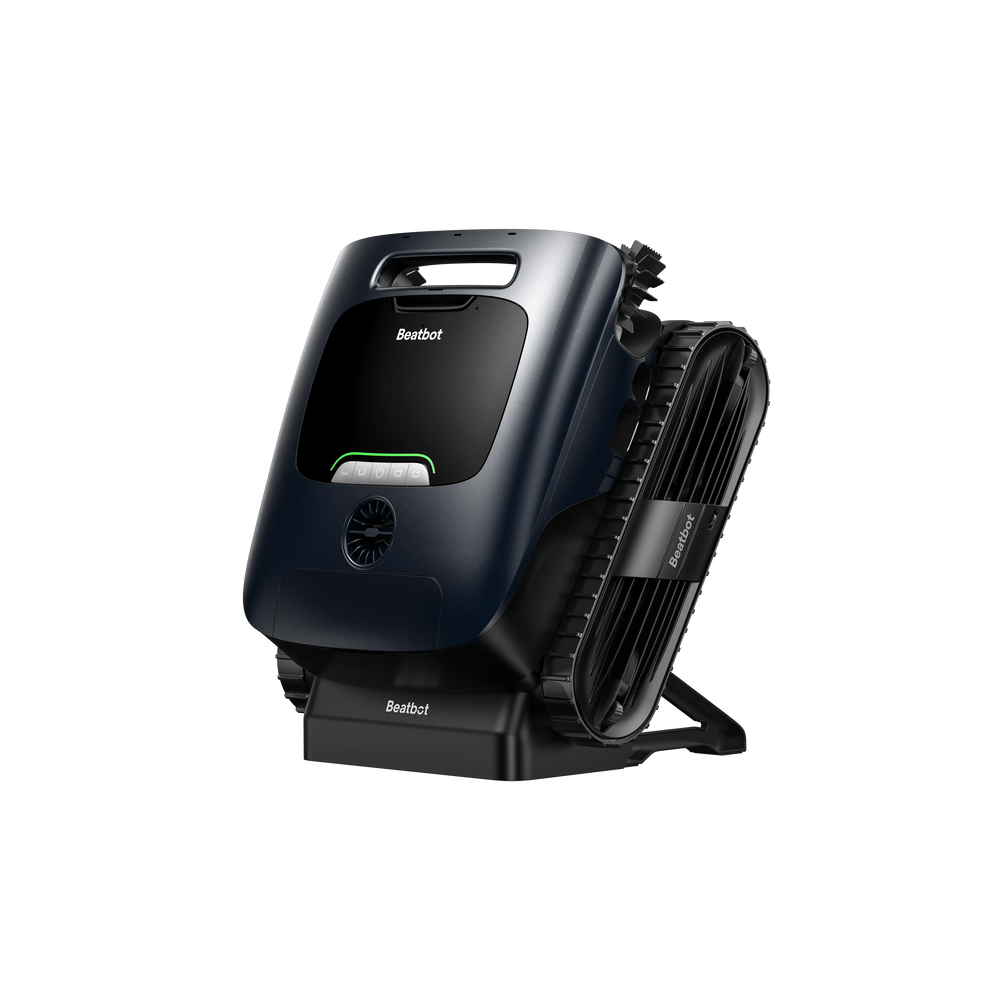
Checked Nov 27 · In stock when checked. Shipping and tax at checkout.
Buy at Lowe’s See all offers & model details ↗We may earn a commission when you buy through these links.
Our recommendations come from published specifications. We may earn a commission from qualifying purchases. As an Amazon Associate, we earn from qualifying purchases. How we work
The quick verdict
Here’s where we’d start.
Record where debris remains after a completed supported task. Check the selected floor, wall or full-coverage program before blaming navigation. Beatbot says both AquaSense 2 and Ultra may use random-path Deep Sense cleaning with complex bottoms or MultiZone mode; their help sections separately describe Custom Mode – Floor x2 for perpendicular floor passes. Ultra's map represents the floor, excluding steps and tanning shelves. Use exact-model preparation and care, and send repeatable missed-area evidence to support.
AquaSense 2
Its exact help section explains Deep Sense routing and a separate Custom Mode – Floor x2 option for two perpendicular floor passes.
A floor task does not promise wall or shelf cleaning. Use the supported mode and approved retrieval before inspecting the cleaner.
AquaSense 2 Ultra
Ultra’s help section explains why its scanned floor outline can differ from the water surface; its own irregular-path answer also covers Deep Sense.
An omitted step on the map is not proof the step is reachable or cleaned. Confirm the actual geometry and operating conditions.
Check what remains after the selected task finishes.
Note the mode, start point, elapsed time, battery state and any warning. Photograph the missed patch after a completed task, rather than judge coverage from one turn halfway through. Record whether the robot never reaches it or passes over it without keeping the dirt.
Those observations lead to different checks. Our dirt-pickup guide covers debris that passes through or remains after a pass; the stopping guide covers a task ending unexpectedly.
A floor program has a different job from a wall program.
Beatbot AquaSense 2 and AquaSense 2 Ultra offer different cleaning tasks. Check the exact selected mode and its sequence before assuming a wall, waterline or floor section has been skipped. The longest runtime on the page may belong to a different job.
Ultra also adds open-water surface cleaning; that isn't interchangeable with a floor pass. Our AquaSense 2-versus-Ultra guide keeps the jobs and runtime modes separate.
Our mode-selection guide puts Floor, Standard, Ultra Pro and the exact supported Floor x2 option together without treating a different task as a universal coverage fix.
An irregular route can be a documented cleaning behavior.
Beatbot's separate help answers for AquaSense 2/A200 and Ultra/A200 Ultra describe Deep Sense Mode. A complex or rounded bottom without a clear floor-to-wall division can cause a switch to random-path cleaning. The answers also say MultiZone mode uses Deep Sense routing.
That explains why you may not see tidy parallel lines; it isn't proof every patch was reached. For consistent floor passes, each exact answer describes Custom Mode – Floor x2, which makes two perpendicular S-shaped passes. Use the mode only as the current model instructions support, then judge the completed floor result.
Our brush-motion diagnostic explains why an irregular path alone does not isolate a roller fault. The exact Dreame tables also list filter, sensor, initialization and layout possibilities.
Ultra’s floor map isn’t the outline of the water surface.
The Ultra help section says the scan represents the pool floor and excludes tanning shelves, steps and similar features. Floor curvature can also change the displayed shape. A map that looks different from the pool above it isn't, by itself, evidence of a navigation fault.
It also doesn't establish that a missing shelf can be cleaned. Send the step dimensions, depth and finish for an exact fit answer. Our steps and sun-shelf guide and step-trapping guide cover those physical questions.
Our pool-map troubleshooting guide separates Ultra’s floor scan from an incomplete Z1 Pro map. Compare the actual cleaning result as well as the displayed outline.
Complete the supported preparation and care checks.
Use the exact model's charging, mode and launch instructions. Both manuals specify a brief calibration on a level surface before entering the water; don't try to correct mapping by improvising a reset or moving the robot around during a working task.
Retrieve from poolside and follow the stopping and power-off procedure before checking the basket or permitted visible parts. Our first-use guide and cleaner-care guide explain those routines. Don't enter the pool to reposition an operating cleaner.
Send a repeatable missed-area description.
Give support the exact model, firmware/app versions, mode, error message and a sketch or photos of the missed location. Say whether it happens in the same place after a completed task and which approved preparation and care steps you have tried. Include the log if requested.
If it is the waterline alone, use our waterline checks. If it finishes but fails to come back for pickup, our pool-edge return guide covers that different symptom. More cycles won't resolve every physical fit problem.
A closer look
The differences, in view.
Scroll horizontally on smaller screens. Values are manufacturer claims; see each product for qualifiers and original wording.
| Specification | AquaSense 2 | AquaSense 2 Ultra |
|---|---|---|
| Cleaning coverage | Floor, walls, waterline | Floor, walls, waterline, surface |
| Claimed runtime | 240 minUp to; continuous floor-only cleaning. Manufacturer claim, not a mixed-mode test. | 300 minUp to; floor-only cleaning. Separate claims: up to 10 hours surface-only and 4.5 hours walls + waterline. |
| Rated pool area | 3230 sq ftRecommended pool bottom area, not a measured cleaning result. | Not confirmed |
| Filtration | 150 μmLayer count conflicts elsewhere in the source; 150 μm is the stated particle rating. | 150 + 250 μm dual-layerThe source says particles as small as 150 μm; no finer filtration is implied. |
| Charging | Wireless dock; approximately 4 hours | Approximately 4.5 hours |
| Navigation | CleverNav + SonicSense ultrasonic navigation | HybridSense AI + CleverNav |
| Pool surfaces | Not confirmed | Concrete, vinyl, fiberglass, ceramic tile, stainless steel |
Ready to choose?
Your next step, made simple.
No current brand offer. Explore Amazon options.
Checked Nov 27 · In stock when checked. Shipping and tax at checkout.
Buy at Lowe’s See all offers & model details ↗We may earn a commission when you buy through these links.
Show your work
Sources & editorial method.
We reviewed official US product information and exact configurations. Our advice draws on published specifications and model-specific manufacturer instructions, with the practical trade-offs explained. Unknowns and conflicting claims are kept visible. Prices above come from the catalog and may change independently of this article’s review date.
- Manufacturer US model page — exact configuration, specifications and qualifications
- Manufacturer US model page — exact configuration, specifications and qualifications
- Beatbot US help center — exact AquaSense 2 and Ultra irregular-path answers and Ultra floor-map explanation
- AquaSense 2 manufacturer-authored manual, retailer-hosted copy — modes, retrieval and care
- AquaSense 2 Ultra official manual — modes, preparation, retrieval and care
Published Nov 4, 2026 · Editorial review Nov 15, 2026.
Read our research standardsKeep exploring
A little more perspective.
vsBeatbot AquaSense 2 vs AquaSense 2 Ultra: Is the Upgrade Worth It?
Ultra adds surface cleaning, AI mapping and a higher pool-size rating. If an underwater clean already covers the job, those extras may not change much. We'd start with the work you still do by hand, then check fit, filters and pickup rather than assume Ultra is better at every task.
Read the guideHow to Choose the Right Mode for Your Robotic Pool Cleaner
Choose the part of the pool that needs cleaning before selecting the longest program. AquaSense 2 and Ultra give Floor and Standard modes different jobs; Ultra also has Pro and Custom controls. The same word or button sequence doesn't necessarily mean the same thing on another cleaner.
Read the guide