Pool navigation troubleshooting · 4 min read
Why does your pool cleaner’s map look wrong?
The map in the app may describe the pool floor rather than the outline you see from the deck. Check what the exact model maps, whether the map finished and whether the cleaner actually missed the job before resetting anything.
Based on published manufacturer information.
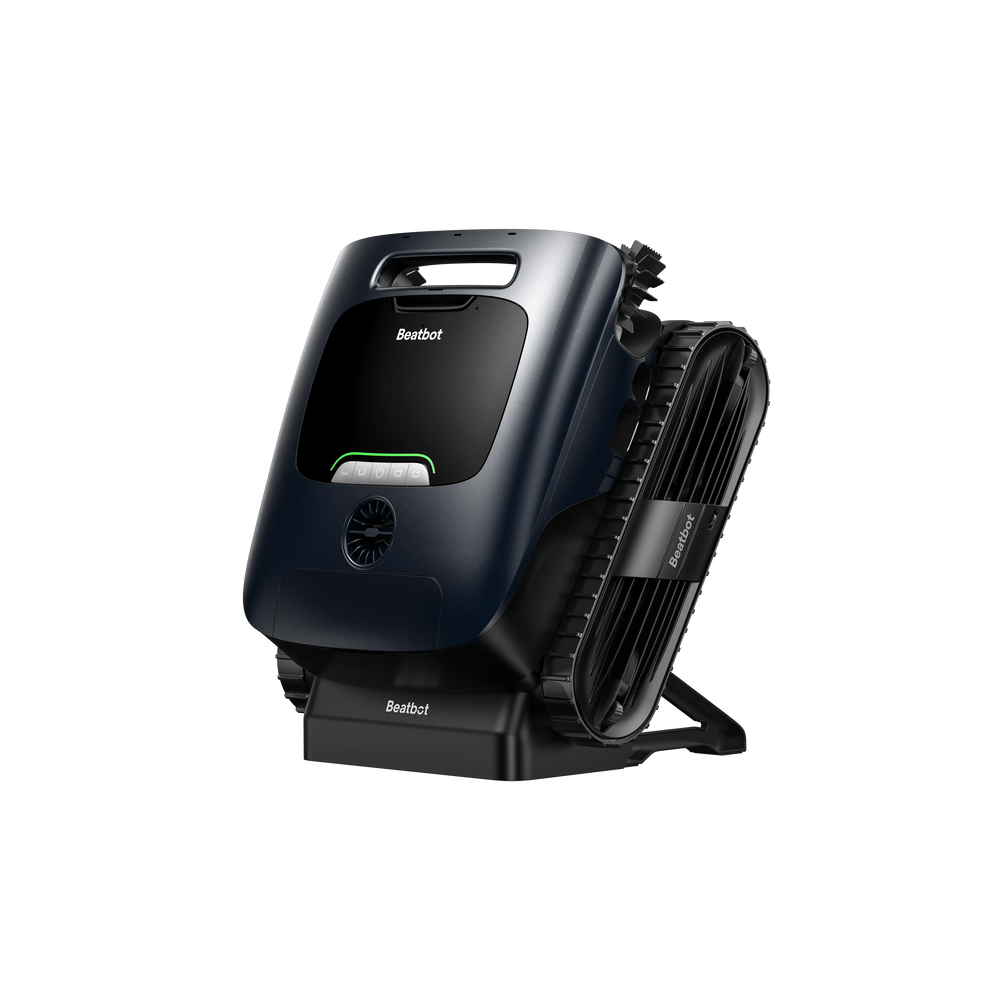
Checked Nov 27 · In stock when checked. Shipping and tax at checkout.
Buy at Lowe’s See all offers & model details ↗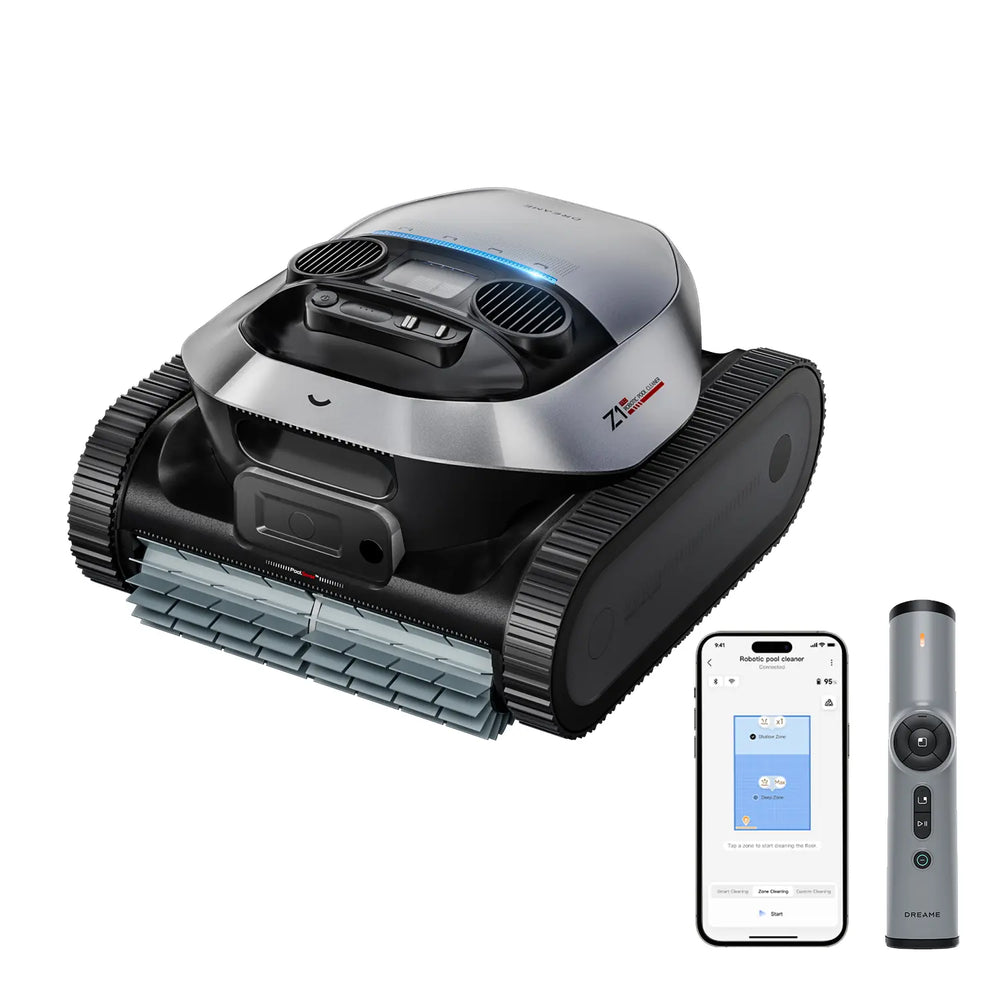
No current brand offer. Explore Amazon options.
We may earn a commission when you buy through these links.
Our recommendations come from published specifications. We may earn a commission from qualifying purchases. As an Amazon Associate, we earn from qualifying purchases. How we work
The quick verdict
Here’s where we’d start.
Compare the displayed map with what the model is designed to scan. Separate a floor-shape difference from an incomplete map, a connection state and actual missed cleaning. Follow the exact recovery instructions and send the map plus task evidence to support if the fault repeats.
AquaSense 2 Ultra
Beatbot says AquaSense 2 Ultra scans the floor shape, excluding tanning shelves and steps.
A different-looking map alone does not prove a fault, but actual missed cleaning still needs investigation.
Z1 Pro
The manual describes initial floor exploration, up to three saved maps and a recovery for missing maps.
Use the correct saved map and the exact launch instructions; avoid a generic factory reset.
Check what the map is supposed to represent
For Beatbot AquaSense 2 Ultra, the official help center says the scan represents the pool floor, excluding tanning shelves and steps. Floor curvature can also change the displayed outline.
Compare that scan with the floor layout before treating a different shape as failed cleaning. The pool measuring guide helps separate floor, shelf and water-surface dimensions.
A shelf can explain a missing part of the outline
Imagine a 36-by-16-foot water surface with a six-by-16-foot shelf at one end and a 30-by-16-foot main floor. The surface footprint is 576 square feet; the main floor is 480 square feet.
A floor-focused map omitting that 96-square-foot shelf can follow the documented mapping scope. That does not establish that the shelf is cleaned: check the exact access requirements with the steps and shelves guide.
Check whether the Z1 Pro finished creating its map
The Dreame Z1 Pro manual describes a five-second sensor calibration after the robot settles on the floor, followed by exploration to locate the pool edges. It can save up to three maps, managed in Map Management.
Check the selected saved map before deleting anything. Follow the complete launch sequence from the first-use guide.
Treat a missing map differently from a distorted outline
For Z1 Pro’s missing-map symptom, the troubleshooting table identifies unsuccessful mapping or the robot becoming stuck. It directs owners to recreate the pool map and restart the cleaning cycle, while noting that the pool shape may be unsupported.
Follow the exact workflow; if it repeats, ask Dreame to assess the layout. A factory reset is not established as the solution by that table.
Check the display after the supported connection returns
The Z1 Pro manual says network connections are unavailable underwater. An app that cannot update during the run does not establish that the robot has lost its map.
After normal retrieval, check the app using the supported connection. The pool connection guide covers pairing issues.
Record the physical cleaning result as well
Note the selected mode, task completion, basket condition, alerts and the actual area left dirty. A plausible-looking map is not proof that every surface was reached.
Use the missed-area guide or mode guide when the cleaning job differs from what you expected.
Send a map and a clear description of the same run
Include the exact model, firmware and app versions, map screenshot, pool sketch, launch point, mode and any error. Mark the location that appears wrong and say whether it was actually missed during cleaning. That gives support a useful distinction to investigate.
If the robot is used at two properties, our two-pool guide checks the saved-pool selection without assuming that spare map slots approve every pool.
A closer look
The differences, in view.
Scroll horizontally on smaller screens. Values are manufacturer claims; see each product for qualifiers and original wording.
| Specification | AquaSense 2 Ultra | Z1 Pro |
|---|---|---|
| Cleaning coverage | Floor, walls, waterline, surface | Floor, walls, waterline |
| Claimed runtime | 300 minUp to; floor-only cleaning. Separate claims: up to 10 hours surface-only and 4.5 hours walls + waterline. | 180 minHero says up to 180 minutes; another table says over 180. Approximate, mode-dependent manufacturer information. |
| Pool types | In-ground, above-ground | Above-ground and in-ground |
| Pool surfaces | Concrete, vinyl, fiberglass, ceramic tile, stainless steel | Concrete, vinyl, fiberglass, tile |
| Filtration | 150 + 250 μm dual-layerThe source says particles as small as 150 μm; no finer filtration is implied. | 180 μm filterManufacturer comparison table, not a tested filtration result. |
| Charging | Approximately 4.5 hours | 4–6 hoursComparison table; the Z1 marketing panel also says 4 hours. |
| Retrieval | Automatic surface parkingAfter cleaning or low battery; app control requires operation at the water surface. | Automatic waterline parking |
Ready to choose?
Your next step, made simple.
Checked Nov 27 · In stock when checked. Shipping and tax at checkout.
Buy at Lowe’s See all offers & model details ↗No current brand offer. Explore Amazon options.
We may earn a commission when you buy through these links.
Show your work
Sources & editorial method.
We reviewed official US product information and exact configurations. Our advice draws on published specifications and model-specific manufacturer instructions, with the practical trade-offs explained. Unknowns and conflicting claims are kept visible. Prices above come from the catalog and may change independently of this article’s review date.
- Beatbot official US model page
- Dreame official US model page
- Dreame Z1 Pro manual, map management and missing-map troubleshooting
- Beatbot AquaSense 2 Ultra floor-map scope
Published Nov 15, 2026 · Editorial review Nov 22, 2026.
Read our research standardsKeep exploring
A little more perspective.
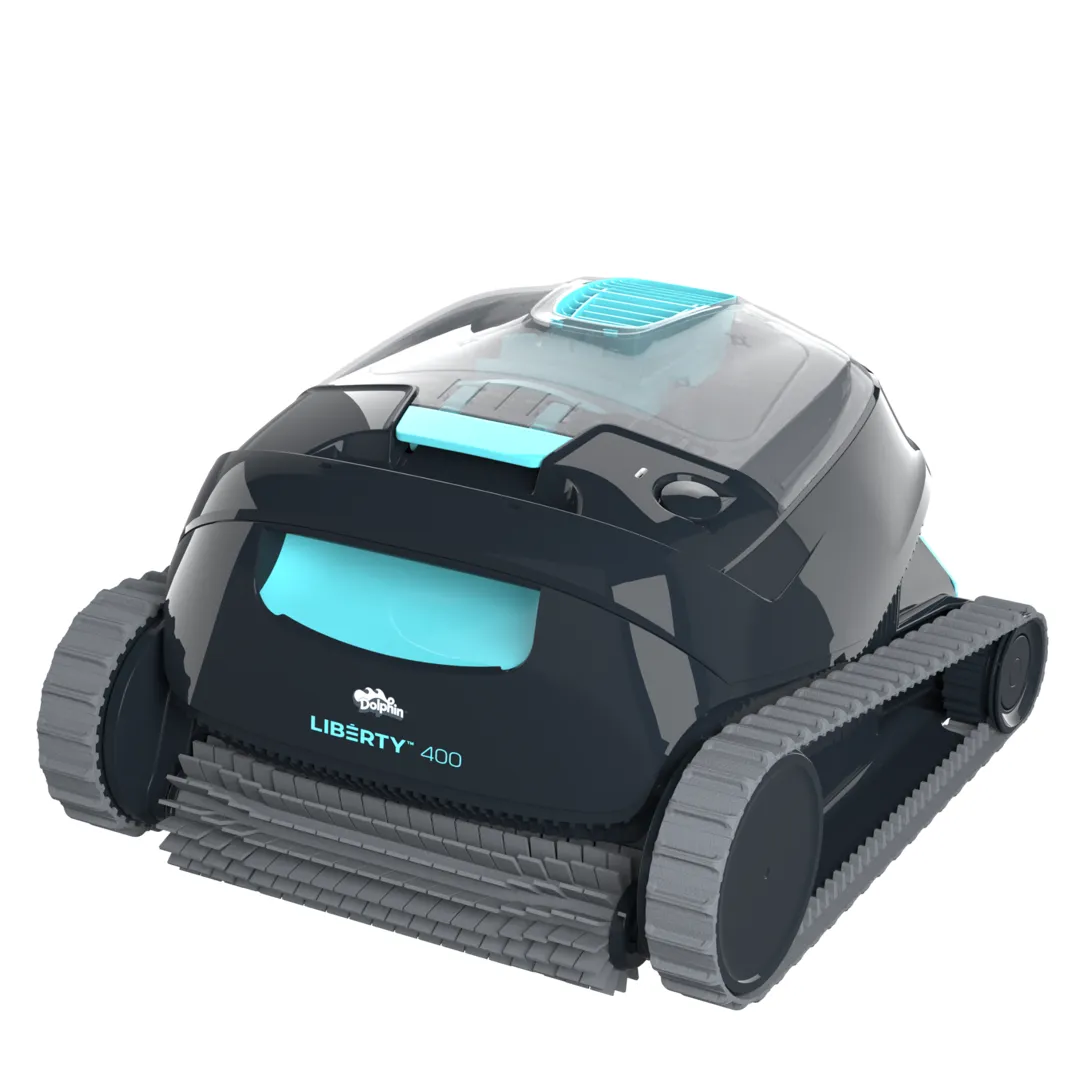
Can one robotic pool cleaner clean two pools?
One cleaner may be practical for two household pools, but both pools must fit the exact model. Map storage, charging, water conditions and the trip between them all need checking before you share the machine.
Read the guide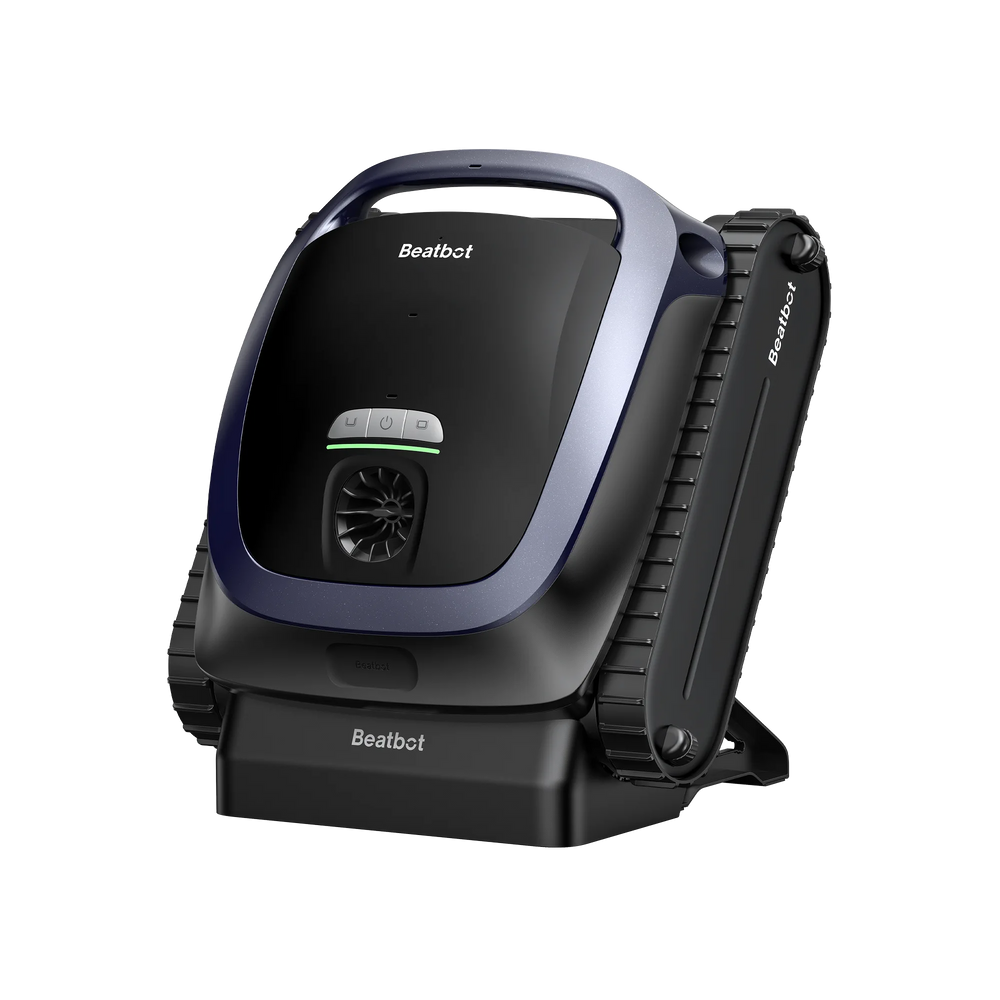
How to Choose the Right Mode for Your Robotic Pool Cleaner
Choose the part of the pool that needs cleaning before selecting the longest program. AquaSense 2 and Ultra give Floor and Standard modes different jobs; Ultra also has Pro and Custom controls. The same word or button sequence doesn't necessarily mean the same thing on another cleaner.
Read the guide