Ownership guide · 4 min read
Can one robotic pool cleaner clean two pools?
One cleaner may be practical for two household pools, but both pools must fit the exact model. Map storage, charging, water conditions and the trip between them all need checking before you share the machine.
Based on published manufacturer information.
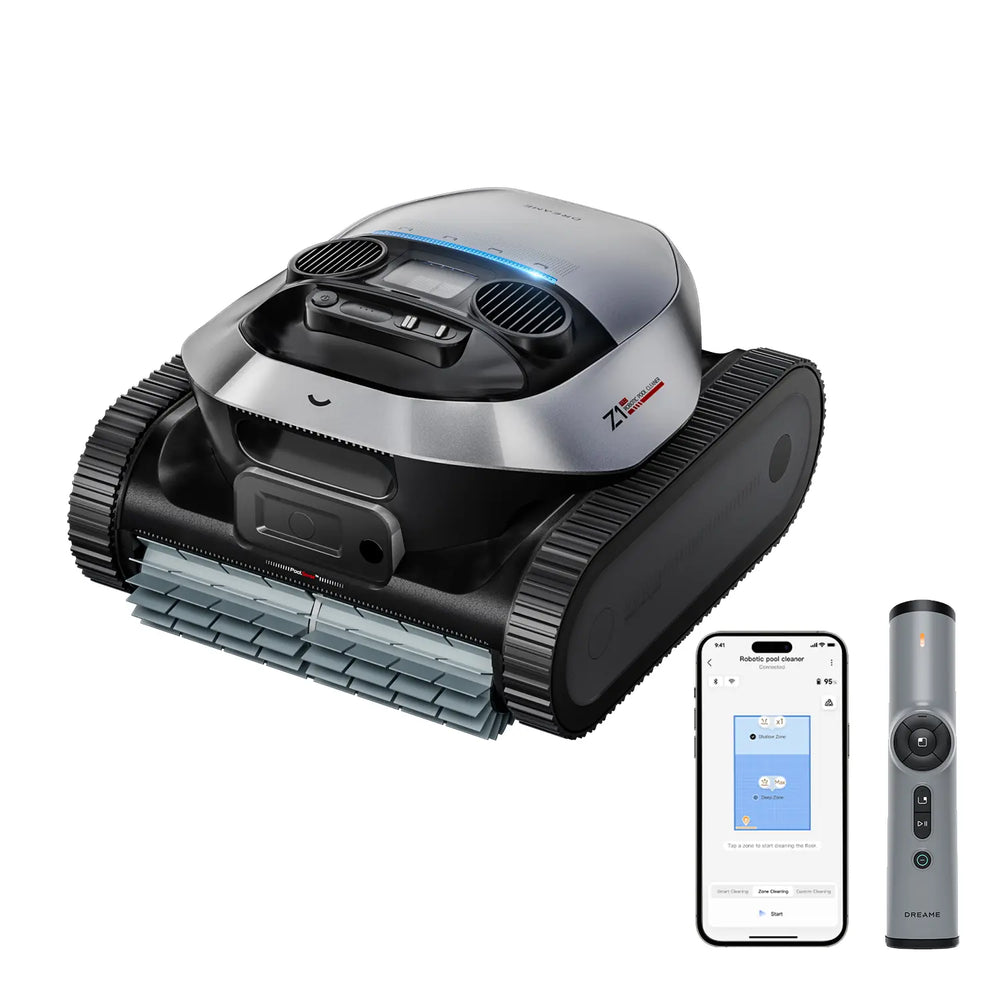
No current brand offer. Explore Amazon options.
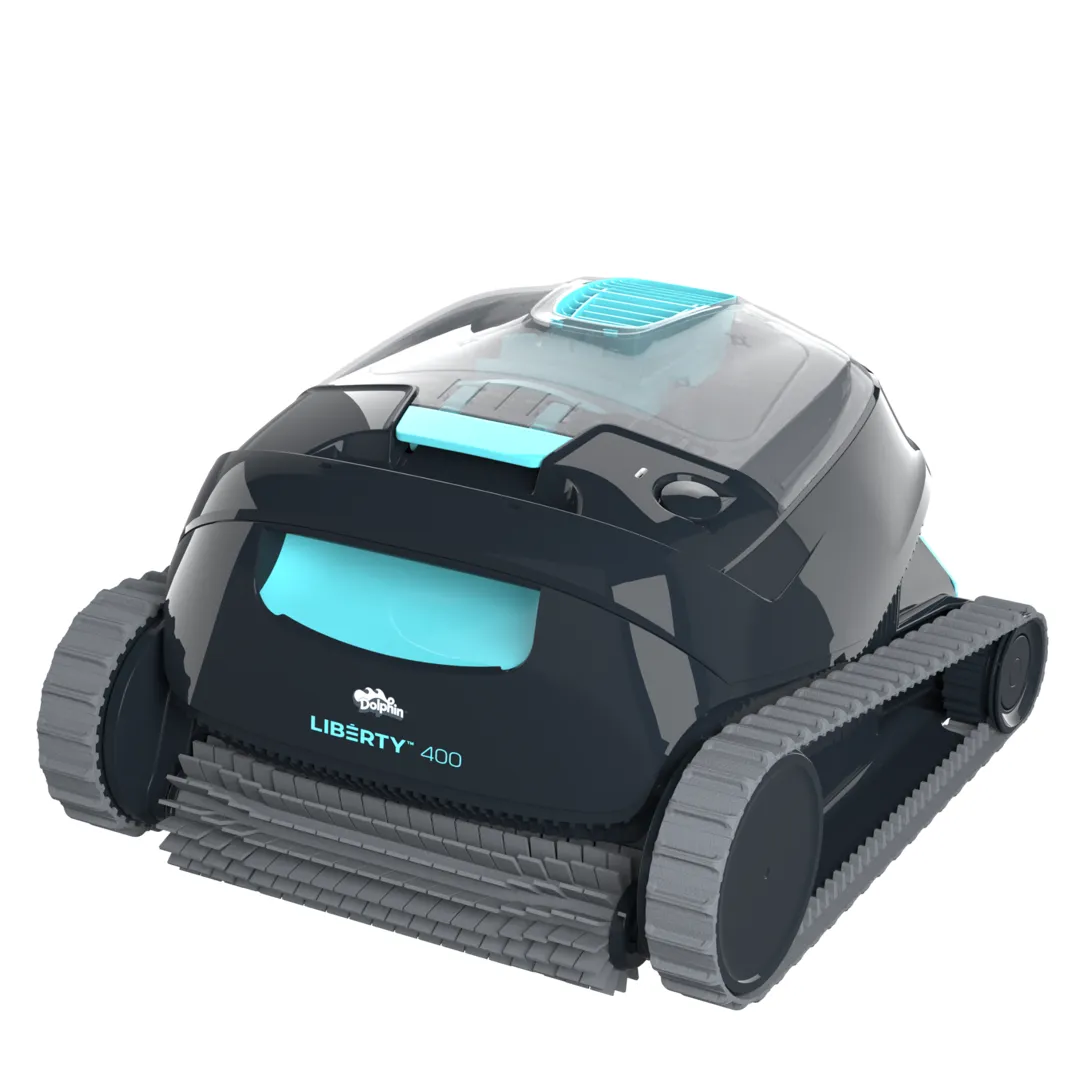
Checked Nov 27 · Price shown is from Dolphin. Check the model, price and availability in Lowe’s search results.
See all offers & model details ↗We may earn a commission when you buy through these links.
Our recommendations come from published specifications. We may earn a commission from qualifying purchases. As an Amazon Associate, we earn from qualifying purchases. How we work
The quick verdict
Here’s where we’d start.
Consider sharing one cleaner only after the manufacturer confirms both pools and the supported workflow. Z1 Pro documents three saved maps, but that does not approve every pool or eliminate charging and handling. A second pool needs its own physical-fit and water-condition check.
Z1 Pro
Z1 Pro’s manual and official FAQ describe up to three saved maps with app switching.
The manual’s 0.5–2.5-meter depth range still applies to each pool; map capacity does not expand it.
Liberty 400
The Liberty family manual lists a 0.3–3-meter water-depth range.
Confirm the complete fit and workflow for each pool; that range alone does not approve a second installation.
Treat the second pool as a new suitability check
Write down each pool’s length, width, shallowest and deepest operating areas, surface, steps and retrieval access. Confirm that the exact cleaner supports both, rather than relying on their combined area.
Use the pool-measurement guide and steps-and-shelves guide. A machine that works at home is not automatically suitable at another property.
Keep map storage separate from pool approval
The Dreame Z1 Pro manual documents up to three saved maps. Its official FAQ describes switching through the app’s map management with a stable device-phone connection.
Confirm the correct saved pool and supported mapping procedure while the connection is available. Do not delete working maps as a routine transfer step. Our map-troubleshooting guide covers an actual mapping problem.
A deeper second pool can rule the cleaner out
Suppose the first pool is 1.5 meters deep and the second has a three-meter deep end. Z1 Pro’s 0.5–2.5-meter range does not cover the second pool, even with a spare map slot.
The Dolphin Liberty 400 manual lists 0.3–3 meters. That passes this depth check only; length, surfaces, geometry and retrieval still need confirmation. Neither result establishes that one robot is approved for both pools.
Check both pools’ water conditions before each visit
Use the exact manual’s permitted water conditions at the destination, not last week’s readings from the first pool. Z1 Pro specifies 5–35°C water; the Liberty manual specifies 6–35°C.
Also confirm the stated chemistry limits and any recent treatment. The saltwater guide and after-shock guide cover separate compatibility questions.
Allow time for care, charging and the trip
After each use, follow the cleaner’s retrieval, draining and filter-care instructions before moving it. Plan charging at an approved location with the correct equipment, then check the selected mode at the next pool.
The transport guide and cleaner-care guide cover those steps. Two pools needing cleaning on the same morning may make one shared machine inconvenient even when both are compatible.
Share the robot when the complete routine works
One machine is worth considering when both pools are confirmed suitable and cleaning times, handling and charging fit the household. Consider separate cleaners if those tasks repeatedly conflict.
Map slots are not account permissions. Use family-sharing instructions if another person needs app access, and confirm the exact model’s supported settings.
A closer look
The differences, in view.
Scroll horizontally on smaller screens. Values are manufacturer claims; see each product for qualifiers and original wording.
| Specification | Z1 Pro | Liberty 400 |
|---|---|---|
| Rated pool area | 2160 sq ftManufacturer maximum; pool geometry and conditions still matter. | Not confirmed |
| Cleaning coverage | Floor, walls, waterline | Floor, walls and waterline |
| Power source | Cordless | Not confirmed |
| Filtration | 180 μm filterManufacturer comparison table, not a tested filtration result. | Combined filter kit + additional ultra-fine kit |
| Charging | 4–6 hoursComparison table; the Z1 marketing panel also says 4 hours. | Not confirmed |
| Connectivity | App control | MyDolphin Plus |
| Pool types | Above-ground and in-ground | Not confirmed |
Ready to choose?
Your next step, made simple.
No current brand offer. Explore Amazon options.
Checked Nov 27 · Price shown is from Dolphin. Check the model, price and availability in Lowe’s search results.
See all offers & model details ↗We may earn a commission when you buy through these links.
Show your work
Sources & editorial method.
We reviewed official US product information and exact configurations. Our advice draws on published specifications and model-specific manufacturer instructions, with the practical trade-offs explained. Unknowns and conflicting claims are kept visible. Prices above come from the catalog and may change independently of this article’s review date.
- Dreame official US model page
- Dolphin official US model page
- Dreame Z1 Pro manual, saved maps and operating conditions
- Dolphin Liberty 100–400 manual, depth and water conditions
- Dreame official FAQ, switching saved pool maps
Published Nov 22, 2026 · Editorial review Nov 22, 2026.
Read our research standardsKeep exploring
A little more perspective.
How to transport a robotic pool cleaner
The trip starts before the cleaner reaches the car. Retrieve it properly, drain and care for it, then pack it so the machine and its accessories are supported. A wet robot should not become loose luggage.
Read the guide
Can You Use a Robotic Pool Cleaner in a Saltwater Pool?
Yes, when the exact cleaner supports your pool's salinity and other operating conditions. The three Sora models here require salt below 5,000 ppm; Dreame Z1 Pro uses a different limit wording and adds a chlorine condition. Check the water before choosing the features.
Read the guide