Troubleshooting guide · 5 min read
Why Is My Robotic Pool Cleaner Not Picking Up Dirt?
Look at what happens to the dirt before assuming the pump has failed. Does the robot miss the patch, push debris ahead, or pick up dust that comes back through the outlet? Those observations help separate a cleaning-mode problem from a filter limit or a fault needing support.
Based on published manufacturer information.
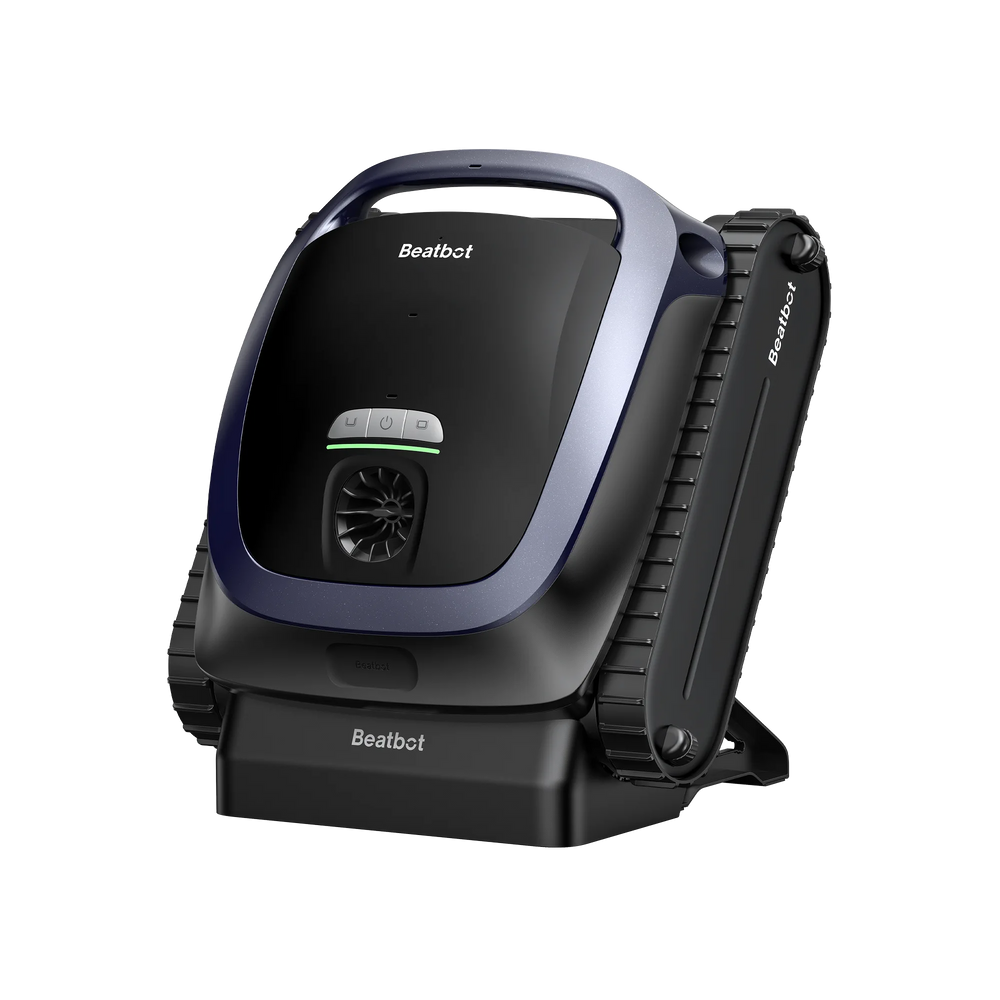
No current brand offer. Explore Amazon options.
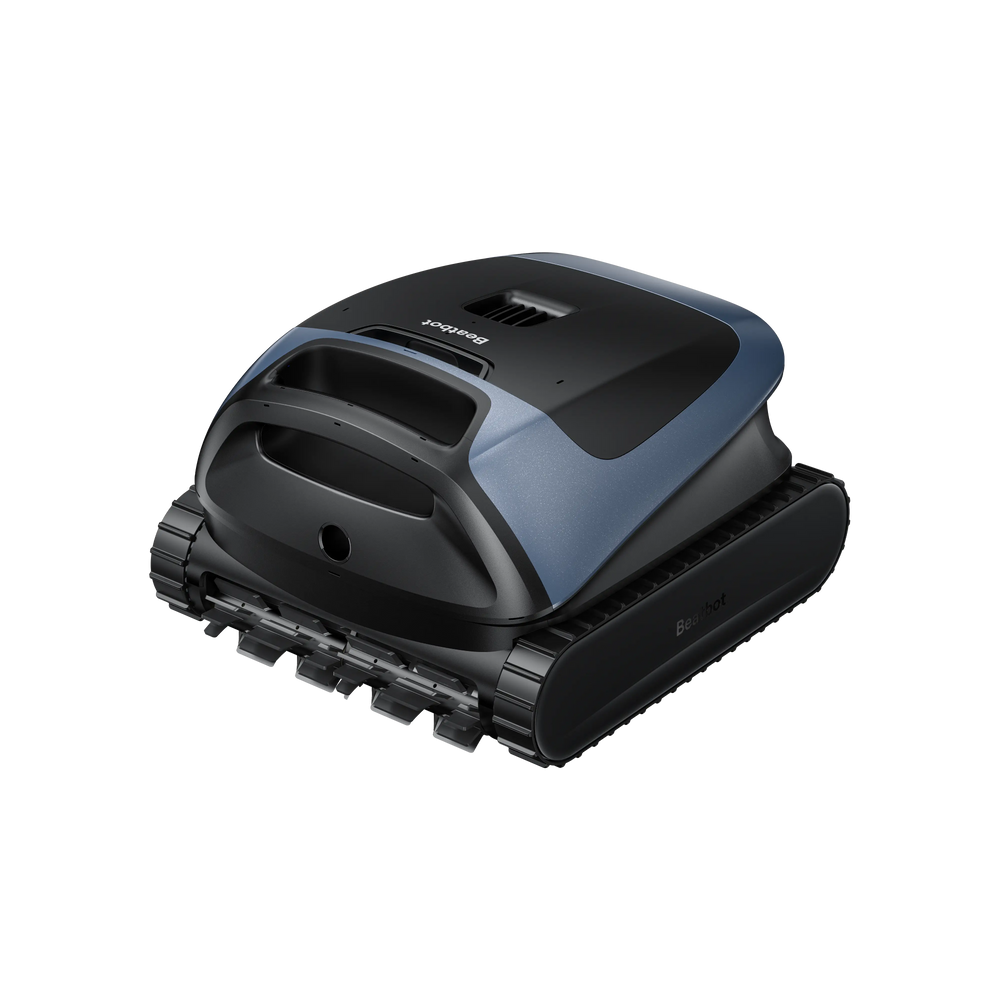
No current brand offer. Explore Amazon options.
We may earn a commission when you buy through these links.
Our recommendations come from published specifications. We may earn a commission from qualifying purchases. As an Amazon Associate, we earn from qualifying purchases. How we work
The quick verdict
Here’s where we’d start.
Start by checking whether the robot reaches the dirt and whether the debris stays in the filter. Retrieve and shut down as the exact manual directs, then complete the approved basket and visible-obstruction checks. AquaSense 2's standard 150 μm filter can let finer material through; that is different from no suction. Use only the matched approved filter, and contact support for persistent problems rather than dismantle a pump or assume a new robot is necessary.
AquaSense 2
Beatbot's exact AquaSense 2 support section explains the standard 150 μm limit and a separate finer-filter option.
Don't assign Sora's optional 3 μm accessory to AquaSense 2. Confirm the approved part and current availability.
Sora 30 · Deep Blue
Sora 30 lists a 150 μm included filter and a separate optional 3 μm accessory.
A finer accessory doesn't fix an unreached patch or an incorrectly fitted basket. Follow the exact assembly and mode instructions.
Watch one ordinary pass before changing anything.
Note whether the robot reaches the patch, passes over it, collects larger debris, or leaves a cloud that returns through the outlet. Record the selected mode, battery state and any alert. We wouldn't describe all of those observations as the same suction failure.
Also check what job was selected. A wall program and a floor program don't cover the same area at the same stage. Our cleaning-frequency guide explains why repeating a mismatched routine may leave the same result. If walls are the actual issue, use the wall-climbing guide.
If the selected task is unclear, our mode-selection guide explains why a floor pass, wall sequence and surface task should be judged against different jobs.
If dirt was collected and escapes only when the robot is lifted, use our debris-spilling guide. That timing points to a different set of retrieval and collection-assembly checks from poor initial pickup.
Our brushes-not-turning guide separates a stationary whole machine, an apparently still roller and poor collection while moving. Record the exact state before assuming a brush or motor failure.
Start with the basket and permitted visible checks.
Retrieve and power down according to the exact model's instructions before touching the basket or moving parts. Follow the approved removal, emptying, cleaning and refitting procedure. Check for visible damage and whether the basket is correctly seated and closed as its manual requires.
Use only the brush, track and inlet checks the manufacturer permits for an owner. A basket alert or entanglement message is useful information for support. Our cleaner-care guide keeps routine maintenance separate from a pump repair. Don't run without the required filter to see whether pickup improves.
If the standard basket is collecting larger debris but finer dirt remains, our fine-filter guide checks the exact accessory and mode before you buy a replacement or add another layer.
If pickup returns after rinsing and then falls again, use our filter-clogging guide. Record what loads the element, the selected job and the point when performance changes.
Our unusual-noise guide adds a stopped inspection and support record when collection changes alongside a new sound. Noise alone does not establish a failed pump or identify an internal part.
AquaSense 2 can collect debris while letting finer dust through.
For the Beatbot AquaSense 2, the US help center explains that particles below the standard basket's 150 μm threshold can pass through and leave via the outlet. That is a specific explanation for returning fine material, rather than evidence that the robot isn't moving water at all.
That exact support section describes a separate 60 μm finer basket option. Confirm the approved part, its conditions and current availability with Beatbot; don't assume an accessory for a different model fits or that a promotional offer remains available. Our fine-dirt and sand guide explains the buying questions.
Sora 30 has a different approved accessory comparison.
The Sora 30 in Deep Blue lists a 150 μm included filter and an optional 3 μm filter. That optional figure belongs to this model's accessory, not to AquaSense 2 simply because both cleaners are Beatbot products.
Check the matched part, installation, cleaning and permitted mode before using it. A smaller threshold isn't a same-pool test proving complete dust removal, and it doesn't change which pool features the robot can reach. A coarse-debris clean and a finer-filter pass may need different care; follow the instructions for the basket you actually own.
If the robot never reaches the dirt, solve that question first.
Look at the mode and pool feature where material remains. A step, shelf or tight corner may have requirements different from the ordinary floor. Our steps and sun-shelf guide explains the measurements to send to the manufacturer.
Keep the pool's normal circulation and water-care checks separate from robot troubleshooting. A cleaner doesn't replace the rest of that routine. If conditions are outside the model's permitted range, follow the maker's guidance rather than keep adding cycles or improvise a chemical correction from a suction complaint.
If the remaining dirt is along the waterline, our waterline troubleshooting guide explains which mode, movement and location details to record, with approved care before another supported run.
If the robot never reaches the patch, our missed-coverage guide checks the completed mode, normal route changes and physical pool features before treating it as a pickup fault.
When comparing another machine, our WYBOT C2/C2 Vision guide explains why camera targeting and filter retention are separate questions. A camera does not make the listed mesh finer.
For material suspected to be algae, use our algae-cleanup guide before selecting a finer filter. Its worked example distinguishes light suitable residue from heavy deposits and rapidly loading elements.
Send support a short description of what the dirt does.
Give the complete model, mode, filter part, photos or a short video, error message and approved care already completed. Say whether larger debris is collected and whether fine dirt passes back out. That distinction can help support identify a filter limit, coverage question or a fault needing service.
We'd finish that process before assuming replacement is the answer. Our Beatbot buying guide helps if you later need a different cleaning job or pool fit. It helps to know which job your current cleaner can't do before paying for its replacement.
For a robot that stops instead of simply leaving dirt, our stopping checks address that different symptom, with the task state, basket alert and location recorded before more adjustments.
A closer look
The differences, in view.
Scroll horizontally on smaller screens. Values are manufacturer claims; see each product for qualifiers and original wording.
| Specification | AquaSense 2 | Sora 30 · Deep Blue |
|---|---|---|
| Claimed runtime | 240 minUp to; continuous floor-only cleaning. Manufacturer claim, not a mixed-mode test. | 300 minUp to; floor-only. FAQ separately gives 4.5 hours for floor + walls + waterline. |
| Filtration | 150 μmLayer count conflicts elsewhere in the source; 150 μm is the stated particle rating. | 150 μm includedOptional 3 μm filter is sold separately. |
| Charging | Wireless dock; approximately 4 hours | 65 W plug charging; approximately 4.5 hours |
| Retrieval | Automatic surface parkingAfter completion or low battery; app recall during a cleaning cycle is not supported according to the FAQ. | Automatic surface parking + app retrievalOne-touch retrieval during water-surface parking. |
| Navigation | CleverNav + SonicSense ultrasonic navigation | S-shaped floor paths + SonicSense obstacle avoidance |
| Pool surfaces | Not confirmed | Concrete, ceramic tile, vinyl, fiberglass |
Ready to choose?
Your next step, made simple.
No current brand offer. Explore Amazon options.
No current brand offer. Explore Amazon options.
We may earn a commission when you buy through these links.
Show your work
Sources & editorial method.
We reviewed official US product information and exact configurations. Our advice draws on published specifications and model-specific manufacturer instructions, with the practical trade-offs explained. Unknowns and conflicting claims are kept visible. Prices above come from the catalog and may change independently of this article’s review date.
- Beatbot US help center — exact AquaSense 2/A200 fine-particle explanation, 150 μm standard and separate 60 μm option
- Beatbot AquaSense 2 — exact model cleaning jobs and normal use qualifications
- Beatbot Sora 30 — 150 μm included versus optional model-specific 3 μm filtration
Published Nov 2, 2026 · Editorial review Nov 10, 2026.
Read our research standardsKeep exploring
A little more perspective.
The Best Beatbot Pool Cleaners: Which Model to Buy
We'd start with Sora 70 if you want one robot for floating debris and underwater cleaning. If your skimmer already does its job, you may be happier with a simpler model—or put more weight on charging and retrieval.
Read the guide
How Often Should You Run a Robotic Pool Cleaner?
A useful schedule keeps up with the debris without turning every available hour into another cleaning cycle. We'd start with the pool's normal use, check what remains after a run and adjust the mode and frequency from there. The robot's timer isn't a maintenance plan by itself.
Read the guide