Troubleshooting guide · 4 min read
Why Isn’t My Robotic Pool Cleaner Cleaning the Waterline?
Start by watching what the cleaner actually does. A floor-only task, normal waterline parking and a robot struggling to climb are different situations. We'd check the selected mode and error record before adding longer cycles or changing the pool setup.
Based on published manufacturer information.
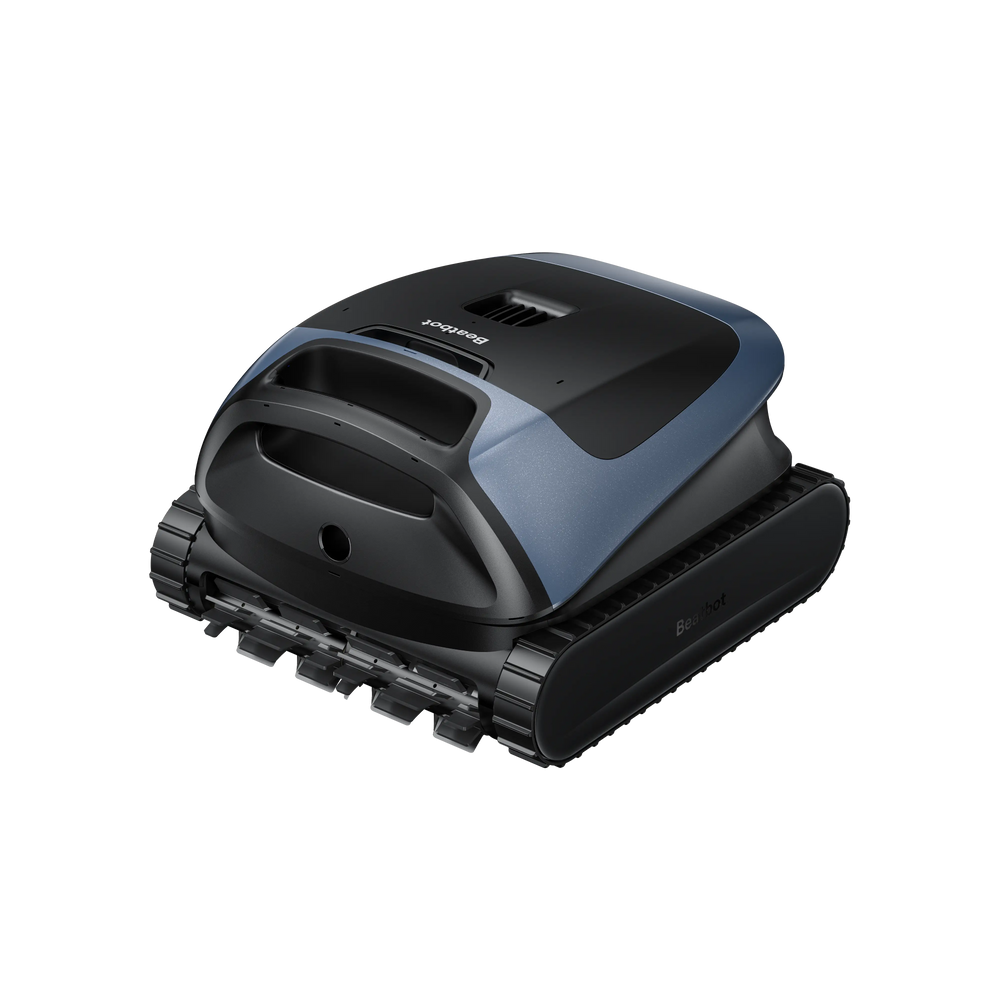
No current brand offer. Explore Amazon options.
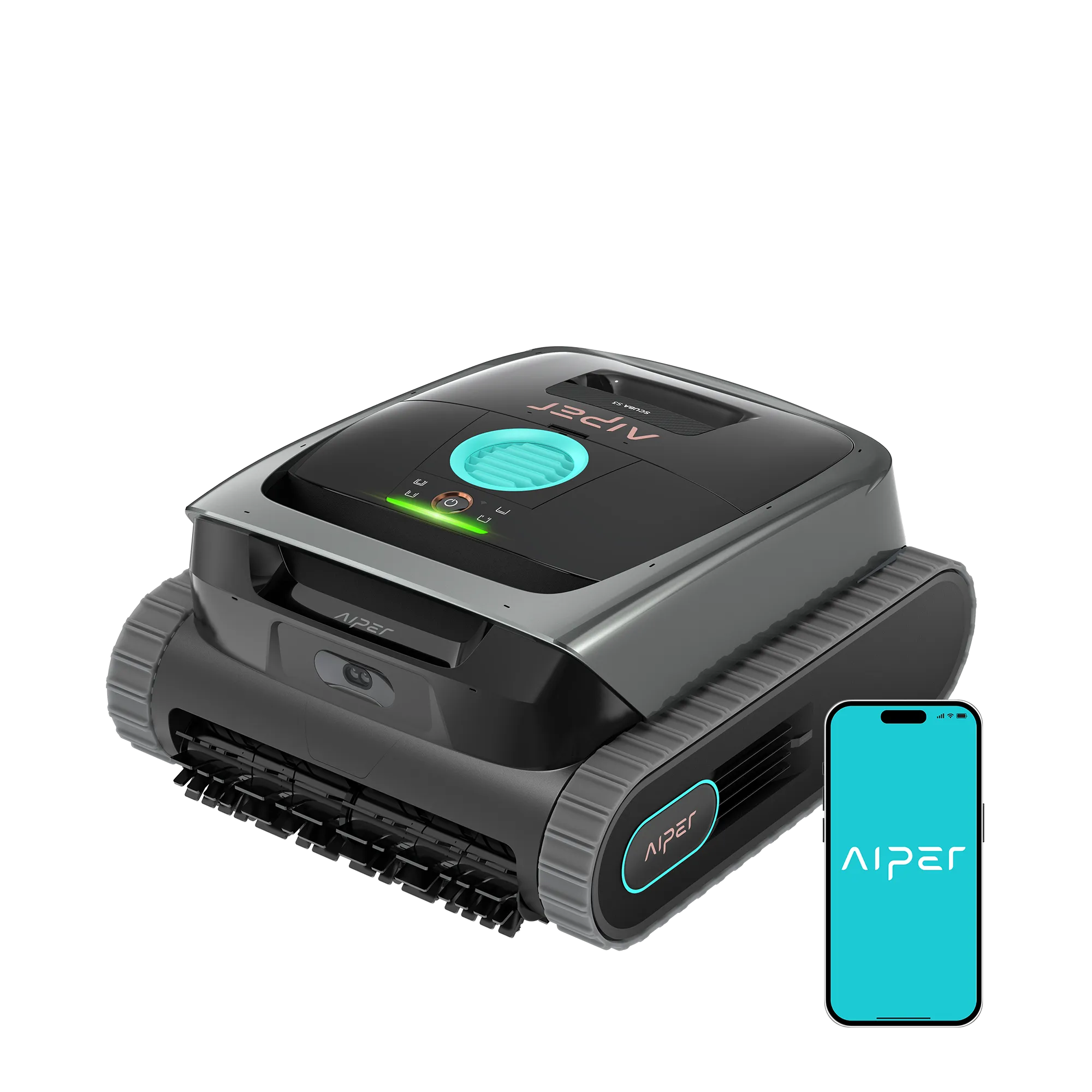
Checked Nov 27 · In stock when checked. Shipping and tax at checkout.
Buy at Lowe’s See all offers & model details ↗We may earn a commission when you buy through these links.
Our recommendations come from published specifications. We may earn a commission from qualifying purchases. As an Amazon Associate, we earn from qualifying purchases. How we work
The quick verdict
Here’s where we’d start.
Confirm that the exact cleaner supports waterline cleaning and that the selected task includes it. Sora 30 and Scuba S3 both document that job, but parking at the edge isn't the same as scrubbing it. Record the behavior, use approved retrieval and shutdown before care, and have recurring climbing or coping problems assessed by support. Don't treat a longer floor-only runtime or a live app command as a universal repair.
Sora 30 · Deep Blue
Sora 30 lists floor, wall and waterline work separately from surface-parking retrieval.
Its longest five-hour claim is floor-only. Follow its exact controls and handling instructions.
Scuba S3
Scuba S3 explicitly advertises horizontal waterline cleaning and waterline parking.
Confirm the active mode and status. Its 240-minute headline is Eco, rather than a promised waterline session.
Record whether it parks, climbs or actually scrubs.
Note the mode, battery state, message and place where the problem occurs. Does the cleaner remain on the floor, reach the edge briefly, or travel along it while leaving a mark behind? Take a short video and explain whether it happens everywhere or beneath one piece of coping.
A parked cleaner may have finished or reached low battery. Our cleaner-stopping guide separates those normal states from an unexpected failure.
Check that the task includes the waterline.
Beatbot Sora 30 documents floor, wall and waterline cleaning, but its longest five-hour duration is floor-only. Its FAQ gives a separate 4.5-hour claim for the combined underwater job. A floor task doesn't become a wall task because the robot has battery remaining.
Aiper Scuba S3 explicitly lists horizontal waterline cleaning, with separate Standard and Eco duration claims. Check the exact selected task and current instructions rather than assume every setting spends the same time at the edge. Our cleaning-frequency guide helps plan the appropriate session.
Our cleaning-mode guide distinguishes a floor task from the documented floor, wall and waterline sequence before you repeat a run.
The Dolphin CC Plus/CC Pro guide illustrates that distinction: Pro explicitly lists waterline cleaning, while it is not established for the standard Plus model compared there.
Our BWT ES600/ES700 guide gives a straightforward model distinction: ES600 lists floor cleaning, while ES700 explicitly adds walls and waterline. A longer floor schedule cannot add that missing job.
Waterline parking is a pickup feature.
Both models describe parking behavior as well as cleaning. Seeing the robot at the edge isn't proof it is performing its scrubbing routine, and a pickup position doesn't promise automatic exit onto the deck.
Sora 30's app mode changes require it to be at the surface and online; it isn't an underwater steering repair. Use the exact model's controls. Our Wi-Fi guide and retrieval guide explain those separate questions.
Check routine care before extending the schedule.
Retrieve and shut down the cleaner using its approved procedure before inspecting the basket, brushes and tracks. Follow the exact care instructions for the supplied filter, especially any finer element, and preserve an obstruction or overload message before clearing it.
Don't remove parts, add weight or substitute a filter to force climbing. Our cleaner-care guide covers permitted maintenance; the wall-climbing guide addresses a cleaner that cannot reach the waterline at all.
A problem in one place needs that feature assessed.
Photograph the wall finish, transition and coping where it fails. Note changes to the normal water level and anything recently added to the pool. A broad floor/wall claim doesn't approve every overhang, shelf or awkward corner.
Send the measurements to the maker before changing water level or adding a workaround. If the same stop is on a step or shallow transition, our step-trapping guide explains the model-specific fit questions.
Describe what remains dirty after the correct task.
After approved care and a supported retry, record the result in the same place. Send the full model, serial number, firmware/app details, mode, battery status, photos and video to support, along with the maintenance completed and recent pool changes.
If it reaches and travels along the edge but residue remains, explain that clearly. We'd ask what cleaning result and care are appropriate for that surface before buying another robot or repeatedly adding longer runs. More floor-only endurance doesn't diagnose a waterline problem.
A closer look
The differences, in view.
Scroll horizontally on smaller screens. Values are manufacturer claims; see each product for qualifiers and original wording.
| Specification | Sora 30 · Deep Blue | Scuba S3 |
|---|---|---|
| Cleaning coverage | Floor, walls, waterlineShallow platforms also claimed, subject to minimum water depth and platform size. | Floor, walls and waterline |
| Claimed runtime | 300 minUp to; floor-only. FAQ separately gives 4.5 hours for floor + walls + waterline. | Not confirmed |
| Rated pool area | 3230 sq ftManufacturer maximum cleaning coverage, not a measured result. | 1614 sq ftModel-specific column of the manufacturer comparison. |
| Pool types | In-ground, above-ground | Not confirmed |
| Pool surfaces | Concrete, ceramic tile, vinyl, fiberglass | Not confirmed |
| Filtration | 150 μm includedOptional 3 μm filter is sold separately. | 180 μm + 3 μm |
| Charging | 65 W plug charging; approximately 4.5 hours | Not confirmed |
Ready to choose?
Your next step, made simple.
No current brand offer. Explore Amazon options.
Checked Nov 27 · In stock when checked. Shipping and tax at checkout.
Buy at Lowe’s See all offers & model details ↗We may earn a commission when you buy through these links.
Show your work
Sources & editorial method.
We reviewed official US product information and exact configurations. Our advice draws on published specifications and model-specific manufacturer instructions, with the practical trade-offs explained. Unknowns and conflicting claims are kept visible. Prices above come from the catalog and may change independently of this article’s review date.
- Current manufacturer US model page — exact configuration, specifications, modes and limitations
- Current manufacturer US model page — exact configuration, specifications, modes and limitations
Published Nov 3, 2026 · Editorial review Nov 4, 2026.
Read our research standardsKeep exploring
A little more perspective.
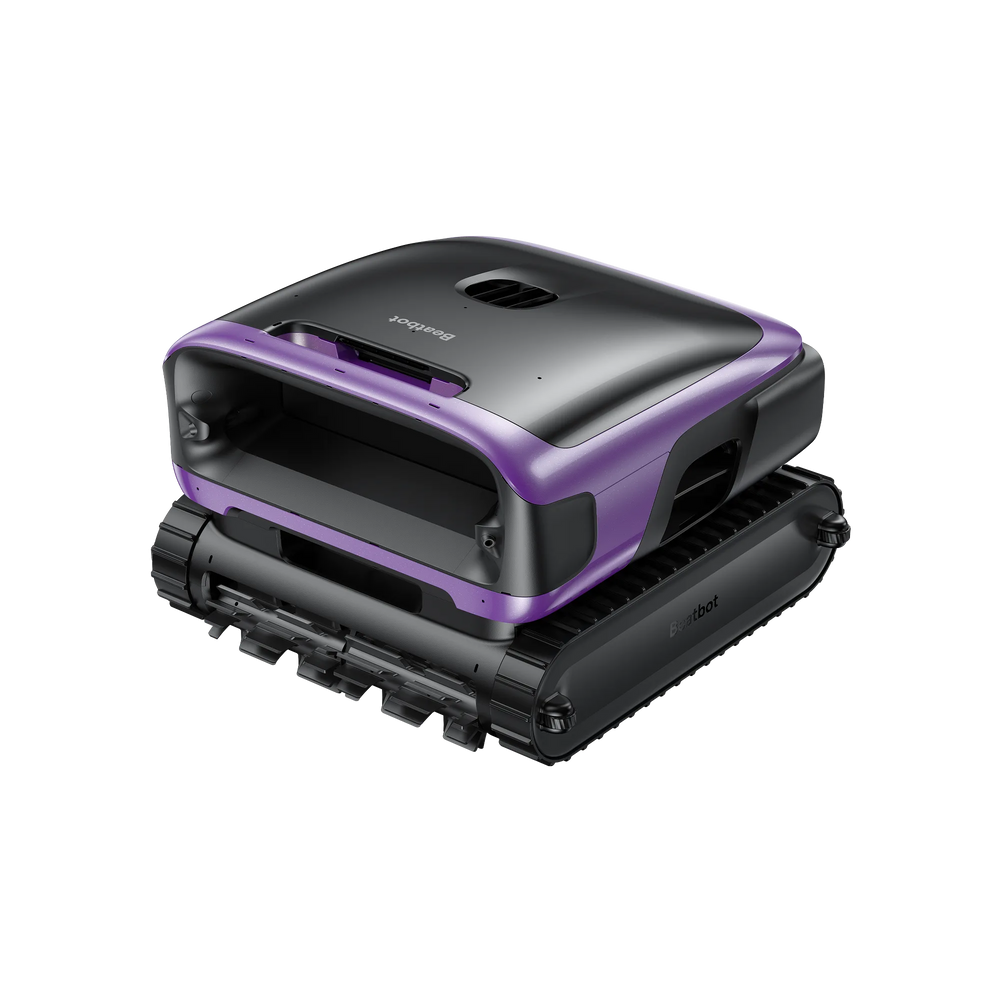
Do Robotic Pool Cleaners Need Wi-Fi to Clean?
Some can start ordinary cleaning from onboard buttons without Wi-Fi on every run. The app still has a separate role in setup, customization and updates. We'd check the exact model's offline controls before buying for a pool with weak signal, then plan retrieval without relying on a live underwater connection.
Read the guide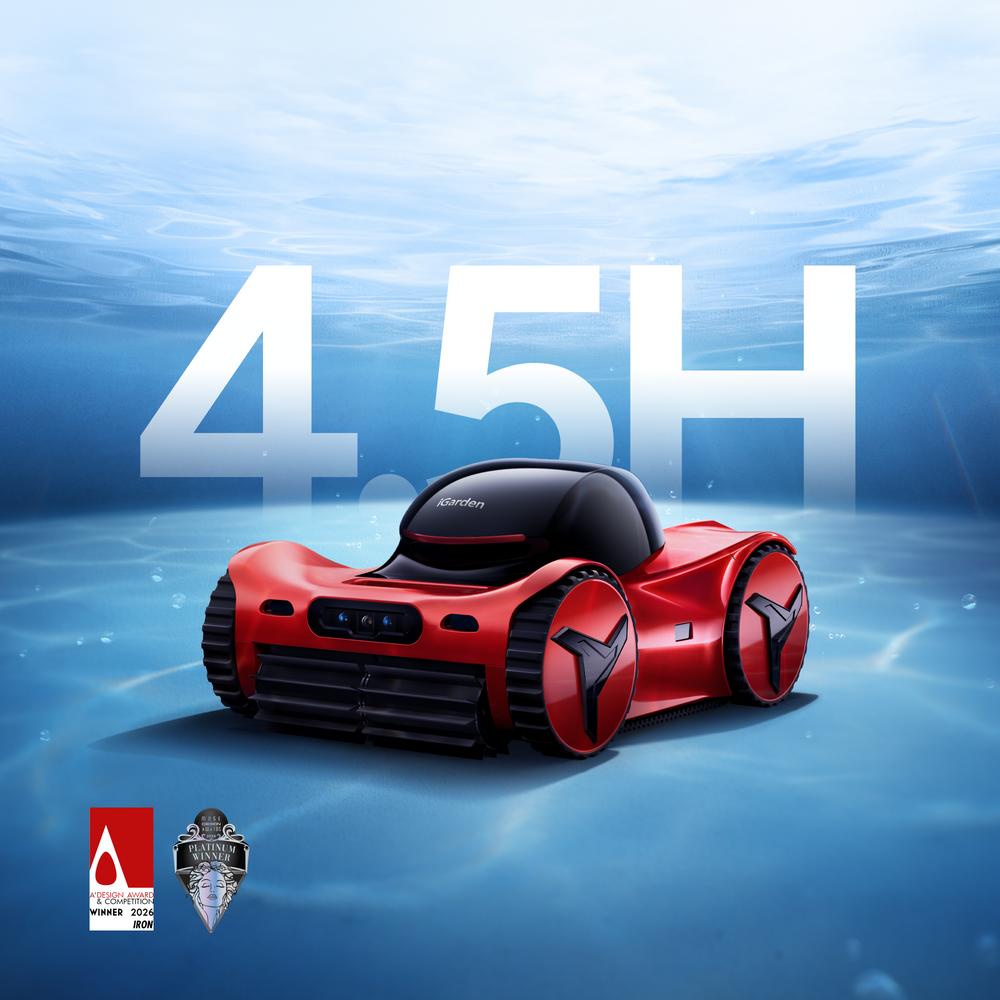
How Often Should You Run a Robotic Pool Cleaner?
A useful schedule keeps up with the debris without turning every available hour into another cleaning cycle. We'd start with the pool's normal use, check what remains after a run and adjust the mode and frequency from there. The robot's timer isn't a maintenance plan by itself.
Read the guide