Troubleshooting guide · 6 min read
Why Isn’t My Robotic Pool Cleaner Climbing Walls?
Start with the selected mode and filter before assuming a motor has failed. A full basket, the wrong filter arrangement or a feature outside the robot's pool-fit limits can change what you see. These checks use exact iGarden and Beatbot examples, with the model's own instructions controlling the work.
Based on published manufacturer information.
Checked Nov 27 · In stock when checked. Shipping and tax at checkout.
Buy at Lowe’s See all offers & model details ↗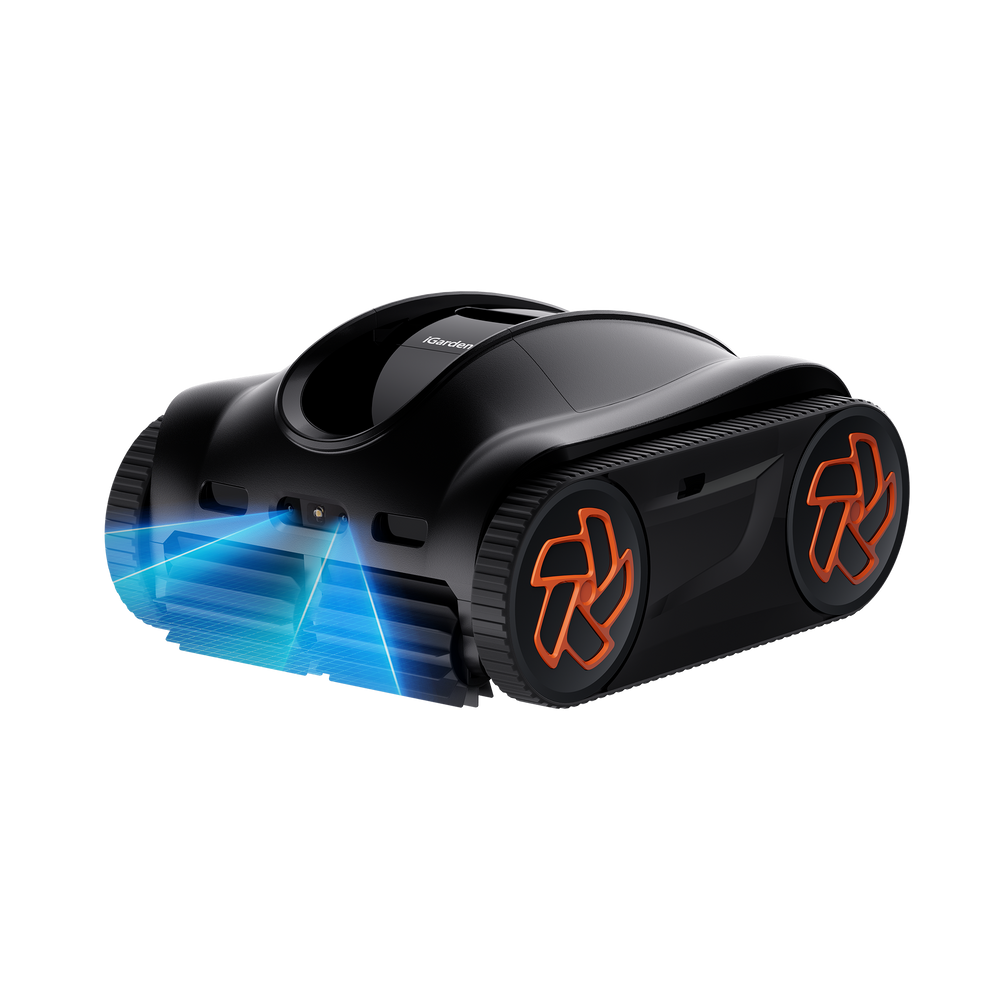
No current brand offer. Explore Amazon options.
We may earn a commission when you buy through these links.
Our recommendations come from published specifications. We may earn a commission from qualifying purchases. As an Amazon Associate, we earn from qualifying purchases. How we work
The quick verdict
Here’s where we’d start.
First confirm that the current mode includes walls. Then retrieve, power down and check the filter and visible moving parts as the exact manual directs. K40 and K-AI 50 have floor-only fine-filter restrictions; Beatbot identifies a clogged basket as a common climbing problem for AquaSense 2 Ultra. If normal care and the approved setup don't resolve it, send the manufacturer the model, mode, filter arrangement, error and photos rather than guessing at a repair.
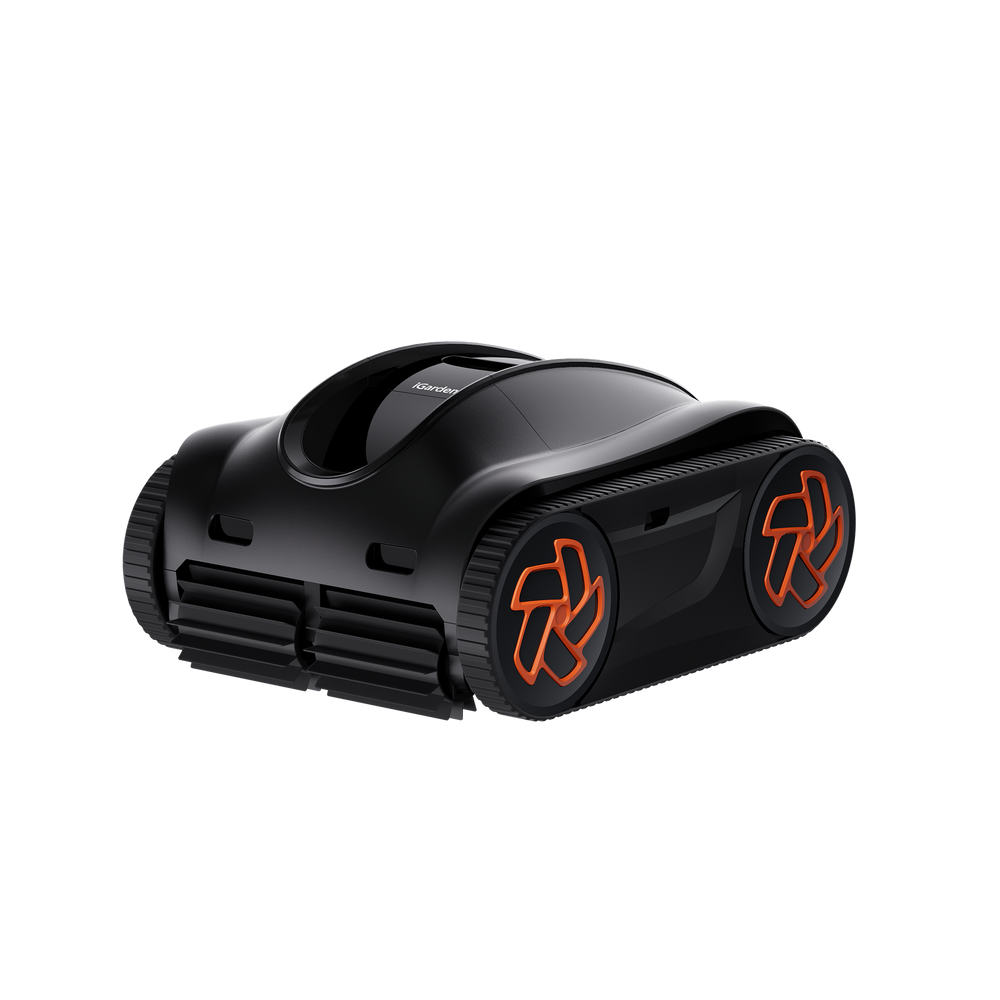
K40
iGarden recommends the 180 + 50 μm dual-filter arrangement for floor-only cleaning because it can reduce suction and wall climbing.
Follow K40's approved filter assembly for the intended mode. This isn't a reason to remove arbitrary filter parts from another cleaner.
K-AI 50
The K-AI FAQ directs owners to use the 180 μm filter for wall cleaning rather than the floor-only dual-layer setup.
Check the exact 50 model and pool fit. AI recognition doesn't guarantee access to every shelf or wall transition.
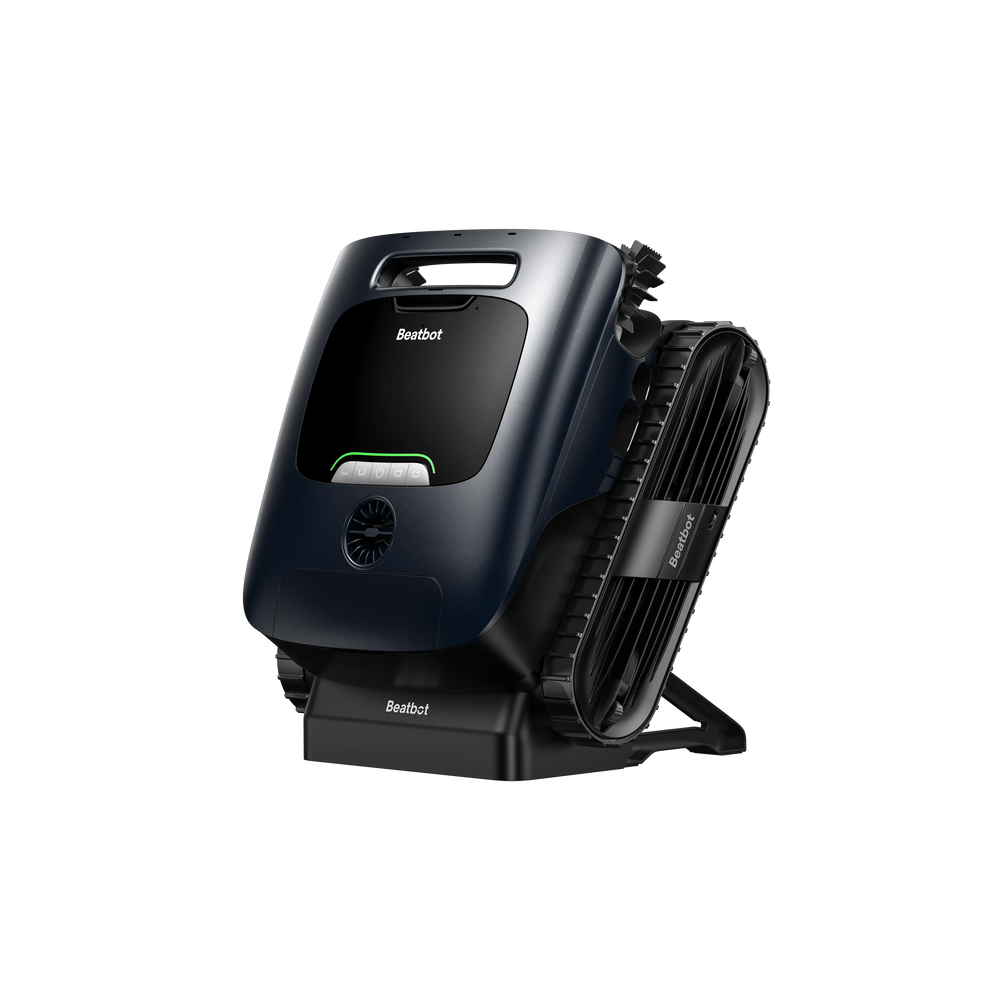
AquaSense 2 Ultra
Beatbot's Ultra support section identifies debris accumulation in the basket as a common wall-climbing cause.
Follow the Ultra care instructions and contact support with logs if it persists. Don't borrow another family's dismantling or reset steps.
First, check which job you asked it to do.
Look at the selected mode and the stage of the current cycle. A floor-only program isn't a wall-cleaning test. Some programs prioritize one area before moving to another, so check the exact mode description and give it the intended session rather than changing settings every few minutes.
Also note whether the robot climbed before and has stopped, or has never managed this particular wall. We'd tell support that distinction early. A new loss of climbing after normal operation asks different questions from a pool feature that has never been confirmed as suitable.
K40’s fine-filter setup belongs to floor-only cleaning.
For the iGarden K40, the manufacturer recommends the 180 + 50 μm dual-filter arrangement for floor-only use and says it can reduce suction and wall-climbing performance. If the problem started after fitting the fine layer, check the approved assembly for the intended mode before assuming a drive fault.
Follow the power-off, removal and refitting instructions before changing the basket setup. Our K40 vs KN40 comparison keeps the model-specific filter difference clear. That instruction isn't permission to take an arbitrary layer out of a different robot.
K-AI gives a specific filter instruction for wall cleaning.
The iGarden K-AI 50 family FAQ says to use the dual-layer setup for floor-only cleaning and switch to its 180 μm filter for walls. Check that the selected model, assembled filter and current program match those instructions.
The camera doesn't remove that flow-and-filter requirement. Our Scuba V3 vs K-AI 50 guide explains the mode differences and the exact pool-fit questions. If the approved arrangement is already in place, continue with routine care rather than keep changing parts.
If you are considering a different AI model after troubleshooting, our K-AI 50 versus KN-AI 40 guide keeps the fine-filter restriction and physical pool fit close to that buying decision.
For AquaSense 2 Ultra, check the basket before diagnosing the drive.
Beatbot identifies debris accumulation in the filter basket as a common reason the AquaSense 2 Ultra struggles with walls. Its support guidance starts with basket cleaning and recommends contacting the brand with logs if the problem continues.
Use the Ultra's own retrieval, power-down and filter-care procedure. For that model, Beatbot also says to clean the basket and fully charge before restarting when reduced runtime or climbing power is associated with a clogged filter. The cleaner-maintenance guide helps keep routine care separate from a repair.
For a cleaner that tilts or floats rather than simply fails to climb, our floating-or-tilting guide distinguishes normal parking, entry air, filter loading and a difficult transition before another retry.
If the robot reaches the wall but cannot surface properly, our return-to-pool-edge guide checks the exact AquaSense basket, entanglement and coping instructions as a separate symptom.
Inspect visible brush and track obstructions as directed.
Check the exact manual's procedure for grass, hair or other material caught around the brushes and tracks. Beatbot's Ultra help section specifically associates entanglement alerts with those parts. Retrieve and power down as directed before touching them, and keep the error message for support.
We'd stop at the maintenance the manufacturer authorizes for the owner. A photo, mode name and clear description of the symptom are more useful than guessing at a sealed motor or an undocumented reset. After any permitted care, refit everything correctly before the model's next approved check.
Check the surface and water conditions too.
Match the pool finish, depth and transitions to the cleaner's own requirements. iGarden's K guidance notes that very smooth or heavily textured surfaces can affect climbing. A narrow step, a curved floor-to-wall transition and an ordinary vertical wall are different features; don't use one as proof that every other feature should be reached.
Check water conditions against the exact model's permitted range using your normal pool-care process. Avoid inventing one salt, temperature or pH limit for all robots. Our saltwater guide preserves model-specific limits, while the steps guide covers geometry and water-depth questions.
Our algae guide explains what to record about attached or slippery deposits and when to have them assessed. Changing the robot’s schedule alone does not establish that a water or surface problem is resolved.
Send support the details that distinguish the cause.
Record the full model, selected mode, filter components, battery state, pool finish, error and whether it previously climbed. Photograph the feature and note what routine care you've completed. For Ultra, use Beatbot's requested log-upload process if cleaning hasn't resolved the problem; use iGarden's model-specific process for its machines.
If you're comparing replacements, our iGarden guide and Beatbot guide help separate pool suitability and cleaning jobs. We'd settle the current model's configuration and support advice before assuming a more expensive robot is the necessary fix.
If it reaches the floor but leaves the dirt there, our dirt-pickup checks address that different symptom, including the model-specific AquaSense 2 and Sora 30 filter options.
If the issue includes repeated stops or early returns, our cleaner-stopping guide checks selected mode, normal parking, basket condition and exact-model support messages.
If the problem is a particular step or shallow transition, our cleaner-stuck-on-steps guide compares usable space and water depth with exact model requirements instead of treating it as a general wall-climbing failure.
If the robot climbs but leaves the edge dirty, our waterline-cleaning troubleshooting guide separates the selected task, parking behavior and a local coping problem from a general inability to climb.
A closer look
The differences, in view.
Scroll horizontally on smaller screens. Values are manufacturer claims; see each product for qualifiers and original wording.
| Specification | K40 | K-AI 50 | AquaSense 2 Ultra |
|---|---|---|---|
| Cleaning coverage | Floor, walls and waterline | Floor, walls and waterline | Floor, walls, waterline, surface |
| Claimed runtime | 240 minUp-to floor-only/headline runtime for this tier; full-coverage mode is shorter. | 300 minUp-to floor-only/headline runtime for this tier; full-coverage mode is shorter. | 300 minUp to; floor-only cleaning. Separate claims: up to 10 hours surface-only and 4.5 hours walls + waterline. |
| Maximum pool length | 39.4 ftRecommended physical pool dimensions, not cumulative cleaning area. | 39.37 ftRecommended physical pool dimensions, not cumulative cleaning area. | Not confirmed |
| Filtration | 180 μm + 50 μm | Not confirmed | 150 + 250 μm dual-layerThe source says particles as small as 150 μm; no finer filtration is implied. |
| Navigation | Not confirmed | Dual-camera AI vision | HybridSense AI + CleverNav |
| Pool types | Not confirmed | Not confirmed | In-ground, above-ground |
| Pool surfaces | Not confirmed | Not confirmed | Concrete, vinyl, fiberglass, ceramic tile, stainless steel |
Ready to choose?
Your next step, made simple.
Checked Nov 27 · In stock when checked. Shipping and tax at checkout.
Buy at Lowe’s See all offers & model details ↗No current brand offer. Explore Amazon options.
Checked Nov 27 · In stock when checked. Shipping and tax at checkout.
Buy at Lowe’s See all offers & model details ↗We may earn a commission when you buy through these links.
Show your work
Sources & editorial method.
We reviewed official US product information and exact configurations. Our advice draws on published specifications and model-specific manufacturer instructions, with the practical trade-offs explained. Unknowns and conflicting claims are kept visible. Prices above come from the catalog and may change independently of this article’s review date.
- iGarden K Series — K40 dual-filter floor-only recommendation, flow/climbing caveat and surface-fit limits
- iGarden K-AI — floor-only dual layer versus 180 μm wall-cleaning instruction for the exact family
- Beatbot US help center — exact AquaSense 2 Ultra basket, entanglement, charged restart and support/log guidance
- Beatbot AquaSense 2 Ultra — exact cleaning jobs, pool compatibility and operating qualifiers
Published Nov 2, 2026 · Editorial review Nov 9, 2026.
Read our research standardsKeep exploring
A little more perspective.
 vs
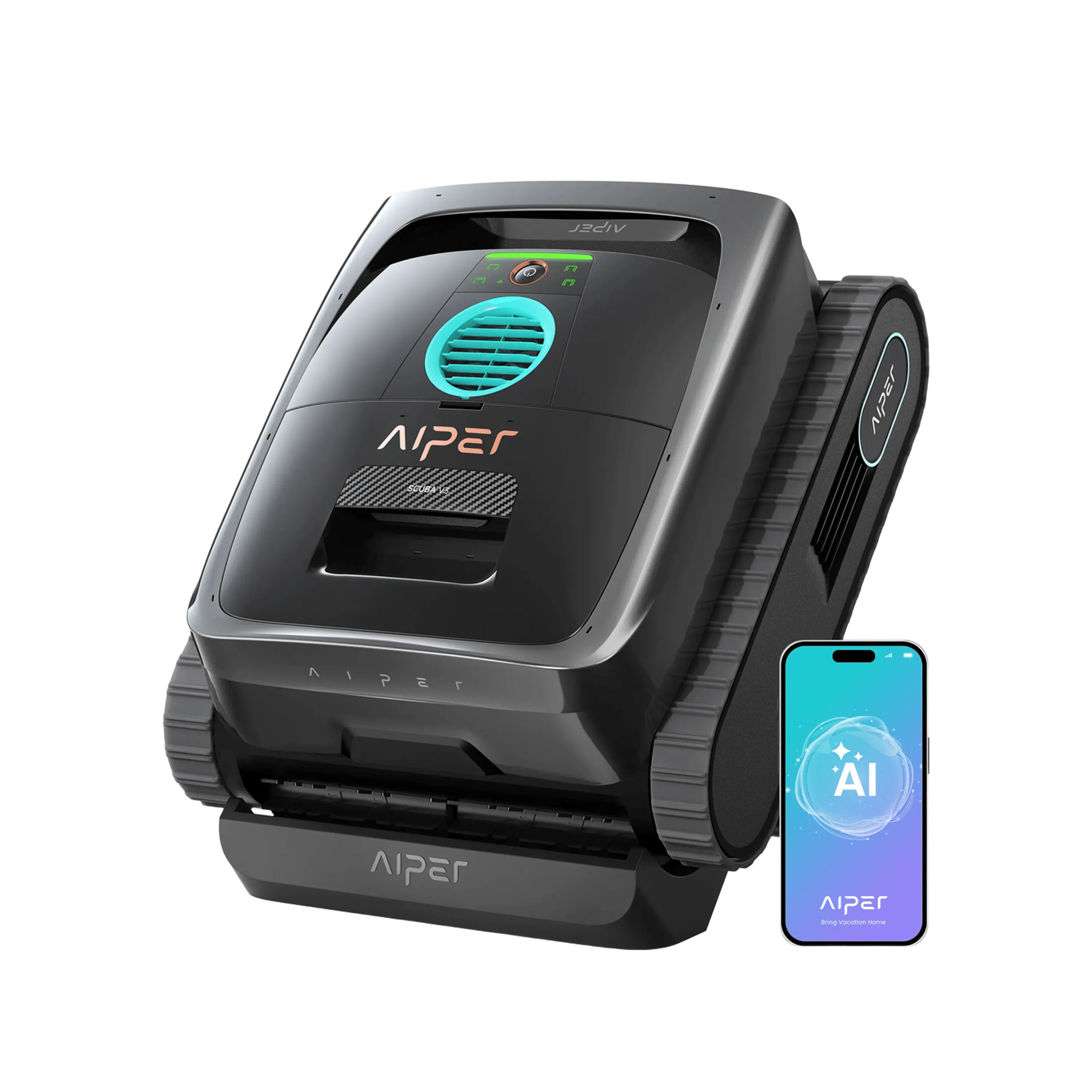
Aiper Scuba V3 vs iGarden K-AI 50: Which Should You Buy?
Both advertise vision-based navigation for underwater cleaning, but the camera label doesn't settle pool fit or the filter routine. We'd check the dimensions, intended cleaning mode and retrieval arrangement first, then compare what each system would change in your pool.
Read the guide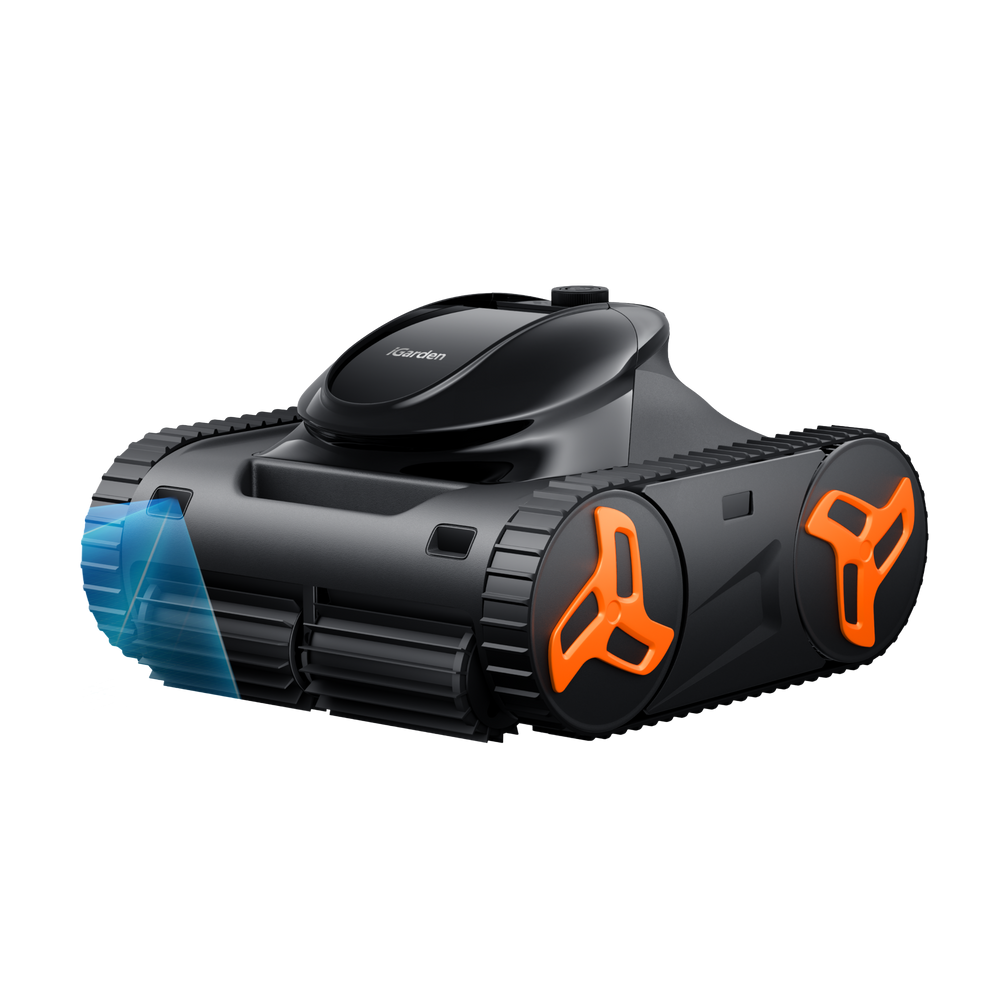 vs
iGarden K-AI 50 vs KN-AI 40: Which Pool Cleaner Should You Buy?
Both add vision-based cleaning features, but the pool dimensions, basket and filter routine give you more useful ways to choose. We'd check those first, then decide whether K-AI 50's longer stated floor session would help. A shared AI label isn't a same-pool performance comparison.
Read the guide