Troubleshooting guide · 3 min read
Why Won’t My Robotic Pool Cleaner Return to the Pool Edge?
Start by separating a robot still cleaning from one that has finished but can't surface or present its handle. Beatbot's AquaSense 2 and Ultra help sections give specific basket, entanglement and coping checks. Record what happens and use the exact model's poolside retrieval instructions before inspecting it.
Based on published manufacturer information.
No current brand offer. Explore Amazon options.
Checked Nov 27 · In stock when checked. Shipping and tax at checkout.
Buy at Lowe’s See all offers & model details ↗We may earn a commission when you buy through these links.
Our recommendations come from published specifications. We may earn a commission from qualifying purchases. As an Amazon Associate, we earn from qualifying purchases. How we work
The quick verdict
Here’s where we’d start.
Check whether the selected task has ended and what the model's parking feature promises. For AquaSense 2 and Ultra, Beatbot separately identifies clogged baskets, entangled rollers/tracks and coping close to the waterline as causes of failed surfacing. Use approved poolside retrieval and stop/power-off care before inspection. Measure and report the coping geometry rather than blindly change the pool's operating water level. Persistent faults need the app log, serial number and exact symptom.
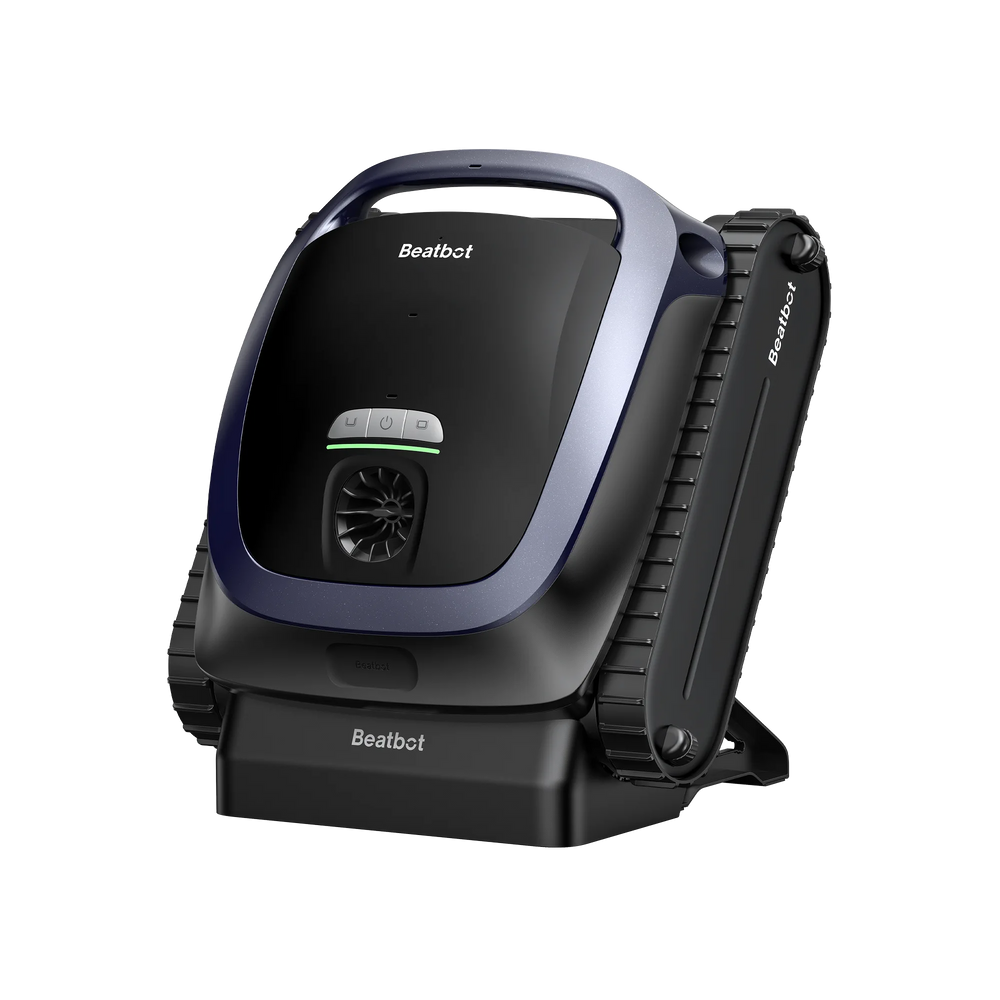
AquaSense 2
The exact AquaSense 2/A200 help section lists basket blockage, entanglement and coping clearance as checks.
Its product FAQ does not support app return during an active clean. Use the exact parking state and retrieval procedure.
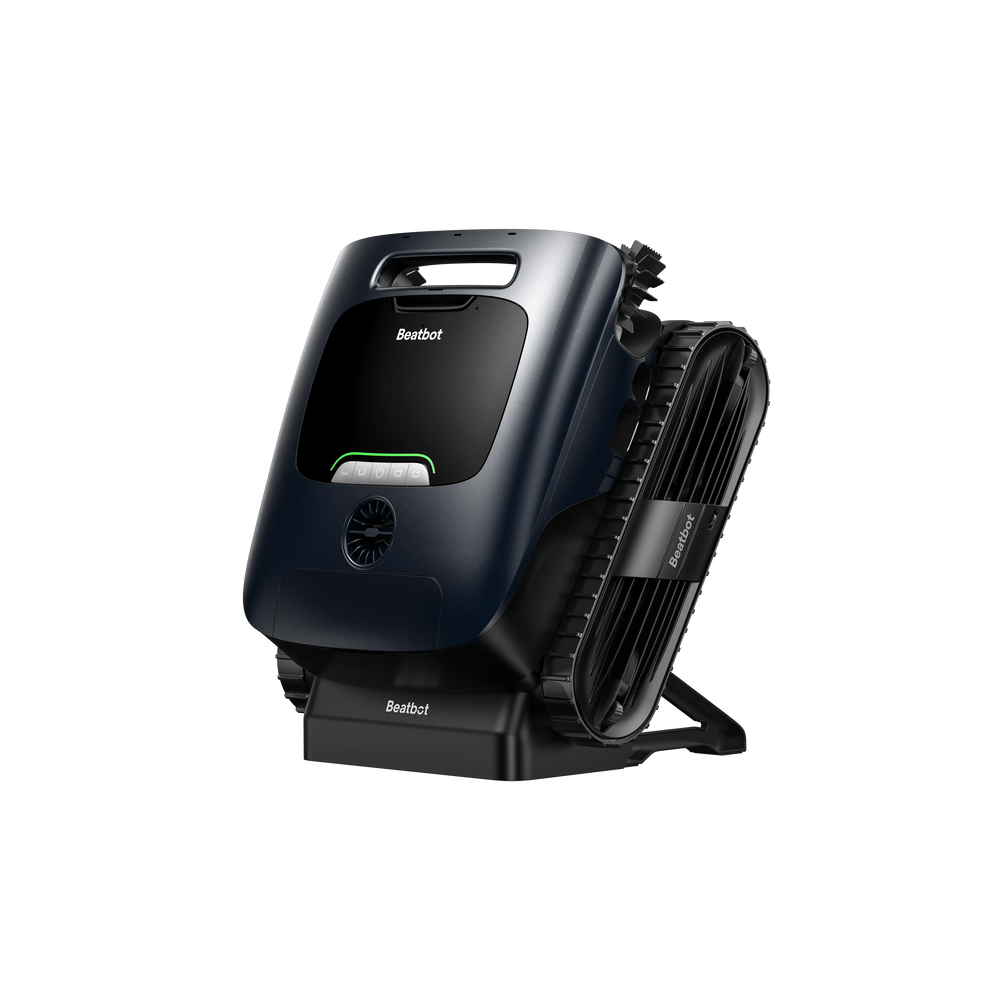
AquaSense 2 Ultra
The separate Ultra/A200 Ultra help section gives the same three checks, with Ultra’s own controls and handling instructions.
Surface-state app features are not a universal underwater recall. Keep the exact warning and use approved retrieval before care.
Check whether the robot is meant to return yet.
Is the cleaner still carrying out its selected task, returning at low battery, or finished but unable to present its handle? Note the mode, elapsed time, lights and message. A pause at the wall or offline app display doesn't identify the whole problem.
Check what the exact parking feature promises. Our cleaner-stopping guide separates ordinary operating states from faults, and the Wi-Fi guide explains why underwater status can disappear.
Use the controls supported in that operating state.
AquaSense 2's product FAQ says it cannot be commanded to return through the app during cleaning; its headline app-parking feature is scoped to being at the surface. AquaSense 2 Ultra has its own surface-state control and recall conditions. Don't copy a button sequence between them.
If normal parking fails, follow the exact manual's poolside retrieval process, including its supplied-hook option where appropriate. Don't enter the water to catch a working robot. Our retrieval guide covers the handling questions.
Our Polaris Freedom Plus/LT comparison helps check which retrieval arrangement belongs to the actual unit. Do not apply another model’s recall controls before confirming the supported method.
Retrieve it before checking for a blockage.
Beatbot's separate help sections for these exact models identify a clogged filter basket as a common reason for trouble resurfacing. Follow the model's stopping, power-off and cleaning instructions before inspecting and washing it.
The same sections describe roller-brush or track-wheel entanglement, including the app warning that can appear after retrieval. Save that message and follow the maker's approved troubleshooting. Our cleaner-care guide covers ordinary care without turning it into internal repair.
Check whether the coping is blocking the handle.
The two help sections also describe coping too close to the waterline preventing the handle from fully emerging. Their specified clearance for that issue is at least seven inches/18 cm. Record the actual gap and take a photo for support.
Don't use that figure as a general water-level target for every pool. Confirm any proposed change with Beatbot and the pool professional responsible for the system, rather than blindly drain water. Our steps and sun-shelf guide explains why physical features need an exact fit answer.
Note where it gets stuck and what happens.
Say whether the problem happens at the same wall, whether the robot reaches the surface but the handle stays trapped, or whether it remains on the floor. Include the selected mode and the basket or entanglement checks already completed.
That description helps distinguish a failed return from a different symptom such as trapping on steps. Our step-trapping guide covers that situation. Don't bypass a protection message to force another attempt.
Send the log and exact model before repeated resets.
If the approved checks don't resolve it, Beatbot's help guidance asks for an app log and device serial number. Include firmware/app versions, the warning, relevant photos and the repeatable location. Avoid replacing hardware or repeatedly resetting the robot without that evidence.
Plan swim time separately until the normal handling routine is complete. Our swimming guide and first-use guide keep the operating instructions and launch procedure in view.
When a remote retrieval command gets no response, our remote troubleshooting guide checks handset power and indicators before treating the cleaner’s return system as faulty.
A closer look
The differences, in view.
Scroll horizontally on smaller screens. Values are manufacturer claims; see each product for qualifiers and original wording.
| Specification | AquaSense 2 | AquaSense 2 Ultra |
|---|---|---|
| Cleaning coverage | Floor, walls, waterline | Floor, walls, waterline, surface |
| Claimed runtime | 240 minUp to; continuous floor-only cleaning. Manufacturer claim, not a mixed-mode test. | 300 minUp to; floor-only cleaning. Separate claims: up to 10 hours surface-only and 4.5 hours walls + waterline. |
| Rated pool area | 3230 sq ftRecommended pool bottom area, not a measured cleaning result. | Not confirmed |
| Filtration | 150 μmLayer count conflicts elsewhere in the source; 150 μm is the stated particle rating. | 150 + 250 μm dual-layerThe source says particles as small as 150 μm; no finer filtration is implied. |
| Charging | Wireless dock; approximately 4 hours | Approximately 4.5 hours |
| Navigation | CleverNav + SonicSense ultrasonic navigation | HybridSense AI + CleverNav |
| Pool surfaces | Not confirmed | Concrete, vinyl, fiberglass, ceramic tile, stainless steel |
Ready to choose?
Your next step, made simple.
No current brand offer. Explore Amazon options.
Checked Nov 27 · In stock when checked. Shipping and tax at checkout.
Buy at Lowe’s See all offers & model details ↗We may earn a commission when you buy through these links.
Show your work
Sources & editorial method.
We reviewed official US product information and exact configurations. Our advice draws on published specifications and model-specific manufacturer instructions, with the practical trade-offs explained. Unknowns and conflicting claims are kept visible. Prices above come from the catalog and may change independently of this article’s review date.
- Current manufacturer US model page — exact configuration, specifications and operating qualifications
- Current manufacturer US model page — exact configuration, specifications and operating qualifications
- Beatbot US help center — separate AquaSense 2/A200 and AquaSense 2 Ultra/A200 Ultra return-to-surface troubleshooting
- Beatbot AquaSense 2 manual — manufacturer-authored retailer-hosted PDF; poolside retrieval, stopping and care
- Beatbot AquaSense 2 Ultra official manual — poolside retrieval, handling and approved care
Published Nov 3, 2026 · Editorial review Nov 25, 2026.
Read our research standardsKeep exploring
A little more perspective.
Can You Swim While a Robotic Pool Cleaner Is Running?
We'd give swimming and robot cleaning separate times. The AquaSense 2 and AquaSense 2 Ultra manuals explicitly tell owners to keep people out of the pool while the robot works. Cordless power and obstacle detection don't change those instructions. Plan the clean and poolside retrieval before anyone gets in.
Read the guideHow to Use a Robotic Pool Cleaner for the First Time
Do the setup on dry land before lowering the cleaner into the pool. Read the exact manual, check the supplied parts, charge it correctly and pair the app while the robot is still easy to reach. Then choose the task and follow its own launch procedure. AquaSense 2 and Ultra are the examples here, with their steps kept model-specific.
Read the guide