Pool care · 5 min read
Pool cleaner brushes not turning? Check the operating state and tangled debris
A stationary cleaner, a tangled roller and a misleading view from above are different observations. Check the exact operating state, retrieve the robot correctly and inspect only the owner-accessible parts after shutdown.
Based on published manufacturer information.
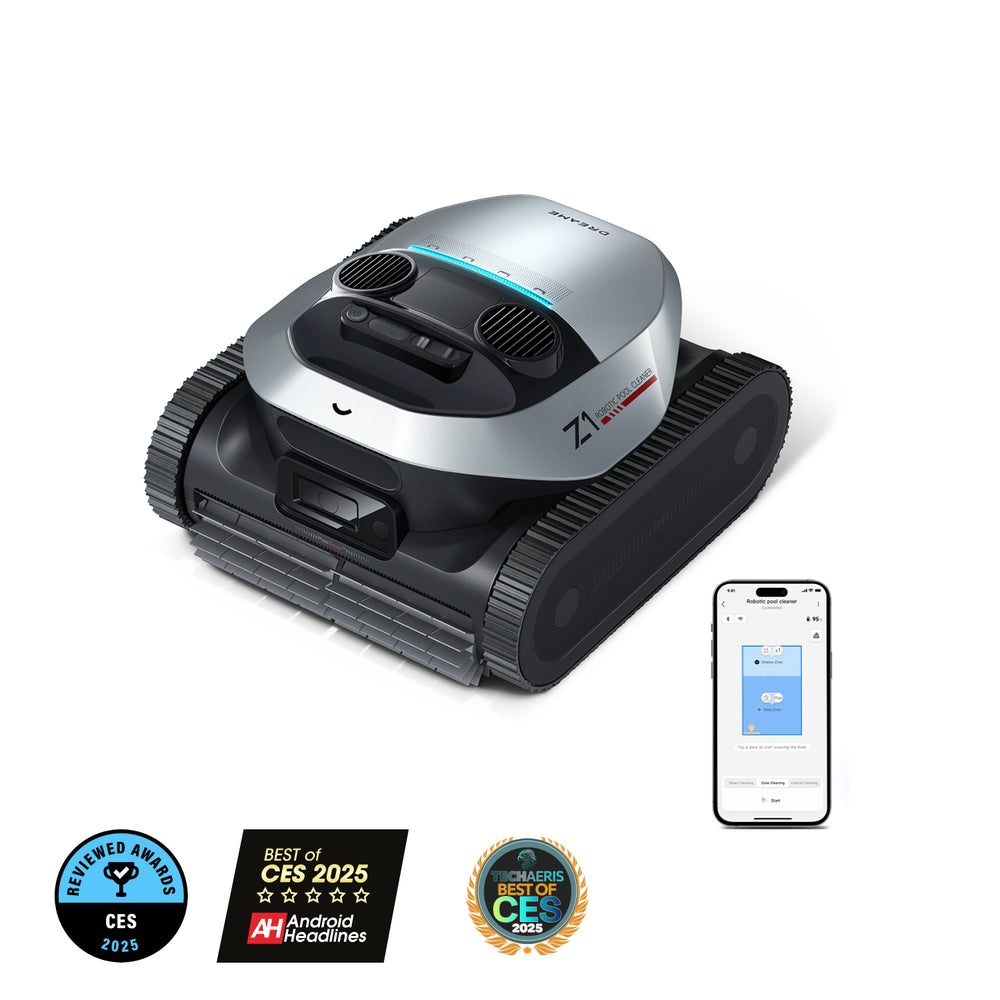
Checked Nov 27 · In stock when checked. Shipping and tax at checkout.
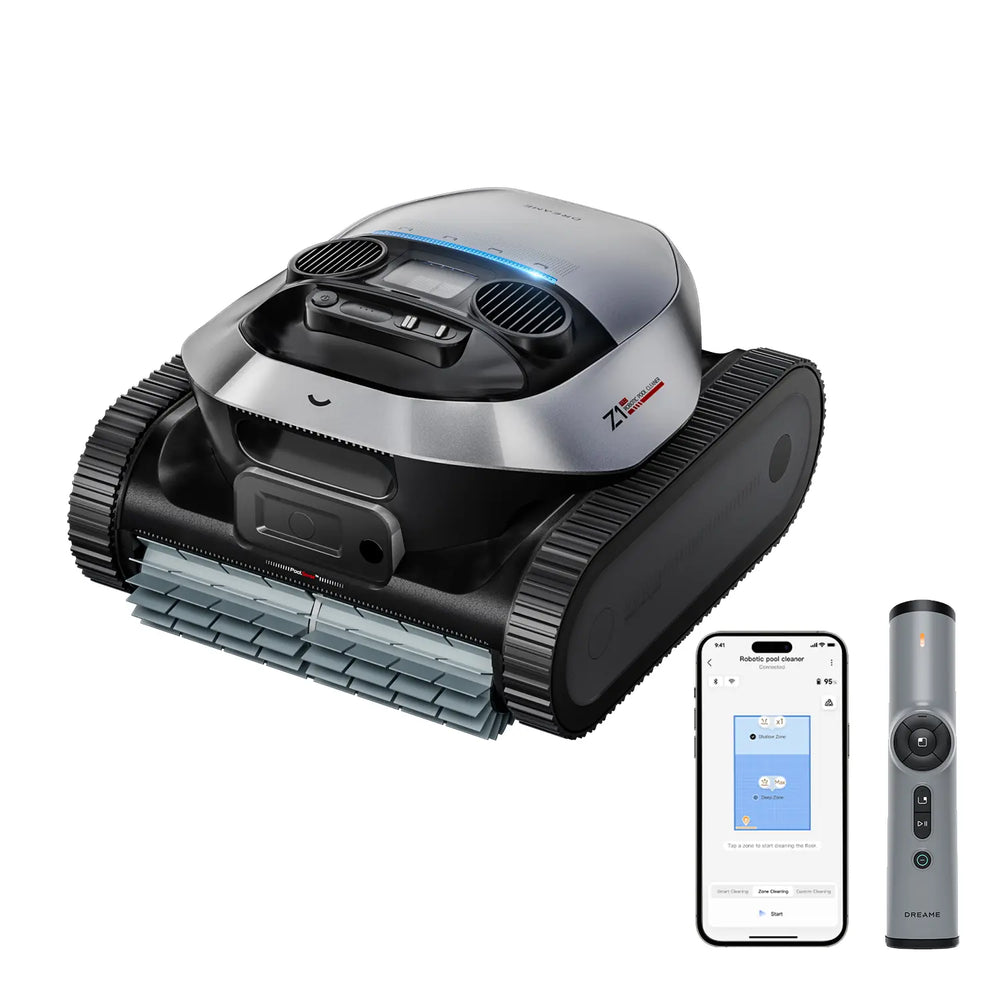
No current brand offer. Explore Amazon options.
We may earn a commission when you buy through these links.
Our recommendations come from published specifications. We may earn a commission from qualifying purchases. As an Amazon Associate, we earn from qualifying purchases. How we work
The quick verdict
Here’s where we’d start.
Confirm when the missing motion occurs before diagnosing a brush or drive fault. Z1 and Z1 Pro activate their pump motor and track wheels after landing on the pool floor, and both manuals call for powered-off brush care. Remove only permitted accessible debris; damage or persistent abnormal motion needs support assessment rather than forced rotation, a dry-running test or internal disassembly.
Z1
Z1 documents when its pump and tracks activate, plus powered-off cleaning of rollers and outlets.
A motionless machine on land does not establish a failed brush motor. Keep operating-state checks separate from inspecting a safely stopped robot.
Z1 Pro
The separately reviewed Pro manual covers roller entanglement, shutdown and replacement through after-sales support.
A remote command cannot clear a mechanical obstruction. Do not reach into moving parts or transfer a different cleaner’s brush speed and drive arrangement.
Describe which part appears motionless.
Is the whole robot stationary, one visible roller apparently still, or the machine moving without collecting dirt? Record the selected mode, warning and point in the cycle from a safe position outside the pool. Those observations ask different diagnostic questions.
Do not reach into the water to hold a moving roller or enter the pool to watch it closely. If the machine moves normally but leaves dirt, our poor-pickup guide covers the separate filter and collection checks.
If the brushes stop only at one drain cover, see the drain troubleshooting guide. The location and circulation state can help narrow down the problem.
Check the exact model’s operating state.
The Dreame Z1 manual says its pump motor and track wheels activate only after the robot lands on the pool floor. The Z1 Pro manual states the same condition independently.
A machine that is motionless on land therefore does not, by itself, establish a failed brush or drive component. Follow the exact start and calibration instructions; do not bypass a sensor or run it dry as a diagnostic shortcut. Our first-use guide covers normal setup.
See startup troubleshooting if the whole cleaner stays still. The Z1 Pro’s drive and pump wait for it to reach the pool floor.
Retrieve and shut down before inspecting the rollers.
Use the exact approved retrieval method, then switch the robot off before cleaning or examining accessible parts. Both Dreame manuals explicitly require shutdown before roller and water-outlet care. Keep fingers away from the impeller and drive mechanism.
Inspect on a suitable stable surface with the machine in its specified maintenance state. A paused app task is not a substitute for the required shutdown. Our retrieval guide and cleaner-care guide explain those separate owner tasks.
Check accessible hair, string and debris without forcing the drive.
The Z1 and Pro care sections tell owners to keep rollers and water outlets free of hair, dirt and debris, rinsing as needed with a hose. Follow the exact method and access limits for the robot in front of you.
Do not lever a roller, force a gear, probe a powered mechanism or improvise internal dismantling. A persistent obstruction or uncertain fitting needs assessment. The manuals direct replacement questions to after-sales support. Our stopping-mid-cycle guide covers the broader stopped-machine symptom.
Use our unusual-noise guide if a roller problem also brings a changed sound. Exact outlet and roller care does not authorize dismantling a belt or diagnosing a bearing from a recording.
A land observation and an in-pool stall need different follow-up.
Imagine the robot is switched on beside the pool and its tracks do not move. The documented floor-landing activation condition is relevant before calling that a fault. Follow the approved setup rather than force the mechanism to prove it turns.
Now imagine it reaches the pool floor but repeatedly stops beside visible tangled material. Record the state, retrieve and shut down, then perform only permitted accessible care. Improvement after clearing debris would not prove every component fault-free. Repeated abnormal motion still needs manufacturer assessment.
Do not turn every irregular route into a brush diagnosis.
The Dreame troubleshooting tables include roller entanglement among several possible reasons for an irregular floor-cleaning path. They also identify filter, sensor, initialization and pool-layout issues. A changed route alone does not isolate a roller fault.
Keep the filter and sensors in their approved care routine, without changing several settings at once or inventing a gear repair. Our missed-coverage guide and filter-clogging guide handle those separate observations.
Send the model, mode and fault sequence to support.
Include the serial number, selected mode, warning text and whether the issue occurs before immersion, after landing or only at a particular surface. Add photographs of accessible parts after shutdown and any safely recorded video already available.
Explain the permitted care completed and any visible damage. Ask which inspection or replacement is authorized before further operation. Our Z1 versus Z1 Pro guide helps identify the exact machine; a similarly shaped robot does not establish the same brush drive or service procedure.
A closer look
The differences, in view.
Scroll horizontally on smaller screens. Values are manufacturer claims; see each product for qualifiers and original wording.
| Specification | Z1 | Z1 Pro |
|---|---|---|
| Rated pool area | 1950 sq ftManufacturer maximum; pool geometry and conditions still matter. | 2160 sq ftManufacturer maximum; pool geometry and conditions still matter. |
| Navigation | Ultrasound + 3D structured light | PoolSense navigation |
| Remote control | No LiFi handheld remote | LiFi-enabled handheld remote |
| Retrieval | Not confirmed | Automatic waterline parking |
Ready to choose?
Your next step, made simple.
Checked Nov 27 · In stock when checked. Shipping and tax at checkout.
No current brand offer. Explore Amazon options.
We may earn a commission when you buy through these links.
Show your work
Sources & editorial method.
We reviewed official US product information and exact configurations. Our advice draws on published specifications and model-specific manufacturer instructions, with the practical trade-offs explained. Unknowns and conflicting claims are kept visible. Prices above come from the catalog and may change independently of this article’s review date.
- Dreame official US page — exact model information
- Dreame official US page — exact model information
- Official Z1 manual — operating state, powered-off rollers and troubleshooting
- Official Z1 Pro manual — independently reviewed operating and roller care instructions
Published Nov 10, 2026 · Editorial review Nov 10, 2026.
Read our research standardsKeep exploring
A little more perspective.
vsDreame Z1 vs Z1 Pro: Is the Upgrade Worth It?
The clearest reason to consider Z1 Pro is its LiFi handheld remote for underwater communication. We'd also check its higher area rating, while keeping the shared filter and charging specifications in perspective.
Read the guideRobot pool cleaner making noise: Stop, check the accessible parts and record the change
A new rattle or grinding sound deserves a stopped, powered-off inspection. Record when it happened, check the parts the manual allows you to clean, and keep persistent noise separate from a guess about an internal motor.
Read the guide