Pool controls · 5 min read
Can you steer a robot pool cleaner underwater? Check the actual control link
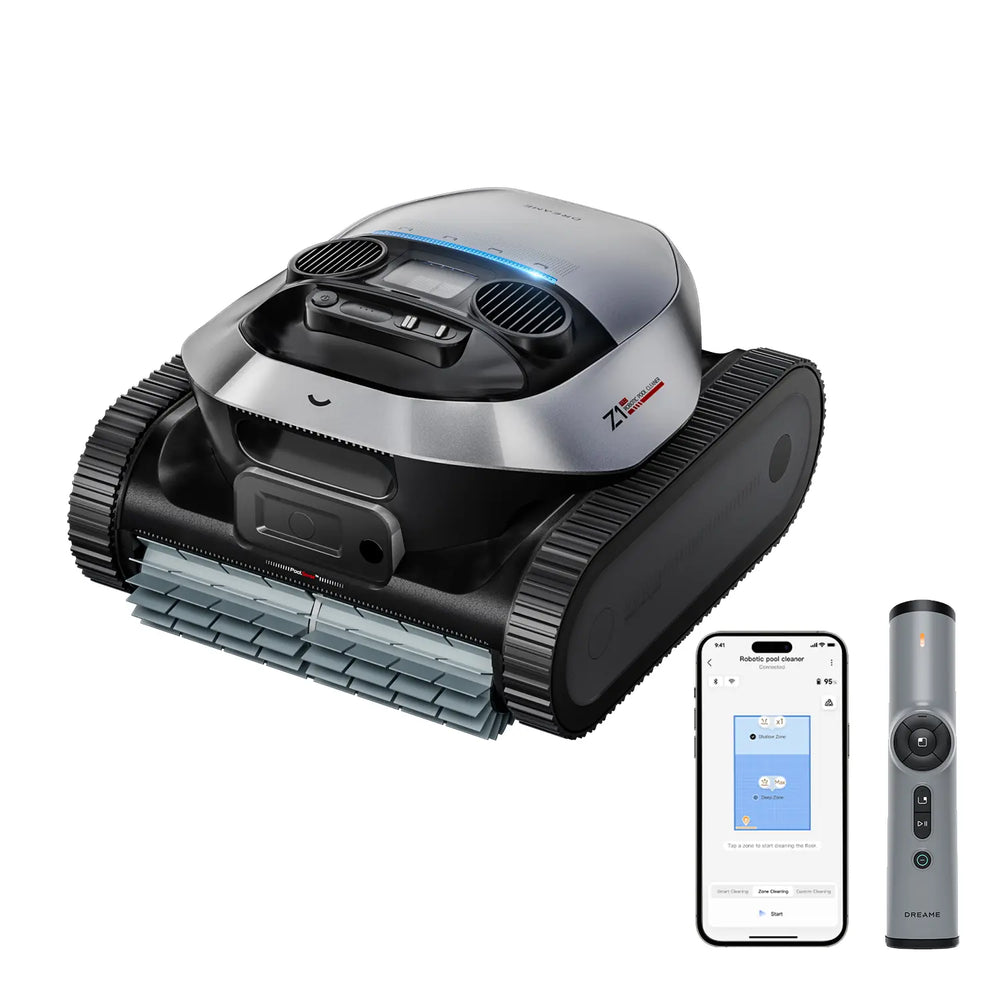
App support, a retrieval command and underwater directional steering are different functions. Dreame Z1 Pro documents a light-based remote; AquaSense 2 Ultra limits its app control to operation at the surface. Check the exact model before treating a missing response as a fault.
Based on published manufacturer information.
No current brand offer. Explore Amazon options.
Checked Nov 27 · In stock when checked. Shipping and tax at checkout.
Buy at Lowe’s See all offers & model details ↗We may earn a commission when you buy through these links.
Our recommendations come from published specifications. We may earn a commission from qualifying purchases. As an Amazon Associate, we earn from qualifying purchases. How we work
The quick verdict
Here’s where we’d start.
Some exact systems support underwater steering through dedicated hardware. Z1 Pro documents a light-based remote with directional controls; AquaSense 2 Ultra’s official FAQ limits app control and mode changes to the water surface. Confirm the actual control path, operating state and instructions rather than assume every app-enabled cleaner can be driven underwater.
Z1 Pro
The Pro manual describes underwater communication by light signals and dedicated directional, pause and retrieval controls.
Use the compatible supplied equipment under its instructions. The receiver’s IP rating does not automatically apply to the handheld remote or establish performance through every obstruction.
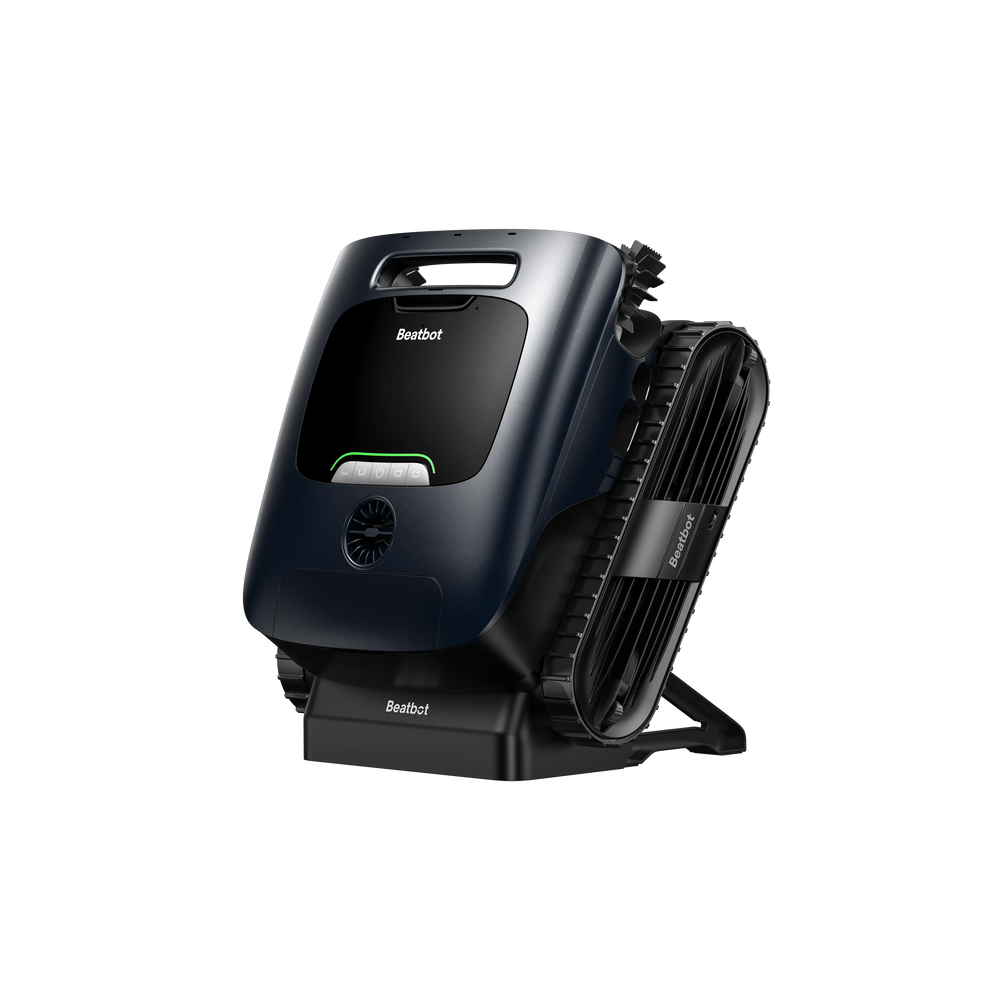
AquaSense 2 Ultra
Ultra’s official FAQ says app control and mode changes apply only while it operates at the water surface.
A Wi-Fi or Bluetooth feature list does not promise underwater joystick control. Follow its actual retrieval and control procedures rather than repeatedly reset a normally operating robot.
Identify the controller and the command first.
Check the full model and whether you are using a phone app, a dedicated handheld remote or a button on the robot. Then distinguish directional movement, a mode change and a retrieval request.
Those features do not imply one another. Our Wi-Fi guide and mode guide separate network access from the actual cleaning task.
Z1 Pro documents a separate underwater control system.
The Dreame Z1 Pro manual describes a remote communicating with the robot underwater through light signals. It provides directional controls as well as pause, spot cleaning and retrieval.
Use the exact compatible remote and receiver arrangement. Do not assume standard Z1, another Dreame product or a generic radio remote has the same function. Our Z1 versus Pro guide keeps the hardware identifiable.
See Z1 Pro versus L1 Ultra for the purchase decision behind the remote. A regular spot cleanup and a long automatic Eco run call for different features.
For a map that is absent or looks wrong, use the pool-map guide. Z1 Pro’s saved maps and underwater network limits need a different check from its separate remote-control link.
If another household member needs app access, use the Z1 family-sharing guide. Sharing controls does not add a new hardware command or replace the Pro’s separate remote system.
Check the remote’s state before diagnosing the robot.
The Pro manual says its remote turns off after ten minutes of inactivity and has its own battery and charging indicators. Check that device’s state under the documented procedure rather than read the robot’s indicator as the remote’s charge level.
The manual’s IPX8 entry is for the light-communication receiver, not blanket permission to submerge the handset. Follow the exact equipment and charging instructions; do not test a claimed range or cover arrangement by improvising.
AquaSense 2 Ultra gives a different control limit.
The Beatbot AquaSense 2 Ultra FAQ says users can control the robot and change modes through the app only when it operates at the water surface.
That is the limitation for this model. Do not assign it to every Beatbot, or turn the listed Wi-Fi and Bluetooth connections into underwater steering permission. Our connection-troubleshooting guide covers an actual network setup problem.
A missing underwater app response is not automatically a fault.
Imagine Ultra is cleaning the floor and an owner expects a phone direction command to move it. The documented surface-only condition means that missing response does not by itself diagnose a network or motor failure.
For Z1 Pro, a compatible powered remote and the correct documented command are the starting checks instead. If supported control still fails under the required conditions, save the exact state and seek support rather than borrow a reset sequence.
A return command is not continuous steering.
Follow the exact retrieval procedure and plan how the machine can be collected from the actual pool edge. Do not assume a remote control, app request or automatic park works through a particular closed cover.
Keep people out under the model’s operating instructions and do not enter the pool to reposition running equipment. Our retrieval guide and pool-cover guide cover the access questions.
Report the control path that actually failed.
Provide the model, controller type, selected mode, robot location, controller state and the exact requested action. Include error messages and a safe recording without staging an unsupported operating condition.
Ask for the next model-specific step. Our stopping guide helps separate a completed or interrupted task from a control-link problem.
If a supported control has stopped responding, use the remote troubleshooting guide to check Z1 Pro handset timeout, charge, heat and light-signal limits.
A closer look
The differences, in view.
Scroll horizontally on smaller screens. Values are manufacturer claims; see each product for qualifiers and original wording.
| Specification | Z1 Pro | AquaSense 2 Ultra |
|---|---|---|
| Rated pool area | 2160 sq ftManufacturer maximum; pool geometry and conditions still matter. | Not confirmed |
| Cleaning coverage | Floor, walls, waterline | Floor, walls, waterline, surface |
| Power source | Cordless | Not confirmed |
| Filtration | 180 μm filterManufacturer comparison table, not a tested filtration result. | 150 + 250 μm dual-layerThe source says particles as small as 150 μm; no finer filtration is implied. |
| Charging | 4–6 hoursComparison table; the Z1 marketing panel also says 4 hours. | Approximately 4.5 hours |
| Connectivity | App control | Dual-band Wi-Fi + BluetoothApp control/mode changes only at the water surface. |
| Pool types | Above-ground and in-ground | In-ground, above-ground |
Ready to choose?
Your next step, made simple.
No current brand offer. Explore Amazon options.
Checked Nov 27 · In stock when checked. Shipping and tax at checkout.
Buy at Lowe’s See all offers & model details ↗We may earn a commission when you buy through these links.
Show your work
Sources & editorial method.
We reviewed official US product information and exact configurations. Our advice draws on published specifications and model-specific manufacturer instructions, with the practical trade-offs explained. Unknowns and conflicting claims are kept visible. Prices above come from the catalog and may change independently of this article’s review date.
- Dreame official US page — exact model information
- Beatbot official US page — exact model information
- Official Dreame Z1 Pro manual — underwater light remote, controls, indicators and separate receiver rating
Published Nov 10, 2026 · Editorial review Nov 25, 2026.
Read our research standardsKeep exploring
A little more perspective.
Why does your pool cleaner’s map look wrong?
The map in the app may describe the pool floor rather than the outline you see from the deck. Check what the exact model maps, whether the map finished and whether the cleaner actually missed the job before resetting anything.
Read the guide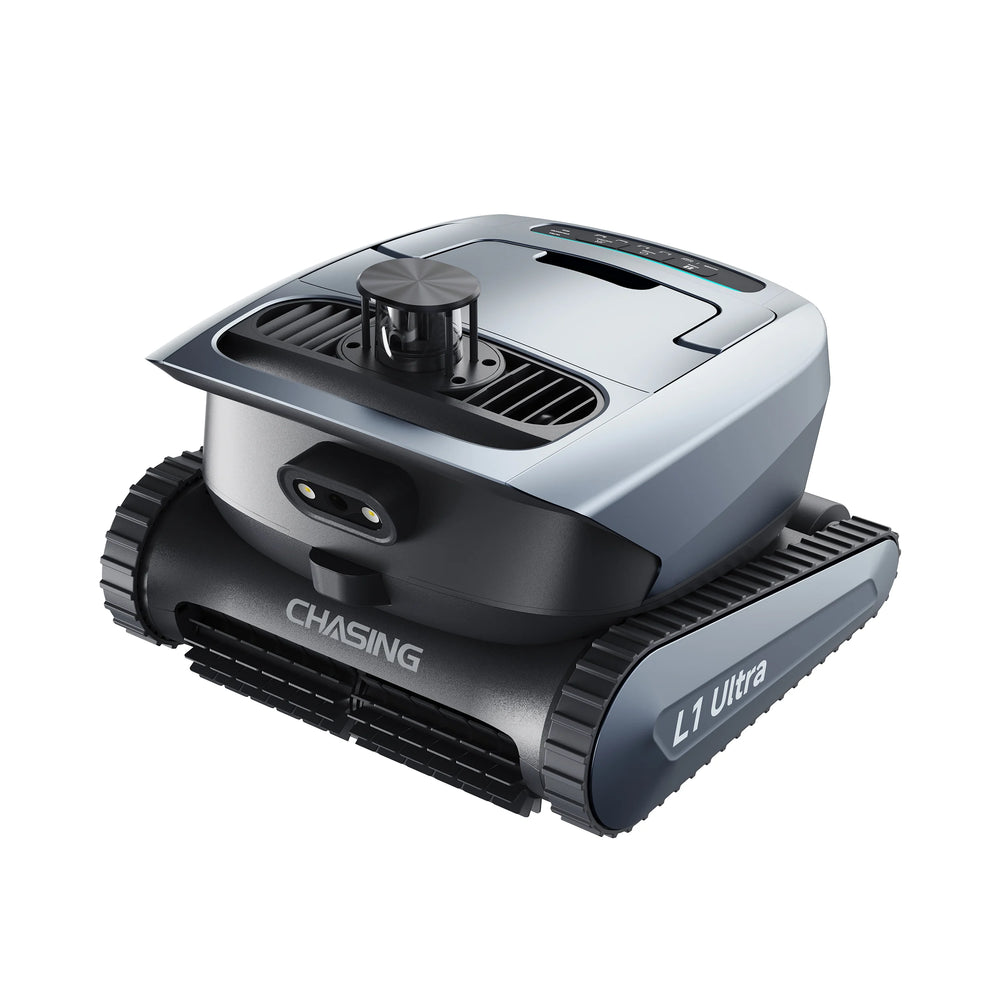 vs
CHASING L1 Ultra vs Dreame Z1 Pro
CHASING advertises a five-hour Eco runtime on the L1 Ultra. The Z1 Pro has a separate light remote for steering and spot cleaning. The choice depends on whether you want a longer scheduled clean or direct control over a trouble spot.
Read the guide