Model comparison · 4 min read
CHASING L1 Ultra vs Dreame Z1 Pro
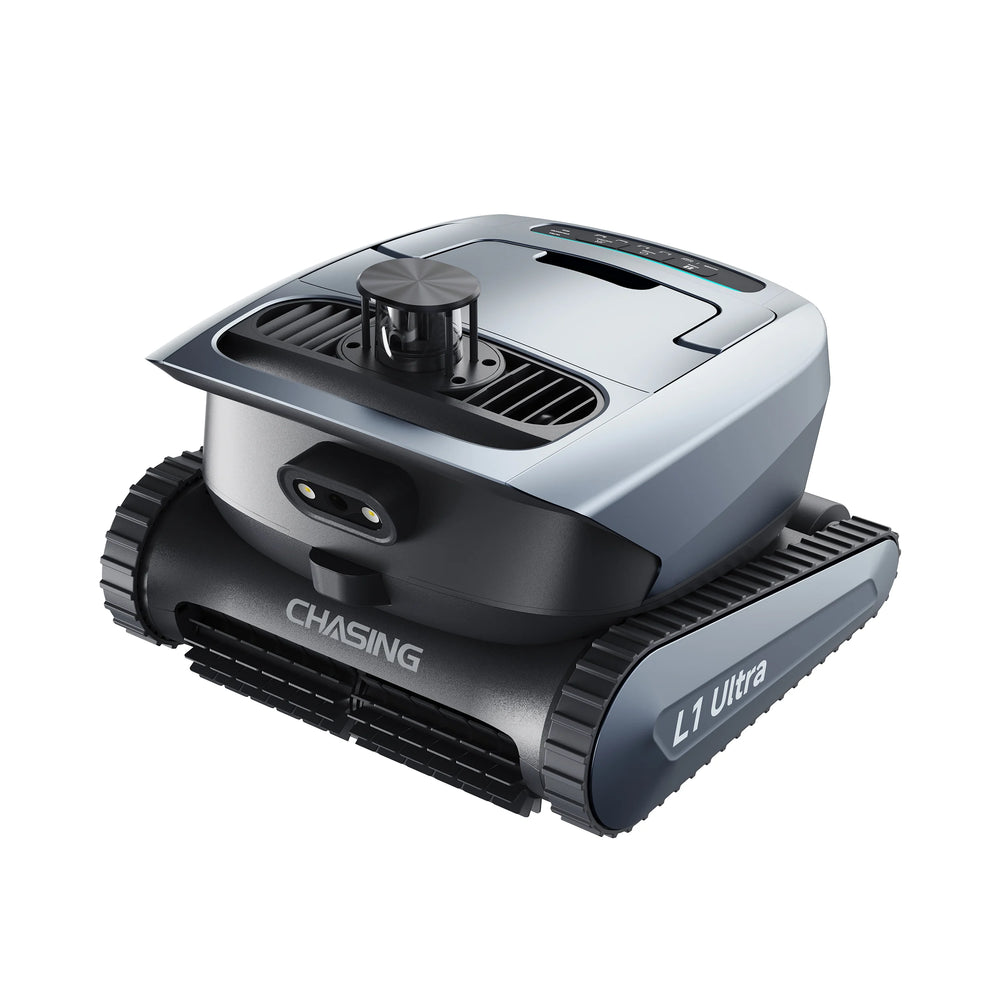
CHASING advertises a five-hour Eco runtime on the L1 Ultra. The Z1 Pro has a separate light remote for steering and spot cleaning. The choice depends on whether you want a longer scheduled clean or direct control over a trouble spot.
Based on published manufacturer information.
Checked Nov 27 · In stock when checked. Shipping and tax at checkout.
Buy at Lowe’s See all offers & model details ↗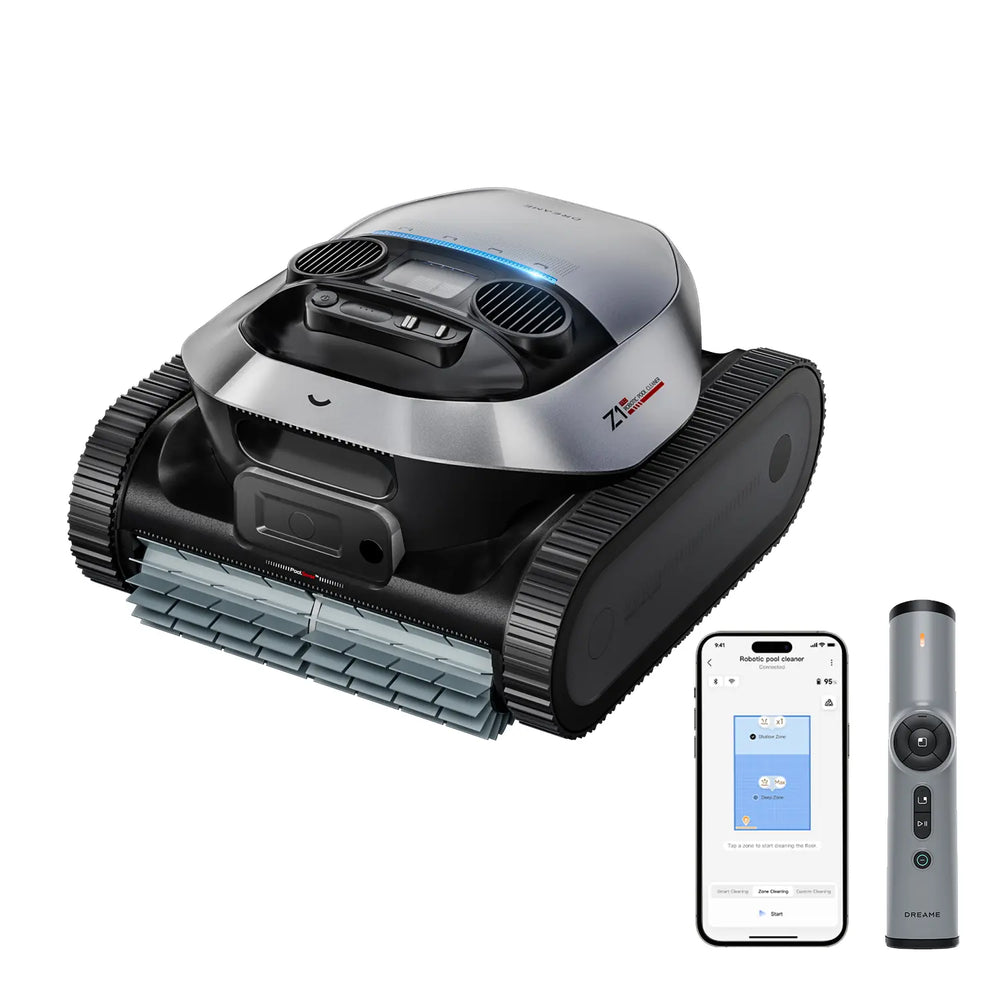
No current brand offer. Explore Amazon options.
We may earn a commission when you buy through these links.
Our recommendations come from published specifications. We may earn a commission from qualifying purchases. As an Amazon Associate, we earn from qualifying purchases. How we work
The quick verdict
Here’s where we’d start.
Consider the L1 Ultra when its pool limits and Eco routine suit the job. The Z1 Pro’s dedicated remote is useful if you want to send the robot toward a specific patch or call it to the waterline. Check exact stock if that feature is central to your purchase.
L1 Ultra
CHASING lists up to 300 minutes in Eco and a 180-micron standard filter.
Confirm Eco coverage for the surfaces you want cleaned and the basket supplied with your order.
Z1 Pro
The Z1 Pro manual describes directional, spot and waterline retrieval commands.
Dreame’s exact Z1 Pro variant showed unavailable in the reviewed US payload.
Check what you can do from the deck
CHASING L1 Ultra uses LiDAR mapping and a camera for debris detection according to its US page. Those are features for an automatic cleaning run.
Dreame Z1 Pro has a separate light remote for directional control, spot cleaning and a waterline retrieval request. Our underwater steering guide explains what the handset adds.
Read the mode attached to the runtime
CHASING’s FAQ puts the L1 Ultra’s five-hour claim in Eco. Check which surfaces it covers in that setting before planning a full floor, wall and waterline session.
Dreame advertises up to 180 minutes for the Z1 Pro and gives 4–6 hours for charging in its comparison table, while the hero says four hours. Allow room in your schedule for that range. See our runtime troubleshooting guide for other conditions that shorten a run.
A leaf pocket calls for a different routine
Imagine a pool that is six feet at its deepest point. The depth is within CHASING’s stated 1.6–9.8-foot range. You still need to check its shallowest operating section, pool shape and the surfaces cleaned in Eco.
If the usual problem is a small patch of debris near a bench, direct steering or a spot command may be more useful than extra Eco time. Confirm the cleaner can reach the patch using the steps and shelves guide.
Start with the basket that comes in the box
The two product pages list 180-micron standard filtration. If the pool collects very fine dust, check the exact compatible finer basket, whether it is included, and which modes permit it.
A similar mesh figure leaves differences in basket shape and cleaning workload to check. The fine-dirt guide helps when the debris passes through a standard filter.
Know how the cleaner will come back
CHASING describes edge parking and low-battery return. Dreame lists waterline parking and has a remote command to request pickup. Confirm the return location is reachable from your deck.
Keep the retrieval guide handy for the first run, especially if the normal stopping point is beyond a bench or in a corner.
Make sure the remote comes with the exact model
CHASING’s L1 Ultra variant was available in the reviewed US payload. Dreame’s Z1 Pro was unavailable in its own payload. The storefront can change, so check the exact listing before committing.
The standard Z1 has a different control package. See Z1 versus Z1 Pro before taking a similarly named listing as a substitute for the remote-equipped version.
Choose by the problem you want to solve
The L1 Ultra makes sense if you mainly want an automatic routine and Eco covers the right surfaces. Look for the Z1 Pro if you regularly want to move the cleaner from the deck or start a spot clean.
For a pool that rarely needs either, compare the cleaning modes and choose around the regular debris and pickup routine.
A closer look
The differences, in view.
Scroll horizontally on smaller screens. Values are manufacturer claims; see each product for qualifiers and original wording.
| Specification | L1 Ultra | Z1 Pro |
|---|---|---|
| Cleaning coverage | Floor, walls and waterline | Floor, walls, waterline |
| Power source | Rechargeable battery | Cordless |
| Filtration | 180 μm | 180 μm filterManufacturer comparison table, not a tested filtration result. |
| Claimed runtime | 300 minUp-to claim; actual cleaning time depends on pool and mode. | 180 minHero says up to 180 minutes; another table says over 180. Approximate, mode-dependent manufacturer information. |
| Navigation | LiDAR + AI vision | PoolSense navigation |
| Rated pool area | Not confirmed | 2160 sq ftManufacturer maximum; pool geometry and conditions still matter. |
| Charging | Not confirmed | 4–6 hoursComparison table; the Z1 marketing panel also says 4 hours. |
Ready to choose?
Your next step, made simple.
Checked Nov 27 · In stock when checked. Shipping and tax at checkout.
Buy at Lowe’s See all offers & model details ↗No current brand offer. Explore Amazon options.
We may earn a commission when you buy through these links.
Show your work
Sources & editorial method.
We reviewed official US product information and exact configurations. Our advice draws on published specifications and model-specific manufacturer instructions, with the practical trade-offs explained. Unknowns and conflicting claims are kept visible. Prices above come from the catalog and may change independently of this article’s review date.
- CHASING official US model page
- CHASING exact variant availability
- Dreame official US model page
- Dreame exact variant availability
- Dreame Z1 Pro manual, section 2.5 remote controls
Published Nov 10, 2026 · Editorial review Nov 10, 2026.
Read our research standardsKeep exploring
A little more perspective.
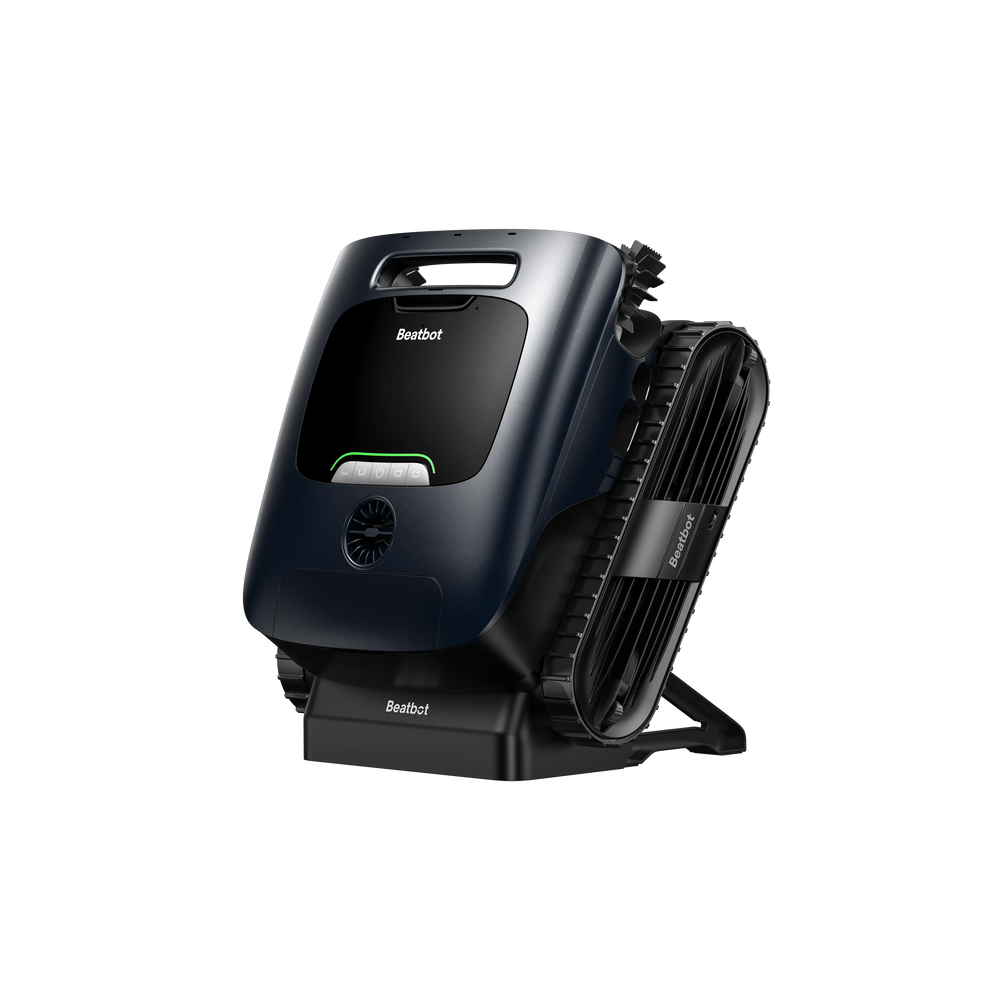
Can you steer a robot pool cleaner underwater? Check the actual control link
App support, a retrieval command and underwater directional steering are different functions. Dreame Z1 Pro documents a light-based remote; AquaSense 2 Ultra limits its app control to operation at the surface. Check the exact model before treating a missing response as a fault.
Read the guide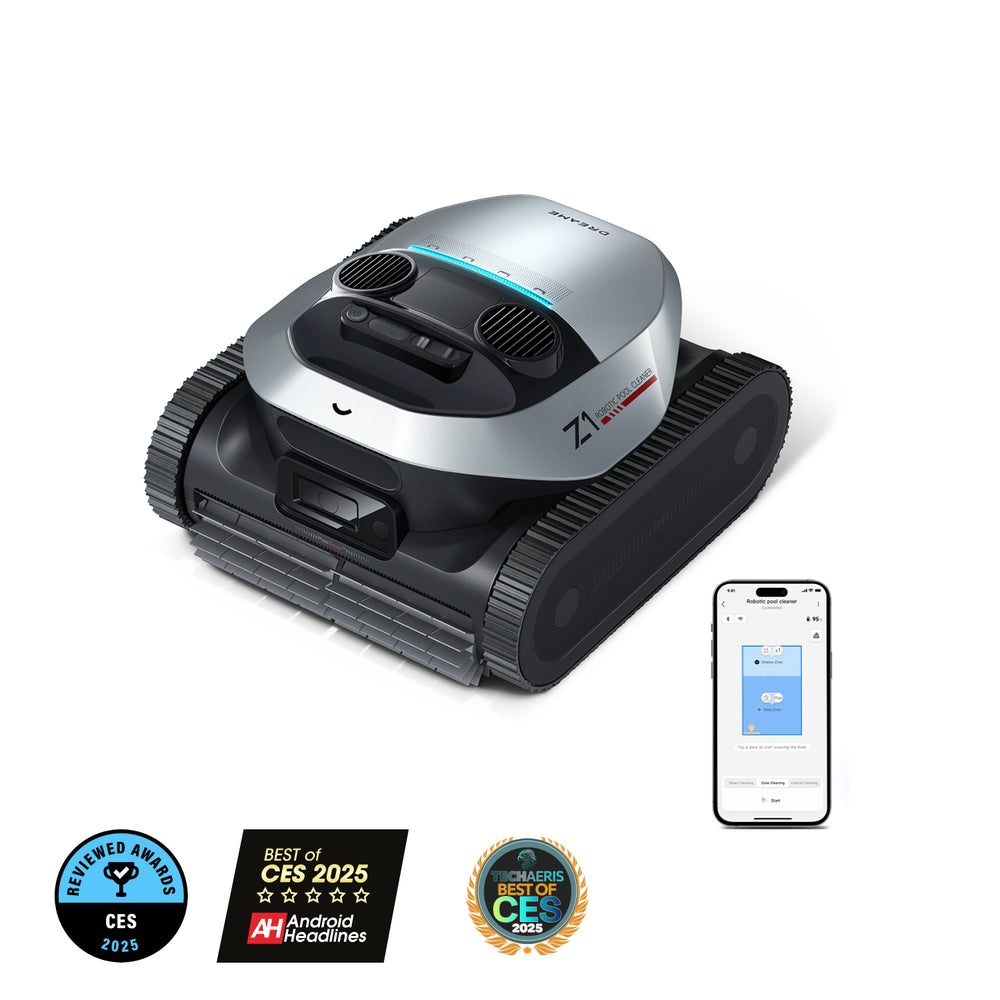
Cordless pool cleaner short runtime: Check the cycle before blaming the battery
A shorter selected cycle, incomplete charge, loaded basket and genuine fault can all look like a weak battery. Record the mode and the stopping behavior before comparing the run with an advertised maximum.
Read the guide