Seasonal pool care · 4 min read
When to use a robotic pool cleaner during spring opening
A pool that has just been uncovered can need several jobs before a robot is ready to help. Remove major debris, restore the filtration and check the water against the exact cleaner’s instructions before starting a cycle.
Based on published manufacturer information.
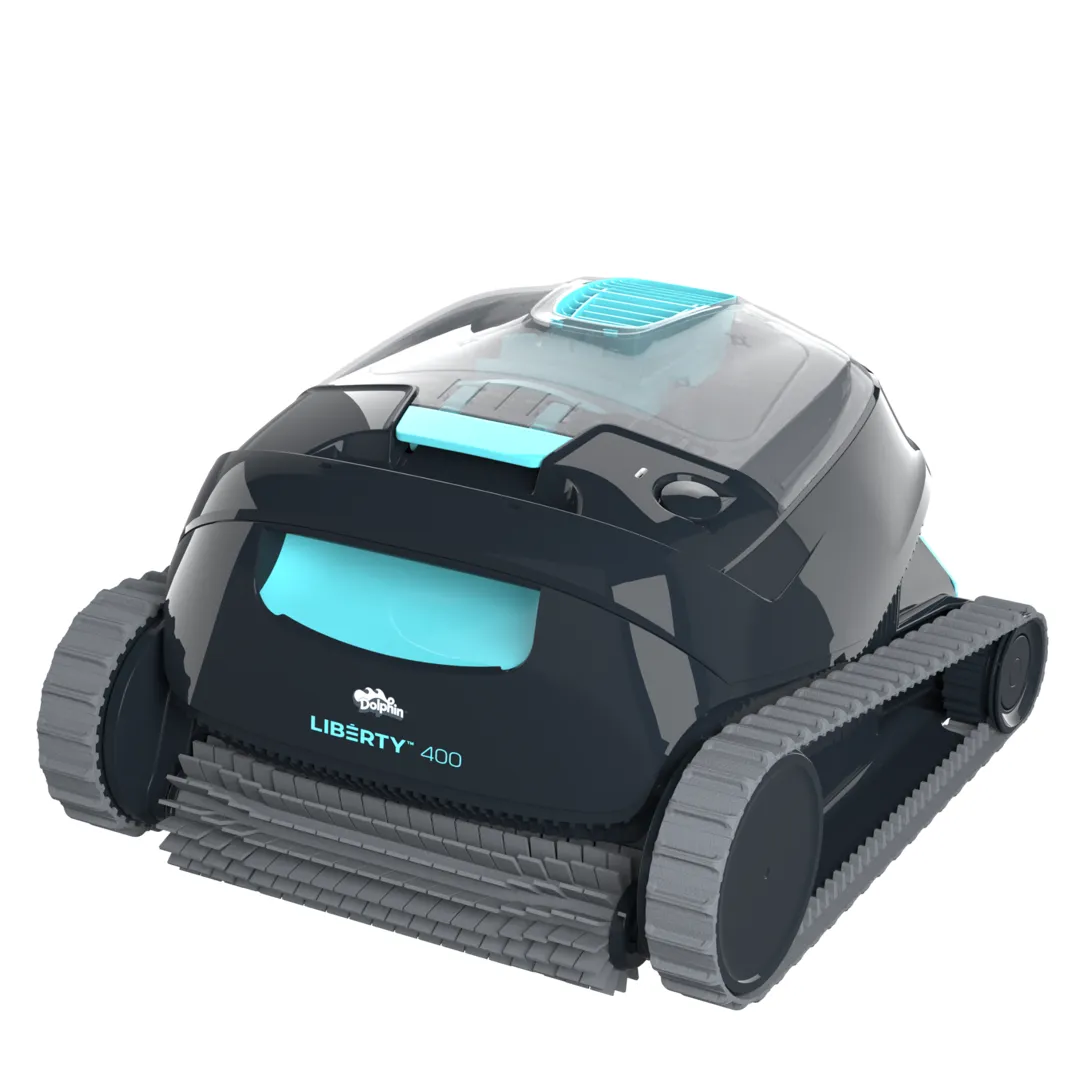
Checked Nov 27 · Price shown is from Dolphin. Check the model, price and availability in Lowe’s search results.
See all offers & model details ↗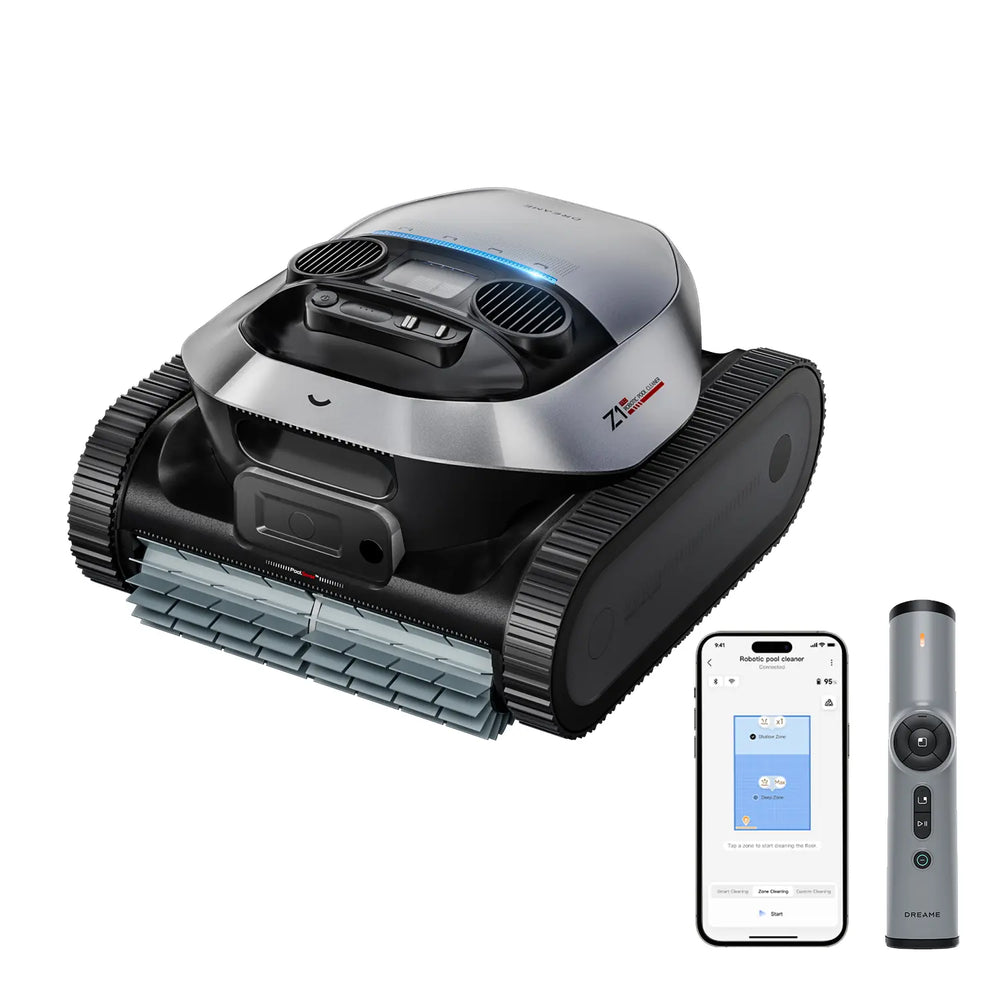
No current brand offer. Explore Amazon options.
We may earn a commission when you buy through these links.
Our recommendations come from published specifications. We may earn a commission from qualifying purchases. As an Amazon Associate, we earn from qualifying purchases. How we work
The quick verdict
Here’s where we’d start.
Treat the robot as part of the opening sequence after major debris removal, filtration startup and water checks. Use the exact model’s temperature, chemistry, depth and filter instructions. Start with a monitored clean and inspect the basket early when the debris load is heavier than usual.
Liberty 400
The manual specifies water limits, and the model lists combined filtration plus an additional ultra-fine kit.
Follow the Liberty charging and launch instructions; corded Dolphin power-supply steps belong to corded models.
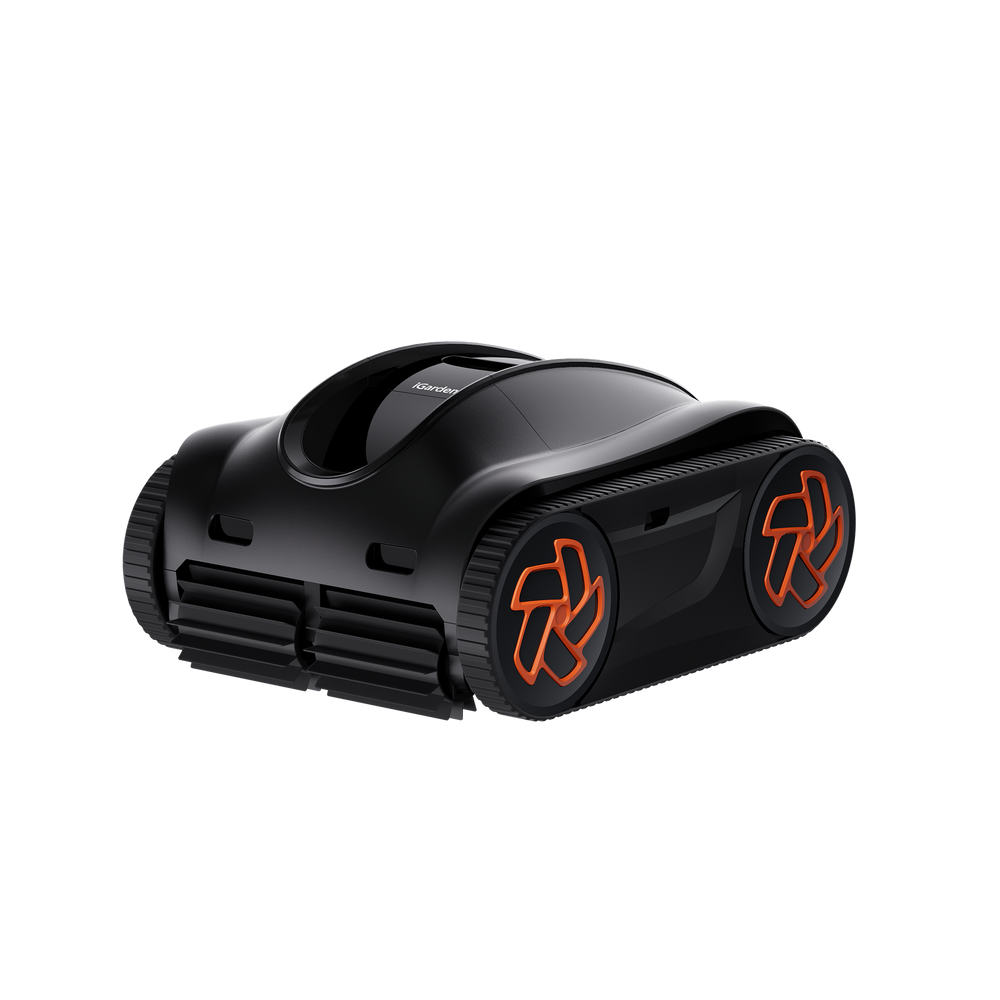
Z1 Pro
The exact manual gives temperature, chemistry and depth limits for operation.
Passing one limit does not establish that the pool and water meet every operating requirement.
Remove the debris you can reach with a net first
Scoop out accumulated leaves, twigs and other major debris before asking the robot to clean the remaining dirt. Maytronics’ getting-started guidance places initial spring cleanup, operating pool filtration and balanced water ahead of routine robotic maintenance.
Use the leaf-cleaning guide if the pool has collected a heavy load.
Check the exact model’s water limits
For Dolphin Liberty 400, the reviewed manual permits 6–35°C water, pH 7.0–7.8, chlorine up to 4 ppm and salt up to 5,000 ppm. Its operating depth range is 0.3–3 meters.
For Dreame Z1 Pro, the manual specifies 5–35°C, pH 7.0–7.8, chlorine up to 4 ppm, salt up to 5,000 ppm and depth of 0.5–2.5 meters. These are machine limits, with the pool’s own water-care requirements still to follow.
A warmer afternoon does not establish water readiness
Imagine a pool at 5.5°C with 6 ppm chlorine. Liberty 400 is below its minimum temperature and above its chlorine limit. Z1 Pro passes its temperature check but still exceeds its chlorine limit.
Keep both out until measurements and all other conditions satisfy their instructions. After treatment, use the post-shock guide; a fixed waiting period alone cannot confirm readiness.
Choose the filter for what remains in the pool
Confirm the compatible filter in the box. Liberty 400’s own model column lists combined filtration and an additional ultra-fine kit. Follow its filter instructions for the debris you are collecting.
The general Dolphin FAQ’s spring-filter advice does not establish what every cordless cleaner includes. Check the fine-filter guide before buying another insert.
Check the stored machine and follow its launch sequence
Inspect the cleaner and approved charging equipment, charge as instructed and choose the intended mode before placement. Use each model’s launch and retrieval steps from the first-use guide.
Stop for damage or a persistent warning and follow the manufacturer’s service instructions.
Watch the first clean and inspect the basket
Opening-season debris can fill the filter sooner than a routine clean. Retrieve and power off as directed before checking and rinsing it. If it fills quickly, shorten the interval between inspections using the clogging guide.
Set the routine after the opening work is complete
If the water remains green or debris keeps returning, investigate treatment and circulation with the pool-care professional. The pool filtration guide explains why a robot does not replace those systems.
Once conditions settle, choose the cleaning frequency from the actual debris load.
A closer look
The differences, in view.
Scroll horizontally on smaller screens. Values are manufacturer claims; see each product for qualifiers and original wording.
| Specification | Liberty 400 | Z1 Pro |
|---|---|---|
| Maximum pool length | 33 ft | Not confirmed |
| Cleaning coverage | Floor, walls and waterline | Floor, walls, waterline |
| Filtration | Combined filter kit + additional ultra-fine kit | 180 μm filterManufacturer comparison table, not a tested filtration result. |
| Connectivity | MyDolphin Plus | App control |
| Rated pool area | Not confirmed | 2160 sq ftManufacturer maximum; pool geometry and conditions still matter. |
| Power source | Not confirmed | Cordless |
| Charging | Not confirmed | 4–6 hoursComparison table; the Z1 marketing panel also says 4 hours. |
Ready to choose?
Your next step, made simple.
Checked Nov 27 · Price shown is from Dolphin. Check the model, price and availability in Lowe’s search results.
See all offers & model details ↗No current brand offer. Explore Amazon options.
We may earn a commission when you buy through these links.
Show your work
Sources & editorial method.
We reviewed official US product information and exact configurations. Our advice draws on published specifications and model-specific manufacturer instructions, with the practical trade-offs explained. Unknowns and conflicting claims are kept visible. Prices above come from the catalog and may change independently of this article’s review date.
- Dolphin official US model page
- Dreame official US model page
- Dolphin Liberty 400 family manual, water limits and operating modes
- Dreame Z1 Pro manual, permitted water conditions
- Maytronics initial spring cleanup guidance, with corded launch instructions separately scoped
Published Nov 12, 2026 · Editorial review Nov 12, 2026.
Read our research standardsKeep exploring
A little more perspective.
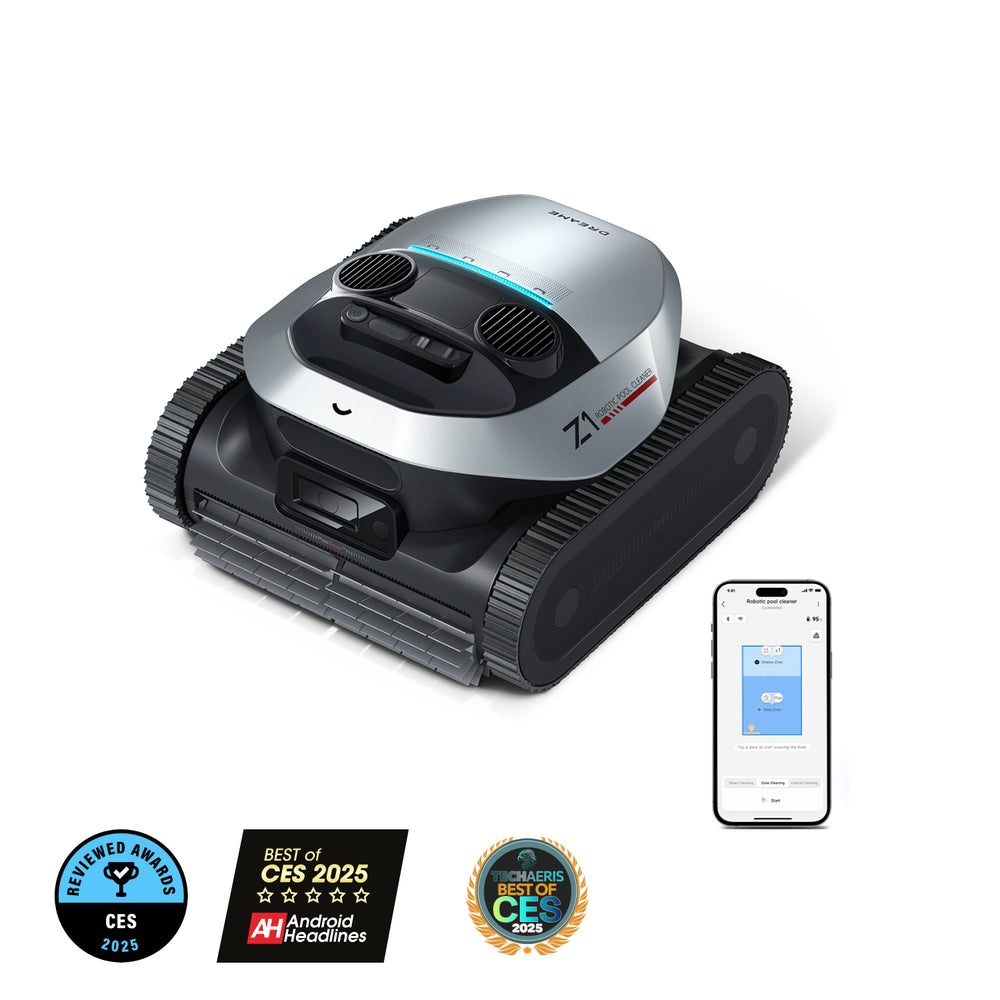
When can you use a robotic pool cleaner after shocking the pool?
Do not restart the robot just because the water looks clear or a night has passed. Check the treatment label and the exact cleaner’s permitted water conditions, then test the water using the required method.
Read the guide
Do You Need an Ultra-Fine Filter for Your Robotic Pool Cleaner?
A finer filter is worth investigating when the robot collects the leaves but leaves smaller dirt behind. First check the exact part, whether it's included and which cleaning modes allow it. On some models, adding the finer layer also changes the recommended routine.
Read the guide