Mower troubleshooting · 4 min read
What to do when a robot mower firmware update fails
Check the mower’s status before you restart it. If the update has failed, look at power, the signal at the charging station and the next scheduled run. The supported recovery steps depend on the model.
Based on published manufacturer information.

Checked Nov 27 · In stock when checked. Shipping and tax at checkout.
Buy at Lowe’s See all offers & model details ↗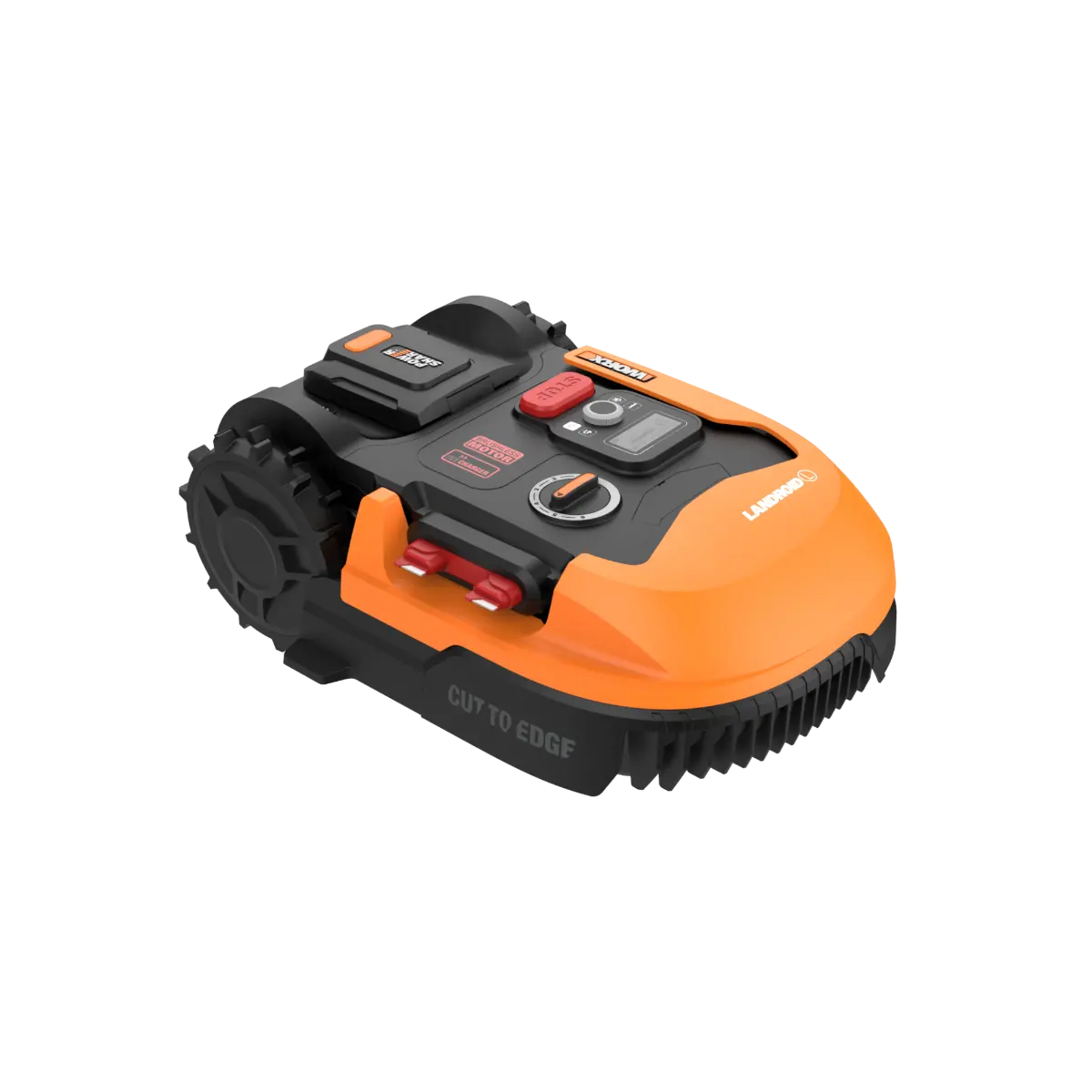
Checked Nov 27 · Availability unconfirmed. Shipping and tax at checkout.
Buy at Lowe’s See all offers & model details ↗We may earn a commission when you buy through these links.
Our recommendations come from published specifications. We may earn a commission from qualifying purchases. As an Amazon Associate, we earn from qualifying purchases. How we work
The quick verdict
Here’s where we’d start.
Wait while the mower shows an active update. Once it reports a failure, check the battery, connection and schedule before retrying through the supported update menu. Use a manual update only when the manufacturer documents it for your exact mower.
H210
Navimow documents the H2 update indicator and gives separate setup and failure checks.
Leave the mower powered and idle during the update. Check the dock, connection and upcoming tasks before retrying.
Landroid L 1/2 Acre · WR155
The WR155 manual supports updates over Wi-Fi and describes a model-specific USB procedure.
Use the official firmware and follow the manual, including when to insert and remove the drive.
Check whether the update is still running
On a Navimow H210, the H2 setup guide describes OTA on the screen and a flashing white ambient light during the update. Leave it powered and avoid operating it while that status is active.
Navimow says it usually takes about 10–15 minutes. Use the screen and app state to decide when the update has finished. If it remains stuck, record the time and status for support.
Check the dock and battery before retrying
H2 setup guidance specifies a docked mower and more than 20% charge. The H2 failure article advises more than 50% charge or connection to the station. Those are instructions for different stages of the job.
For a retry, check that the mower is seated and charging, and let it get above 50% if possible. If it never gains charge, follow the mower charging guide first.
Check the connection where the mower sits
H2 support calls for a stable Wi-Fi or 4G connection. Check the signal at the dock and make sure there is no mowing scheduled within the next hour.
The mower Wi-Fi troubleshooting guide helps if the mower goes offline in the same part of the yard even outside an update.
Clear the next run before trying again
Suppose the H2 reports a failed update at 35% charge with a mowing task due in 25 minutes. Wait until the update is inactive, dock it, let the battery charge and postpone the upcoming task before retrying with a stable connection.
H2 support suggests restarting the app and mower after checking those conditions if the failure persists. Save that step for a confirmed failure when installation is no longer active.
Use the WR155’s documented update option
The Worx Landroid WR155 manual describes checking for updates in the app under Wi-Fi coverage. It also documents an offline USB option using a FAT32 drive and firmware from your Worx account.
Follow the exact manual, including switching off before inserting the drive, keeping the mower within its boundary when restarting, and waiting for the screen prompt to remove the drive. See the Worx lineup guide if you are unsure of the model.
Confirm the version before resuming the schedule
Once the update finishes, check the version in the app and review the schedule. If you still have a problem with the base or connection, start with the dock return guide or network help for that symptom.
Save the details if it fails again
Write down the model, current firmware, battery level, exact failure time and what the display showed. Send the screenshot or video to the manufacturer through its support channel so it can check the right update.
If the update finishes and access is blocked by a code, follow the forgotten-PIN guide. Record the actual lock message before treating it as another firmware failure.
A closer look
The differences, in view.
Scroll horizontally on smaller screens. Values are manufacturer claims; see each product for qualifiers and original wording.
| Specification | H210 | Landroid L 1/2 Acre · WR155 |
|---|---|---|
| Rated lawn coverage | 0.25 acreRecommended model-specific lawn size, not the expanded mapping allowance. | 0.5 acreManufacturer’s recommended lawn-size rating; allow for layout, charging and the mowing schedule. |
| Maximum slope | 45 % | 30 %Published maximum grade; confirm edge and installation limits. |
| Navigation | LiDAR + network RTK + vision | AIA navigation within perimeter wire |
| Boundary setup | Not confirmed | Perimeter wire requiredThe no-guiding-wire passage claim does not mean perimeter-wire-free installation. |
| Connectivity | Not confirmed | Bluetooth and Wi-Fi |
| Cutting height | Not confirmed | 1.5–3.5 in |
| Cutting width | Not confirmed | 8 in |
Ready to choose?
Your next step, made simple.
Checked Nov 27 · In stock when checked. Shipping and tax at checkout.
Buy at Lowe’s See all offers & model details ↗Checked Nov 27 · Availability unconfirmed. Shipping and tax at checkout.
Buy at Lowe’s See all offers & model details ↗We may earn a commission when you buy through these links.
Show your work
Sources & editorial method.
We reviewed official US product information and exact configurations. Our advice draws on published specifications and model-specific manufacturer instructions, with the practical trade-offs explained. Unknowns and conflicting claims are kept visible. Prices above come from the catalog and may change independently of this article’s review date.
- Navimow official US model page
- WORX official US model page
- Navimow H2 US manual, software updates
- Worx WR155 manual, Wi-Fi and USB firmware updates
- Navimow H2 setup and update status
- Navimow H2 failed firmware update checks
Published Nov 10, 2026 · Editorial review Nov 19, 2026.
Read our research standardsKeep exploring
A little more perspective.
What to do if you forget your robot mower’s PIN
First check whether the problem is the mower’s PIN, the app login or buttons that are not responding. Use the recovery route for the exact machine and account before trying resets that may affect other settings.
Read the guide
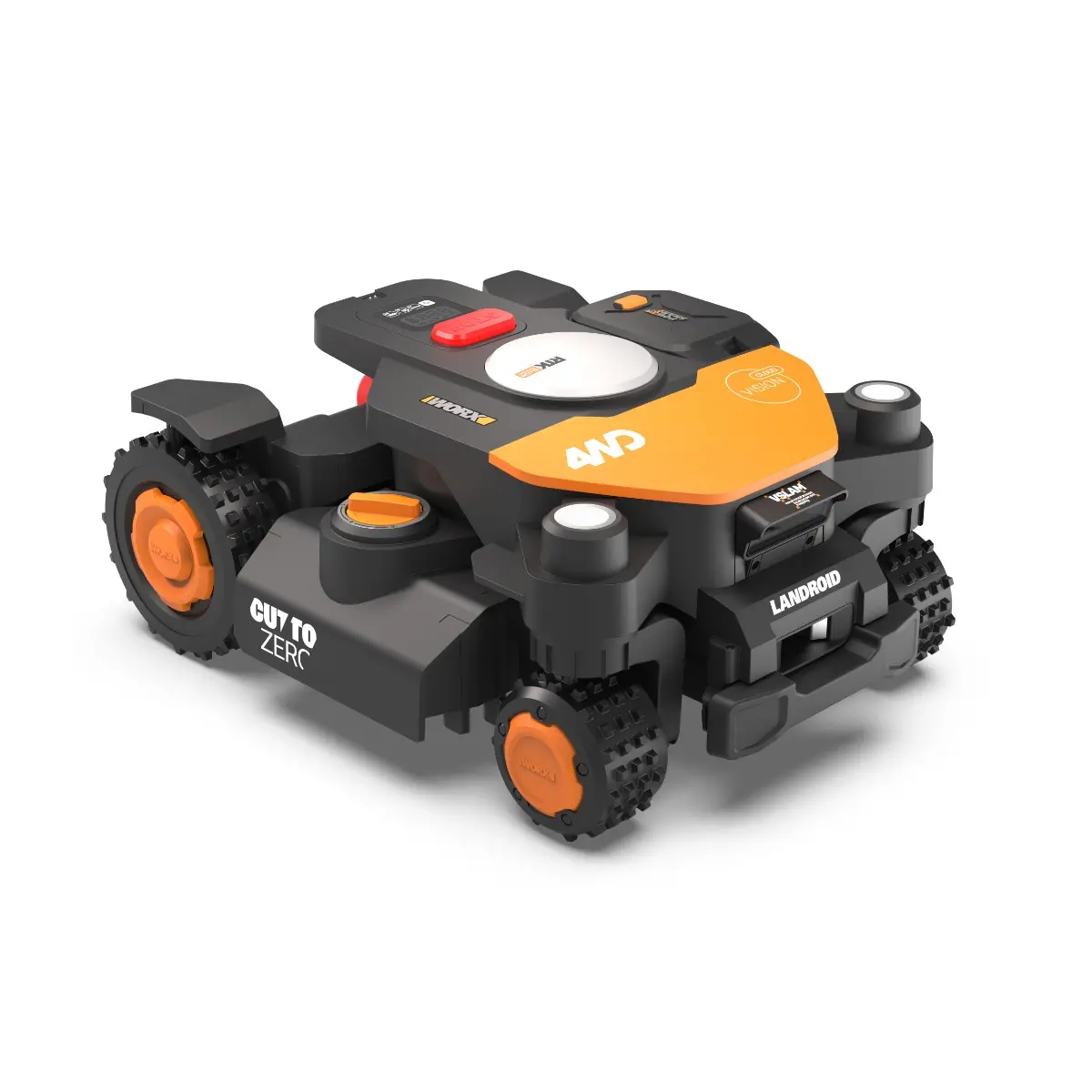
The Best Worx Robot Mowers: Which Landroid Should You Buy?
Start with the grass you need to cut, then choose the kind of installation you want to live with. Wired Landroid, camera-led Vision AI, Vision Cloud and Cloud 4WD are different choices. We'd narrow the family down before comparing model numbers or paying for a bigger mower.
Read the guide