Troubleshooting guide · 5 min read
Why Won’t My Robot Mower Return to Its Charging Station?
First work out where the return goes wrong. A mower that never starts home, one that circles the station and one that docks without charging need different checks. We'd save the app message, inspect the route and follow the model's maintenance instructions before changing the map.
Based on published manufacturer information.

Checked Nov 27 · In stock when checked. Shipping and tax at checkout.
Buy at Lowe’s See all offers & model details ↗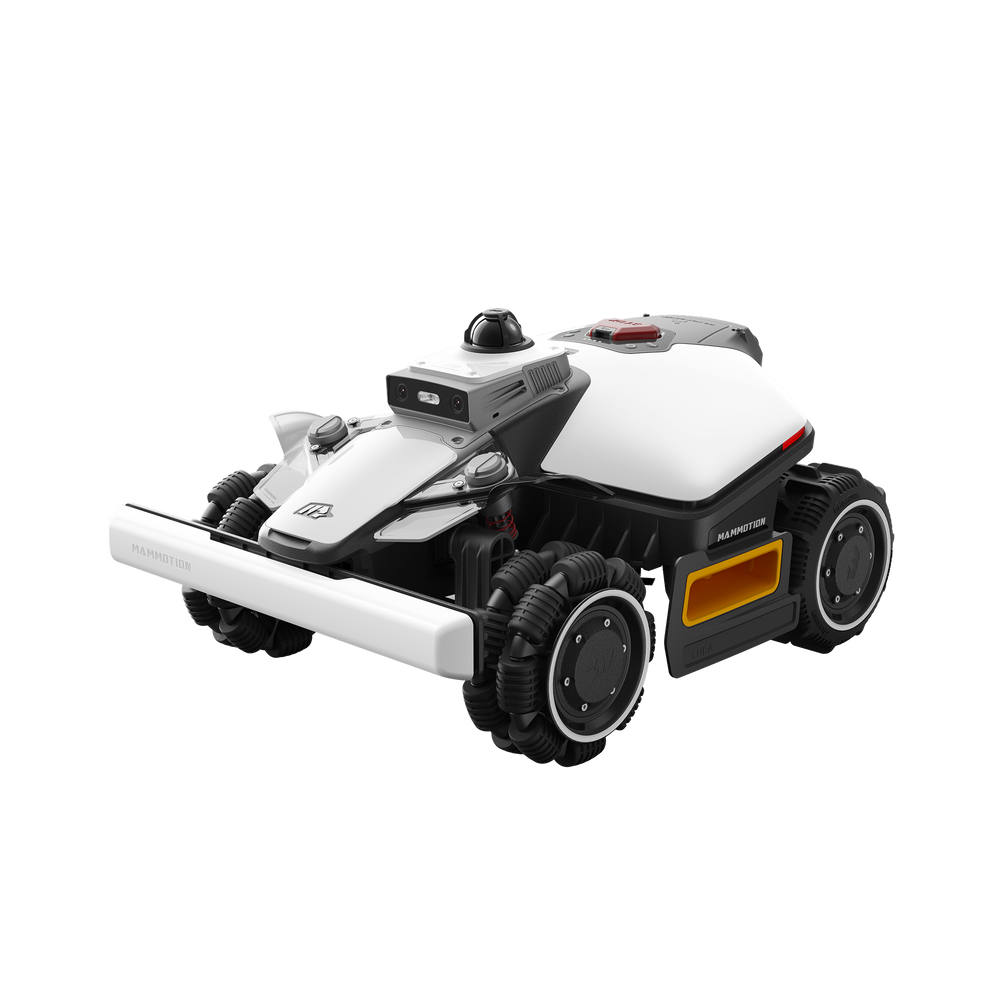
Checked Nov 27 · In stock when checked. Shipping and tax at checkout.
We may earn a commission when you buy through these links.
Our recommendations come from published specifications. We may earn a commission from qualifying purchases. As an Amazon Associate, we earn from qualifying purchases. How we work
The quick verdict
Here’s where we’d start.
Start with the exact model's task status and the point where the return fails. Clear an ordinary blocked route, check that the station is stable and follow the approved cleaning instructions. Eufy Gen 2's manual documents visual-marker care; Mammotion's cross-family guide documents station clearance and a nearby docking test. A mower reaching the dock without charging is a different symptom from failing to find it. Keep the error and ask support before resets or hardware repair.
E15 Gen 2
The T280L manual documents automatic recharge, an app/panel return command and cloth care for the station marker.
Follow Gen 2 shutdown and handling instructions. Do not substitute another generation’s reset or station procedure.
LUBA mini 2 AWD 1500H
Mammotion’s station guide includes mini 2 and covers a level base, clear approach and docking test.
A no-RTK-antenna mower still needs an approved station location. Check the exact configuration and current manual.
Note the stage where the return stops working.
Does the mower continue mowing, stop on the route, approach the station repeatedly, or settle on it without a charging indication? Save the task status, battery reading and error message before clearing anything. A short video of the approach can give support a useful starting point.
Check whether the mower is paused or waiting for an ordinary task condition rather than actively returning. Our Wi-Fi guide explains why an app connection problem and a physical docking failure aren't automatically the same fault.
If the mower reports a missing boundary signal, begin with our boundary-wire fault guide. Establish the correct signal and station state before treating the symptom as a docking-route problem.
Check the complete route home.
Look for a gate that has been shut, moved furniture, a hose or another ordinary obstruction on the saved route. A mower may be able to cut the current lawn section but have no usable way back to the station. Keep required safety exclusions intact while checking the map and pathways.
If the garden layout has changed, use the selected model's map instructions rather than assume a factory reset is the first step. Our front-and-back lawns guide and uncut-patches guide help separate route and map questions.
If the return fails because the robot repeatedly becomes trapped, our mower-getting-stuck guide covers ground, ordinary debris and supported exclusions before changing the station or forcing the route.
For a return that fails at paving between lawns, our driveway-crossing guide helps check whether the complete route is supported, rather than repeatedly moving the charger.
If the fault began after the base moved, use our station-relocation guide to check the new route and the model’s location update. Carrying the mower onto the charger does not test the journey home.
On Mammotion, check the base before moving the robot repeatedly.
For LUBA mini 2 AWD 1500H, Mammotion's cross-family station guide calls for a firmly secured station on flat, stable ground, with an open approach. It specifies at least five feet of clear space at the front and sides. Treat that as Mammotion guidance, not a clearance to copy to every brand.
Check whether the station has shifted or the ground has softened. The guide notes that movement can affect return and alignment. If relocation is needed, follow the model's station/map procedure before testing again. Our station-placement guide covers the installation questions.
On E15 Gen 2, keep the visual marker readable.
The eufy E15 Gen 2 T280L manual says to inspect the station for debris and mud, and wipe its marker with a clean cloth. It warns against a sharp or hard tool such as a brush on that marker. The camera also has its own gentle cleaning instructions; a deck brush is not the camera tool.
Use the manual's shutdown, isolation and handling sequence before maintenance. Don't lift the mower while it remains docked. Our mower-cleaning guide keeps those procedures with the exact model, rather than turn general cleaning into a repair.
If docking changed after adding or moving a shelter, our mower-garage guide checks model compatibility and access alongside the original station location, rather than assume any roof has the same sensor and signal behavior.
Separate finding the station from charging on it.
Mammotion's guide describes a nearby docking test using the app or onboard controls after the station is correctly installed. Eufy's manual also documents a return command and identifies green on its panel as charging. Use the exact model's command and indicator meanings, not a universal button sequence or LED color.
If the mower approaches and aligns but the expected charging status never appears, report that distinct symptom. Follow the approved checks for the supplied power equipment and contact support if it persists. Repeatedly changing the lawn map won't establish why a docked mower is not charging.
Give support the route, error and docking stage.
Send the full model, app/firmware version, task and error messages, station photos, a map screenshot and the approach video. Explain whether the station moved and whether a nearby return behaves differently from one started across the lawn. Include the approved care already completed.
We'd settle that service question before buying a replacement mower or station. Our eufy generation comparison and Mammotion lineup guide help identify the equipment, but another model's dock or reset procedure is not a substitute for the correct one.
If the robot now reaches and docks at the base but still does not charge, use our charging troubleshooting guide. It treats that as a separate symptom, with exact indicator, power-equipment and protection checks.
For a mower that now reaches and charges at the base but refuses its next job, our starting troubleshooting guide checks the task, locks and enabled schedule before assuming another return-route problem.
When an offline app message is the main symptom, use the mower Wi-Fi troubleshooting guide as well. Losing remote access and failing to follow the route home need separate evidence.
A closer look
The differences, in view.
Scroll horizontally on smaller screens. Values are manufacturer claims; see each product for qualifiers and original wording.
| Specification | E15 Gen 2 | LUBA mini 2 AWD 1500H |
|---|---|---|
| Rated lawn coverage | 0.2471 acresNormalized from 1,000 m² manufacturer coverage claim; not per-charge coverage. | 0.37 acreExact high-height 1500 variant; not per-charge area. |
| Maximum slope | 18 °Visible mower setup FAQ; boundary-slope limit not specified. | 38.6 °Manufacturer rounded equivalent. |
| Navigation | TrueVision camera navigation | 360° LiDAR + dual-camera AI vision |
| Boundary setup | No perimeter wire or RTK stationManufacturer configuration claim, not a guarantee of signal reliability. | No perimeter wire or reference antenna |
| Connectivity | Wi-Fi setup; 4G supportedThe page does not establish this generation’s data subscription terms. | Built-in 4G |
| Cutting height | 1–3 inE15 Gen2 T280L user guide, section 2.4; not transferred from the original E15. | 2.2–4.0 inHigh version; the standard 1500 has a different range. |
| Cutting width | 8 inE15 Gen2 T280L specification table. | Not confirmed |
Ready to choose?
Your next step, made simple.
Checked Nov 27 · In stock when checked. Shipping and tax at checkout.
Buy at Lowe’s See all offers & model details ↗Checked Nov 27 · In stock when checked. Shipping and tax at checkout.
We may earn a commission when you buy through these links.
Show your work
Sources & editorial method.
We reviewed official US product information and exact configurations. Our advice draws on published specifications and model-specific manufacturer instructions, with the practical trade-offs explained. Unknowns and conflicting claims are kept visible. Prices above come from the catalog and may change independently of this article’s review date.
- eufy E15 Gen 2 — exact T280L product and setup guidance
- Mammotion LUBA mini 2 US page — selected 1500H height, area, LiDAR/vision and family passage claim
- eufy E15 Gen 2 T280L manual — recharge commands, charging indication, handling and station-marker care
- Mammotion charging-station guide — covered families, clearance, movement and nearby docking test
Published Nov 2, 2026 · Editorial review Nov 9, 2026.
Read our research standardsKeep exploring
A little more perspective.
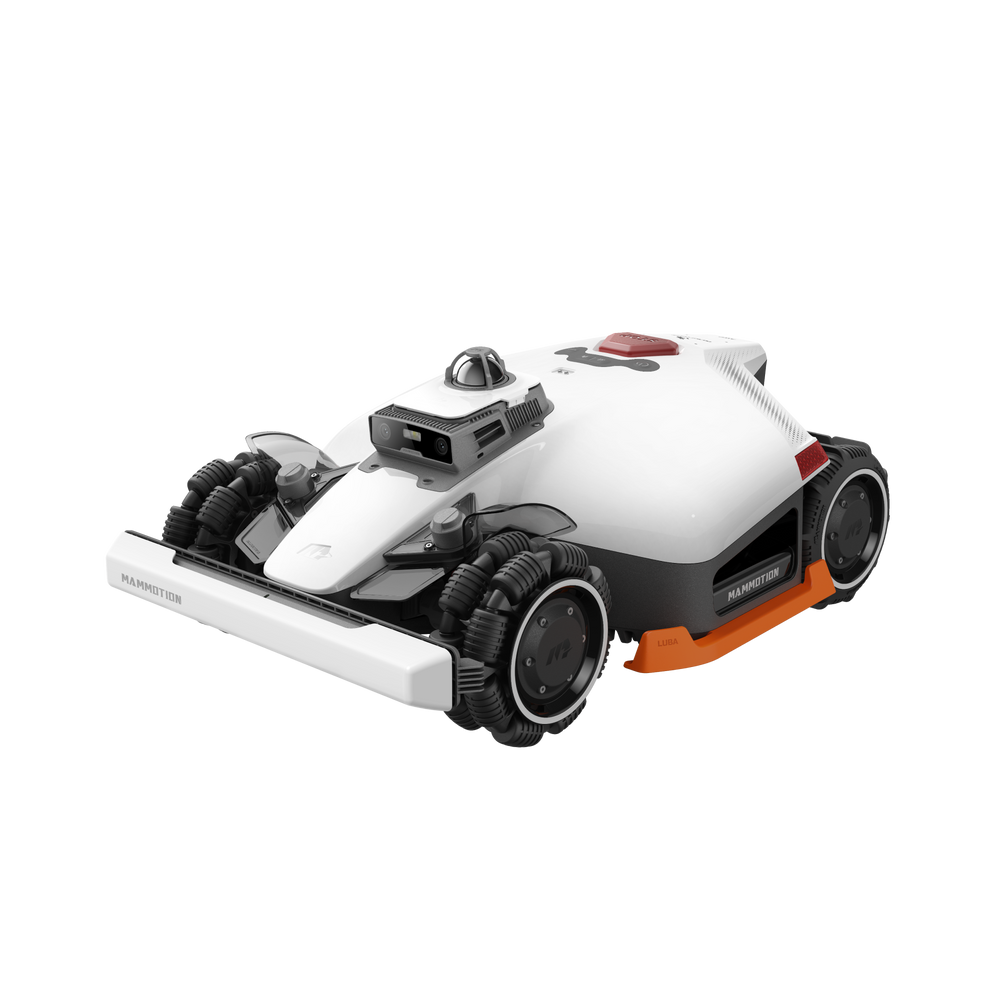
Where Should You Put a Robot Mower Charging Station?
The nearest outlet isn't always beside the best docking spot. Before securing the base, check the ground, the approach and the route from every lawn the mower will maintain. Leave yourself room to reach the equipment too.
Read the guide
Can a Robot Mower Cross a Driveway Between Lawns?
Some robot mowers can travel between mapped lawns, but a pathway feature doesn't approve every driveway. Check the surface, level changes, route width and vehicle access before buying. E15 Gen 2 pathways and Navimow H2 channels show why the answer needs to stay specific to the mower and the route.
Read the guide