Troubleshooting · 6 min read
Robot mower says the boundary wire is missing? Check power, connections and the loop
A missing-signal message does not identify the broken part. Use the exact mower and charging-station instructions to separate a power problem, a terminal connection and a damaged loop before replacing equipment.
Based on published manufacturer information.
Checked Nov 27 · Availability unconfirmed. Shipping and tax at checkout.
Buy at Lowe’s See all offers & model details ↗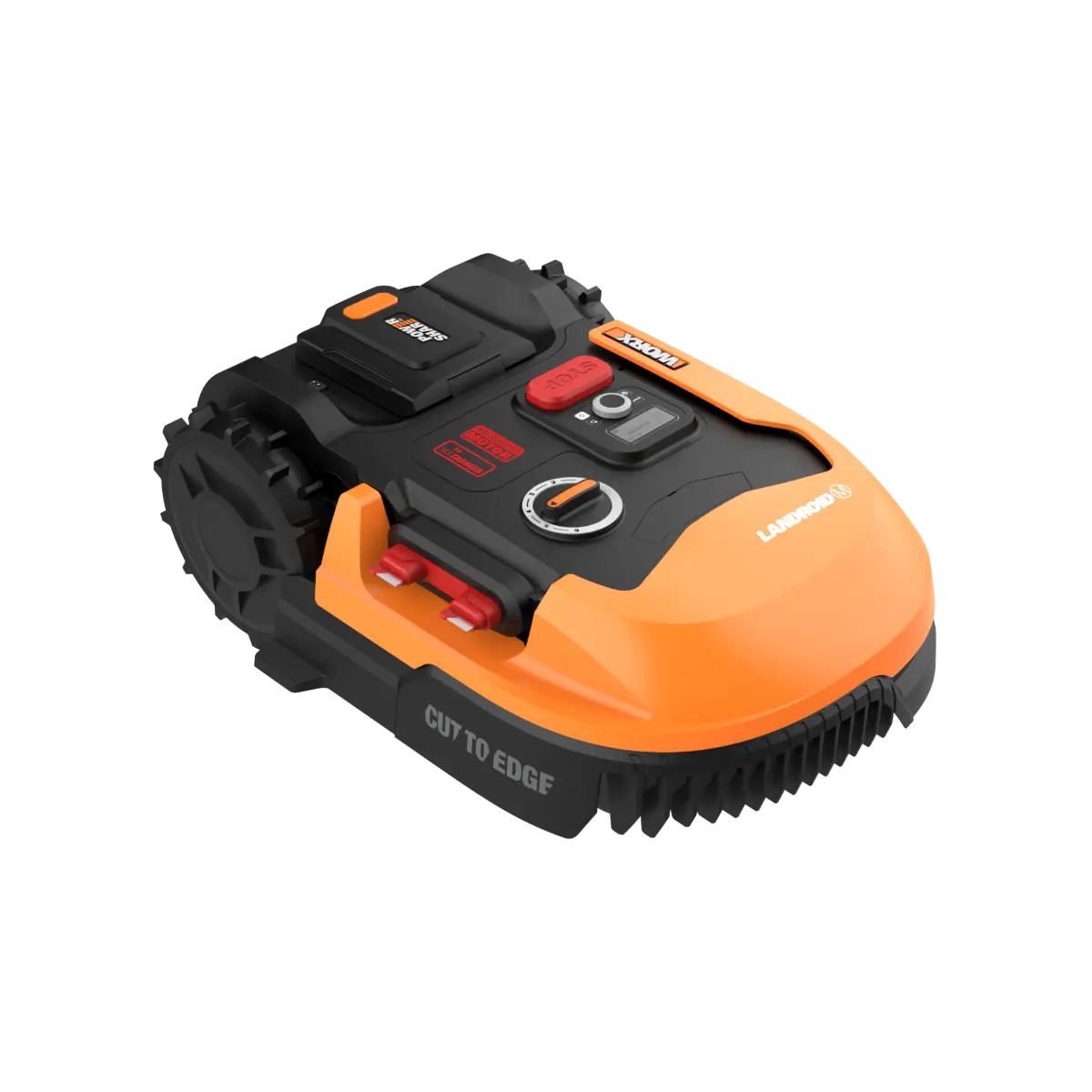
Checked Nov 27 · Availability unconfirmed. Shipping and tax at checkout.
Buy at Lowe’s See all offers & model details ↗We may earn a commission when you buy through these links.
Our recommendations come from published specifications. We may earn a commission from qualifying purchases. As an Amazon Associate, we earn from qualifying purchases. How we work
The quick verdict
Here’s where we’d start.
Record the exact message and station indication first. If the station has no power indication, investigate its approved power arrangement; if the exact WORX guidance points to the loop, check its connections and visible damage with power isolated as instructed. A signal error alone is not proof that the mower, station or entire buried wire needs replacement.
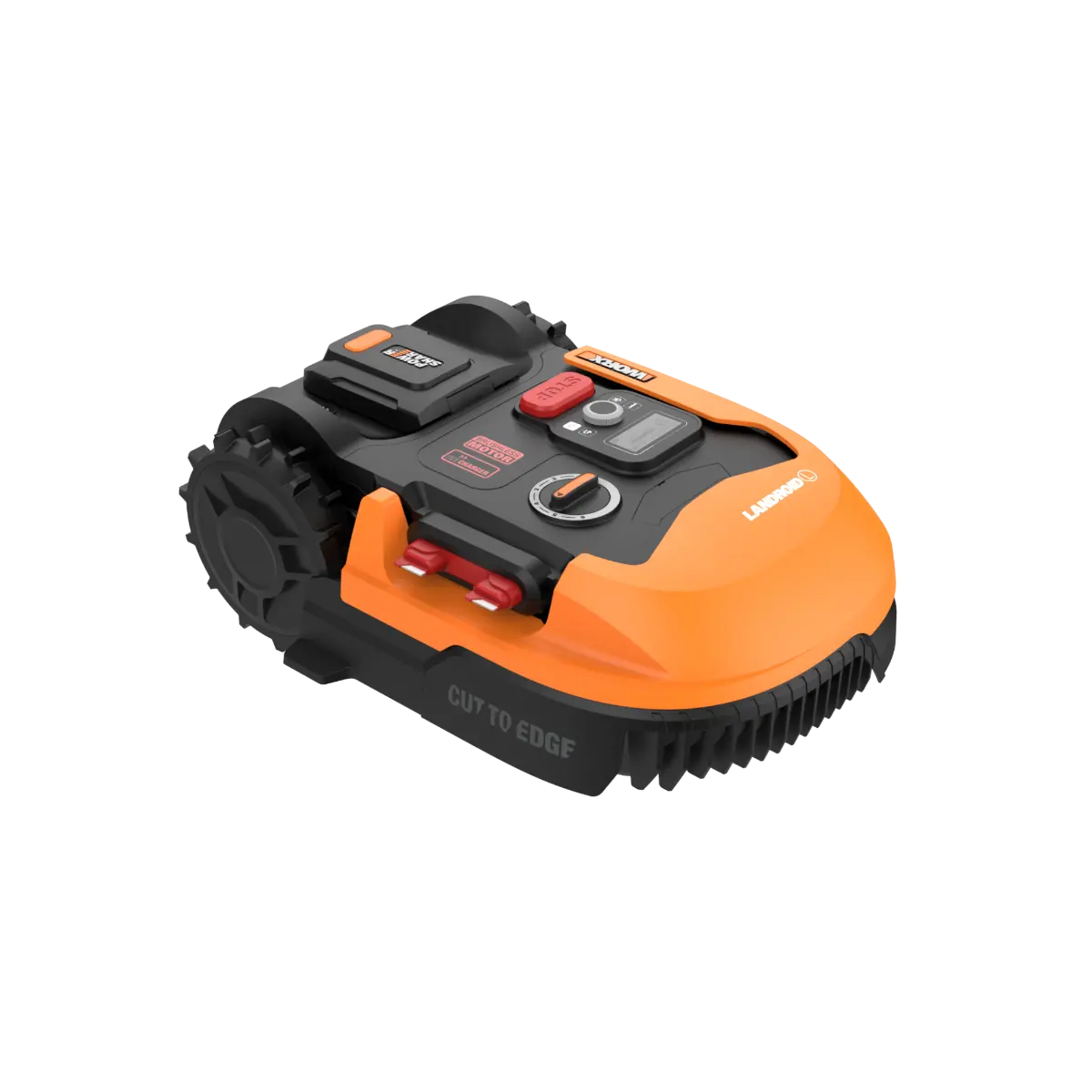
Landroid L 1/2 Acre · WR155
WORX’s WR155 help page begins by removing the mower from the station and recording the station LED, with a separate power check when it is off.
Use the correct station and manual revision. Solid and flashing indications are not interchangeable, and another Landroid generation can use different guidance.
Landroid M 1/4 Acre · WR147
WORX’s WR147 red-light support guidance directs the owner to the boundary connection and possible wire breaks.
This is a troubleshooting reference, not a recommendation to replace the machine. Current shared storefront specifications do not resolve every WR147 package detail.
Copy the message before changing anything.
Write down the complete displayed message, the mower model, charging-station model and whether the station light is off, solid or flashing. Record whether the mower is on the station, inside the loop or near a particular boundary when the fault appears. Those observations help distinguish problems that look similar at first.
This guide uses wired WORX WR155 and WR147 as exact references. A wireless mower reporting a positioning error needs a different diagnosis. Our navigation guide and GPS-signal guide explain that distinction.
Check the station indication in the condition the manual specifies.
WORX’s WR155 missing-wire support page asks the owner to remove the mower from the station and identify the station LED color. It separately says to check the power-supply connection if the LED is off. Starting by digging up the loop would miss that first branch of the diagnosis.
Follow the exact station’s power and isolation instructions before touching connections. Do not open a power supply, work on mains wiring or use an unapproved replacement to test a theory. A charging symptom is also not automatically a loop fault; our mower-not-charging guide covers that separate starting point.
A loop-related indication calls for a connection check before a repair hunt.
The US WORX manual’s missing-wire row directs a red-light case to the boundary-wire terminal connections and then possible cuts. WR147’s model-specific red-light help likewise identifies a disconnected or broken boundary wire. These are scoped instructions for those examples, not a universal LED chart.
With power isolated as the exact instructions require, inspect the accessible boundary connections, recent joins and any visible pull or damage near the station. Photograph the arrangement before altering it. Use the specified connector and terminal method; do not improvise a bare twisted joint and assume it is a durable outdoor repair.
Start the inspection where something changed.
Note whether the fault began after edging, aeration, planting, moving the base, a wire repair or other work near the boundary. A newly disturbed point is a useful inspection lead, not proof that it is the only fault. Keep the installation drawing and old repair locations beside the new observation.
If nothing changed, record whether the symptom is constant or intermittent and whether it coincides with rain or a particular mower location. Do not invent a universal wire-resistance threshold, maximum loop length or test voltage from another model’s manual. Ask support for the correct diagnostic procedure for this installed system.
A red-light fault after edging suggests a different first step from a dead station.
Imagine WR147 reports a loop problem the morning after edging, with the exact station indication pointing to its boundary connection. Check the accessible terminals and recently disturbed section before pricing a new mower. A visible cut still needs the manufacturer-approved repair method and confirmation that normal operation is restored.
Now change the example to a station whose light remains off under the WR155 support check. That points you first toward its power connection and supported supply checks, not toward searching the whole lawn for a cut. The message on the mower can look similar while the next useful question changes.
A reset does not repair a physical connection.
Use a reset only at the point the correct manual instructs, after addressing the relevant condition. Repeating restarts without checking the station or loop does not establish which component failed. Likewise, a factory reset can create extra setup work without repairing a cut wire.
If support recommends an isolated test loop or an electrical test, obtain its exact wiring, equipment and isolation instructions first. This guide does not substitute a homemade short across terminals or a live-meter procedure. Our boundary-wire versus wireless guide explains why the installed loop remains part of ownership.
Check normal operation after the supported correction.
After completing the approved repair or reconnection and safely restoring the installation, verify the station’s expected indication and a normal supported start and return. Observe from a safe distance and stop if the mower leaves its permitted area or the error returns.
An intermittent failure needs more evidence than one successful restart. Record the conditions when it reappears, along with the exact message. Our return-to-station guide covers a machine that finds the loop but still cannot complete the docking route.
Give support enough information to separate the remaining possibilities.
Send the mower and station identities, manual revision, LED condition with and without the mower where instructed, exact message, photos of accessible connections and a sketch of recent ground work or repairs. Include the one supported change tried and what happened afterward.
We would use that record before replacing a station or excavating the whole loop. If you are considering a replacement mower instead, our WR147 versus WR155 guide keeps model and package differences separate from the fault. A larger mower recommendation does not repair the existing installation.
A closer look
The differences, in view.
Scroll horizontally on smaller screens. Values are manufacturer claims; see each product for qualifiers and original wording.
| Specification | Landroid L 1/2 Acre · WR155 | Landroid M 1/4 Acre · WR147 |
|---|---|---|
| Rated lawn coverage | 0.5 acreManufacturer’s recommended lawn-size rating; allow for layout, charging and the mowing schedule. | Not confirmed |
| Maximum slope | 30 %Published maximum grade; confirm edge and installation limits. | Not confirmed |
| Cutting height | 1.5–3.5 in | Not confirmed |
| Cutting width | 8 in | Not confirmed |
| Battery capacity | 5 AhThe current table and box list specify 5 Ah despite older 6.0 Ah wording in the page title. | Not confirmed |
| coverageClaim | Not confirmed | 0.25-acre model label; coverage needs confirmationThe selected model title and other text on this page disagree. The finder does not treat this as a confirmed lawn-capacity rating. |
Ready to choose?
Your next step, made simple.
Checked Nov 27 · Availability unconfirmed. Shipping and tax at checkout.
Buy at Lowe’s See all offers & model details ↗Checked Nov 27 · Availability unconfirmed. Shipping and tax at checkout.
Buy at Lowe’s See all offers & model details ↗We may earn a commission when you buy through these links.
Show your work
Sources & editorial method.
We reviewed official US product information and exact configurations. Our advice draws on published specifications and model-specific manufacturer instructions, with the practical trade-offs explained. Unknowns and conflicting claims are kept visible. Prices above come from the catalog and may change independently of this article’s review date.
- Official US manufacturer page — exact model, specifications and qualifications
- Official US manufacturer page — exact model, specifications and qualifications
- Official US WORX manual covering WR147 and WR155 — missing-signal diagnosis
- WORX WR155 support — exact missing-wire message and station indication
- WORX WR147 support — red-light boundary connection check
Published Nov 9, 2026 · Editorial review Nov 9, 2026.
Read our research standardsKeep exploring
A little more perspective.
vsWORX WR147 vs WR155: Which Wired Landroid Should You Buy?
The US manual separates WR147's quarter-acre rating from WR155's half-acre rating, while keeping the same cutting width and height range. The current WR147 storefront mixes conflicting specifications, so we'd get the exact order confirmed before buying. Both need perimeter wire.
Read the guide
Boundary wire vs wireless robot mowers: Which installation suits your yard?
The useful choice is how you want to define, change and maintain the mowing area. Compare a real wired and wireless example, then walk through the parts of the yard that could stop either one working.
Read the guide