Troubleshooting guide · 3 min read
Why Does My Robot Mower Keep Losing Its GPS Signal?
Note the exact warning and where it appears before moving equipment or remapping. A mower beside the charger can have a different positioning problem from one under trees. Start with the system your model actually uses: a local antenna and Network RTK need different checks.
Based on published manufacturer information.
No current brand offer. Explore Amazon options.
Checked Nov 27 · In stock when checked. Shipping and tax at checkout.
Buy at Lowe’s See all offers & model details ↗We may earn a commission when you buy through these links.
Our recommendations come from published specifications. We may earn a commission from qualifying purchases. As an Amazon Associate, we earn from qualifying purchases. How we work
The quick verdict
Here’s where we’d start.
Start with the exact warning, location and configured positioning mode. i105's manual provides antenna-placement guidance and a Satellite Signal Analyzer; i206 AWD's US manual separates Network RTK from Local RTK. Use those model-specific tools before repeatedly moving the base or rebuilding maps. Wi-Fi status and satellite positioning are different checks. Keep alarms and boundary concerns with the maker's instructions; a camera feature isn't permission to bypass a warning.
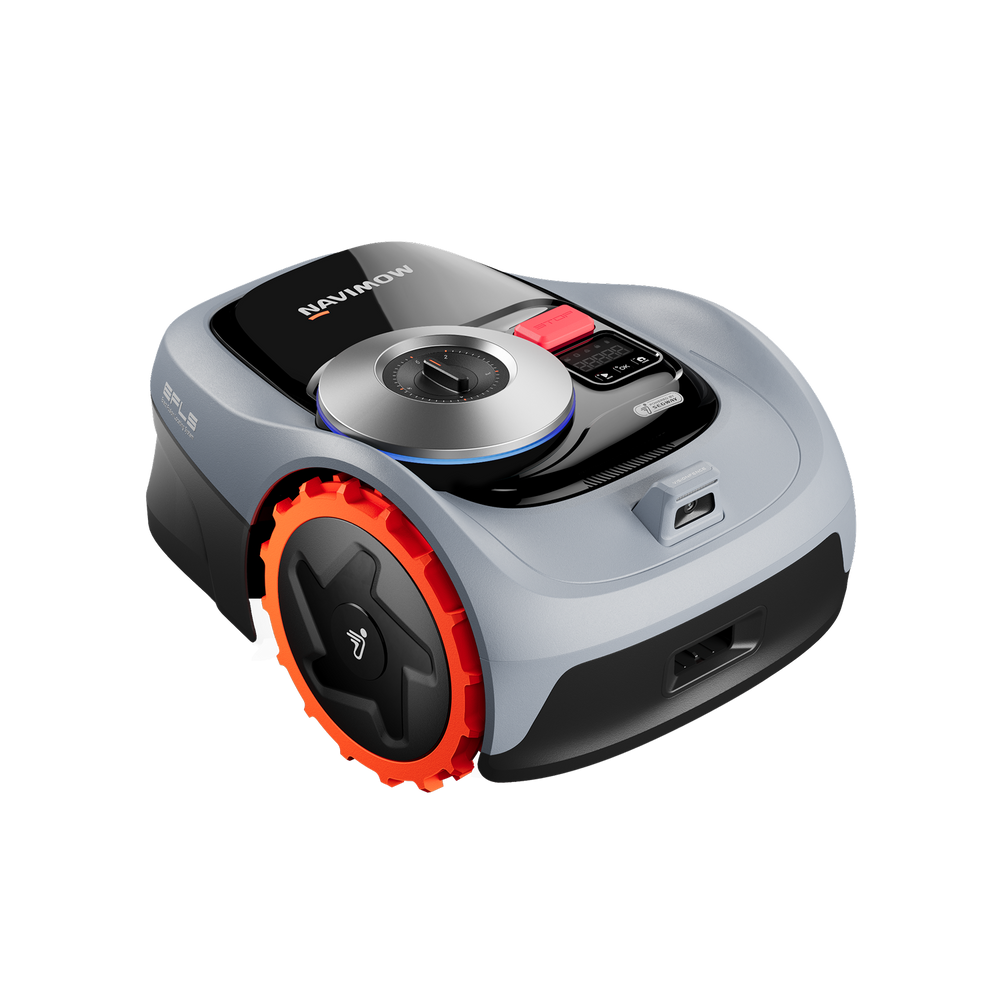
i105
The i-series manual explains sky visibility shared by the mower and GNSS antenna and provides a Satellite Signal Analyzer.
Use the current i105 instructions and app tools. Internet reception alone does not establish a usable satellite position.
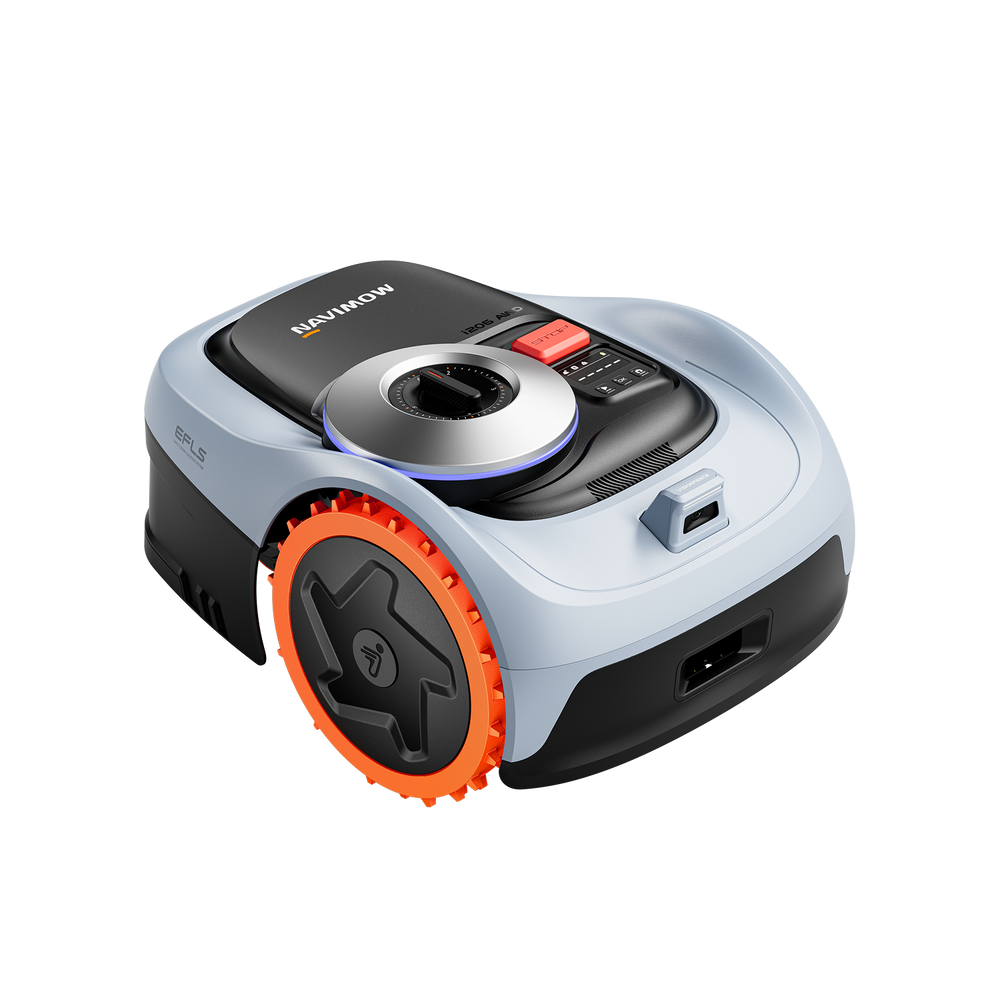
i206 AWD
The US i2 AWD manual separates supported Network RTK from an optional local-antenna installation.
Confirm which mode is active before troubleshooting missing hardware or assuming the Network RTK service is available.
Keep the exact warning and the place it happens.
Does the mower fail to get a position at the charger, lose it under a tree, or stop in the same narrow route? Record the message, time and location. Follow the model's stopping instructions if it raises an alarm or behaves unexpectedly.
An app showing offline doesn't by itself establish a GPS fault. Our mower Wi-Fi guide covers setup and remote access. The navigation guide explains which positioning equipment belongs to each system.
Our sensor-warning guide separates dirty optical surfaces from persistent faults and route conditions. Do not apply a GPS correction procedure to every camera or LiDAR message.
On i105, check the antenna and mower together.
The Navimow i105 manual explains that its mower and GNSS antenna need enough satellites visible to both. A seemingly open antenna spot doesn't settle what the mower can see at the station or elsewhere on the lawn.
Use the manual's open-sky placement guidance and check for roofs, trees or other new obstructions. It also sets requirements for the charging-station location. Our station-placement guide includes positioning alongside the approach and power supply.
Read what happens when the reference antenna moves before shifting it to improve reception. Check the model’s remapping procedure before resuming the schedule.
Use i105’s own signal check before guessing.
The i-series manual describes Satellite Signal Analyzer under Settings, MOWER, EFLS 2.0. It checks whether the antenna and station locations provide enough co-visible satellites. Follow its current app instructions and the model's station/antenna indicator chart.
If the result points to placement, use the maker's relocation process. Don't move equipment at random and assume an old map is still correct. Our return-to-station guide helps when the visible symptom is a failed journey home.
On i206 AWD, check the selected positioning mode.
The Navimow i206 AWD US manual provides Network RTK where service is supported, with a Local RTK antenna option when it isn't. Its EFLS NRTK settings show which source is selected. Check that mode before looking for a local antenna that the installation doesn't use.
The manual describes Network RTK corrections arriving through the mobile network. Home Wi-Fi reception and general remote-service subscriptions are separate questions. Our i105 versus i206 AWD guide compares the two installations.
Camera assistance still has limits.
Both manuals describe camera-assisted positioning to improve maps where satellite reception is poor. They also describe improvement failing when reception is very poor or the installation is unsuitable. A camera label isn't a guarantee that every tree-covered route will work.
Keep the approved route and boundaries in view, and ask support how the exact model should handle a repeated failure. Our tree-covered-yard guide and narrow-passage guide cover those layout questions.
Send a repeatable example to support.
Keep the model, app and firmware versions, exact error, positioning mode, diagnostic result and photos of the antenna/station surroundings. Say whether anything moved or changed before the problem began and whether it repeats at one point.
That evidence is more useful than a history of repeated resets. Follow the maker's current recovery instructions before remapping or moving the installation again. If it never begins a task, our starting guide covers the other operating states.
For a new EPOS installation, our 410 iQ/420 iQ guide explains checking Husqvarna Cloud coverage at the address and planning for the included reference station where needed.
A closer look
The differences, in view.
Scroll horizontally on smaller screens. Values are manufacturer claims; see each product for qualifiers and original wording.
| Specification | i105 | i206 AWD |
|---|---|---|
| Rated lawn coverage | 0.125 acreRecommended model-specific lawn size, not the expanded mapping allowance. | 0.15 acreRecommended model-specific lawn size, not the expanded mapping allowance. |
| Navigation | EFLS 2.0 + vision | Not confirmed |
| Cutting height | 2–3.6 in | Not confirmed |
| Maximum slope | 30 % | 45 % |
| Drive system | Not confirmed | All-wheel drive |
Ready to choose?
Your next step, made simple.
No current brand offer. Explore Amazon options.
Checked Nov 27 · In stock when checked. Shipping and tax at checkout.
Buy at Lowe’s See all offers & model details ↗We may earn a commission when you buy through these links.
Show your work
Sources & editorial method.
We reviewed official US product information and exact configurations. Our advice draws on published specifications and model-specific manufacturer instructions, with the practical trade-offs explained. Unknowns and conflicting claims are kept visible. Prices above come from the catalog and may change independently of this article’s review date.
- Current manufacturer US model page — exact configuration, equipment and operating qualifications
- Current manufacturer US model page — exact configuration, equipment and operating qualifications
- Navimow i-series manual linked from the US i105 page — GNSS antenna, co-visible satellites and Satellite Signal Analyzer
- Navimow i2 AWD US manual — Network RTK/local-antenna modes and camera-assisted positioning
Published Nov 3, 2026 · Editorial review Nov 10, 2026.
Read our research standardsKeep exploring
A little more perspective.
vsNavimow i105 vs i206 AWD: Is the New Mower Worth It?
The i206 AWD gives you all-wheel drive and a Network RTK setup, with a slightly larger lawn recommendation. Those are useful changes if they solve a problem in your yard. If an i105 already handles the lawn happily, the newer name alone isn't a reason to replace it.
Read the guide
 vs
Husqvarna Automower 410 iQ vs 420 iQ: Match the mowing pattern
The 420 iQ doubles the stated lawn capacity and shortens typical charging time. Check which mowing pattern the area rating assumes before choosing.
Read the guide