Troubleshooting guide · 4 min read
Why Does My Robot Mower Keep Getting Stuck?
Start by recording the spot and the message. Wheels spinning in soft ground, debris caught near a wheel and a mower paused with a positioning alert need different answers. We'd follow the exact shutdown and handling instructions, then check the ground, visible obstructions and supported route before changing settings.
Based on published manufacturer information.

Checked Nov 27 · In stock when checked. Shipping and tax at checkout.
Buy at Lowe’s See all offers & model details ↗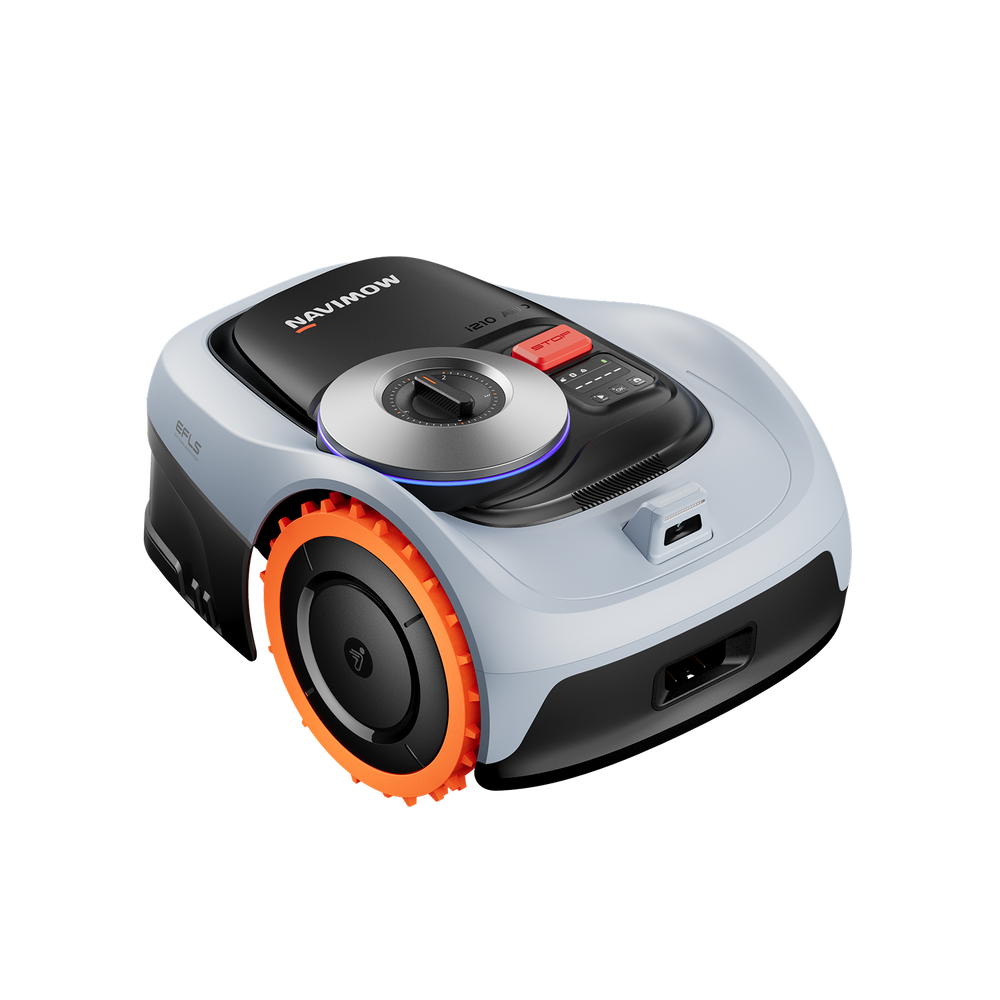
Checked Nov 27 · In stock when checked. Shipping and tax at checkout.
Buy at Lowe’s See all offers & model details ↗We may earn a commission when you buy through these links.
Our recommendations come from published specifications. We may earn a commission from qualifying purchases. As an Amazon Associate, we earn from qualifying purchases. How we work
The quick verdict
Here’s where we’d start.
Save the error and identify whether the robot is physically trapped, slipping or waiting with another fault. Use the exact model's stopping, disabling and handling instructions before clearing obstructions. Eufy Gen 2's T280L manual covers wheel debris and excluding difficult areas; Navimow's i2 AWD support identifies material trapped around wheels and fenders as a possible overload cause. If approved care doesn't resolve it, send the location and evidence to support rather than force the route or disable protections.
E15 Gen 2
The T280L manual describes clearing wheel debris and excluding areas where the mower frequently gets stuck.
Follow its shutdown and handling sequence. Never lift it with the motor running or while it remains docked.
i210 AWD
Navimow’s exact i2 AWD support warns that acorns and other material trapped around the wheels can overload the mower.
Use approved owner checks and keep the actual model’s operating limits. AWD does not make every surface or passage suitable.
Note the exact place and the kind of stop.
Save the app message, task state and a photo before clearing anything. Are the wheels spinning, is the body resting on a raised feature, or has the mower stopped with a positioning or other alert? Note whether it happens at one location or throughout the lawn.
A paused machine isn't necessarily trapped. If the issue is reaching the charger, our return-to-station guide addresses that symptom. The uncut-patches guide helps when the robot skips an area without physically getting stuck.
Stop it correctly before touching the obstruction.
The exact eufy E15 Gen 2 T280L manual says to stop the mower, turn it off before lifting or carrying, and use the handle with the blade disc away from your body. It also warns against lifting while docked. Follow its disabling and maintenance instructions before working around the machine.
Another mower needs its own sequence. Don't reach underneath a running robot or improvise a way to bypass its protection. Our mower-cleaning guide keeps wheel, deck and sensor care with the exact model.
Look at the ground before retrying the same route.
Check soft soil, ruts, exposed roots, raised edging and the turn beside a slope. A navigation system may know where the robot is while the wheels still lack a usable surface. A maximum-climb headline isn't proof of traction on that ground.
Use the model's weather and operating instructions before trying again. Don't push a boundary toward water or a drop to create room. Our rain guide and hilly-yard guide explain the separate condition and terrain checks.
If repeated runs are leaving a mark, use our wheel-track diagnosis guide. It separates soil ruts, torn turning spots and repeated return traffic before suggesting a supported change.
If inclination may be part of the problem, use our slope-measuring guide. Record short transitions and turning spots as well as the bank’s overall gradient.
Our exposed-root guide adds tree-health considerations to a repeated obstruction. A larger obstacle-crossing claim does not approve root contact or make cutting the root a suitable repair.
Check the permitted wheel areas for ordinary debris.
Navimow's support for i210 AWD and the i2 AWD family warns that acorns or seeds trapped between wheels and fenders can overload the mower. It recommends inspecting the mowing area and removing ordinary stones, sticks, wires and other foreign objects before operation.
Eufy's T280L manual separately calls for removing wheel mud/debris and cleaning obstructed universal wheels. Follow the approved power-off procedure and tools for your model; don't turn a visible check into dismantling. The cause may be a loose obstruction rather than inadequate mower size.
If leaf fall coincides with the stops, our fallen-leaf guide starts with required preparation and debris checks before treating another mowing run as the answer.
Our unusual-noise-and-vibration guide covers a new scrape or shake that accompanies the stop. Keep damage assessment separate from ordinary ground or traction changes before another run.
Exclude an unsuitable spot instead of repeatedly forcing it.
Eufy's manual identifies difficult areas where the mower may get stuck as places needing its supported exclusion setup. Check that the intended map matches the safe physical route. A changed border, closed gate or unsupported crossing can leave an otherwise usable lawn disconnected.
Have the manufacturer assess a recurring feature before editing around it. Keep required clearances and exclusions. Our narrow-passage guide and separate-lawns guide explain the measurements to send.
If the maker recommends excluding the recurring trouble spot, our no-go-zone guide explains the setup questions and how to check the remaining route without disabling detection.
Send a useful record before deciding to replace the mower.
After approved checks, record whether a supported retry fails in the same place. Send the full model, serial number, app/firmware details, error, map, ground photos and short video to support. Explain recent changes and the maintenance already completed.
We'd settle that diagnosis before buying more drive hardware or changing the whole map. The eufy generation guide and Navimow lineup guide help identify the equipment; another model's reset or repair is not a universal fix.
When comparing a replacement, the Roborock X1/X1 LiDAR guide separates their shared AWD and slope claims from navigation. A different sensor system alone does not establish better traction.
A closer look
The differences, in view.
Scroll horizontally on smaller screens. Values are manufacturer claims; see each product for qualifiers and original wording.
| Specification | E15 Gen 2 | i210 AWD |
|---|---|---|
| Rated lawn coverage | 0.2471 acresNormalized from 1,000 m² manufacturer coverage claim; not per-charge coverage. | 0.25 acreRecommended model-specific lawn size, not the expanded mapping allowance. |
| Maximum slope | 18 °Visible mower setup FAQ; boundary-slope limit not specified. | Not confirmed |
| Navigation | TrueVision camera navigation | Not confirmed |
| Boundary setup | No perimeter wire or RTK stationManufacturer configuration claim, not a guarantee of signal reliability. | Not confirmed |
| Connectivity | Wi-Fi setup; 4G supportedThe page does not establish this generation’s data subscription terms. | Not confirmed |
| Cutting height | 1–3 inE15 Gen2 T280L user guide, section 2.4; not transferred from the original E15. | Not confirmed |
| Cutting width | 8 inE15 Gen2 T280L specification table. | Not confirmed |
Ready to choose?
Your next step, made simple.
Checked Nov 27 · In stock when checked. Shipping and tax at checkout.
Buy at Lowe’s See all offers & model details ↗Checked Nov 27 · In stock when checked. Shipping and tax at checkout.
Buy at Lowe’s See all offers & model details ↗We may earn a commission when you buy through these links.
Show your work
Sources & editorial method.
We reviewed official US product information and exact configurations. Our advice draws on published specifications and model-specific manufacturer instructions, with the practical trade-offs explained. Unknowns and conflicting claims are kept visible. Prices above come from the catalog and may change independently of this article’s review date.
- eufy E15 Gen 2 US page — exact T280L model identification and supported setup
- Navimow i2 AWD US page — exact i210 model, positioning and operating scope
- eufy E15 Gen 2 T280L manual — safe handling, exclusions, wheel/deck care and moving a stopped mower
- Navimow i2 AWD support — exact-model wheel/fender debris, preparation and maintenance scope
Published Nov 3, 2026 · Editorial review Nov 10, 2026.
Read our research standardsKeep exploring
A little more perspective.

Can Robot Mowers Handle Fallen Leaves?
Don't buy a robot mower expecting it to clear leaf piles. We'd prepare the lawn as the exact manual requires, then use the mower for the grass. Returning fine grass clippings is a different job from collecting leaves or working through a wet mat that hides the lawn.
Read the guide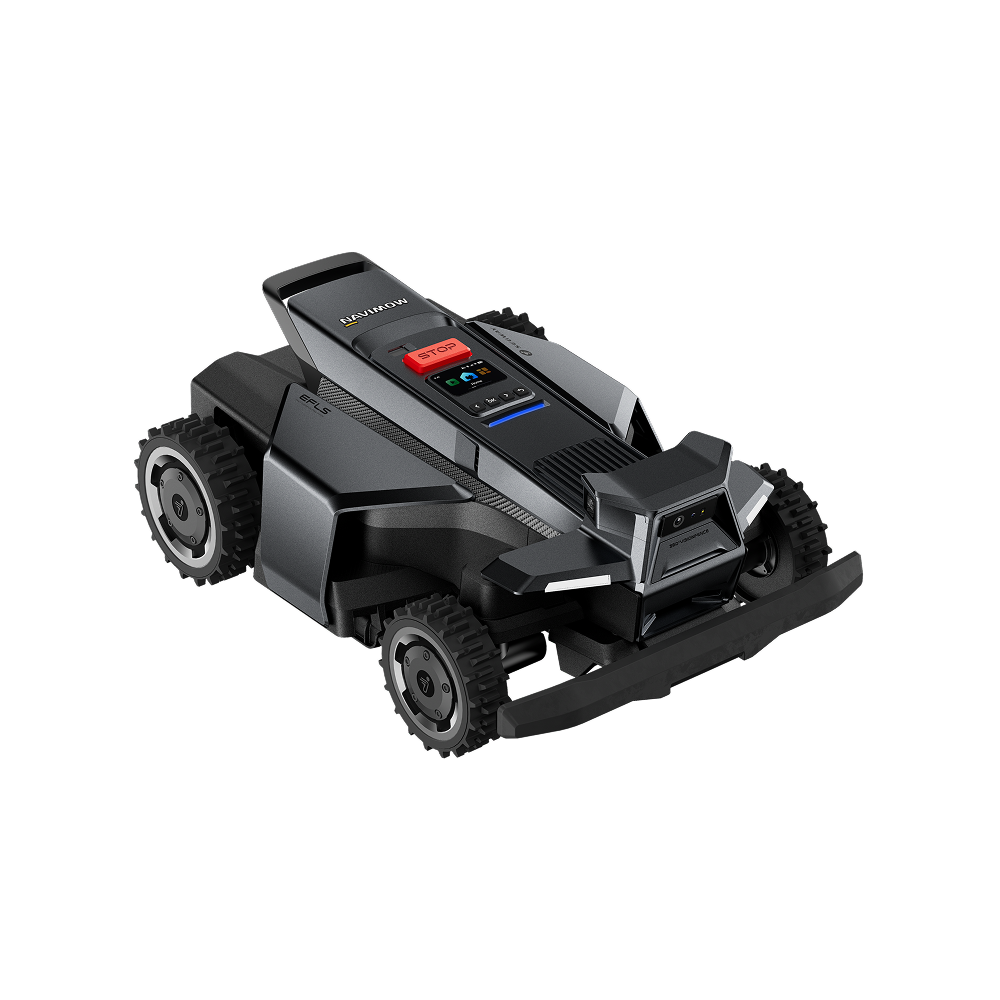
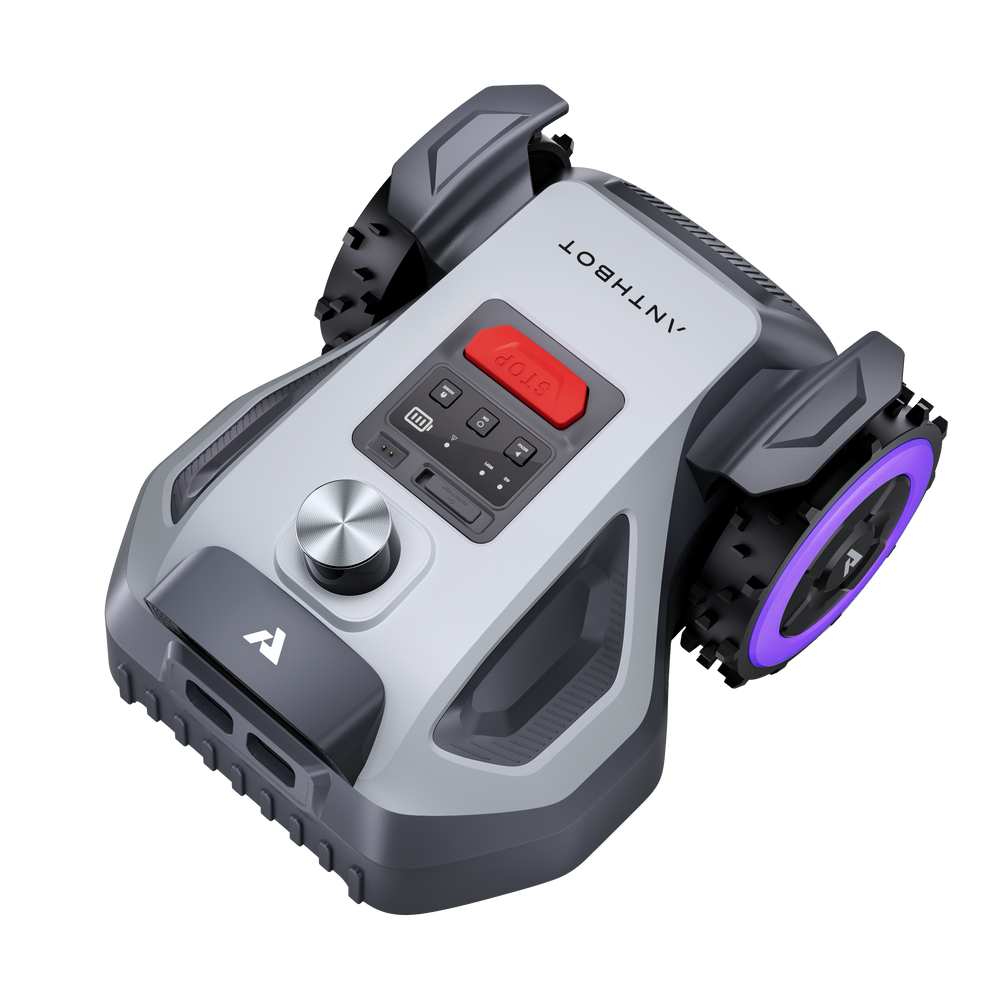
Can Robot Mowers Mow in the Rain?
Weather resistance doesn't tell you whether the mower should keep cutting a wet lawn. We'd check the exact rain-sensor behavior and manual, then plan around the condition of the grass and ground. These examples return home when rain is detected.
Read the guide