Mower troubleshooting · 4 min read
What to check when a robot mower’s battery run gets shorter
Start by comparing similar mowing runs. Grass growth, the route and the selected mode can change how long the mower works and how much ground it covers before returning to charge.
Based on published manufacturer information.

Checked Nov 27 · In stock when checked. Shipping and tax at checkout.
Buy at Lowe’s See all offers & model details ↗
Checked Nov 27 · In stock when checked. Shipping and tax at checkout.
Buy at Lowe’s See all offers & model details ↗We may earn a commission when you buy through these links.
Our recommendations come from published specifications. We may earn a commission from qualifying purchases. As an Amazon Associate, we earn from qualifying purchases. How we work
The quick verdict
Here’s where we’d start.
Record the starting charge, mowing conditions, mode and return state before deciding the battery needs replacement. Check charging and owner-accessible cleaning first. If the decline repeats under comparable conditions, send the record to support.
H210
The US manual lists about 110 minutes under stated test conditions and explains how layout and grass affect capacity.
Use the H210 column and compare the actual task and return reason.
E15 Gen 2
The T280L manual lists 90–110 minutes, while eufy’s shared support table gives different results by mode and terrain.
Ask eufy which test applies to your exact model before using the longer table as a failure threshold.
Write down what changed on the shorter run
Record the starting charge, mode, grass condition, cutting setting and time the mower returns. Check whether it reports low battery, a finished task, a schedule ending or another alert.
If the task simply runs out of allowed hours, review the mowing schedule before investigating the battery.
Keep the H210 figure with its test conditions
The Navimow H210 US manual lists about 110 minutes per full charge. Its test uses standard speed, a full battery, 77°F weather and a recently cut lawn. It also explains that layout, longer or wet grass and ground conditions affect capacity.
The H220’s longer figure belongs to the larger model. See H210 versus H220 if you are checking which specification you saw.
Check which published runtime applies to the Gen 2
The eufy E15 Gen 2 T280L manual lists 90–110 minutes on a full charge. A shared E15, E18 and Gen 2 support table lists different results, including 159 minutes on open ground and 131 minutes on complex ground in Standard.
Those sources leave the exact test behind the difference unresolved. Ask eufy which applies to the machine and mode you use. Keep a record of your own comparable runs rather than choosing the largest number as the expected minimum.
Separate travel time from useful cutting
Imagine the app records a 90-minute session, with 14 minutes spent traveling and working around obstacles. That leaves 76 minutes for cutting in the example. A more direct route could improve coverage even if battery runtime stayed similar.
If a new obstacle appeared or a channel changed, review the passage guide. Compare both time and the area cut.
Check that the next run starts properly charged
Watch whether the mower seats and gains charge normally. If it repeatedly leaves with a lower starting percentage or fails to charge, use the charging guide.
Compare a similar patch in similar conditions
Once the mower is powered off as instructed, clear owner-accessible grass buildup and check the blades and wheels using its manual. Compare runs at the same maintained height, in similar weather and mode.
Use the mower cleaning guide and long-grass guide if the workload has changed.
Send support a repeatable symptom
If the shorter run repeats after a normal charge under comparable conditions, send the model, firmware, starting and ending charge, alerts and task history to support. A sudden shutdown or battery warning also needs its model-specific instructions.
If comparable full-charge sessions still show a consistent decline, the battery-replacement guide explains exact part identification, H2 service guidance and the questions for a complete repair quote.
A closer look
The differences, in view.
Scroll horizontally on smaller screens. Values are manufacturer claims; see each product for qualifiers and original wording.
| Specification | H210 | E15 Gen 2 |
|---|---|---|
| Rated lawn coverage | 0.25 acreRecommended model-specific lawn size, not the expanded mapping allowance. | 0.2471 acresNormalized from 1,000 m² manufacturer coverage claim; not per-charge coverage. |
| Maximum slope | 45 % | Not confirmed |
| Navigation | LiDAR + network RTK + vision | TrueVision camera navigation |
| Maximum slope | Not confirmed | 18 °Visible mower setup FAQ; boundary-slope limit not specified. |
| Boundary setup | Not confirmed | No perimeter wire or RTK stationManufacturer configuration claim, not a guarantee of signal reliability. |
| Connectivity | Not confirmed | Wi-Fi setup; 4G supportedThe page does not establish this generation’s data subscription terms. |
| Cutting height | Not confirmed | 1–3 inE15 Gen2 T280L user guide, section 2.4; not transferred from the original E15. |
Ready to choose?
Your next step, made simple.
Checked Nov 27 · In stock when checked. Shipping and tax at checkout.
Buy at Lowe’s See all offers & model details ↗Checked Nov 27 · In stock when checked. Shipping and tax at checkout.
Buy at Lowe’s See all offers & model details ↗We may earn a commission when you buy through these links.
Show your work
Sources & editorial method.
We reviewed official US product information and exact configurations. Our advice draws on published specifications and model-specific manufacturer instructions, with the practical trade-offs explained. Unknowns and conflicting claims are kept visible. Prices above come from the catalog and may change independently of this article’s review date.
- Navimow official US model page
- eufy official US model page
- Navimow H2 US manual, exact H210 runtime and test conditions
- eufy T280L Gen 2 manual, runtime specification
- eufy shared E15, E18 and Gen 2 runtime table
Published Nov 10, 2026 · Editorial review Nov 21, 2026.
Read our research standardsKeep exploring
A little more perspective.
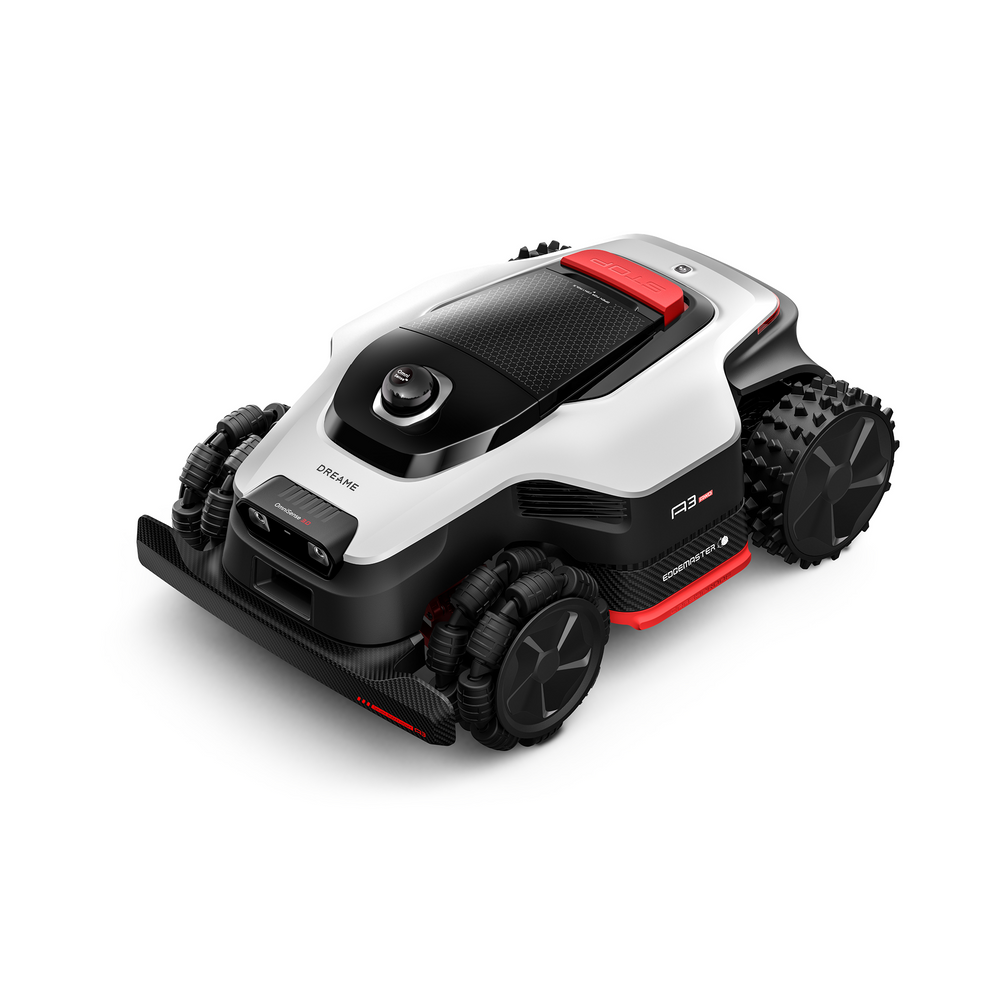
Can Robot Mowers Cut Long Grass? What to Do Before the First Mow
Sometimes, within the limits of the exact mower. But an overgrown lawn is a different job from keeping it tidy every few days. Check the starting grass height before sending a robot into it, even if the mower offers a tall cutting setting.
Read the guide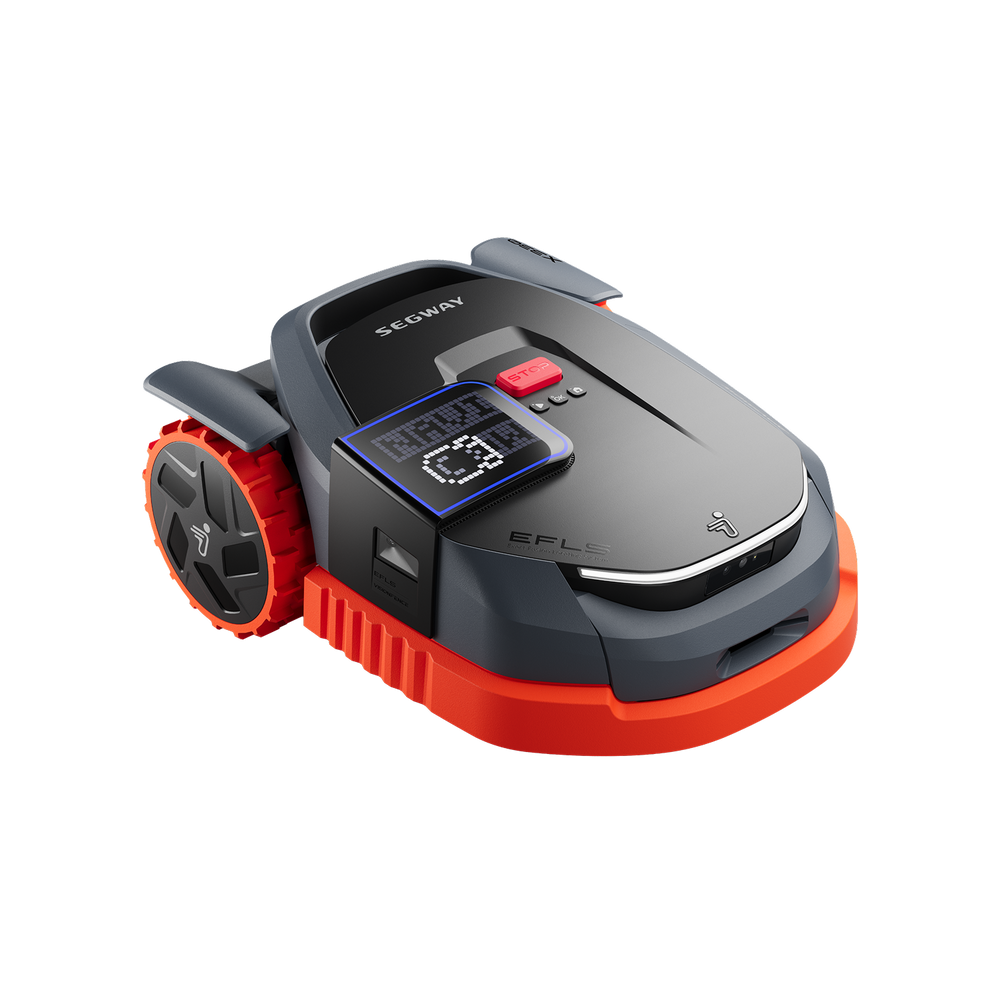
How to Clean a Robot Lawn Mower
The grass underneath is only part of the job. Wheels, camera lenses and the charging station need attention too. Here's a practical cleaning routine using eufy E15 Gen 2 and Navimow X3 examples, with each model's instructions kept where they belong.
Read the guide