Ownership guide · 5 min read
How Often Should You Run a Robot Lawn Mower?
Start with how quickly the grass grows, then check whether the mower can cover it during the hours you can give it. A daily timer isn't automatically the right answer. We'd follow the model's limits, watch the lawn between cuts and adjust the routine when growth or conditions change.
Based on published manufacturer information.
Checked Nov 27 · In stock when checked. Shipping and tax at checkout.
No current brand offer. Explore Amazon options.
We may earn a commission when you buy through these links.
Our recommendations come from published specifications. We may earn a commission from qualifying purchases. As an Amazon Associate, we earn from qualifying purchases. How we work
The quick verdict
Here’s where we’d start.
There isn't one correct daily or weekly schedule for every lawn. Start with the exact mower's instructions and keep the grass within its approved mowing condition. Adjust permitted working windows as growth changes, allowing for travel, charging and weather. If the mower needs every available hour or repeatedly leaves grass beyond its starting limit, ask the manufacturer to review capacity and setup. More timer entries don't create a route, increase the area rating or replace blade and deck care.
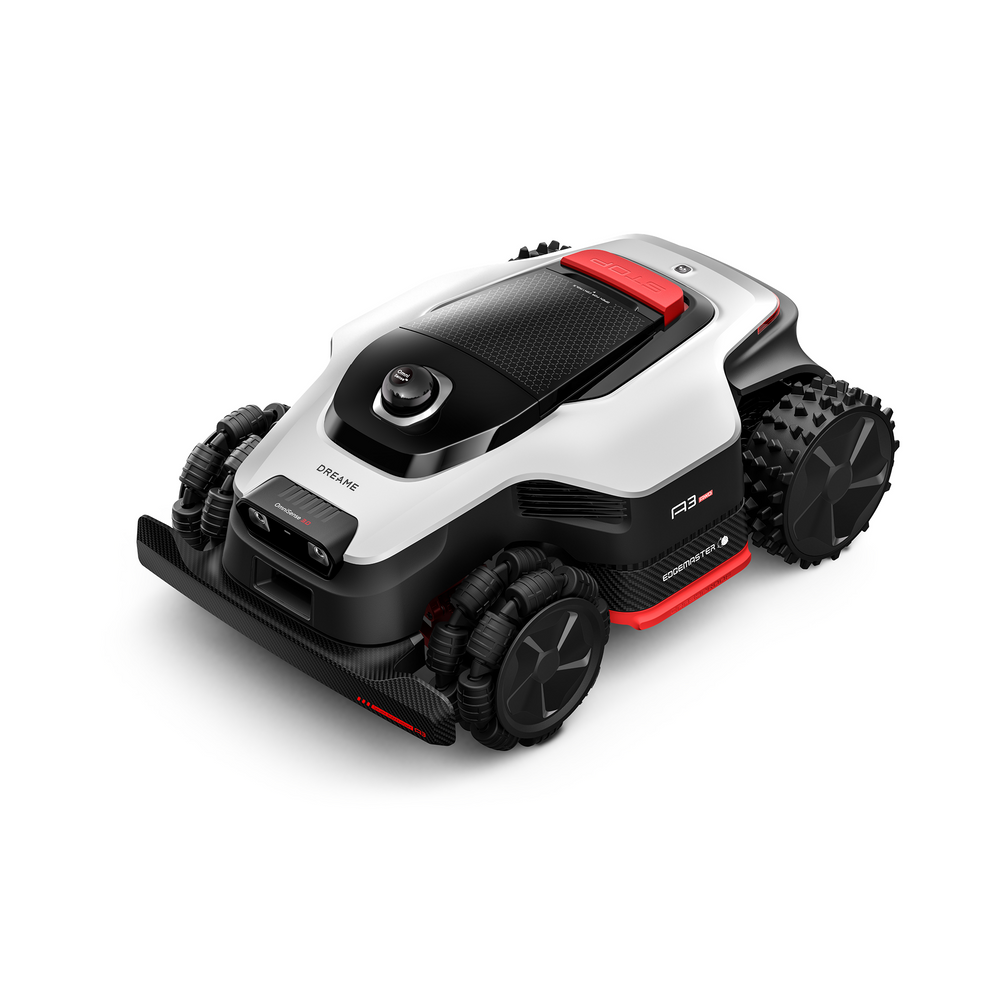
A3 AWD 1000
A3 AWD 1000 is rated for 0.25 acre and supports scheduled mowing after setup.
Its area rating is not a one-charge result or a universal daily timetable. Follow the exact model’s starting and weather instructions.
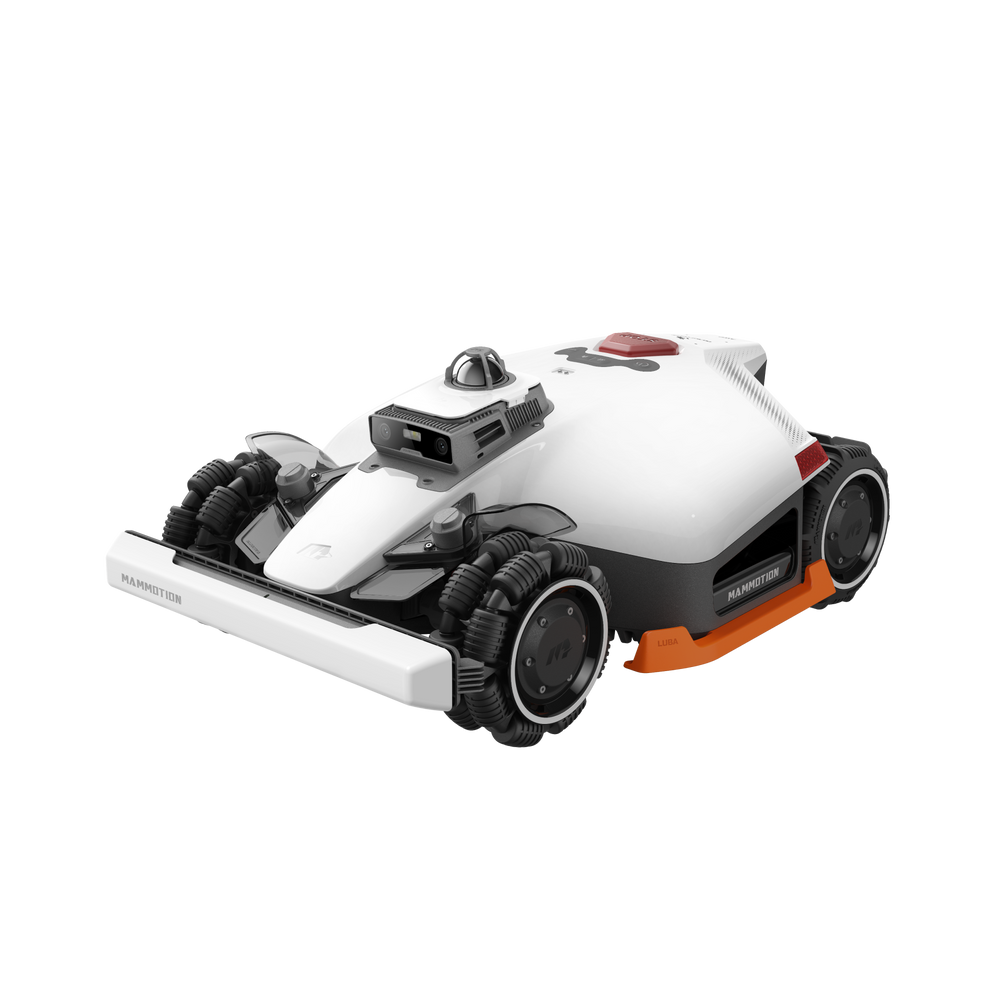
LUBA 3 AWD 3000
Standard LUBA 3 3000 is rated for 0.75 acre and supports app scheduling and zone management.
Every zone shares one mower and its time. The standard 1–2.7-inch cut is not the H version’s taller range.
Let the grass tell you when the routine needs adjusting.
A robot maintains a lawn through repeat trims; it shouldn't be left to become an unapproved long-grass recovery job. Mammotion's frequency guidance describes several cuts a week during active growth as a possibility, with the actual frequency depending on growth, height, weather and coverage. It doesn't prescribe one daily schedule for every lawn.
Start within the selected mower's instructions, then look at the lawn between permitted cuts. Increase or reduce the routine as growth changes, without exceeding any task limits. Our long-grass guide covers preparing a lawn that is already beyond the normal starting condition.
Our cutting-height guide connects the target height to grass-specific guidance, actual measurements and the amount removed in each mow.
Check that the mower is the right size before adding more jobs.
The Dreame A3 AWD 1000 is rated for 0.25 acre; standard LUBA 3 AWD 3000 for 0.75 acre. Those are recommended lawn areas, not the amount completed in one charge. Neither gives every property the same finish time.
Measure all the grass and leave room for the layout. A narrow connector, many beds and repeated turns can use time an open rectangle doesn't. Our small-yard guide and large-yard guide help revisit sizing if the robot cannot keep up.
If the area is still a rough guess, our guide to measuring your lawn helps find the mowing total before changing the timetable, with a worked calculation and exact recommendation-versus-map examples.
The Kress KR282/KR284 comparison keeps both area claims on their 24-hour basis. Neither figure promises a complete lawn on one charge or in a short afternoon slot.
Count the whole working window, including returning and charging.
Write down the times the mower can actually work around lawn use, irrigation and the model's operating conditions. Include travel to each section, return journeys and charging. A scheduled two-hour window doesn't mean two uninterrupted hours with the blades cutting grass.
Dreame documents scheduled work after mapping; LUBA 3 supports app scheduling and zone management. Confirm the exact app and connection behavior for the selected unit. Our Wi-Fi guide separates a saved mowing task from the connection needed for remote changes.
If the saved timetable produces no mowing at all, our mower-not-starting guide checks whether the schedule is enabled, its times and zones are correct, or a lock or protection state is preventing work.
Our mowing-with-dogs guide plans separate lawn time under the exact manuals’ precautions. It explains why a closed gate or an animal-friendly feature does not create extra safe working hours.
The Husqvarna 410 iQ/420 iQ comparison gives a useful charging example: both list the same typical mowing time, while 420 iQ lists a shorter typical charge.
The MOVA AWD 2000/3000 comparison gives another charging example: the listed 65 minutes covers 15% to 95%, rather than an empty-to-full recharge.
If runs have become shorter, use the battery runtime guide to record charge, grass conditions, mode and the reason for returning. Compare the time spent cutting and traveling.
A missed section may need a route check, not another timer.
Check whether every lawn section is reachable during its scheduled window. A gate kept shut for a dog or an unsupported crossing can leave grass untouched however often the app starts a task. Multiple zones still share the mower's total capacity and available hours.
Our separate front-and-back lawns guide covers access. If the mower reaches a section but misses the same strip, use the uncut-patches guide before repeatedly lengthening the schedule.
Our one-mower-or-two guide explains how a single machine shares its available time across separate lawns. Include travel and charging before assuming both areas will fit the schedule.
Leave flexibility for conditions and routine maintenance.
Follow the model's rain, ground and restart instructions rather than force a fixed timetable through unsuitable conditions. If you plan to use after-dark hours, check explicit support and the garden's requirements. Our rain guide and night-mowing guide keep those decisions separate.
Inspect and clean the mower as its instructions require, and review blade condition when the finish changes. More operating time doesn't replace that care. The mower-cleaning guide and blade-replacement guide explain the maintenance questions.
When leaves are falling, allow time to prepare the lawn rather than simply add runs. Our fallen-leaf guide uses the exact H2 and Gen 2 instructions for that routine.
Use our hot-weather mowing guide to separate reduced grass growth from a machine-temperature restriction. An available operating window does not create a mowing job on a confirmed dormant lawn.
Use our mower-and-sprinkler scheduling guide to plan the watering and mowing windows together. It preserves the exact H2 and eufy Gen 2 separation rules and does not infer a universal drying delay.
After adding seed, use our overseeding guide before restoring the usual automatic schedule. Existing grass may still need mowing while the robot’s repeated traffic needs a separate assessment.
When more frequent runs still leave piles, read our clipping-clump diagnostic. Wet buildup, starting height and deck condition need assessment before simply adding operating hours.
For cold mornings, read our frost restart guide. Review the actual weather settings, entire route and exact temperature requirements before restoring the automatic routine.
Change one part of the routine and check the result.
Note which areas need attention, how the mower uses its permitted window and whether it returns and resumes normally. Make a supported adjustment to that area's schedule, then watch the result. Reduce unnecessary runs when growth slows instead of leaving every season on the same timetable.
If ordinary supported changes don't keep the lawn within the mower's starting limits, send the manufacturer the area, map, hours and task history. Settle the capacity or access problem before relying on constant operation. Our charging-station guide helps if returning and alignment are consuming the available window.
For the first run on a newly installed mower, our preparation guide separates initial grass limits and mapping time from the ordinary maintenance schedule.
If more frequent mowing is concentrating wear, use the wheel-track diagnosis guide before adding further sessions. A capacity change, a repeated turn and a narrow return lane call for different checks.
Before restoring last year’s spring schedule, use the after-winter restart guide. A normal first run and return help establish that the installation still matches the lawn.
If the planned hours are already adequate but the mower skips them, use schedule troubleshooting to check enabled days, the local clock, weather delays and task priority.
A closer look
The differences, in view.
Scroll horizontally on smaller screens. Values are manufacturer claims; see each product for qualifiers and original wording.
| Specification | A3 AWD 1000 | LUBA 3 AWD 3000 |
|---|---|---|
| Navigation | 360° 3D LiDAR + binocular AI vision | 360° LiDAR + NetRTK + dual-camera AI vision |
| Boundary setup | No perimeter wire or RTK station | No perimeter wire |
| Maximum slope | 38.7 °Manufacturer rounded equivalent. | 38.6 °Manufacturer rounded equivalent. |
| Cutting width | 7.9 in | 15.7 in |
| Cutting height | 1.2–3.9 in0.2-inch increments. | 1.0–2.7 inStandard version; H variants have a different height range. |
| Battery capacity | 5 Ah | Not confirmed |
| Connectivity | App control | Built-in 4G |
Ready to choose?
Your next step, made simple.
Checked Nov 27 · In stock when checked. Shipping and tax at checkout.
No current brand offer. Explore Amazon options.
We may earn a commission when you buy through these links.
Show your work
Sources & editorial method.
We reviewed official US product information and exact configurations. Our advice draws on published specifications and model-specific manufacturer instructions, with the practical trade-offs explained. Unknowns and conflicting claims are kept visible. Prices above come from the catalog and may change independently of this article’s review date.
- Dreame A3 AWD US page — exact 1000 area, cut, drive, schedules and connection terms
- Mammotion LUBA 3 US page — exact 3000 area, standard cutting range, app scheduling and setup
- Mammotion mowing-frequency guidance — growth, coverage and complete operating time rather than a universal daily schedule
Published Nov 3, 2026 · Editorial review Nov 20, 2026.
Read our research standardsKeep exploring
A little more perspective.

Can Robot Mowers Cut Long Grass? What to Do Before the First Mow
Sometimes, within the limits of the exact mower. But an overgrown lawn is a different job from keeping it tidy every few days. Check the starting grass height before sending a robot into it, even if the mower offers a tall cutting setting.
Read the guide
Can Robot Mowers Mow at Night? What to Check Before Scheduling
Some models explicitly advertise night navigation, but that doesn't make overnight mowing the right routine for every garden. We'd check the exact operating instructions, wildlife settings, ground conditions and return route before freeing up the lawn after dark. A navigation feature is only one part of the decision.
Read the guide