Setup and care guide · 6 min read
Can Robot Mowers Cut Long Grass? What to Do Before the First Mow
Sometimes, within the limits of the exact mower. But an overgrown lawn is a different job from keeping it tidy every few days. Check the starting grass height before sending a robot into it, even if the mower offers a tall cutting setting.
Based on published manufacturer information.

Checked Nov 27 · In stock when checked. Shipping and tax at checkout.
Buy at Lowe’s See all offers & model details ↗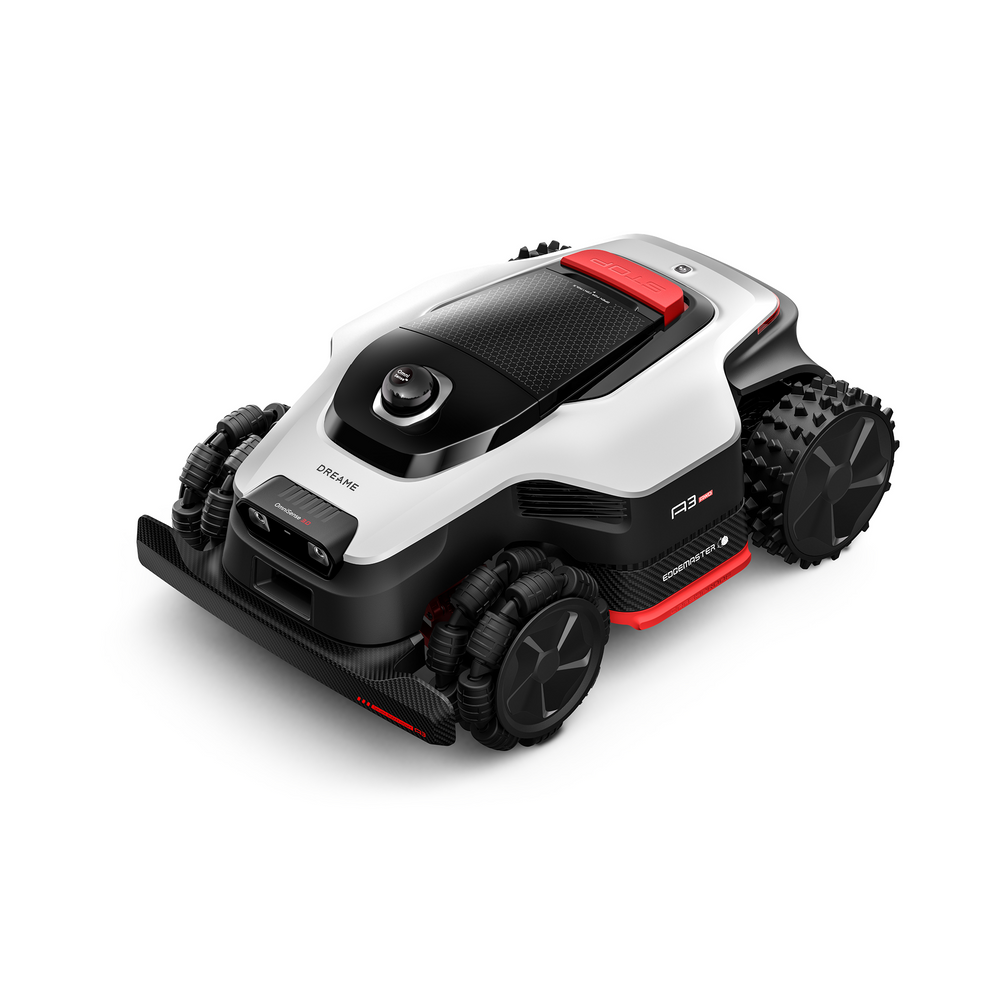
Checked Nov 27 · In stock when checked. Shipping and tax at checkout.
We may earn a commission when you buy through these links.
Our recommendations come from published specifications. We may earn a commission from qualifying purchases. As an Amazon Associate, we earn from qualifying purchases. How we work
The quick verdict
Here’s where we’d start.
Measure the existing grass and follow the selected mower's preparation instructions. E15 Gen 2 asks for starting grass below 3.5 inches; Dreame A3 AWD separately advertises handling growth up to 5.9 inches, alongside a lower adjustable cutting range. Neither is a reason to force a severely overgrown lawn down to its final height in one pass. Prepare the lawn with suitable equipment when it exceeds the robot's instructions.
E15 Gen 2
E15 Gen 2's FAQ asks for grass under 3.5 inches before use.
Its 1–3-inch adjustable cut is a separate figure. Check its grass exclusions and daylight-only routine too.
A3 AWD 1000
A3 AWD advertises thicker growth up to 5.9 inches, with a 1.2–3.9-inch cutting range.
Ask how the claim applies to your lawn's density and condition. It isn't a measured result or permission for unlimited overgrowth.
Measure what is growing now.
Look at several patches, including the thick growth beside a fence or under garden furniture. The average across the open middle can hide the area most likely to make the first cut difficult. Compare that starting height with the instructions for the exact model, rather than its largest advertised height setting.
If you've just come back from vacation and the lawn has got away from you, say so when asking the manufacturer about preparation. A machine that suits regular maintenance may still need help with that first recovery cut. Our small-yard guide considers the other requirements once the grass is ready.
Starting height and cutting height are different numbers.
The cutting-height range describes the lawn height you can select, not necessarily the tallest grass the mower can enter. It also doesn't tell you how much dense growth it can remove at once. Keep the starting requirement, selected height and grass condition together while planning the first session.
Our taller-cut guide compares machines for maintaining a higher lawn. The low-cut guide looks at shorter settings. Neither buying question removes the need to prepare existing grass that is already beyond the selected robot's operating instructions.
E15 Gen 2 needs the lawn below 3.5 inches first.
The eufy E15 Gen 2 FAQ says to keep starting grass under nine centimeters, about 3.5 inches. Its manual also recommends reducing a large height difference gradually, removing no more than about a third at a time. A low setting in the app doesn't override those preparation instructions.
It has a 1–3-inch cutting range, excludes Zoysia and St. Augustine in its visible FAQ and operates in daylight. Identify the grass before choosing it for a recovery job. Our E15 vs E15 Gen 2 comparison explains why a higher area rating doesn't change every other lawn requirement.
Dreame makes a separate claim about longer growth.
The Dreame A3 AWD 1000 page advertises tackling thicker growth up to 15 centimeters, about 5.9 inches. It separately lists adjustable cutting heights of 1.2–3.9 inches. The higher number isn't another selectable finished height, and it doesn't establish how quickly the robot will complete a dense lawn.
Show Dreame the grass condition and ask what preparation it recommends before relying on that claim. We haven't measured a tall-grass result against eufy under matching conditions. Our Dreame buying guide helps choose the correct capacity and family after the initial-growth question is settled.
Don't aim for the final lawn height in one go.
Mammotion's mowing guidance likewise recommends gradual recovery from overgrowth, taking roughly a third of the leaf at a time and allowing recovery between cuts. If the robot's starting limit is exceeded, use suitable conventional equipment or arrange help to bring the lawn back within its instructions before handing over routine maintenance.
Don't read that general recovery advice as a starting-height approval for every Mammotion mower. Follow the machine and grass requirements together. Choosing a very low final height simply to avoid another cut can turn a manageable first week into a job the robot wasn't set up to do.
The mulching vs collecting guide explains what to do with the cuttings once the grass is suitable for mowing. A collecting bin doesn't remove the mower's starting-grass restrictions or make every overgrown lawn a suitable first job.
The cutting-height guide separates the maintained setting from initial-grass approval, with university guidance on gradual changes rather than one sudden large reduction.
Look for the things long grass hides.
Check the mowing area for stones, branches, toys, hoses and uneven ground before the first run. Describe any difficult edges or banks to the manufacturer too. An obstacle-detection feature isn't a reason to skip the preparation steps in the manual, especially when tall growth makes the ground harder to see.
Confirm the route back to the base before starting. Our charger-placement guide and separate-lawns guide cover those arrangements. A mower struggling to dock doesn't become better suited to the job just because its deck reaches the height you want.
Our first-run lawn-preparation guide puts the exact starting-height instructions together with debris removal, protected areas, mapping and the route back to charge.
Leave time to watch the first sessions.
Start within the model's recommended conditions and check the result before increasing the work. If it repeatedly stops, clumps grass or struggles in one area, pause and follow its troubleshooting instructions. Don't keep lowering the deck or forcing repeated passes through the same problem patch.
Once the lawn is ready, choose a schedule that keeps up with growth within the manufacturer's allowed operating hours. There isn't one universal daily schedule for every season and grass type. The useful goal is a manageable maintenance cut, with enough time left for charging and for the household to use the yard.
If rain has interrupted the routine, the rain guide covers model-specific return and restart questions. The blade-replacement guide explains why wear checks and the correct service interval still matter after the grass is back within the starting limit.
If the mower leaves the same patches after the grass is within its permitted starting conditions, follow our missed-grass checks. Note whether it avoids the area or drives over it without cutting well.
Once the lawn is within the approved starting condition, our robot-mower frequency guide helps plan the ongoing routine around growth, capacity, charging and suitable working hours.
A closer look
The differences, in view.
Scroll horizontally on smaller screens. Values are manufacturer claims; see each product for qualifiers and original wording.
| Specification | E15 Gen 2 | A3 AWD 1000 |
|---|---|---|
| Rated lawn coverage | 0.2471 acresNormalized from 1,000 m² manufacturer coverage claim; not per-charge coverage. | 0.25 acreRated area for the 1000 variant; the 2000 has a separate rating. |
| Maximum slope | 18 °Visible mower setup FAQ; boundary-slope limit not specified. | 38.7 °Manufacturer rounded equivalent. |
| Navigation | TrueVision camera navigation | 360° 3D LiDAR + binocular AI vision |
| Connectivity | Wi-Fi setup; 4G supportedThe page does not establish this generation’s data subscription terms. | App control |
| Cutting height | 1–3 inE15 Gen2 T280L user guide, section 2.4; not transferred from the original E15. | 1.2–3.9 in0.2-inch increments. |
| Cutting width | 8 inE15 Gen2 T280L specification table. | 7.9 in |
| Battery energy | 93.24 WhEnergy capacity from the T280L manual; no comparison with an unverified original-E15 battery is inferred. | Not confirmed |
Ready to choose?
Your next step, made simple.
Checked Nov 27 · In stock when checked. Shipping and tax at checkout.
Buy at Lowe’s See all offers & model details ↗Checked Nov 27 · In stock when checked. Shipping and tax at checkout.
We may earn a commission when you buy through these links.
Show your work
Sources & editorial method.
We reviewed official US product information and exact configurations. Our advice draws on published specifications and model-specific manufacturer instructions, with the practical trade-offs explained. Unknowns and conflicting claims are kept visible. Prices above come from the catalog and may change independently of this article’s review date.
- E15 Gen 2 — starting grass height, grass exclusions and operating hours
- Official E15 Gen2 T280L manual — cutting-height and staged-reduction instructions
- Dreame A3 AWD — longer-growth claim versus adjustable cutting height
- Mammotion mowing guidance — one-third rule and recovery from overgrown turf
Published Nov 2, 2026 · Editorial review Nov 4, 2026.
Read our research standardsKeep exploring
A little more perspective.
Why Is My Robot Mower Leaving Uncut Patches?
Before changing every setting, look at where the grass is being missed. A strip beside a wall, an unmapped corner and a patch the mower drives over without cutting need different checks. We'd work through the map, grass and maintenance one step at a time.
Read the guide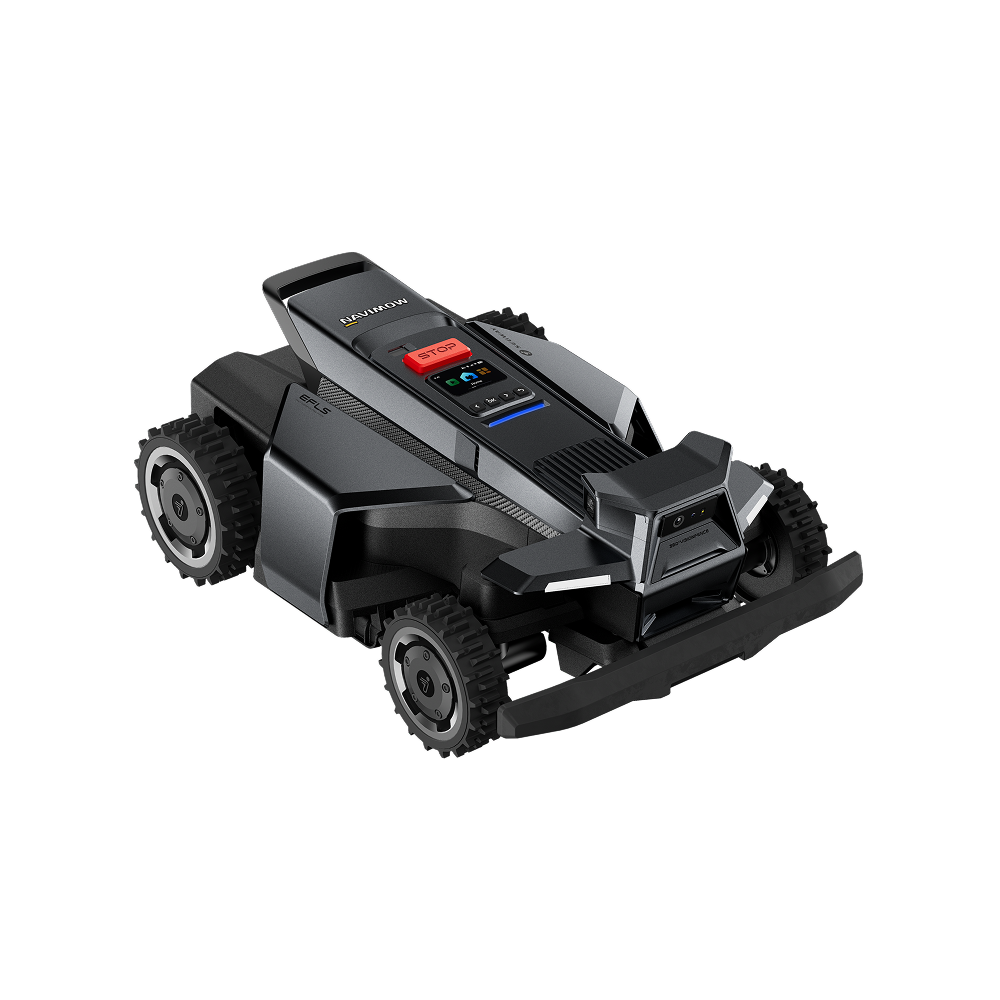
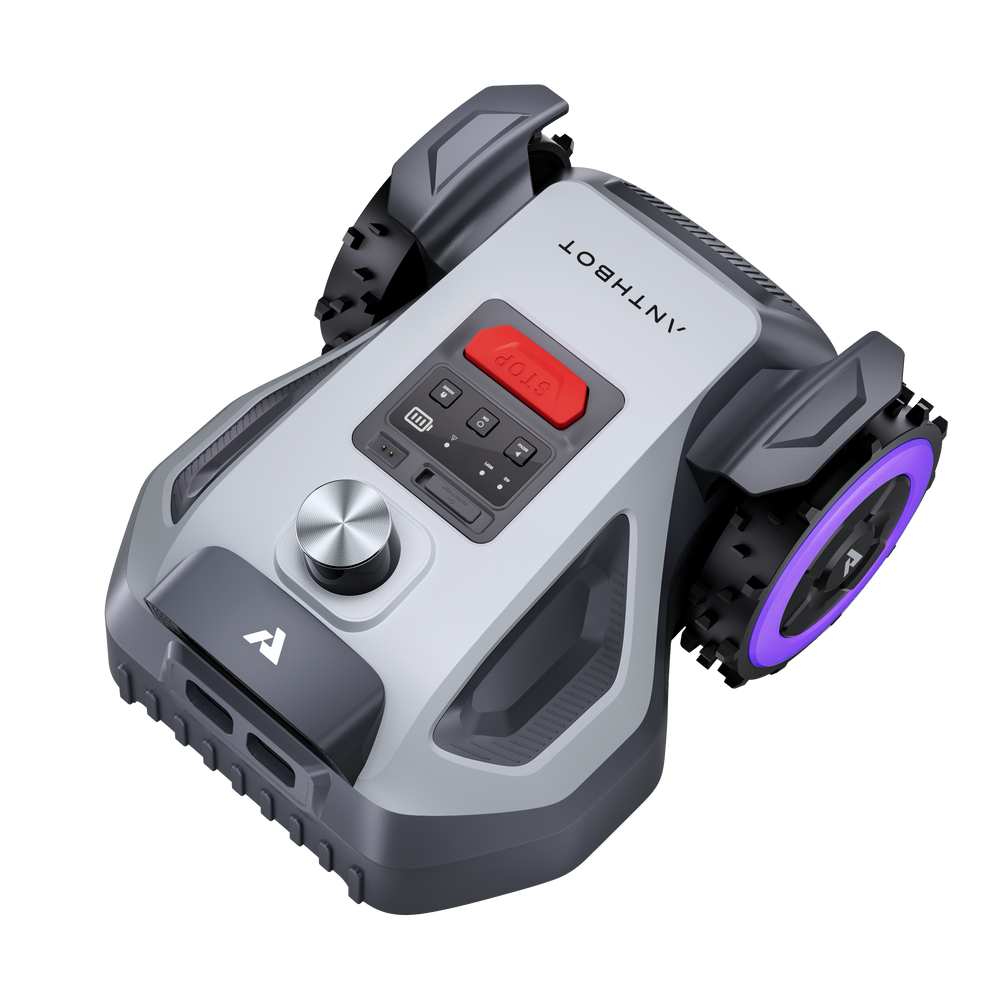
Can Robot Mowers Mow in the Rain?
Weather resistance doesn't tell you whether the mower should keep cutting a wet lawn. We'd check the exact rain-sensor behavior and manual, then plan around the condition of the grass and ground. These examples return home when rain is detected.
Read the guide