Model comparison · 4 min read
iGarden M1-AI 45 vs Dreame Z1
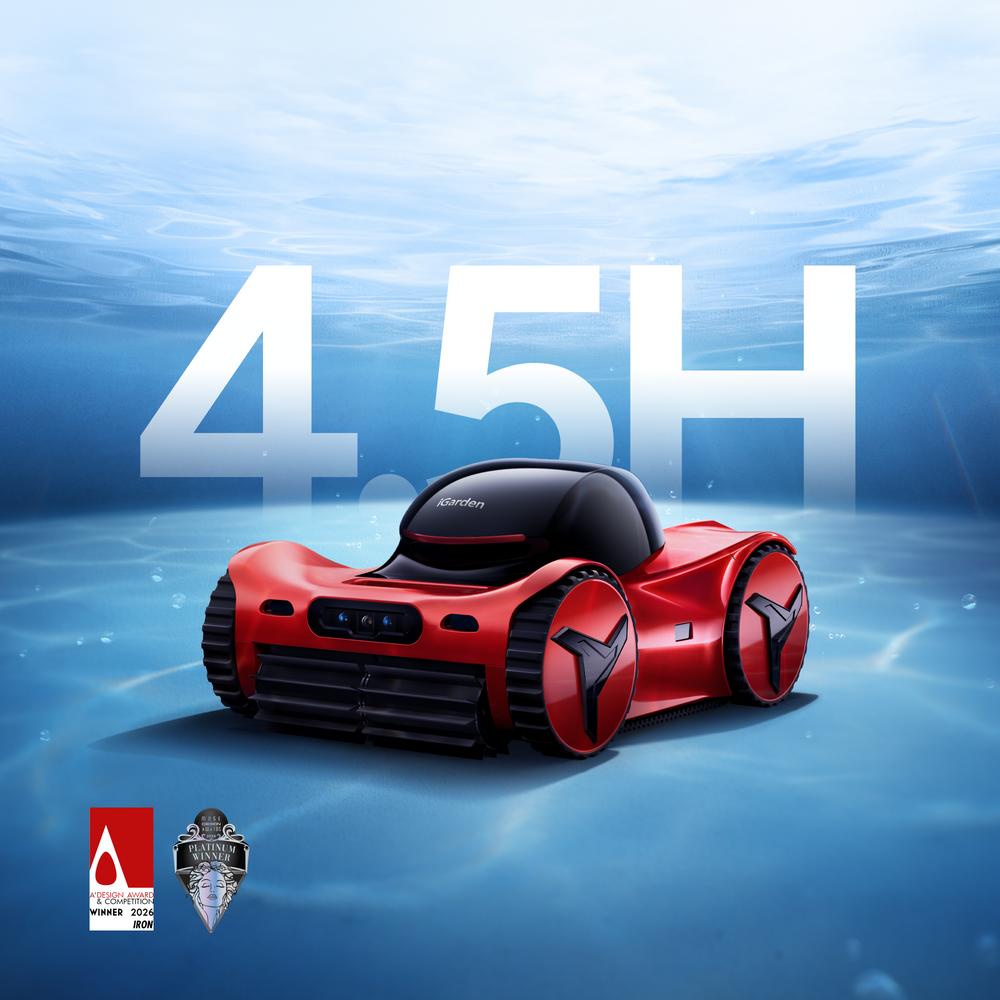
M1-AI 45 has a 29.5-foot pool limit and a 4.5-hour floor-mode claim. Z1 gives an area figure and a headline of over 180 minutes. Check length, the actual mode and the filter package before comparing those durations.
Based on published manufacturer information.
Checked Nov 26 · In stock when checked. Shipping and tax at checkout.
Buy at Lowe’s See all offers & model details ↗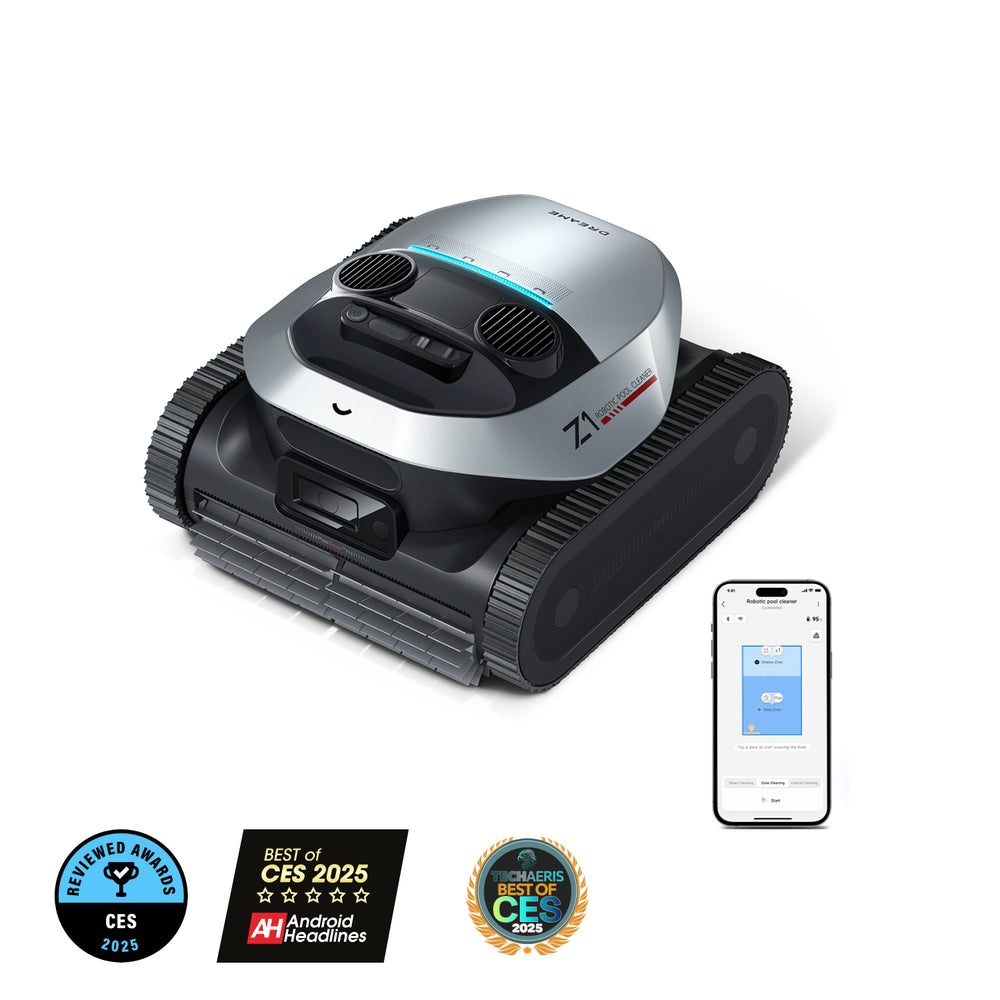
Checked Nov 27 · In stock when checked. Shipping and tax at checkout.
We may earn a commission when you buy through these links.
Our recommendations come from published specifications. We may earn a commission from qualifying purchases. As an Amazon Associate, we earn from qualifying purchases. How we work
The quick verdict
Here’s where we’d start.
Consider M1-AI 45 for a suitable pool within its 29.5-foot limit when its floor mode and supplied package fit the routine. Assess standard Z1 when its physical suitability is confirmed within the published area allowance. Ask which mode supports its runtime headline and which charging figure applies to the order.
M1-AI 45
The 45 column lists 29.5 feet, 4.5 hours in floor mode and a 4.5-liter basket.
Do not transfer the larger M1-AI tiers’ length or runtime into this model.
Z1
Standard Z1 lists up to 1,950 square feet and a 180-micron filter.
Its over-180-minute headline is not a confirmed matching full-coverage duration; Z1 Pro is a different model.
Check length separately from the footprint
iGarden M1-AI 45 lists a 29.5-foot maximum pool length. Standard Dreame Z1 advertises up to 1,950 square feet.
Those are different sizing measures. Ask for approval of the full length, depth, finish and steps using the pool measuring guide.
An extra half-foot can matter more than the small area
A 30-by-15-foot rectangle has a 450-square-foot footprint. That is beyond M1-AI 45’s length limit, despite its modest area. Z1’s area headline alone does not confirm the complete layout.
At 28 by 15 feet, those basic length and area checks pass, with physical access and operating conditions still to verify.
Keep M1-AI 45’s floor claim with floor mode
iGarden’s exact 45 column gives 4.5 hours in floor mode. Z1’s page advertises over 180 minutes without establishing the same mode and test conditions beside that headline.
Both describe floor, wall and waterline cleaning. Ask which supported task you will actually run using the cleaning-mode guide.
Check what is supplied for fine dirt
M1-AI 45’s model table describes double-layer filtration and a 4.5-liter basket. Z1 lists a 180-micron filter. The iGarden layer count does not establish a matching particle rating.
Get the included elements and approved configurations confirmed. The fine-dirt guide explains why capacity and capture size answer different questions.
Resolve the Z1 charging descriptions before planning back-to-back runs
M1-AI 45’s table lists approximately six hours to charge. Z1’s marketing panel says four hours, while its comparison table says four to six.
Plan basket care and the approved charging conditions alongside the cleaning frequency. A headline charge time is not a guaranteed turnaround.
Check the standard Z1 package and app access
Both exact offers were available when checked. Keep standard Z1 separate from Z1 Pro when comparing supplied equipment and controls.
If another household member will manage the Z1, use the app sharing guide. Sharing access and changing the bound owner are different operations.
Choose after the physical fit is settled
M1-AI 45 is worth assessing for a suitable shorter pool and its documented floor routine. Z1 needs a clear answer on the complete layout, selected mode and charging window. Use the first-use guide with the exact manual before the first clean.
A closer look
The differences, in view.
Scroll horizontally on smaller screens. Values are manufacturer claims; see each product for qualifiers and original wording.
| Specification | M1-AI 45 | Z1 |
|---|---|---|
| Cleaning coverage | Floor, walls and waterline | Floor, walls, waterline |
| Claimed runtime | 270 minUp-to floor-only/headline runtime for this tier; full-coverage mode is shorter. | 180 minManufacturer says over 180 minutes; operating mode and conditions not specified here. |
| Maximum pool length | 29.5 ftMatching model column of the four-model specification table. | Not confirmed |
| Navigation | Dual-camera AI vision | Ultrasound + 3D structured light |
| Rated pool area | Not confirmed | 1950 sq ftManufacturer maximum; pool geometry and conditions still matter. |
| Power source | Not confirmed | Cordless |
| Filtration | Not confirmed | 180 μm filterManufacturer comparison table, not a tested filtration result. |
Ready to choose?
Your next step, made simple.
Checked Nov 26 · In stock when checked. Shipping and tax at checkout.
Buy at Lowe’s See all offers & model details ↗Checked Nov 27 · In stock when checked. Shipping and tax at checkout.
We may earn a commission when you buy through these links.
Show your work
Sources & editorial method.
We reviewed official US product information and exact configurations. Our advice draws on published specifications and model-specific manufacturer instructions, with the practical trade-offs explained. Unknowns and conflicting claims are kept visible. Prices above come from the catalog and may change independently of this article’s review date.
- iGarden official US model page
- iGarden exact variant availability
- Dreame official US model page
- Dreame exact variant availability
Published Nov 19, 2026 · Editorial review Nov 19, 2026.
Read our research standardsKeep exploring
A little more perspective.
How Often Should You Run a Robotic Pool Cleaner?
A useful schedule keeps up with the debris without turning every available hour into another cleaning cycle. We'd start with the pool's normal use, check what remains after a run and adjust the mode and frequency from there. The robot's timer isn't a maintenance plan by itself.
Read the guide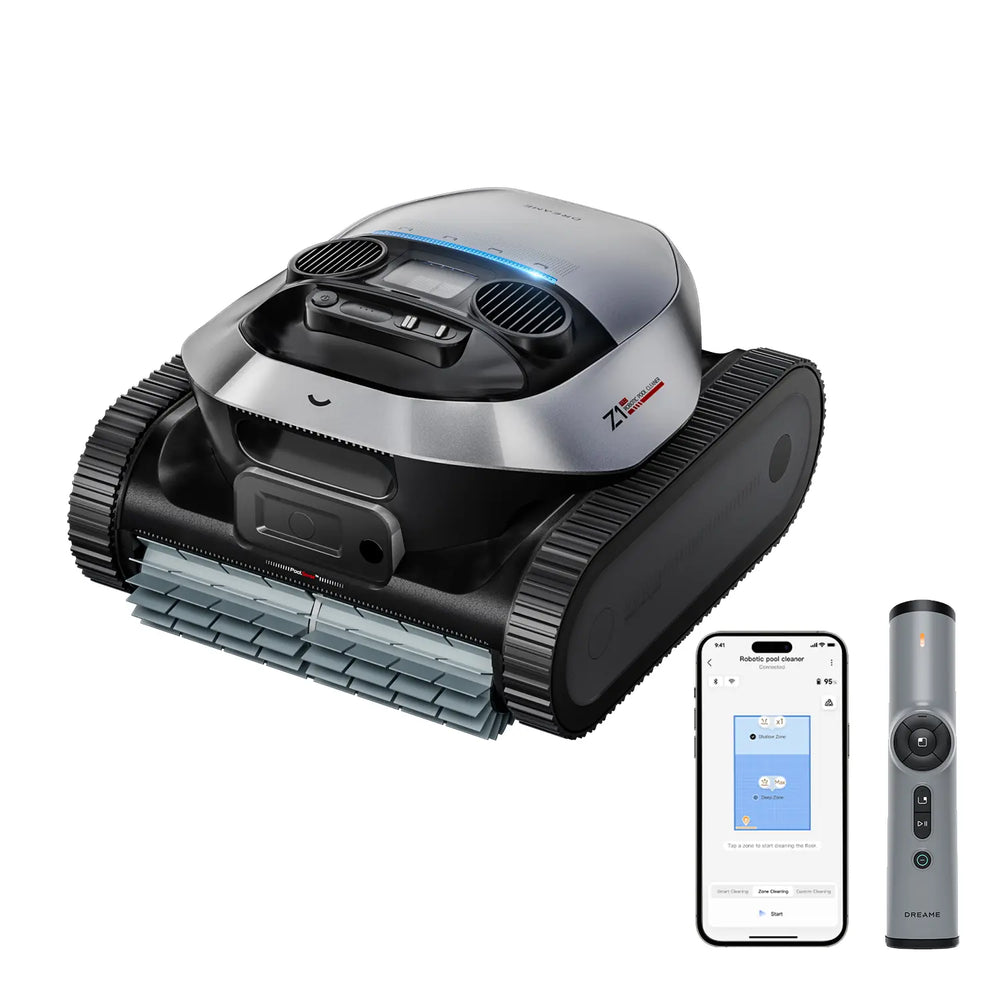
How to share a robotic pool cleaner with your family
On Dreame’s Z1 models, sharing controls and changing the bound account are different operations. Use Device Sharing so another household member can access the cleaner through their own account.
Read the guide