Model comparison · 4 min read
Roborock RockMow S2 LiDAR vs eufy E15 Gen 2
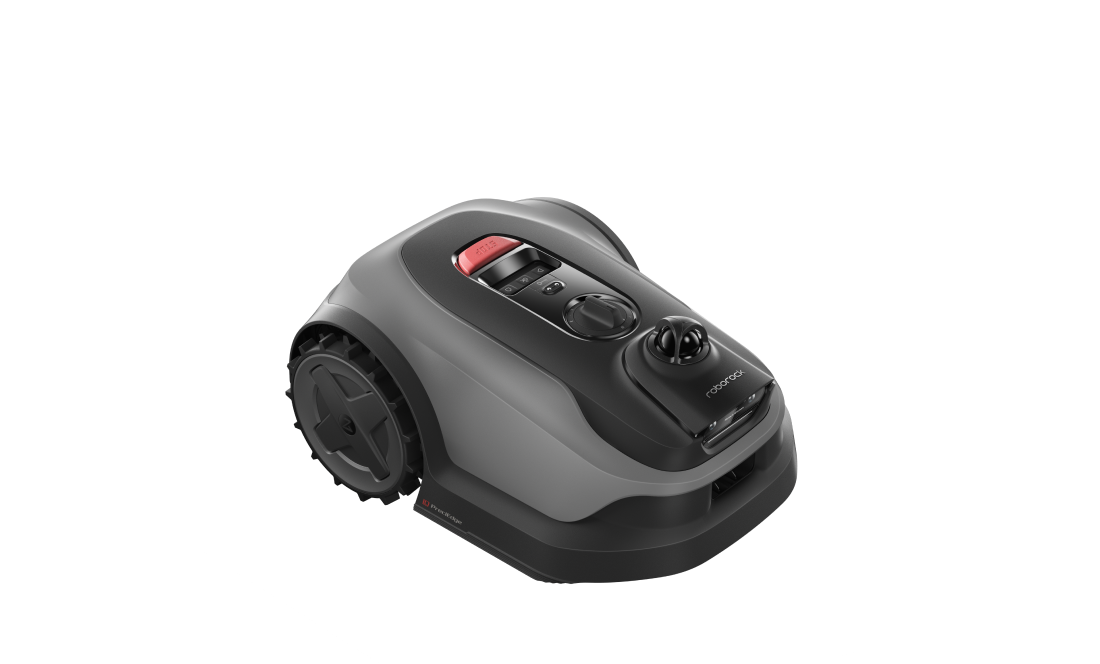
Two mowers that skip the RTK antenna can still suit different lawns. The S2 LiDAR reaches 80 mm, while the E15 Gen 2 has room for a larger grass area within its 75 mm cutting range.
Based on published manufacturer information.
No current brand offer. Explore Amazon options.

Checked Nov 27 · In stock when checked. Shipping and tax at checkout.
Buy at Lowe’s See all offers & model details ↗We may earn a commission when you buy through these links.
Our recommendations come from published specifications. We may earn a commission from qualifying purchases. As an Amazon Associate, we earn from qualifying purchases. How we work
The quick verdict
Here’s where we’d start.
Start with the area and the height you keep the grass. The E15 Gen 2 covers the larger stated area, while the S2 LiDAR has the wider adjustment range. Check whether the exact S2 can be ordered in the US before planning the installation around it.
RockMow S2 LiDAR
Roborock lists 20–80 mm and uses 3D LiDAR alongside visual mapping.
The US product page shows a newsletter signup. Confirm the exact mower’s purchase availability.
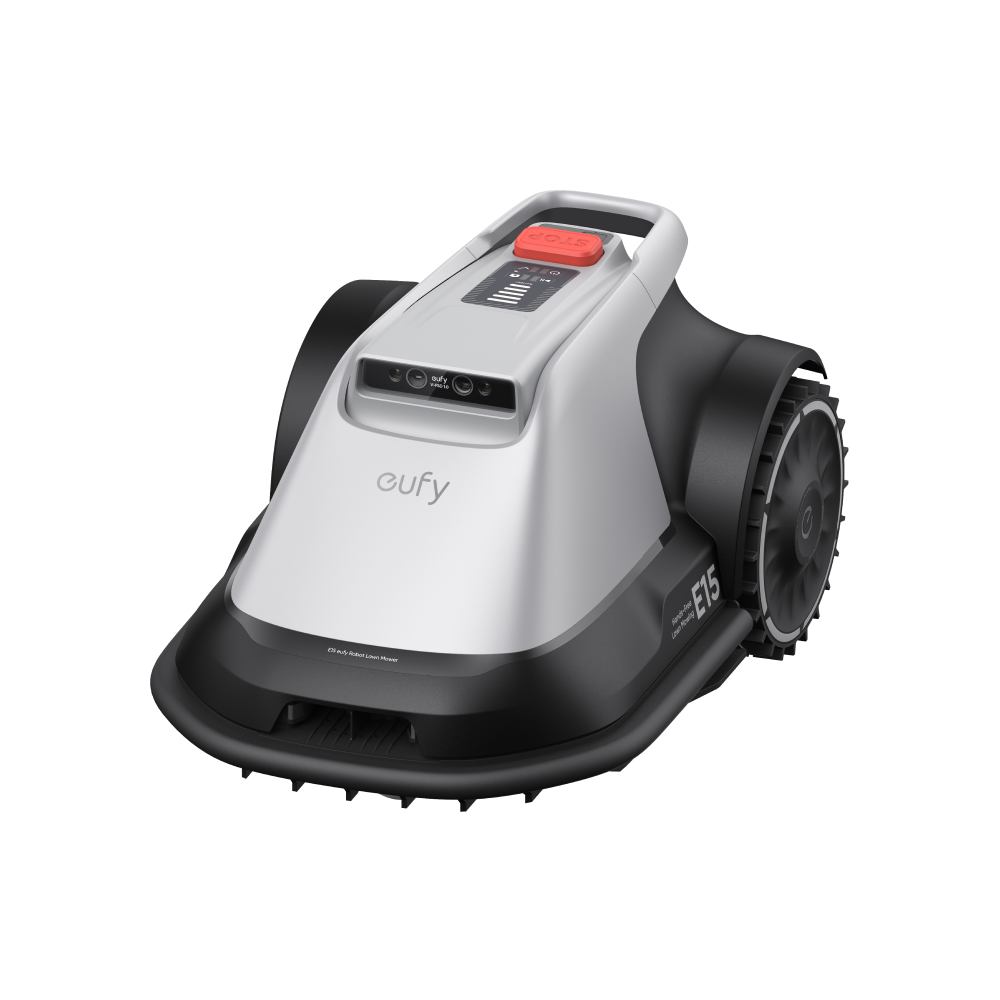
E15 Gen 2
The T280L manual lists 25–75 mm and the US page describes TrueVision mapping without an RTK station.
Check boundary visibility, slopes and the route to the base in the actual yard.
Measure the grass you actually want the mower to cut
RockMow S2 LiDAR lists up to 800 m², just under a fifth of an acre. E15 Gen 2 lists 1,000 m², about a quarter acre. The extra 200 m² can matter if you want the mower to handle both the front and back.
Subtract the house, patios and beds and add each grass zone you plan to mow. The lawn measuring guide walks through irregular shapes and separate areas.
A few millimeters can change the choice
The S2 adjusts from 20 to 80 mm, roughly 0.79 to 3.15 inches. The E15 Gen 2 manual lists 25 to 75 mm, rounded there to one to three inches. Use the millimeter figures when your target is close to either limit.
Choose a height that suits the grass and growing conditions before shopping. The cutting height guide helps you set that target.
Try the numbers on two small lawns
On a 780 m² lawn maintained at 78 mm, both area ratings fit and only the S2’s stated height range reaches the target. Change the job to 920 m² at 70 mm and the E15 Gen 2 is the only one within both published ranges.
The result can change again if a narrow gate connects the two lawns. Measure usable width and the turns at both ends using our passage guide.
Look at the edges the mower has to read
Roborock combines 3D LiDAR with visual localization and mapping. eufy uses its TrueVision camera system. Both avoid a perimeter wire and local RTK installation.
Walk the line between turf and gravel, note gaps under hedges, and check the route to the charger. Where the boundary is hard to distinguish, look up the exact model’s mapping controls before setting a schedule. See the navigation guide.
Give the mower time to recharge
The eufy manual lists 90–110 minutes of mowing on a full charge and the same range for charging. Roborock’s area and hourly claims are separate from any prediction about your lawn.
A lawn broken into several strips can spend more time turning and traveling. Start with a mowing schedule that allows for those trips and check how much grass gets cut.
Confirm the exact version before ordering
Roborock’s US S2 LiDAR page shows a newsletter signup, so verify current order availability before paying for a dock or accessory. eufy’s US page identifies the Gen 2 and displays an Add to Cart option.
The original E15 is a separate machine. The E15 generation comparison and Roborock lineup guide make it easier to check the name on a retailer listing.
Make the call with area, height and the dock location
Start with the E15 Gen 2 if your lawn needs the extra area and you mow within 25–75 mm. Look at the S2 when its wider height range or LiDAR system would suit a lawn within 800 m².
Before ordering, check the charger location and use the exact model’s setup instructions for any tricky borders or slopes.
A closer look
The differences, in view.
Scroll horizontally on smaller screens. Values are manufacturer claims; see each product for qualifiers and original wording.
| Specification | RockMow S2 LiDAR | E15 Gen 2 |
|---|---|---|
| Rated lawn coverage | 0.1977 acreConverted from the 800 m² claim on the US page. | 0.2471 acresNormalized from 1,000 m² manufacturer coverage claim; not per-charge coverage. |
| Navigation | 360° 3D LiDAR + VSLAM | TrueVision camera navigation |
| Boundary setup | No perimeter wire | No perimeter wire or RTK stationManufacturer configuration claim, not a guarantee of signal reliability. |
| Maximum slope | Not confirmed | 18 °Visible mower setup FAQ; boundary-slope limit not specified. |
| Connectivity | Not confirmed | Wi-Fi setup; 4G supportedThe page does not establish this generation’s data subscription terms. |
| Cutting height | Not confirmed | 1–3 inE15 Gen2 T280L user guide, section 2.4; not transferred from the original E15. |
| Cutting width | Not confirmed | 8 inE15 Gen2 T280L specification table. |
Ready to choose?
Your next step, made simple.
No current brand offer. Explore Amazon options.
Checked Nov 27 · In stock when checked. Shipping and tax at checkout.
Buy at Lowe’s See all offers & model details ↗We may earn a commission when you buy through these links.
Show your work
Sources & editorial method.
We reviewed official US product information and exact configurations. Our advice draws on published specifications and model-specific manufacturer instructions, with the practical trade-offs explained. Unknowns and conflicting claims are kept visible. Prices above come from the catalog and may change independently of this article’s review date.
- Roborock official US model page
- eufy official US model page
- eufy E15 Gen 2 T280L manual, section 2.4 specifications
Published Nov 10, 2026 · Editorial review Nov 10, 2026.
Read our research standardsKeep exploring
A little more perspective.
 vs
eufy E15 vs E15 Gen 2: What Changed?
Gen 2 has a higher lawn-area rating, but the official manual confirms the same published cutting range, deck width and mowing-time range as the original. We'd choose around lawn fit and the mapping routine, rather than assume a new generation will finish faster.
Read the guide
How to Choose the Right Cutting Height for a Robot Mower
Start with the grass species and local mowing guidance, then choose a robot setting within that range. The app’s default or highest number isn't a universal answer. Check the actual finished grass height, lower gradually when needed and keep initial-lawn preparation separate from the height you plan to maintain.
Read the guide