Pool care · 5 min read
Can you run a robotic pool cleaner after flocculant? Check the exact instructions
Settled treatment debris can look like an easy job for a robot, but the cleaner’s own restrictions still apply. Check the exact treatment, collection method and manufacturer restart conditions before putting the robot back in.
Based on published manufacturer information.
Checked Nov 27 · In stock when checked. Shipping and tax at checkout.
No current brand offer. Explore Amazon options.
We may earn a commission when you buy through these links.
Our recommendations come from published specifications. We may earn a commission from qualifying purchases. As an Amazon Associate, we earn from qualifying purchases. How we work
The quick verdict
Here’s where we’d start.
Do not assume a pool robot can collect flocculant-treated debris. The official Z1 and Z1 Pro manuals prohibit use after liquid flocculant or other clarifier has been added, warning of filter obstruction and damage. Follow the exact treatment label and obtain model-specific restart conditions; a finer filter, clear-looking water or an arbitrary waiting period does not override that restriction.
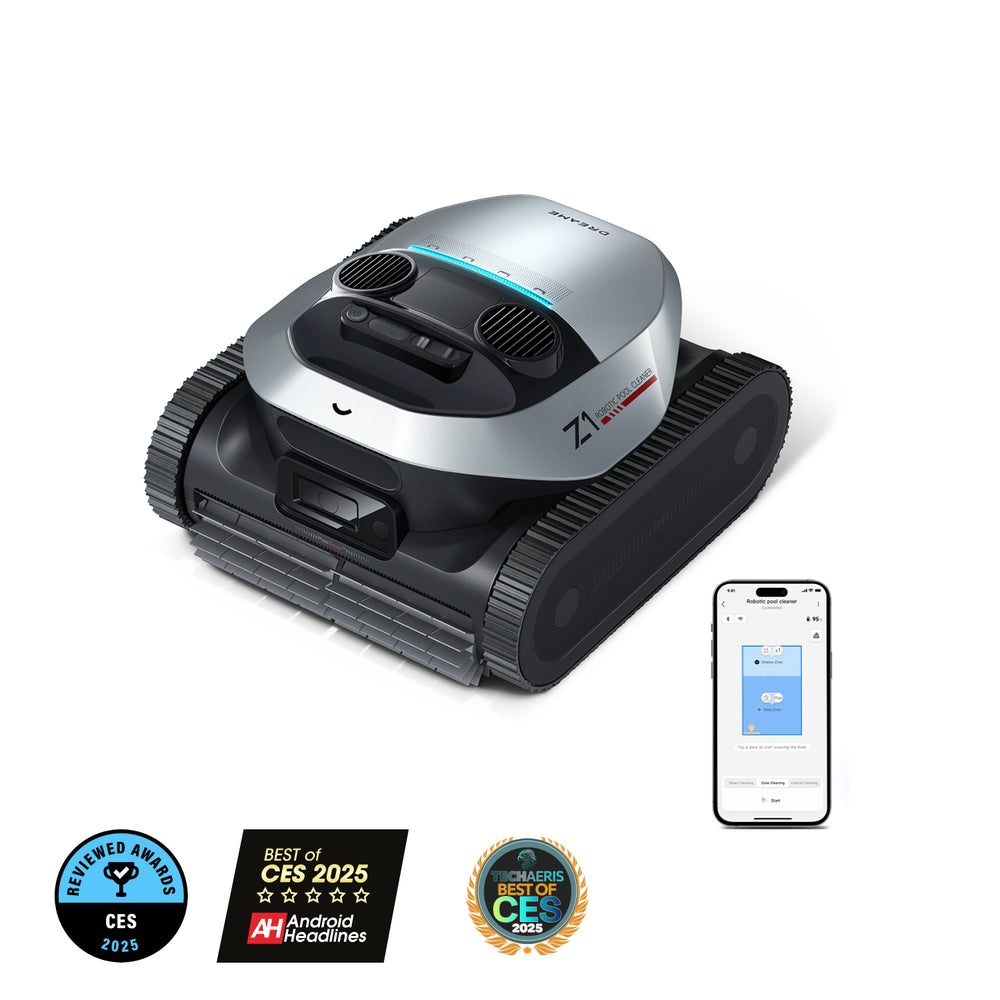
Z1
The exact Z1 manual prohibits operation with added liquid flocculant or other clarifier and identifies filter obstruction and damage.
This is an ownership example, not a recommendation to use Z1 for treatment cleanup. Confirm a suitable removal process and restart criteria with the manufacturer.
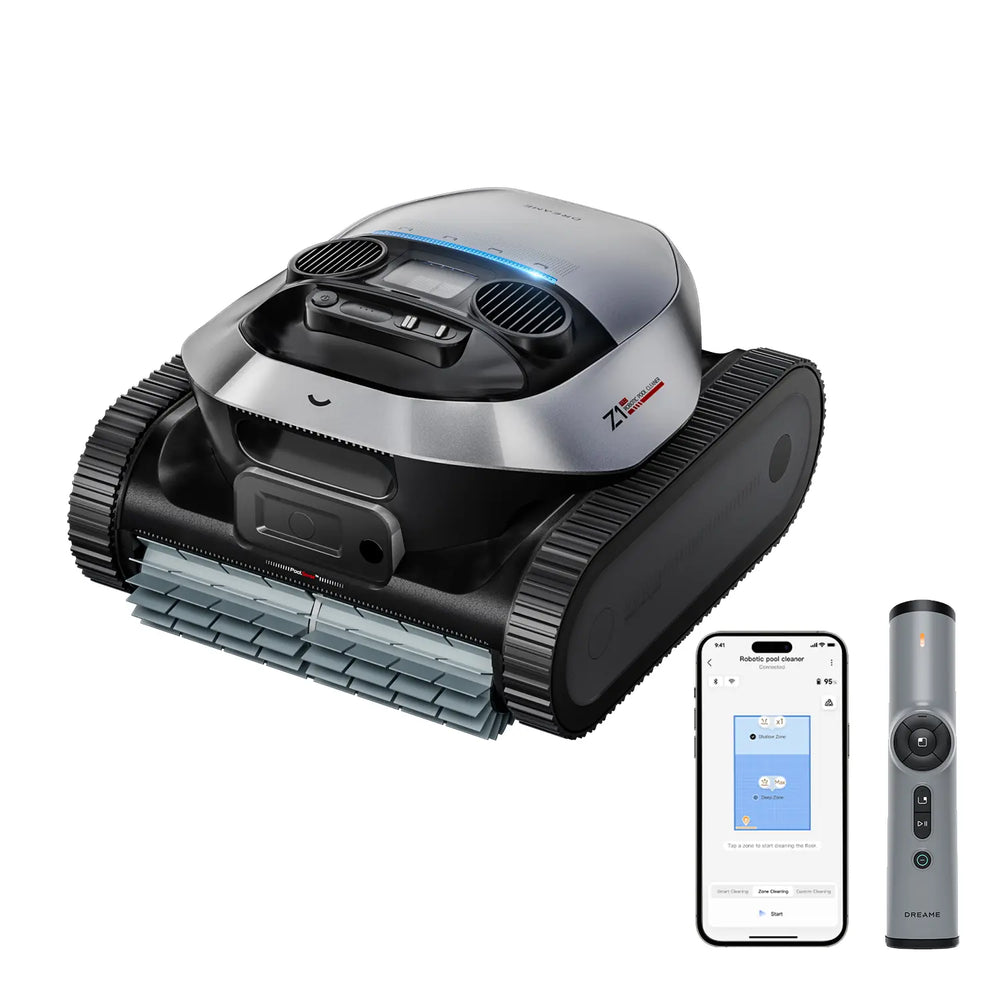
Z1 Pro
The separately reviewed Z1 Pro manual contains its own liquid-flocculant and clarifier restriction.
A remote-control feature, different offer or clean basket does not remove that restriction. Keep chemical cleanup separate from ordinary robot debris collection.
Identify the product that was actually added.
Write down the treatment’s full name, formulation, amount added and when it was used. “Pool clearer” is not enough information to establish compatibility. Keep the container instructions available when asking the cleaner manufacturer or pool professional about the next step.
A treatment intended to settle material can leave visible debris on the floor. Clorox’s Sink to Clear product description identifies that settling purpose, but a general vacuum-cleanup phrase does not approve every robotic cleaner. Our poor-pickup guide covers ordinary debris separately.
Read the exact cleaner’s restriction before another run.
The official Dreame Z1 manual prohibits use after liquid flocculant or any other clarifier has been added to the water. It warns that these substances can obstruct and damage the filters. That is a model instruction, not simply advice to shorten the cycle.
The separately checked Dreame Z1 Pro manual contains the same restriction. Do not assume its remote or a different cleaning mode creates an exception. Our Z1 versus Z1 Pro guide separates their actual feature differences.
Check where the treatment label says the material should go.
A robot holds debris in its own collection assembly while returning water to the pool. If the treatment label requires vacuuming to waste, that is a different collection route. Arrange the exact label-approved method with someone who understands the pool’s equipment.
Do not change plumbing or valve positions based on a generic robot tip, or assume an automatic cleaner is the specified vacuum. Our robot-versus-main-filter guide explains why the collection systems have different jobs. Follow the actual treatment instructions rather than a universal cleanup recipe.
The same-looking floor can require a different decision.
Imagine ordinary leaf fragments on the floor of an otherwise suitable pool, with no restricted treatment added. The owner checks the robot’s permitted operating conditions and normal debris routine. That is an ordinary collection question.
Now imagine similar-looking sediment after a liquid flocculant treatment. For Z1 or Z1 Pro, the documented restriction changes the decision: keep the robot out and establish the approved cleanup and restart process. Debris appearance and an empty basket do not make the two situations equivalent.
A finer element does not create chemical compatibility.
A finer filter addresses particle retention only within its approved use. It does not cancel a restriction on a substance that may obstruct or damage the collection system. Do not buy a finer element as a workaround for the exact cleaner’s warning.
If the robot was already used and the filter has persistent film or blockage, stop and ask about the permitted cleaning or replacement process. Avoid improvised solvents or cleaning mixtures. Our filter-clogging guide and fine-filter guide cover the separate mechanical questions.
Ask for restart conditions instead of inventing a waiting time.
Give the manufacturer the exact treatment and use history, then ask what establishes that this model may return to the pool. The reviewed Dreame restriction does not provide a universal number of hours that makes every clarifier application acceptable.
Clear-looking water or a completed shock-treatment wait does not answer the separate clarifier question. Keep the robot out until the applicable conditions and required cleanup are established. Our after-shock guide explains why chemical requirements also remain model-specific.
If treatment occurred during startup, use our new-plaster guide too. Published wheeled-cleaner waiting periods differ, and neither a date nor finish approval overrides the exact Dreame treatment restriction.
If a clarifier was used after rain, read our storm-restart guide too. A pH reading inside the robot’s range does not override the independent Z1 and Pro treatment restriction.
Keep the cleanup and equipment records together.
Retain the treatment label, application details, filter photographs and the model-specific advice received. If an exposure or persistent blockage occurred, explain it accurately when contacting support. A previous successful cycle does not establish compatibility with a newly added substance.
Once the manufacturer’s operating conditions are met, return to the permitted retrieval, filter service and charging routine. Our cleaner-care guide and algae-cleanup guide keep normal collection separate from treatment and recovery decisions.
A closer look
The differences, in view.
Scroll horizontally on smaller screens. Values are manufacturer claims; see each product for qualifiers and original wording.
| Specification | Z1 | Z1 Pro |
|---|---|---|
| Rated pool area | 1950 sq ftManufacturer maximum; pool geometry and conditions still matter. | 2160 sq ftManufacturer maximum; pool geometry and conditions still matter. |
| Navigation | Ultrasound + 3D structured light | PoolSense navigation |
| Remote control | No LiFi handheld remote | LiFi-enabled handheld remote |
| Retrieval | Not confirmed | Automatic waterline parking |
Ready to choose?
Your next step, made simple.
Checked Nov 27 · In stock when checked. Shipping and tax at checkout.
No current brand offer. Explore Amazon options.
We may earn a commission when you buy through these links.
Show your work
Sources & editorial method.
We reviewed official US product information and exact configurations. Our advice draws on published specifications and model-specific manufacturer instructions, with the practical trade-offs explained. Unknowns and conflicting claims are kept visible. Prices above come from the catalog and may change independently of this article’s review date.
- Dreame official US page — exact model information
- Dreame official US page — exact model information
- Official Z1 manual — liquid-flocculant and clarifier restriction
- Official Z1 Pro manual — separately reviewed treatment restriction
- Dreame official manual index — exact PDF provenance
- Clorox manufacturer product description — settling purpose only
Published Nov 10, 2026 · Editorial review Nov 10, 2026.
Read our research standardsKeep exploring
A little more perspective.
vsDreame Z1 vs Z1 Pro: Is the Upgrade Worth It?
The clearest reason to consider Z1 Pro is its LiFi handheld remote for underwater communication. We'd also check its higher area rating, while keeping the shared filter and charging specifications in perspective.
Read the guideRobot pool cleaner after heavy rain: Check the pool before restarting
The rain stopping is only the first check. Floating leaves, settled dirt, changed water conditions and any storm damage need different responses. Review the actual pool and the cleaner’s exact instructions before restoring its timer.
Read the guide