Model comparison · 5 min read
WORX WR208 vs Navimow i105: Compare lawn size and boundary setup
WR208 uses camera-based grass recognition and a one-fifth-acre recommendation. The i105 uses EFLS 2.0 positioning and recommends one-eighth of an acre. Check the actual grass, desired height and connections between lawn sections before choosing the setup.
Based on published manufacturer information.
Checked Nov 27 · Availability unconfirmed. Shipping and tax at checkout.
Buy at Lowe’s See all offers & model details ↗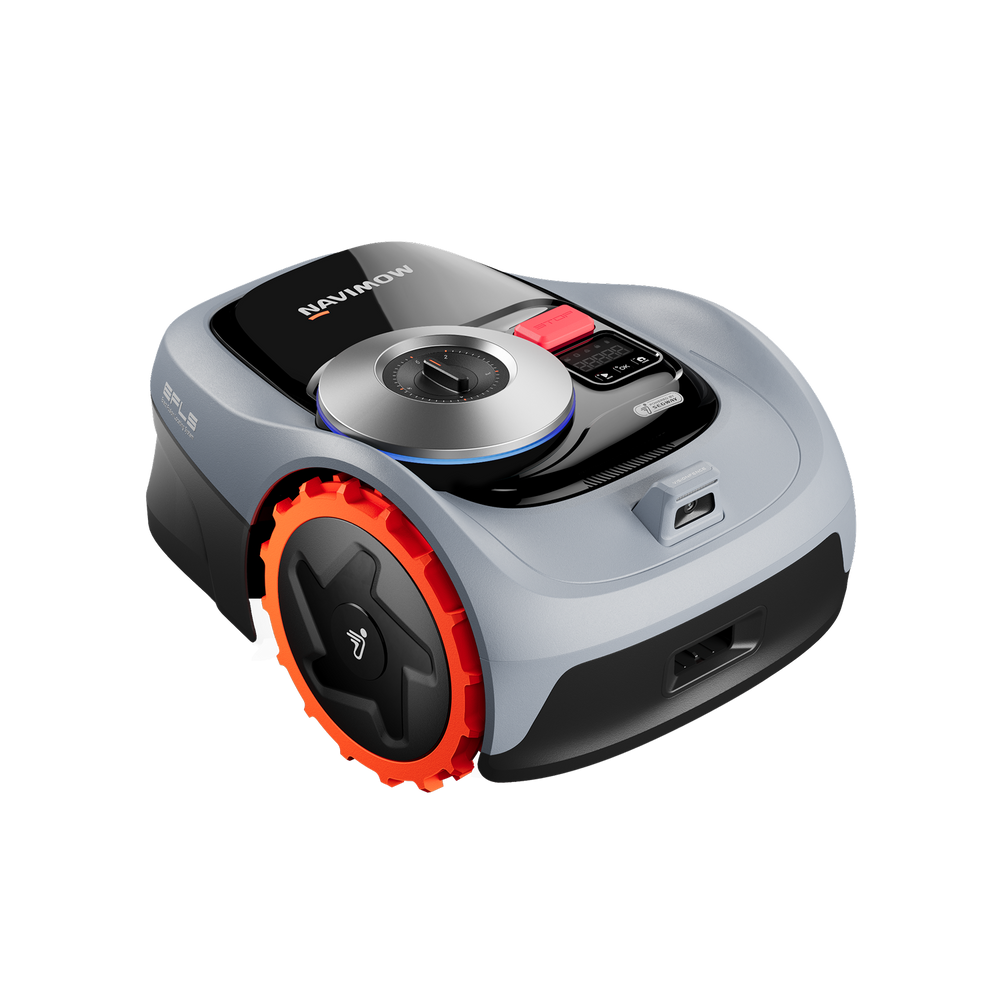
No current brand offer. Explore Amazon options.
We may earn a commission when you buy through these links.
Our recommendations come from published specifications. We may earn a commission from qualifying purchases. As an Amazon Associate, we earn from qualifying purchases. How we work
The quick verdict
Here’s where we’d start.
Consider WR208 for a suitable lawn within its 0.2-acre recommendation when camera-based boundary recognition and its 1.5–3.5-inch range fit. The i105 is worth comparing within its recommended 0.125 acre, with a suitable EFLS installation and 2–3.6-inch finish. Both need their complete routes assessed; no perimeter wire does not mean every boundary or crossing is ready without preparation.
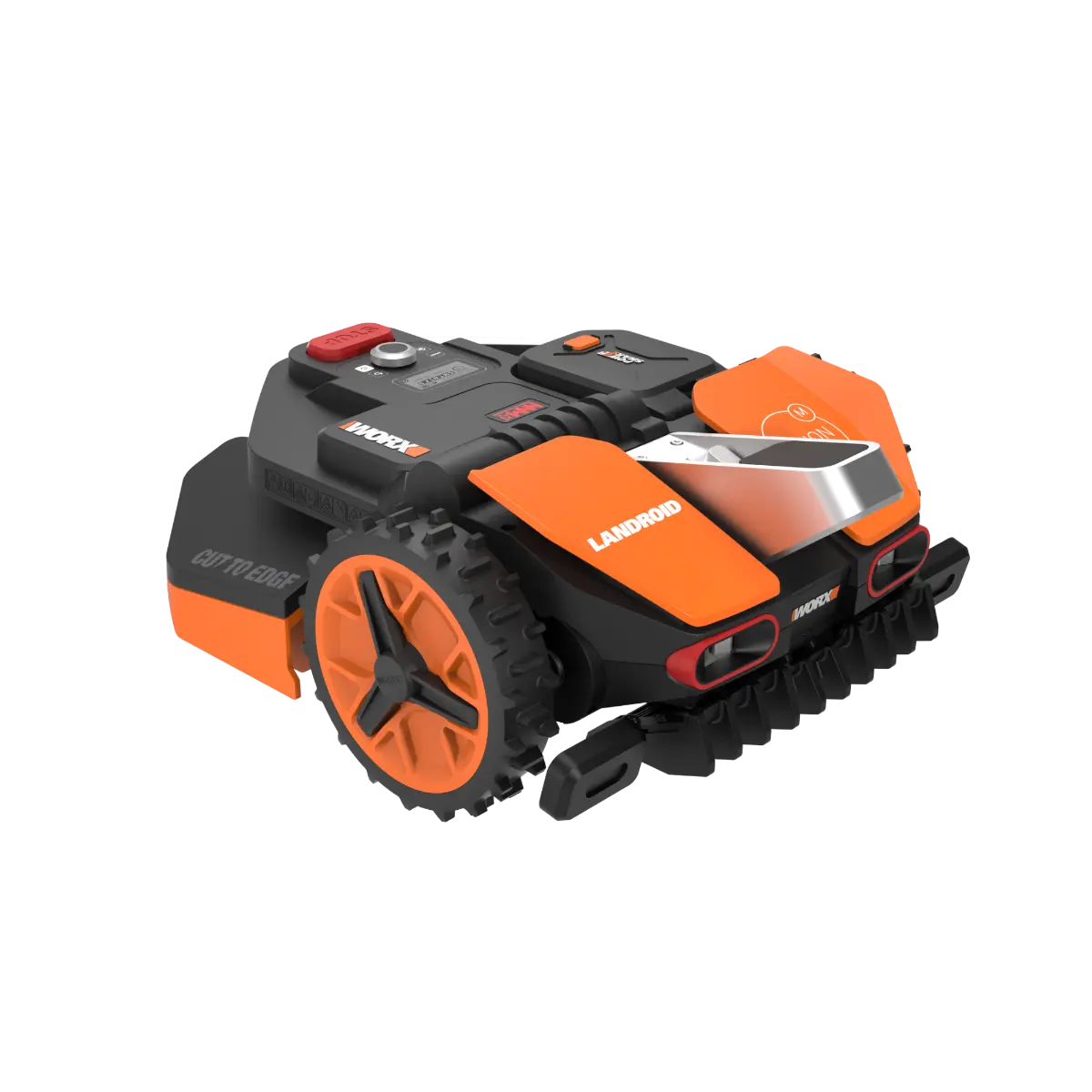
Landroid Vision AI 1/5 Acre · WR208
Exact WR208 lists Vision AI grass recognition, a 1.5–3.5-inch cut and included RFID tags and magnetic strip.
This is the Vision AI model, not Vision Cloud. Confirm divided-lawn crossings, neighboring grass and the exact supplied package.
i105
The US i105 lists recommended 0.125-acre mowing, EFLS 2.0 and a 2–3.6-inch adjustment range.
Check the exact reference equipment and difficult routes. Expanded mapping storage is separate from the recommended mowing area.
Start with WR208, rather than the whole Vision family.
WORX WR208 is the one-fifth-acre Vision AI model. Its camera-based grass recognition differs from the newer Vision Cloud range. A similarly named Cloud offer does not identify the same installation or machine.
Navimow i105 is the exact US model with a recommended 0.125-acre mowing area. Have the model number and complete equipment list written beside each quote. Our WORX buying guide and Navimow buying guide separate neighboring configurations.
Measure the grass before comparing navigation.
WR208 recommends 0.2 acre; i105 recommends 0.125 acre. Measure every grass section and describe the hours when the machine may work. Neither recommendation means that area will be completed on a single charge in every layout.
A larger stored map does not automatically enlarge i105’s recommended mowing area. Narrow links, repeated travel and time reserved for people or pets also affect the working brief. Our lawn-measuring guide and frequency guide help prepare it.
A 0.15-acre lawn changes the first area check.
Imagine 0.15 acre of connected grass maintained at three inches. WR208’s stated area and height range cover those initial requirements. The same lawn exceeds i105’s recommended 0.125 acre, even though its cutting range includes three inches.
At 0.1 acre and the same height, both initial checks pass. Boundary recognition, positioning equipment and the actual connections become more useful distinctions. These examples do not predict daily output or approve either mower for a particular property. Our small-yard guide covers the remaining layout questions.
Check both ends of the cutting range.
WR208 lists 1.5–3.5 inches, compared with i105’s 2–3.6 inches. A suitable grass maintained at 1.75 inches points toward the WORX range. A desired setting above 3.5 inches needs a different first check on WR208.
Start with the grass requirement rather than lower the lawn to accommodate a product. Also obtain the first-use grass-length instructions; selectable maintained height is not permission to tackle any starting growth. Our height guide explains that separate requirement.
Camera recognition still leaves some setup work.
WORX describes no perimeter wire or guided lawn mapping for Vision AI. It supplies magnetic strip for situations such as adjoining neighboring grass, and RFID tags for identifying divided lawn areas. Those parts answer different installation questions.
Have the exact edges and crossings assessed, including where the mower must turn or return to charge. For i105, confirm the reference equipment, positioning reception and approved channels. Our navigation guide and driveway-crossing guide keep those route checks separate.
Compare the equipment and support that actually arrive.
WR208’s current contents list includes the mower, battery, charger, charging station, RFID tags, magnetic strip and installation hardware. Confirm that inventory against the seller’s exact order rather than assume a neighboring WORX model has the same parts.
Obtain the i105 package and any optional equipment in the same detail. Check replacement blades, support and connection requirements for each machine. Our subscription guide distinguishes positioning services from remote app features; an app listing does not settle every ongoing cost.
Choose the complete setup that fits the grass.
We would investigate WR208 when its larger stated allowance, lower cutting range and camera-based boundary approach suit the lawn. The i105 is relevant for a suitably smaller lawn when its cutting range and actual positioning setup work.
The WR210 versus WR310.1 guide explains another Vision AI-to-Cloud decision. If the lawn exceeds a recommendation or cannot provide a suitable route, compare an appropriate configuration rather than expect a navigation feature to compensate.
A closer look
The differences, in view.
Scroll horizontally on smaller screens. Values are manufacturer claims; see each product for qualifiers and original wording.
| Specification | Landroid Vision AI 1/5 Acre · WR208 | i105 |
|---|---|---|
| Rated lawn coverage | 0.2 acreManufacturer’s recommended lawn-size rating; allow for layout, charging and the mowing schedule. | 0.125 acreRecommended model-specific lawn size, not the expanded mapping allowance. |
| Maximum slope | 17 ° | Not confirmed |
| Cutting height | 1.5–3.5 in | 2–3.6 in |
| Boundary setup | No perimeter wireConnected neighboring lawns can still require magnetic strips, and divided zones use RFID tags. | Not confirmed |
| Navigation | 140° HDR camera with AI grass recognitionVision AI is distinct from the newer RTK Cloud range. | EFLS 2.0 + vision |
| Connectivity | Bluetooth and Wi-Fi | Not confirmed |
| Station requirements | Charging base listed | Not confirmed |
Ready to choose?
Your next step, made simple.
Checked Nov 27 · Availability unconfirmed. Shipping and tax at checkout.
Buy at Lowe’s See all offers & model details ↗No current brand offer. Explore Amazon options.
We may earn a commission when you buy through these links.
Show your work
Sources & editorial method.
We reviewed official US product information and exact configurations. Our advice draws on published specifications and model-specific manufacturer instructions, with the practical trade-offs explained. Unknowns and conflicting claims are kept visible. Prices above come from the catalog and may change independently of this article’s review date.
Published Nov 9, 2026 · Editorial review Nov 9, 2026.
Read our research standardsKeep exploring
A little more perspective.
The Best Navimow Robot Mowers: Which Model Should You Buy?
Measure the grass before choosing a Navimow family. A small lawn needing an all-wheel-drive option points you toward a different comparison from a large open yard. We'd settle the area, normal cutting height and installation first, then decide which extra features earn their place.
Read the guide
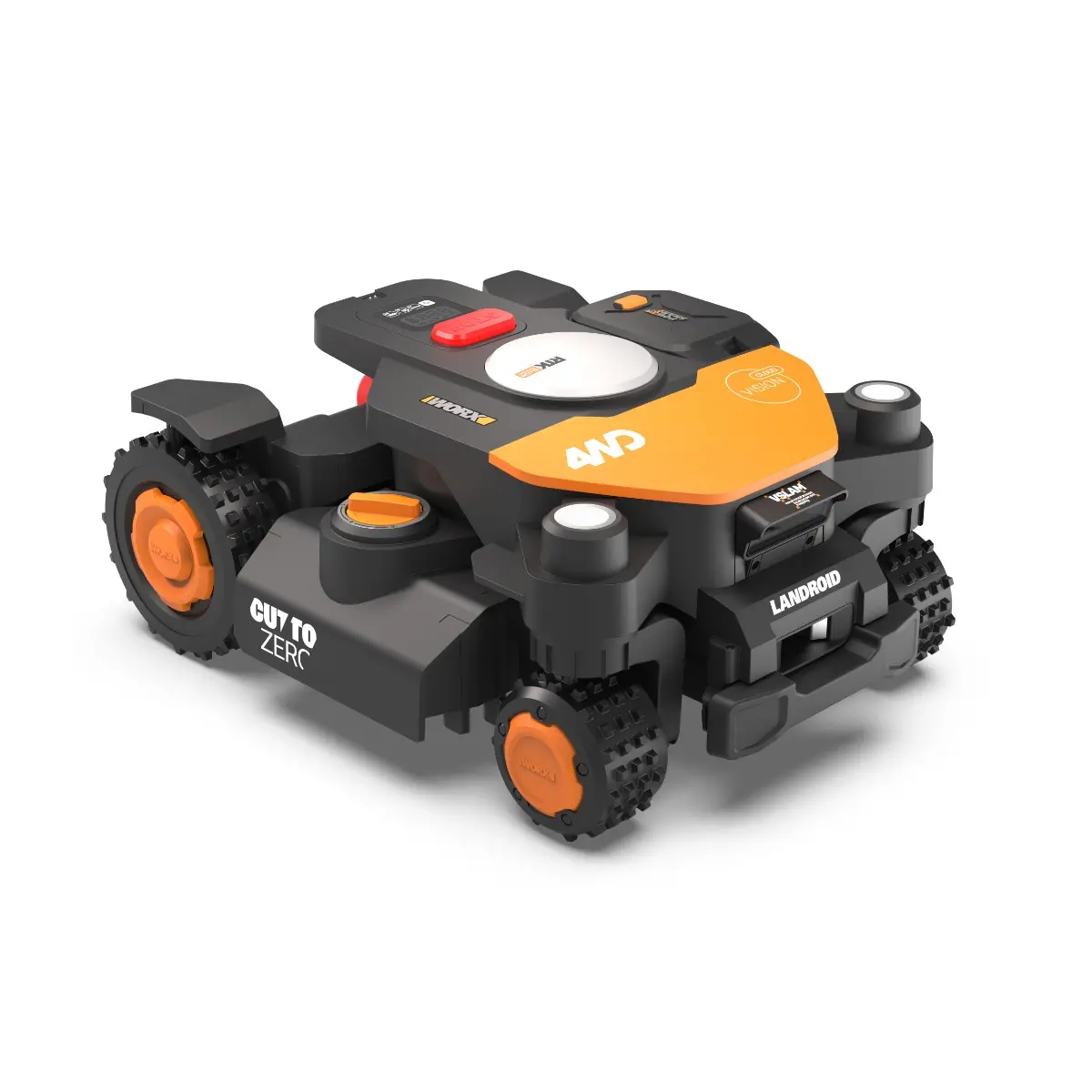
The Best Worx Robot Mowers: Which Landroid Should You Buy?
Start with the grass you need to cut, then choose the kind of installation you want to live with. Wired Landroid, camera-led Vision AI, Vision Cloud and Cloud 4WD are different choices. We'd narrow the family down before comparing model numbers or paying for a bigger mower.
Read the guide