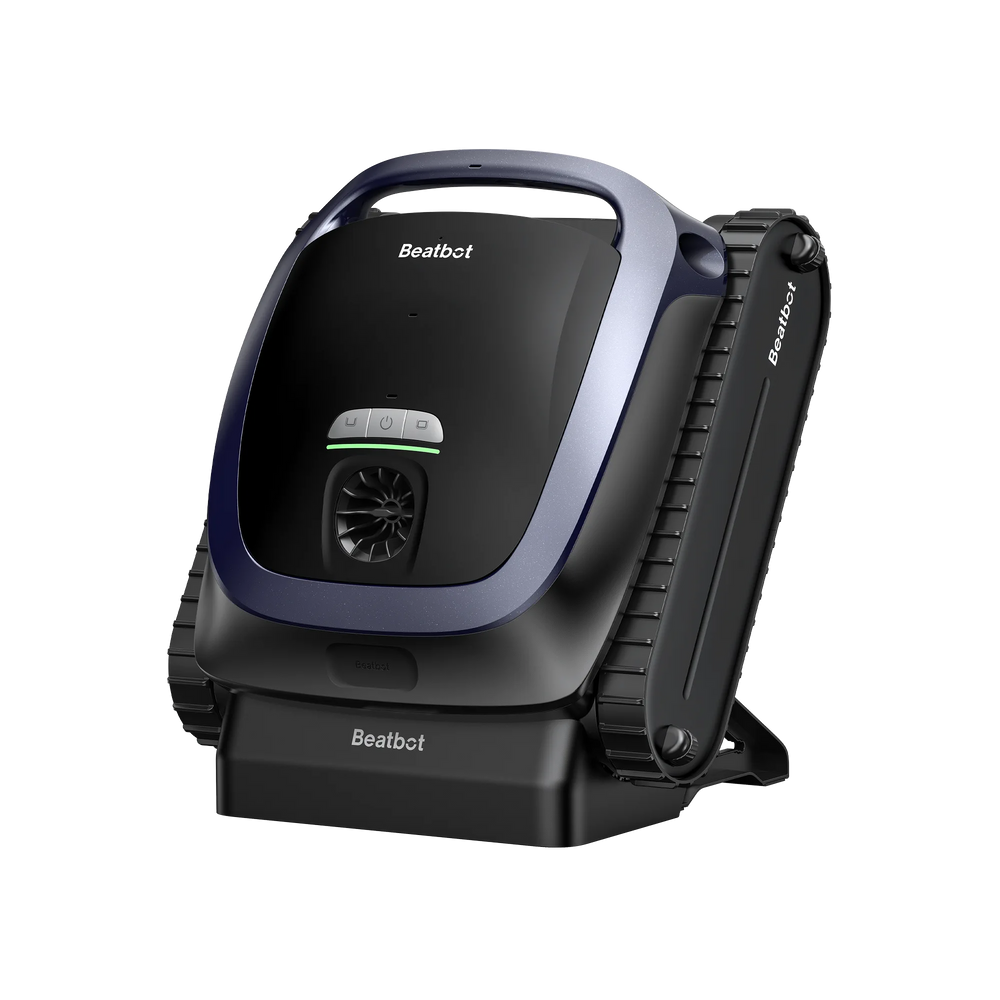
Beatbot
AquaSense 2
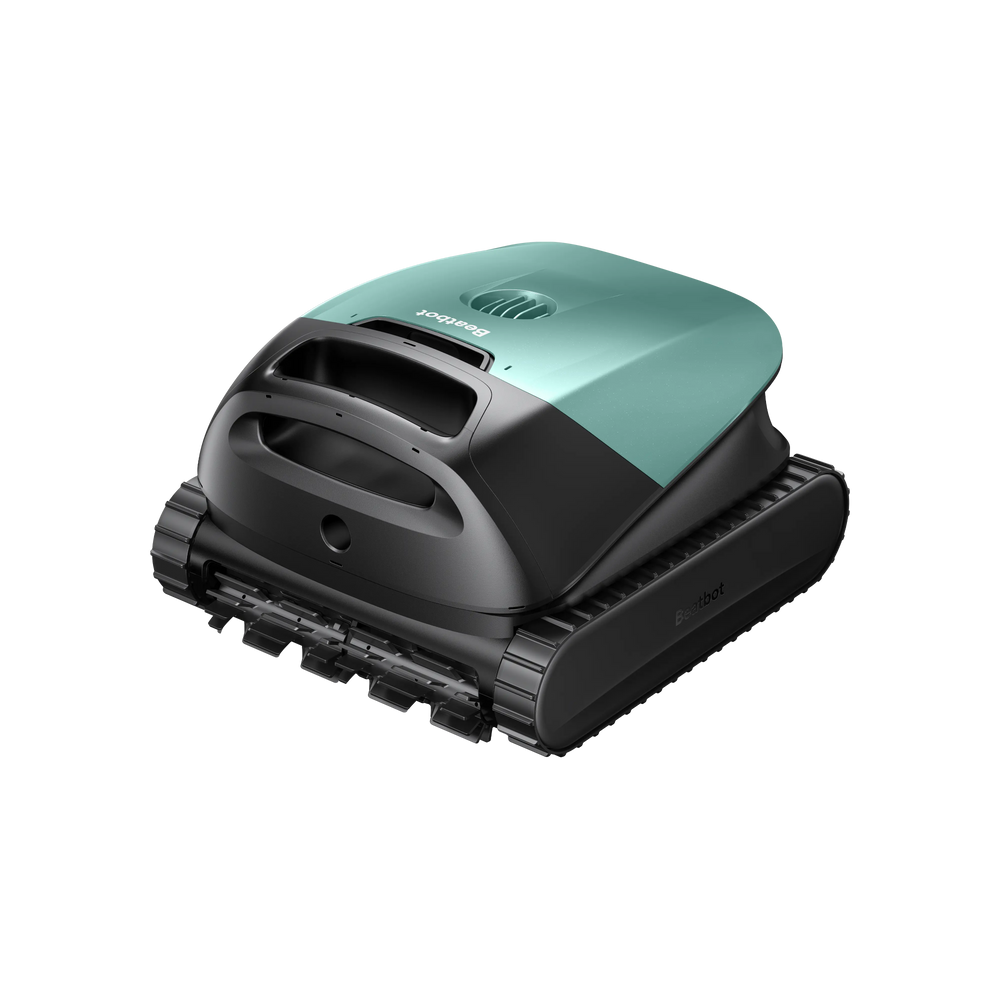
A cordless option for the floor, walls and waterline, with automatic surface parking after cleaning. It does not skim floating debris.
Floor, walls, waterline240 min
Inside the lineup
Floor cleaning, waterline scrubbing and surface skimming are different jobs. Explore which Beatbot models cover the work your pool needs.
The current catalog
A cordless option for the floor, walls and waterline, with automatic surface parking after cleaning. It does not skim floating debris.
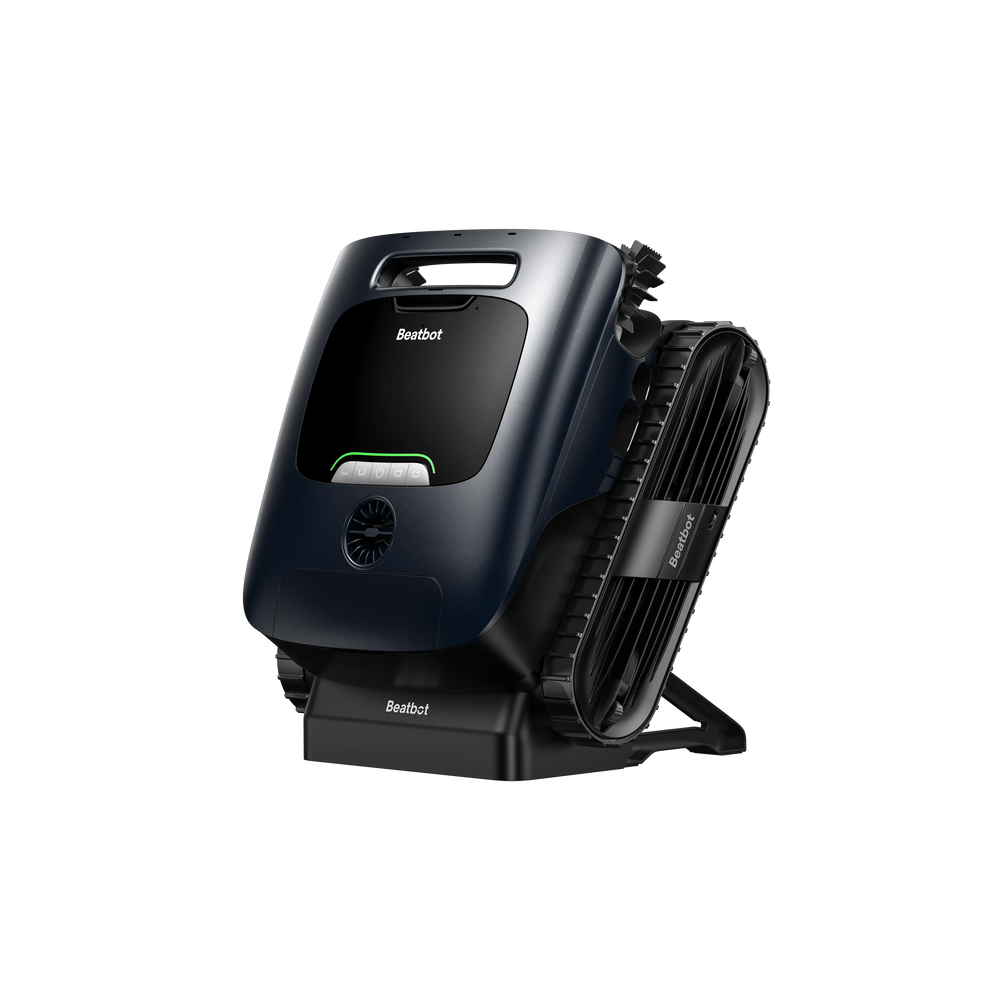
Adds water-surface cleaning and AI-assisted pool mapping to floor, wall and waterline care. This record covers the standalone Ultra.
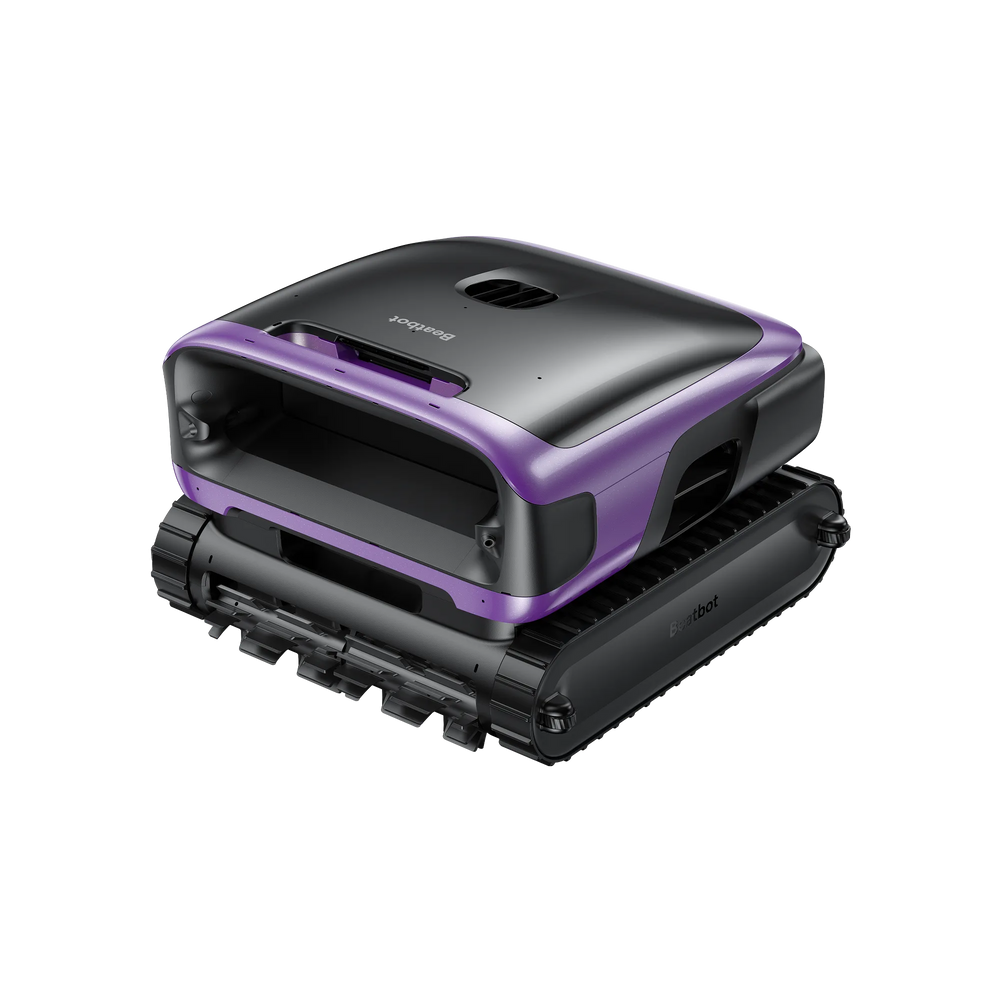
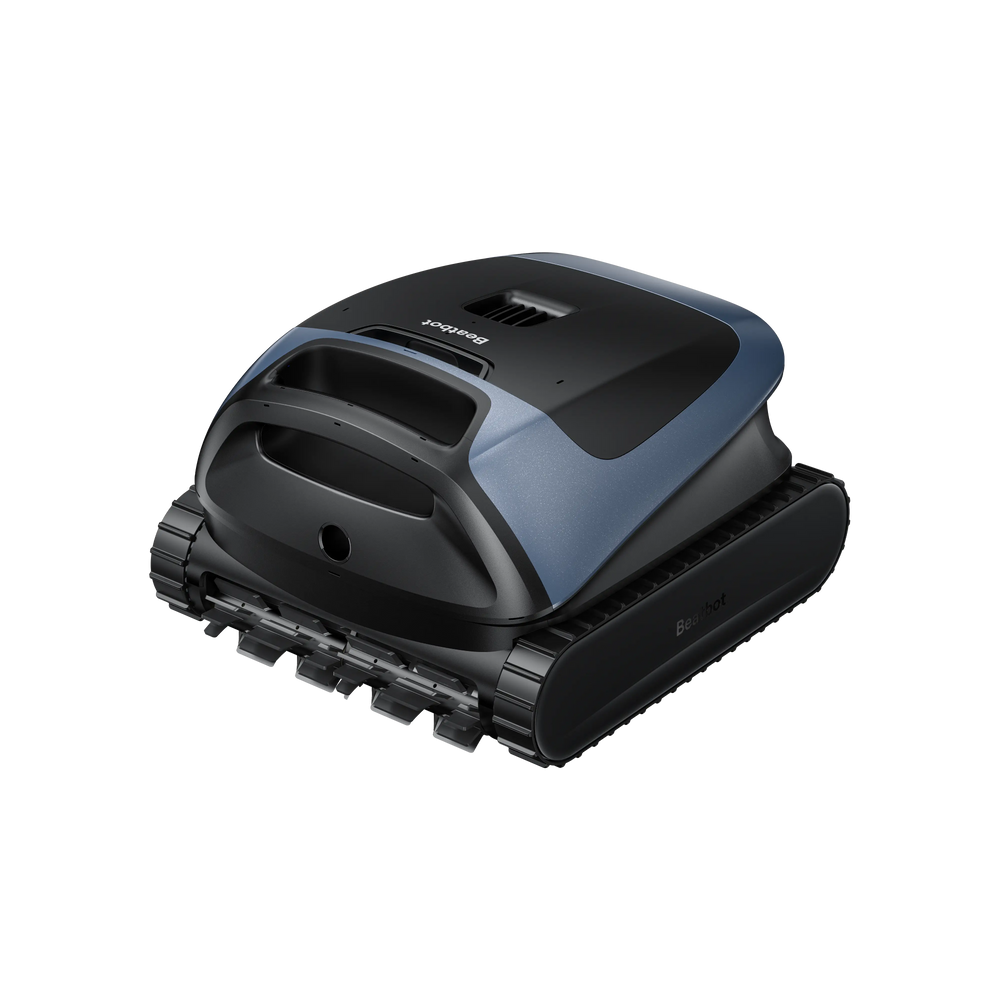
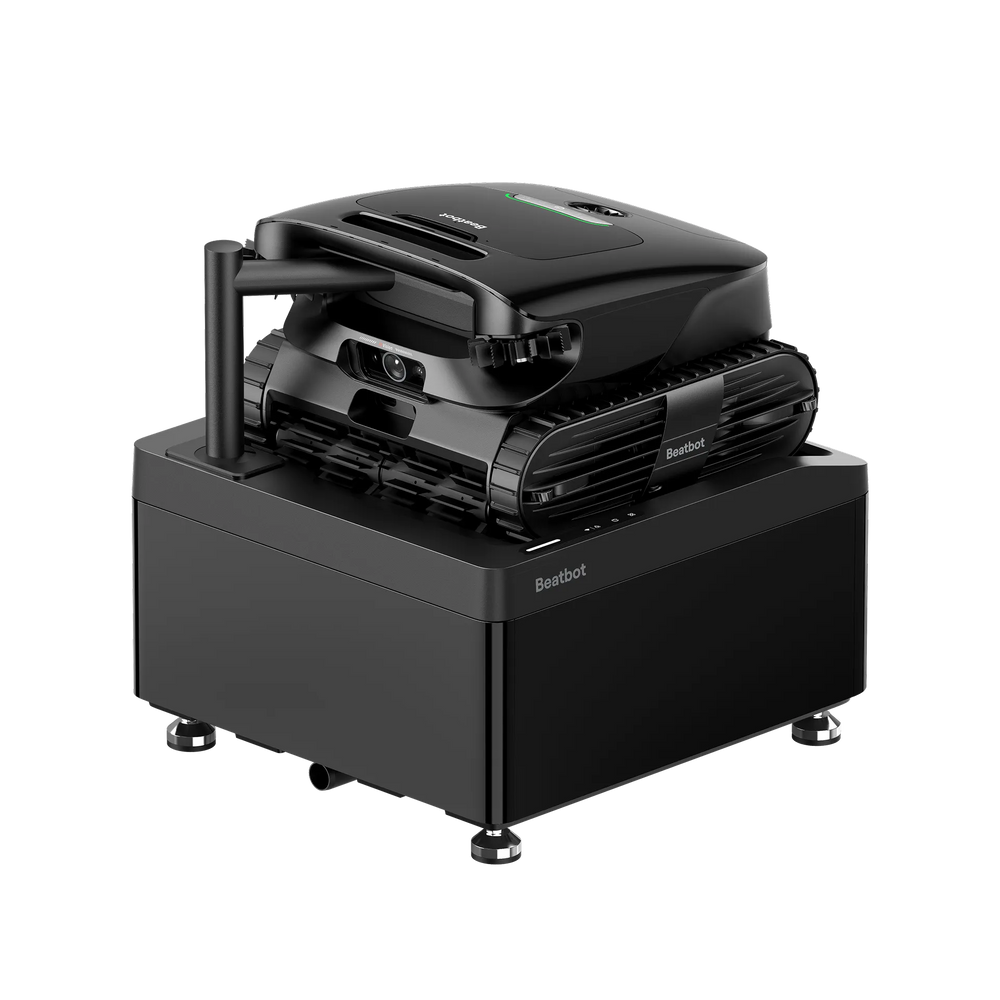
Combines surface and underwater cleaning with HybridSense AI mapping and an AstroRinse station that cleans the filter. This is the standard AquaSense X system, without the separate iSkim bundle.
Our recommendations come from published specifications. We may earn a commission from qualifying purchases. As an Amazon Associate, we earn from qualifying purchases. How we work
The field guide
 vs
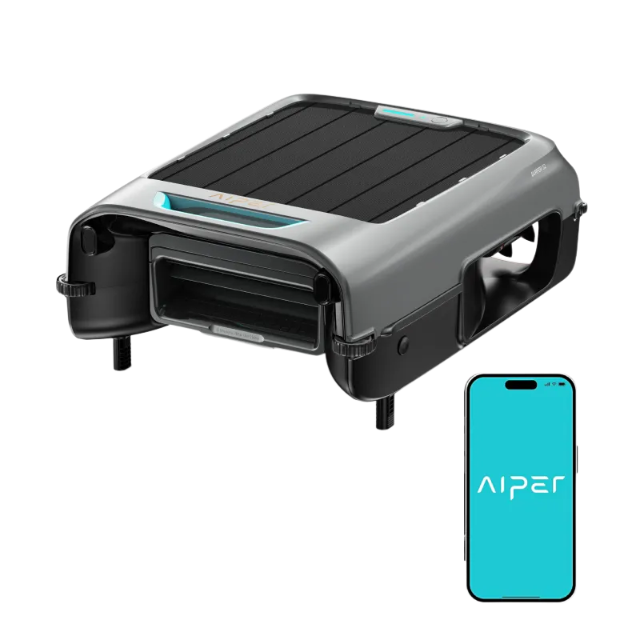
EcoSurfer S2 is for debris floating on the water. Sora 70 also cleans the floor, walls and waterline. We'd decide whether the underwater jobs are already covered, then compare a separate solar/DC skimmer with a rechargeable robot that handles several jobs.
Read the guide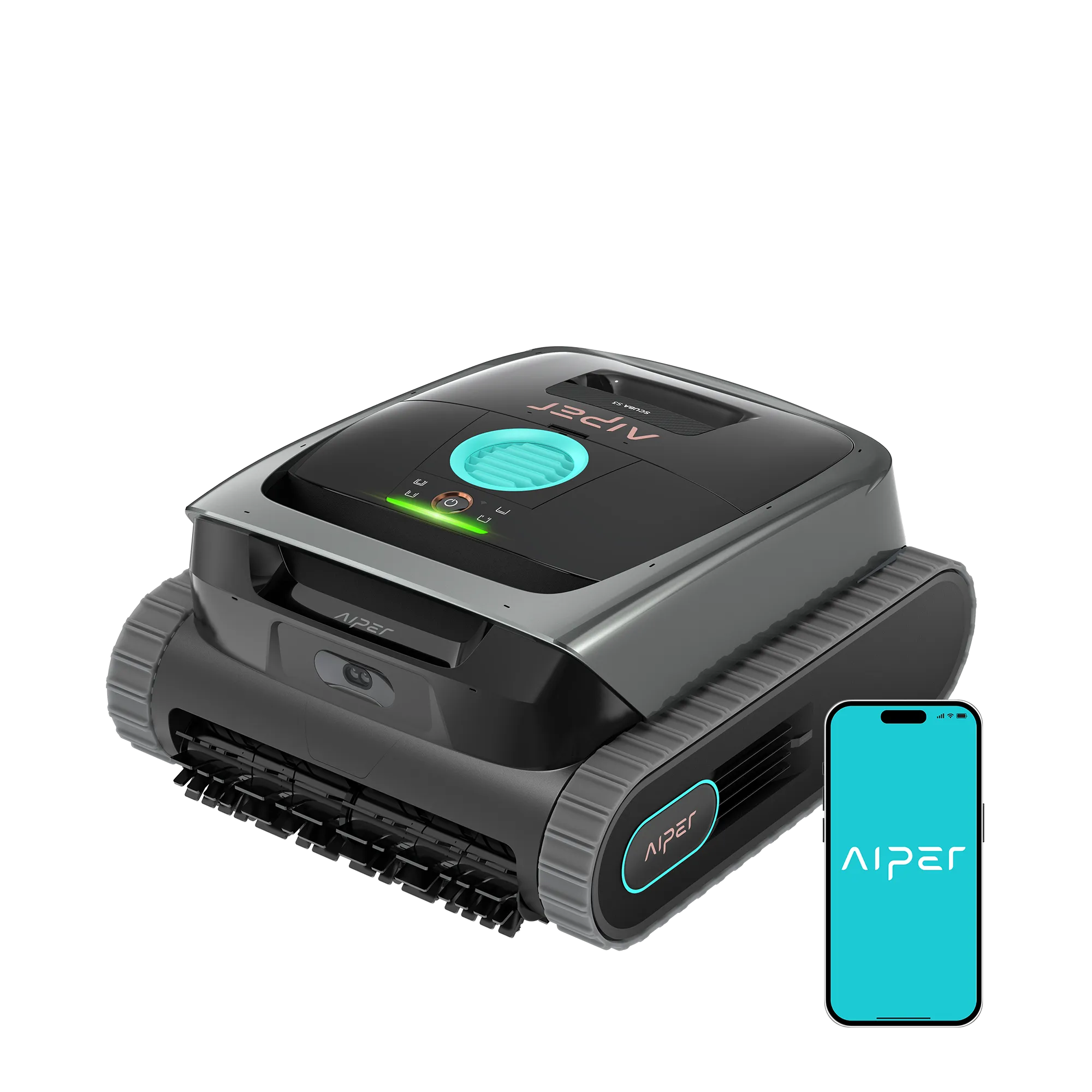
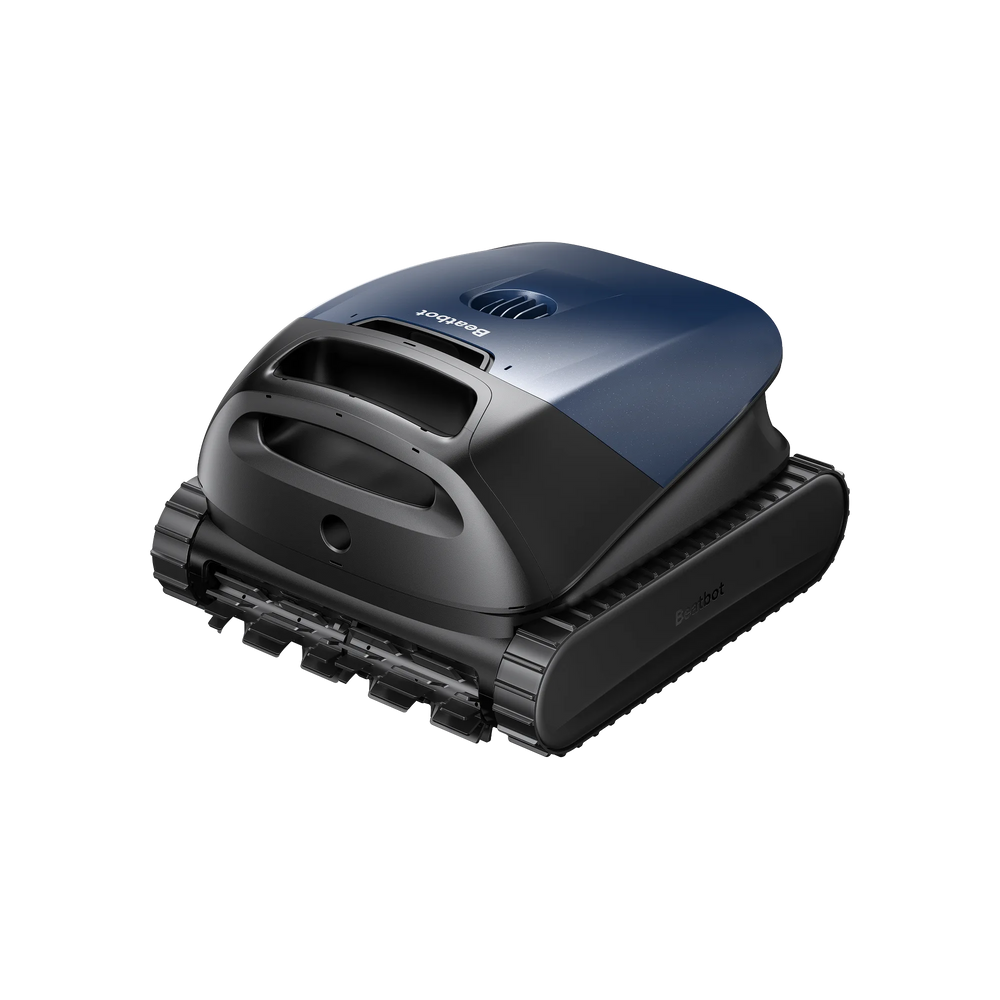 vs
Both tackle the floor, walls and waterline. We'd start with the dirt you find after a swim: Scuba S3 has documented fine filtration, while Sora 10 has a larger published area allowance. The filter package and cleaning mode matter more than a headline battery figure.
Read the guide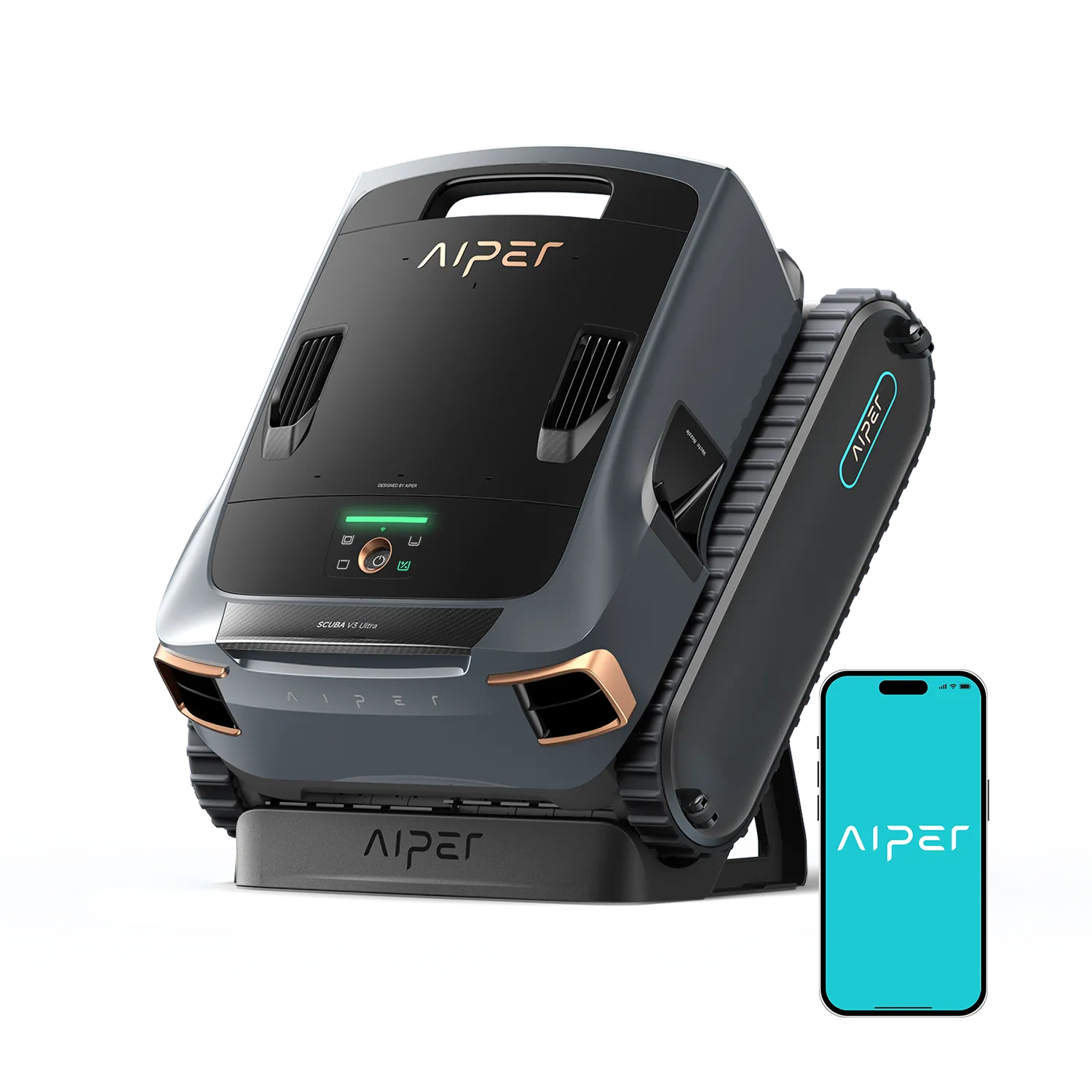 vs
Both can collect floating debris as well as clean underwater. We'd choose between them by the pool's dimensions, shelves, filter requirements and retrieval routine, rather than treat the Ultra name or an AI label as a reason to spend more.
Read the guidevsUltra adds surface cleaning, AI mapping and a higher pool-size rating. If an underwater clean already covers the job, those extras may not change much. We'd start with the work you still do by hand, then check fit, filters and pickup rather than assume Ultra is better at every task.
Read the guidevsAquaSense 2 covers underwater cleaning with a charging dock. AquaSense X adds surface cleaning and an AstroRinse station that washes the filter and collects debris. We'd price the station's installation and remaining handling before paying for less basket cleaning. The robot still needs retrieving from the pool.
Read the guidevsBoth clean the floor, walls and waterline, so we'd choose around the routine outside the cleaning cycle. AquaSense 2 has a wireless charging dock; Sora 30 uses plug charging and offers app retrieval during surface parking, with more specific shallow-platform requirements.
Read the guidevsWould you rather have a wireless charging dock or a robot that also skims floating leaves? That's the most useful place to start with AquaSense 2 and Sora 70. The rest depends on your pool and how you want to use it.
Read the guidevsBoth cleaners cover the surface as well as the floor, walls and waterline. AquaSense X adds a station that washes its filter, so the real question is whether that saves a job you dislike enough to justify the extra equipment beside the pool.
Read the guide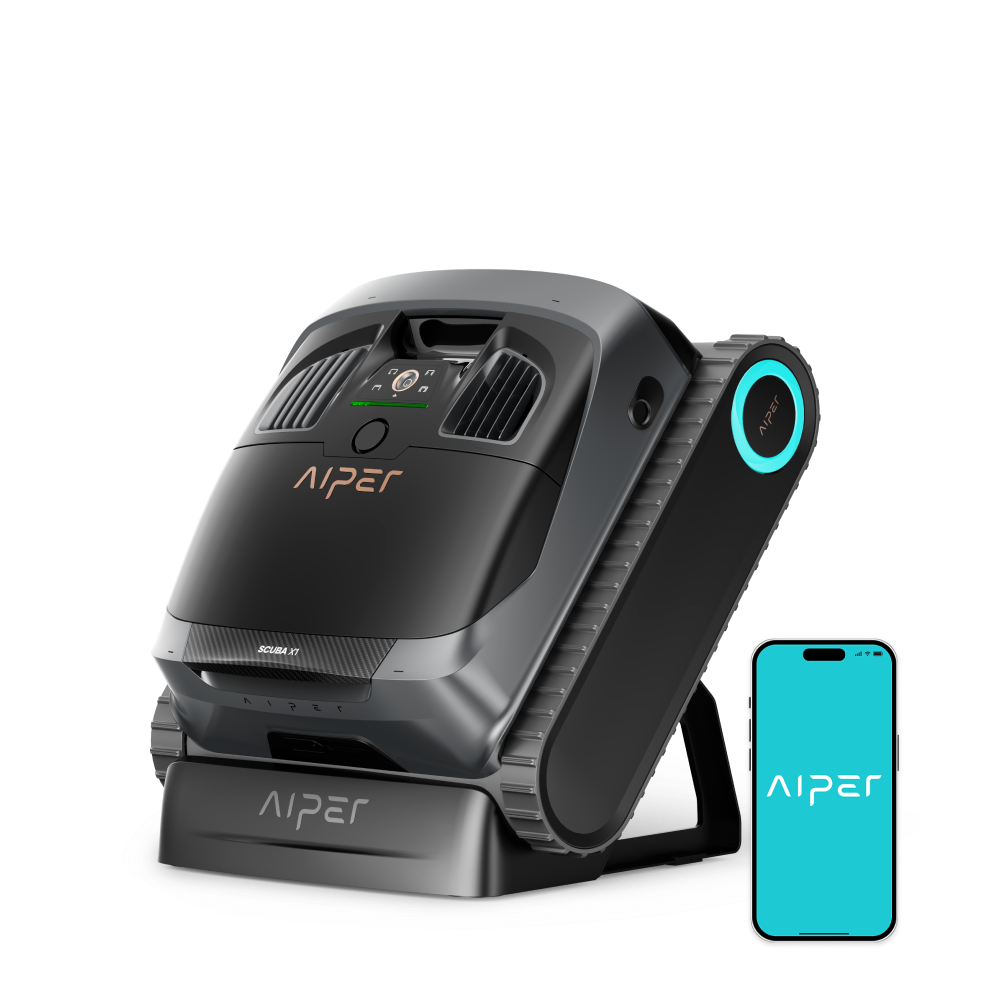 vs
Both clean underwater and use a charging dock. AquaSense 2 has the larger stated pool allowance and automatic surface parking after a clean. Scuba X1's current FAQ explicitly includes a MicroMesh fine filter. We'd choose around pool fit, the dirt left behind and the pickup routine.
Read the guide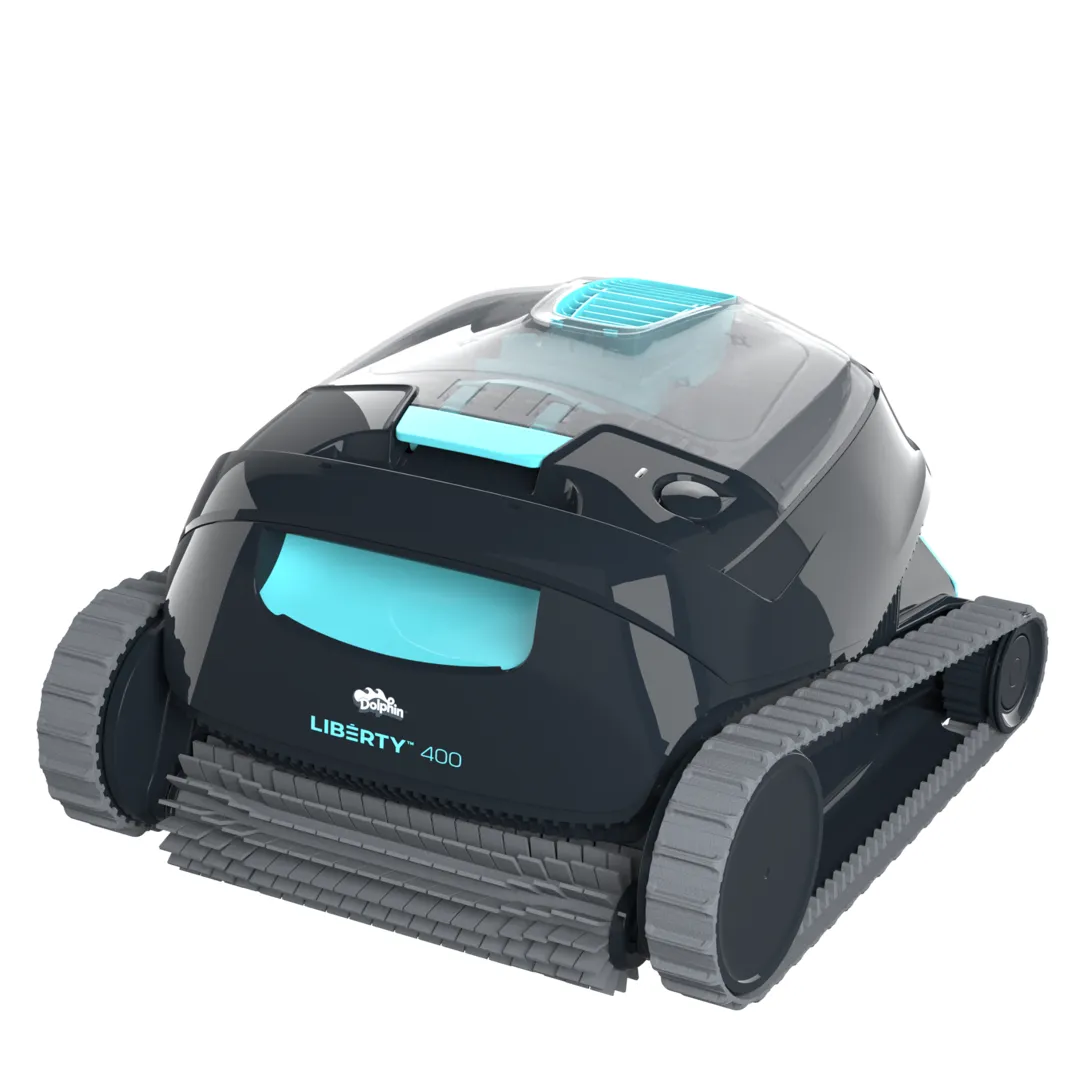 vs
Both clean underwater and run on batteries. Their pool-size wording, supplied filters and pickup arrangements give you more useful buying questions than a simple comparison of hours.
Read the guide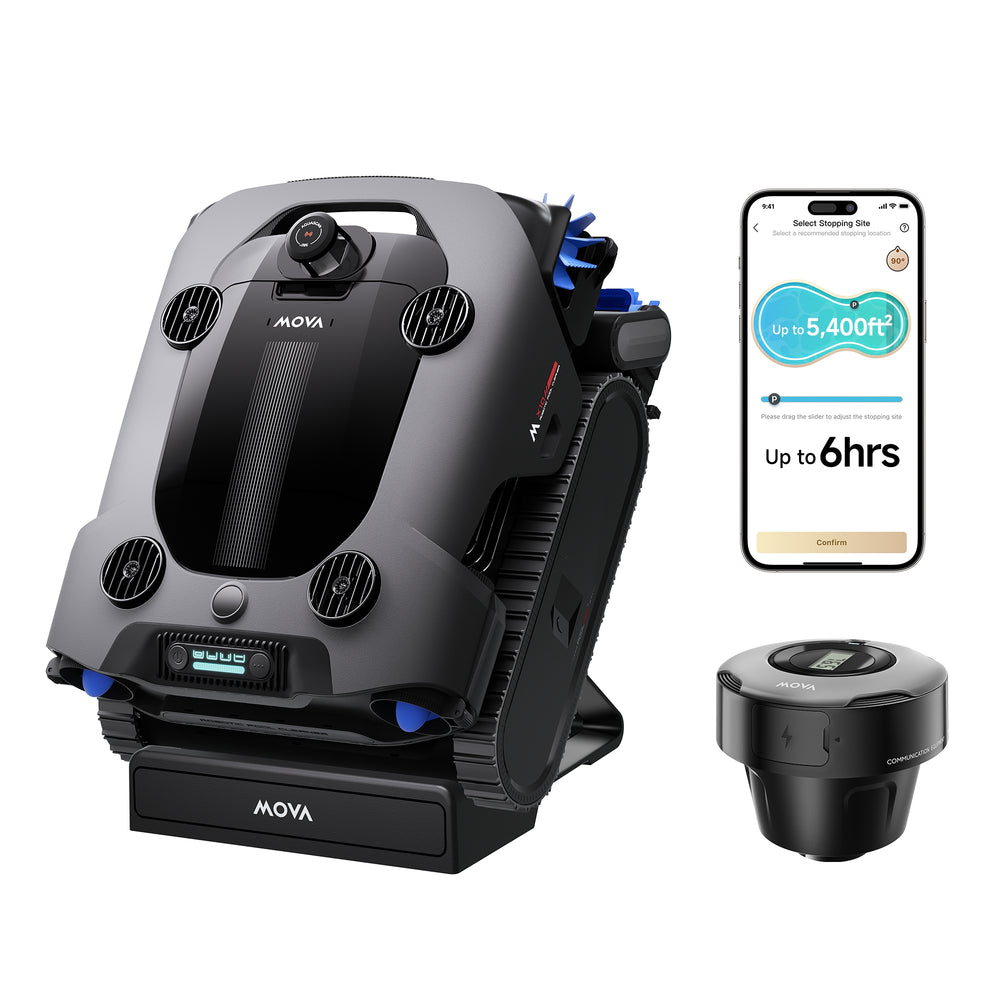 vs
Both advertise surface and underwater cleaning. AquaSense X adds an AstroRinse station to wash its filter and collect debris. That can change the care routine, but the station needs its own installation plan.
Read the guidevsBoth clean underwater and collect floating debris. AquaSense X's distinctive upgrade is the AstroRinse station that washes the filter and empties debris. Sora 70 keeps a retrieve-and-empty routine without that station. Start with the chore you want to reduce and whether you have a suitable place for the extra equipment.
Read the guide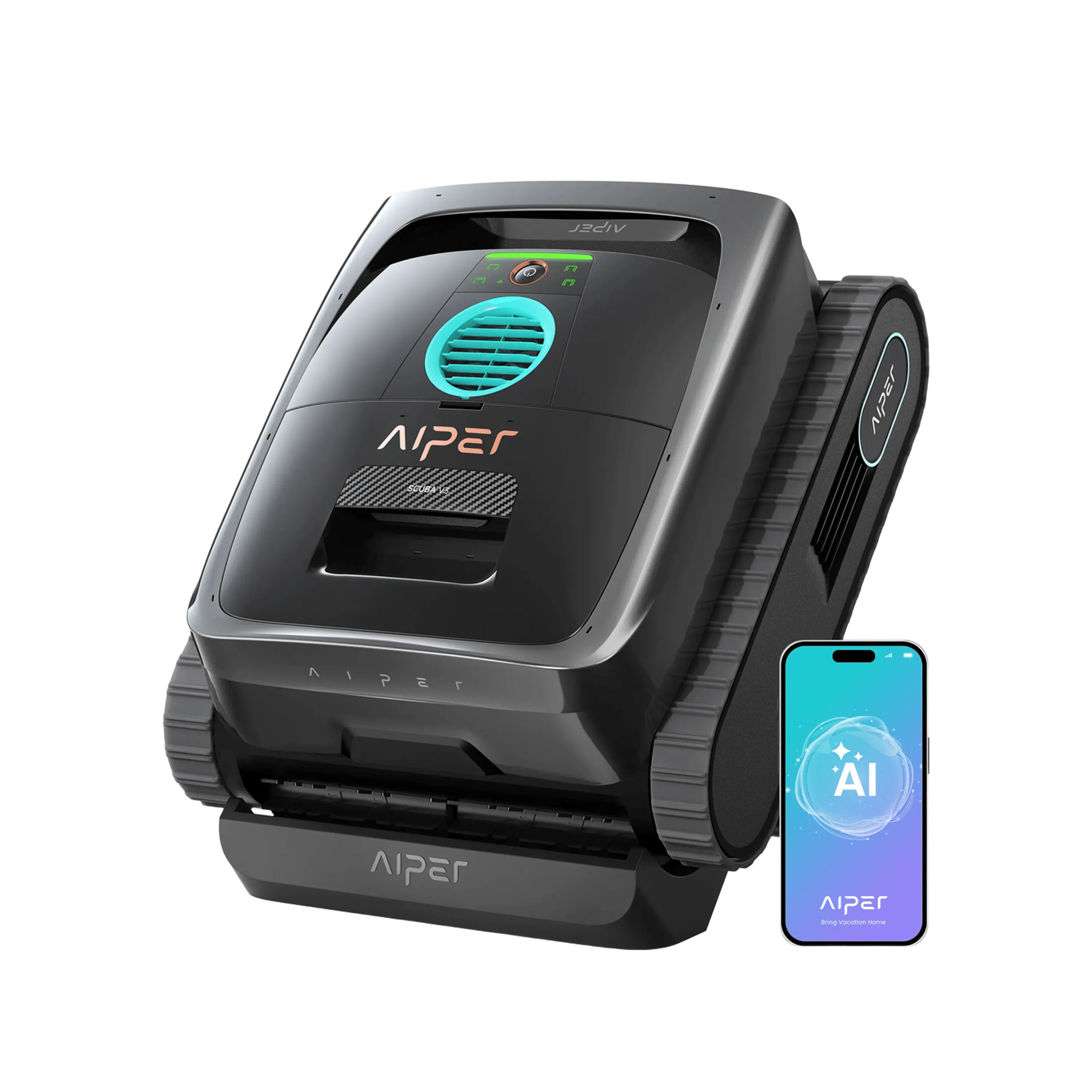 vs
Sora 10 has the larger stated pool-area allowance and longer floor-only claim. Scuba V3 adds camera-based debris recognition and a different filter system. We'd decide whether those features answer your pool's needs before treating an AI label as the upgrade everyone should buy.
Read the guide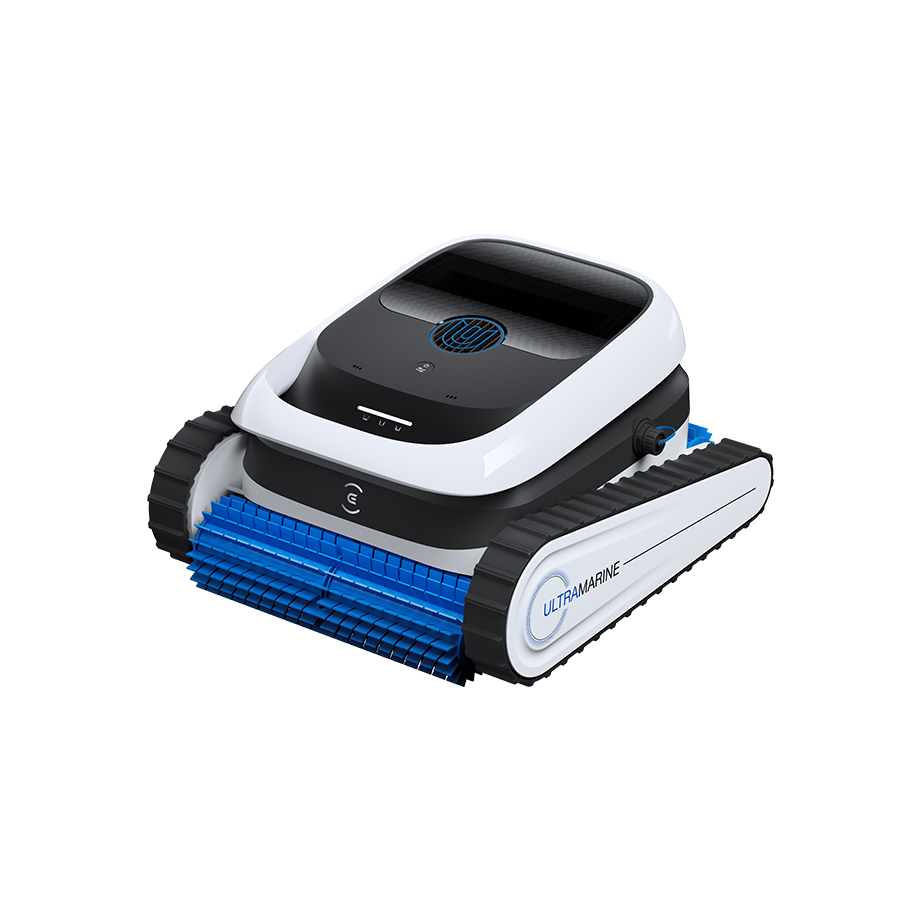 vs
Sora 10 has the larger published area allowance and explicitly lists waterline cleaning. P1 describes a finer inner filter. Keep those jobs and the runtime modes separate before deciding which feature is useful.
Read the guidevsSora 30 has the larger stated pool allowance, basket and a more specific platform checklist. Scuba S3 describes a standard-and-fine filter arrangement without relying on Sora's separate accessory. We'd settle the pool fit and dirt problem before comparing five floor hours with an Eco headline.
Read the guidevsSora 30 has the larger stated pool area and a documented shallow-platform option. X1 includes a wireless charging dock and a MicroMesh fine filter. We'd start with the pool's fit, then decide which pickup, filter and charging routine would be easier to live with.
Read the guidevsBoth tackle underwater dirt and floating debris, but the basket, pool-fit figures and navigation features differ. We'd measure the pool and decide what fills the basket before comparing the longest runtime. Sora's floor endurance and Ultra's skimming headline aren't the same cleaning job.
Read the guide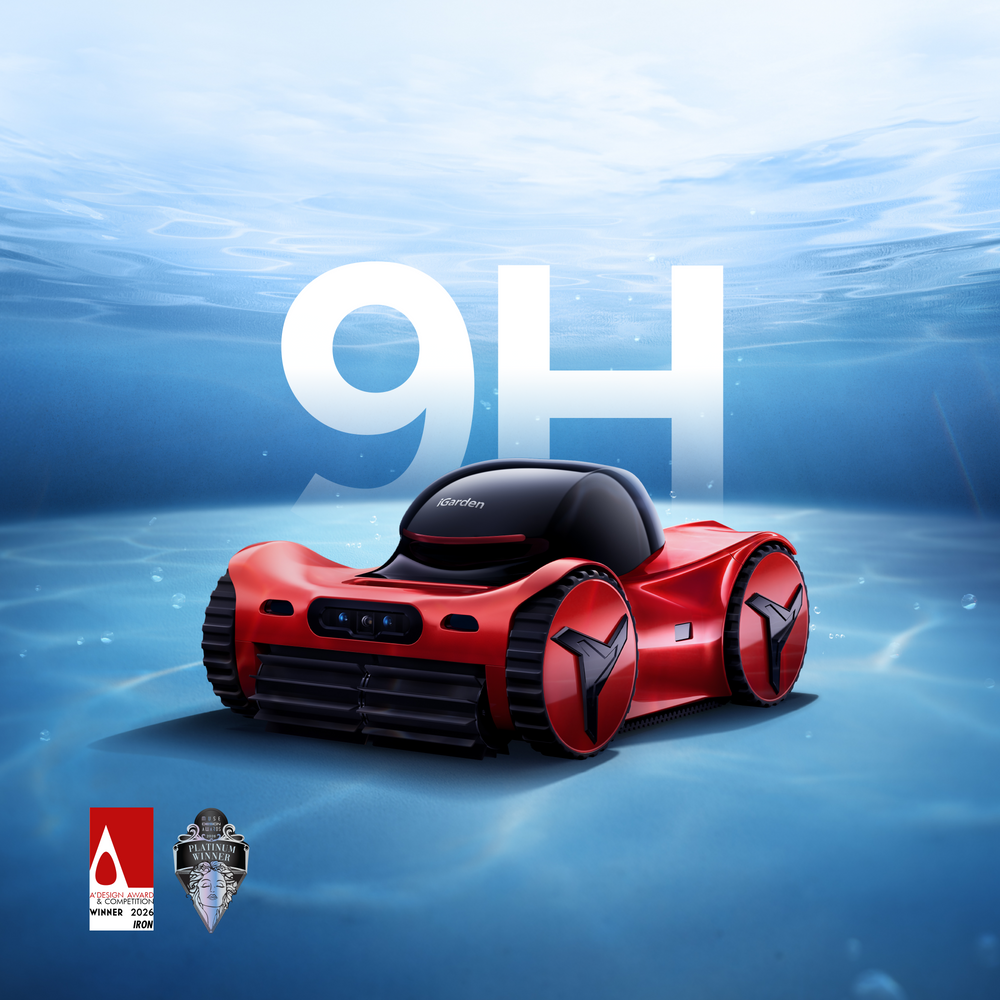
Check the water temperature against the exact model's working range, then check charging and storage separately. AquaSense 2's reviewed manual gives 6–35°C for use in the water; iGarden M1-AI lists 4–35°C. Neither figure makes the robot suitable for a freezing or closed pool.
Read the guideFor a normal cleaning cycle, plan to take the robot out and care for it afterward. Some scheduled modes and solar skimmers work differently. The answer belongs to the exact model and operating mode, so we'd check those before treating the pool as its permanent storage spot.
Read the guide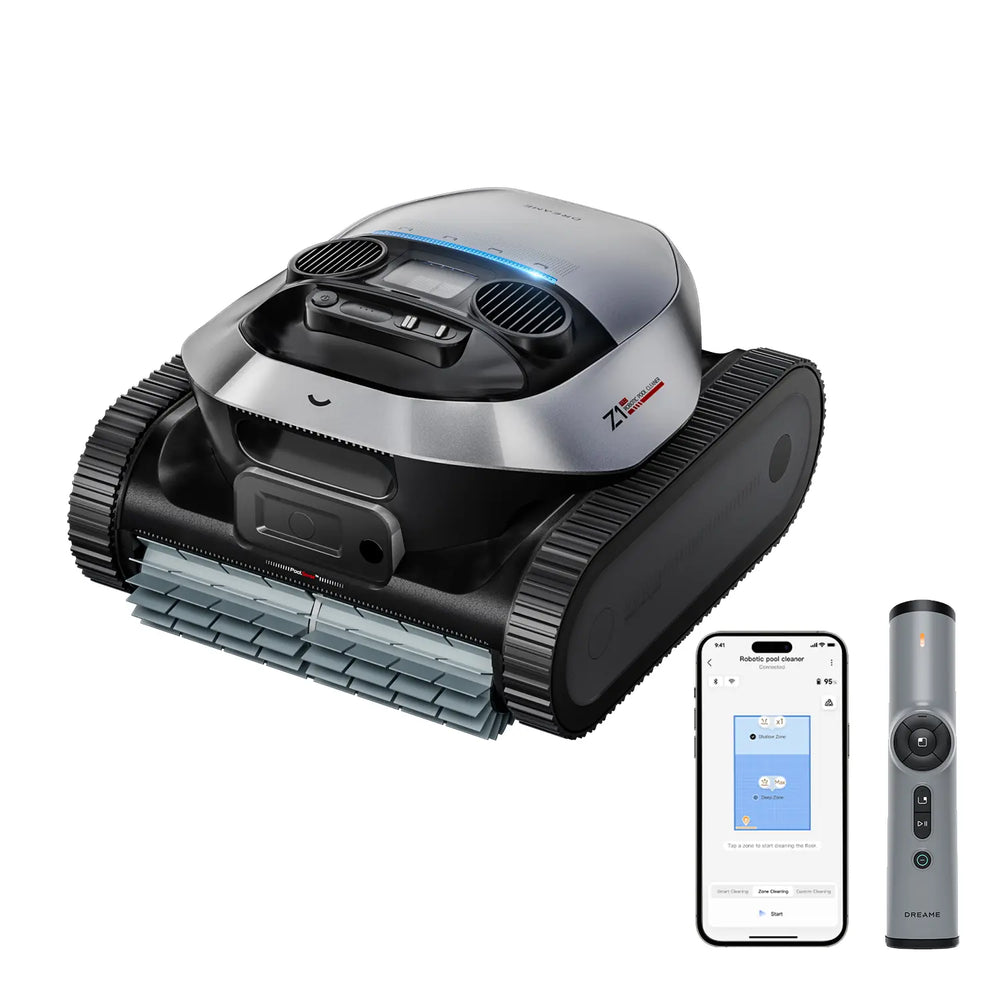
App support, a retrieval command and underwater directional steering are different functions. Dreame Z1 Pro documents a light-based remote; AquaSense 2 Ultra limits its app control to operation at the surface. Check the exact model before treating a missing response as a fault.
Read the guideWe'd give swimming and robot cleaning separate times. The AquaSense 2 and AquaSense 2 Ultra manuals explicitly tell owners to keep people out of the pool while the robot works. Cordless power and obstacle detection don't change those instructions. Plan the clean and poolside retrieval before anyone gets in.
Read the guide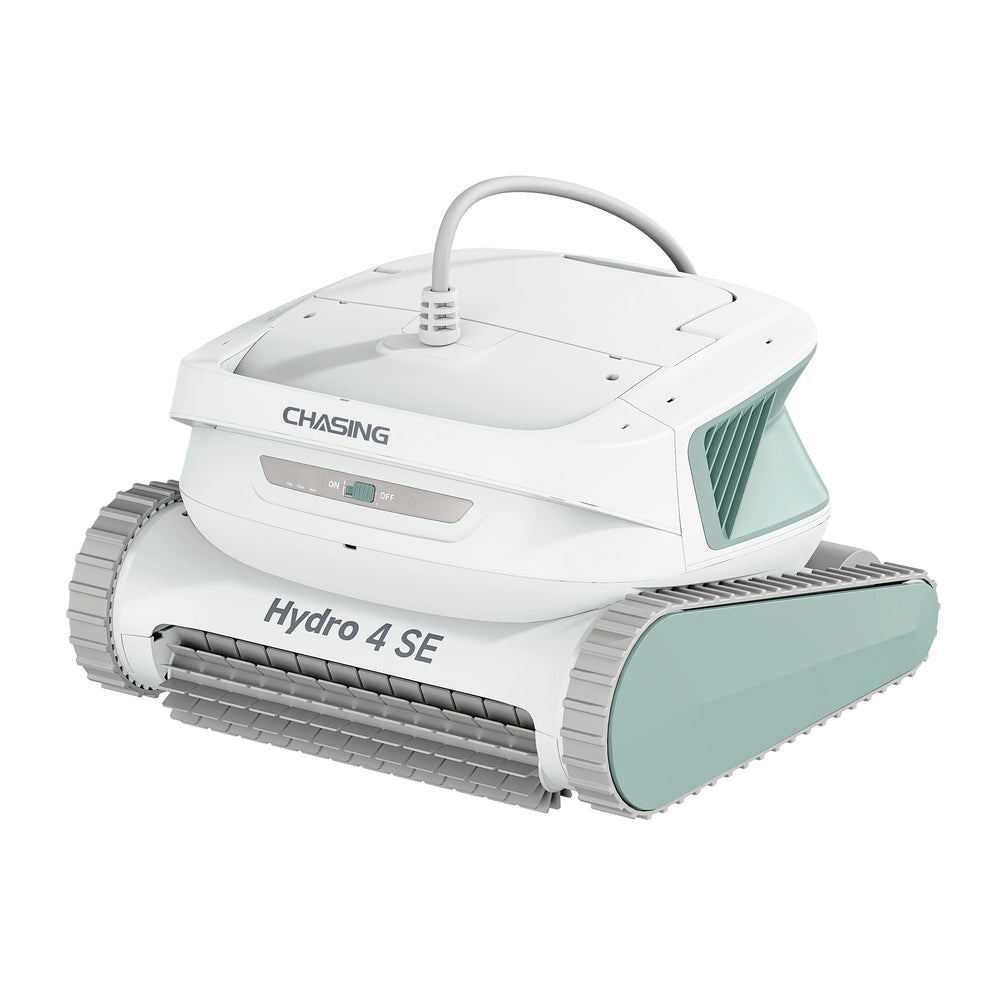 vs
Hydro 4 SE avoids a battery-charging break but brings a cable and power-supply arrangement. Sora 30 removes the cleaning cable and lists a larger pool-area allowance. We'd start with those practical differences, then compare fit, filters and the pickup routine.
Read the guide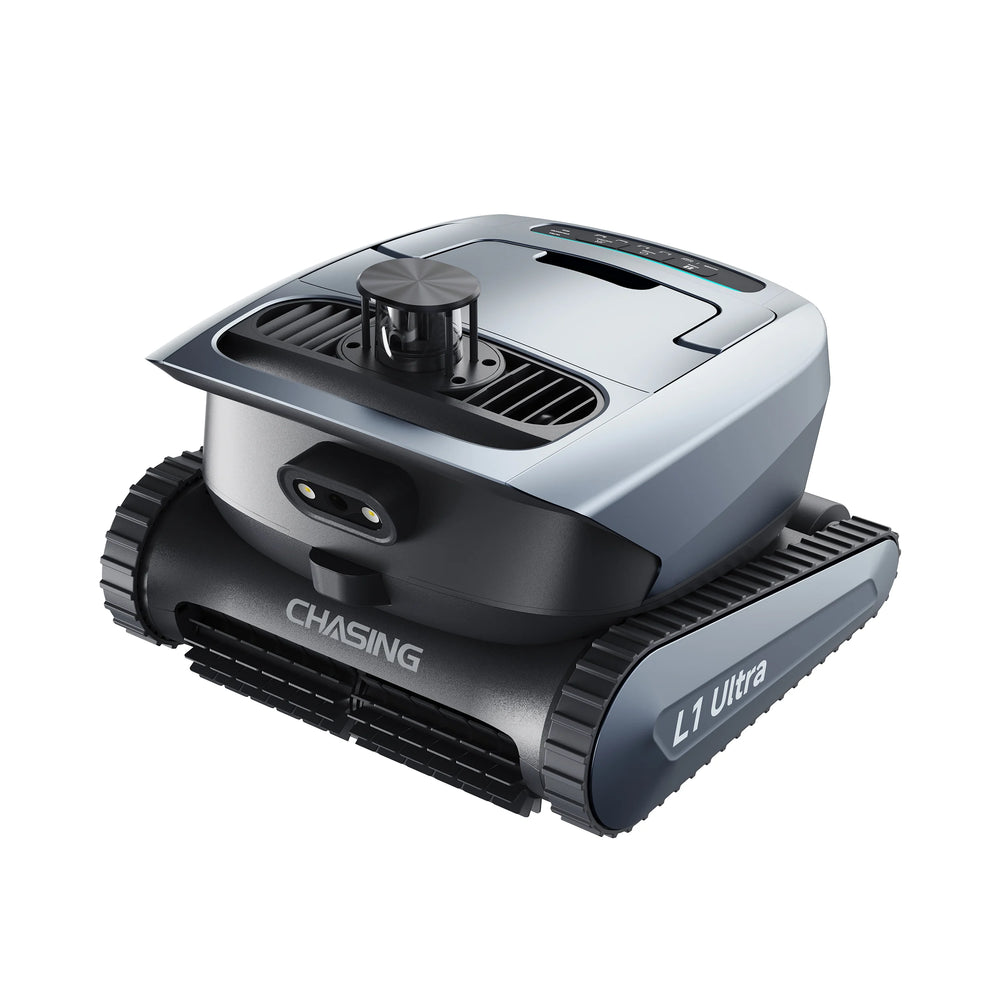 vs
The shared Ultra name hides different jobs. L1 Ultra offers LiDAR/vision mapping and a wireless charging dock for underwater cleaning. AquaSense 2 Ultra also collects floating debris. We'd settle that surface-cleaning need before comparing mapping, filters or battery headlines.
Read the guideA cable trades charging breaks for a power-box and cable routine beside the pool. Cordless trades that cable for lifting, charging and battery planning. We'd choose by the pool's layout and how you actually use it, then compare the filters and cleaning jobs separately.
Read the guideFirst separate a cleaner that will not charge from one that charges and then runs for less time than expected. Save the lights and app message before changing anything. We'd check the exact charger, approved charging conditions and model-specific instructions before assuming the battery needs replacing.
Read the guideThe last pool clean isn't quite the end of the job. Before putting a cordless robot away, make room to drain, clean and dry it, then check its own battery instructions. A damp cleaner in a closed box is a poor start to the off-season.
Read the guideSome can start ordinary cleaning from onboard buttons without Wi-Fi on every run. The app still has a separate role in setup, customization and updates. We'd check the exact model's offline controls before buying for a pool with weak signal, then plan retrieval without relying on a live underwater connection.
Read the guide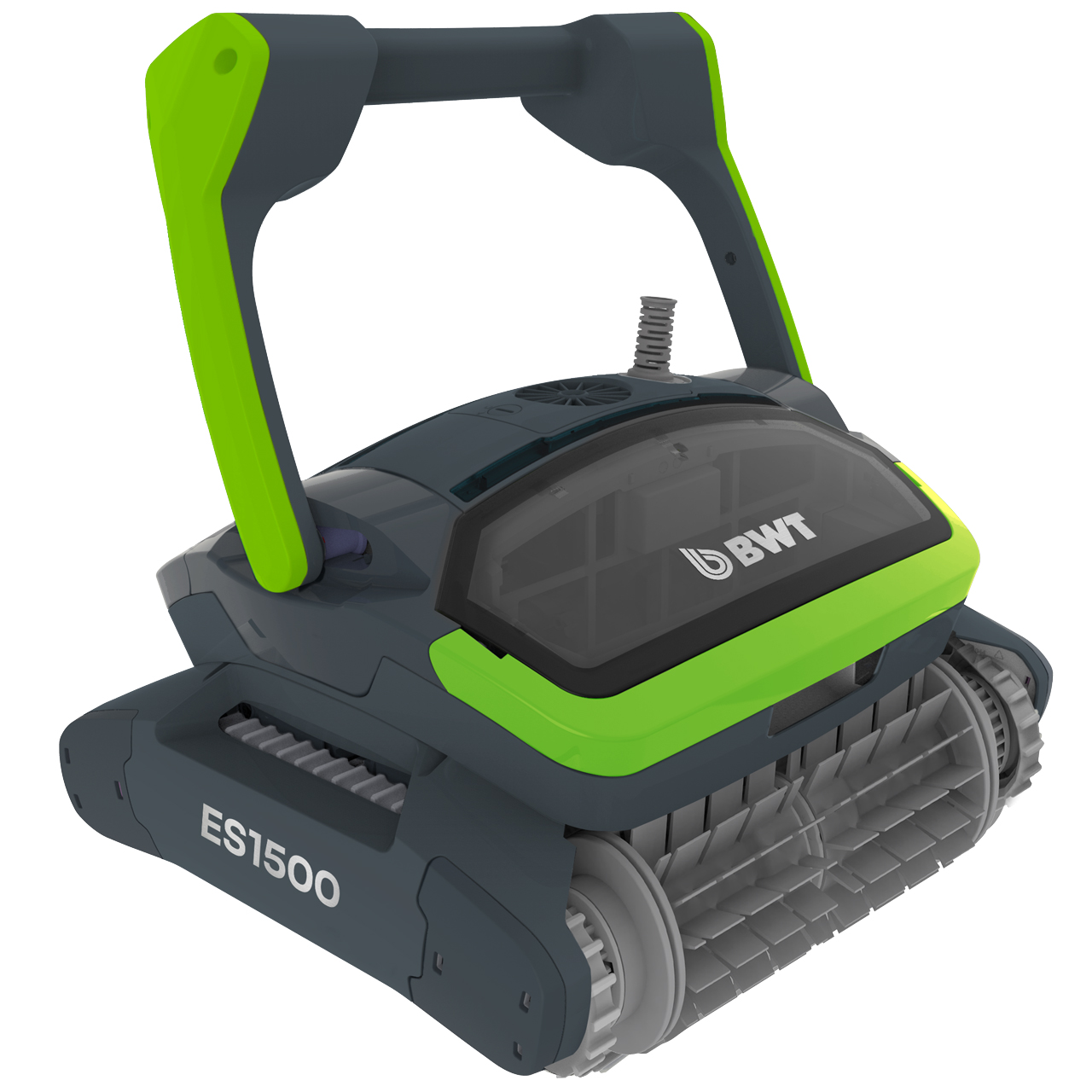
A trolley can make a repeated walk easier, but the cleaner still has to come out of the water. Check the coping, steps, storage route and exact accessory before paying for a caddy or a bundle.
Read the guide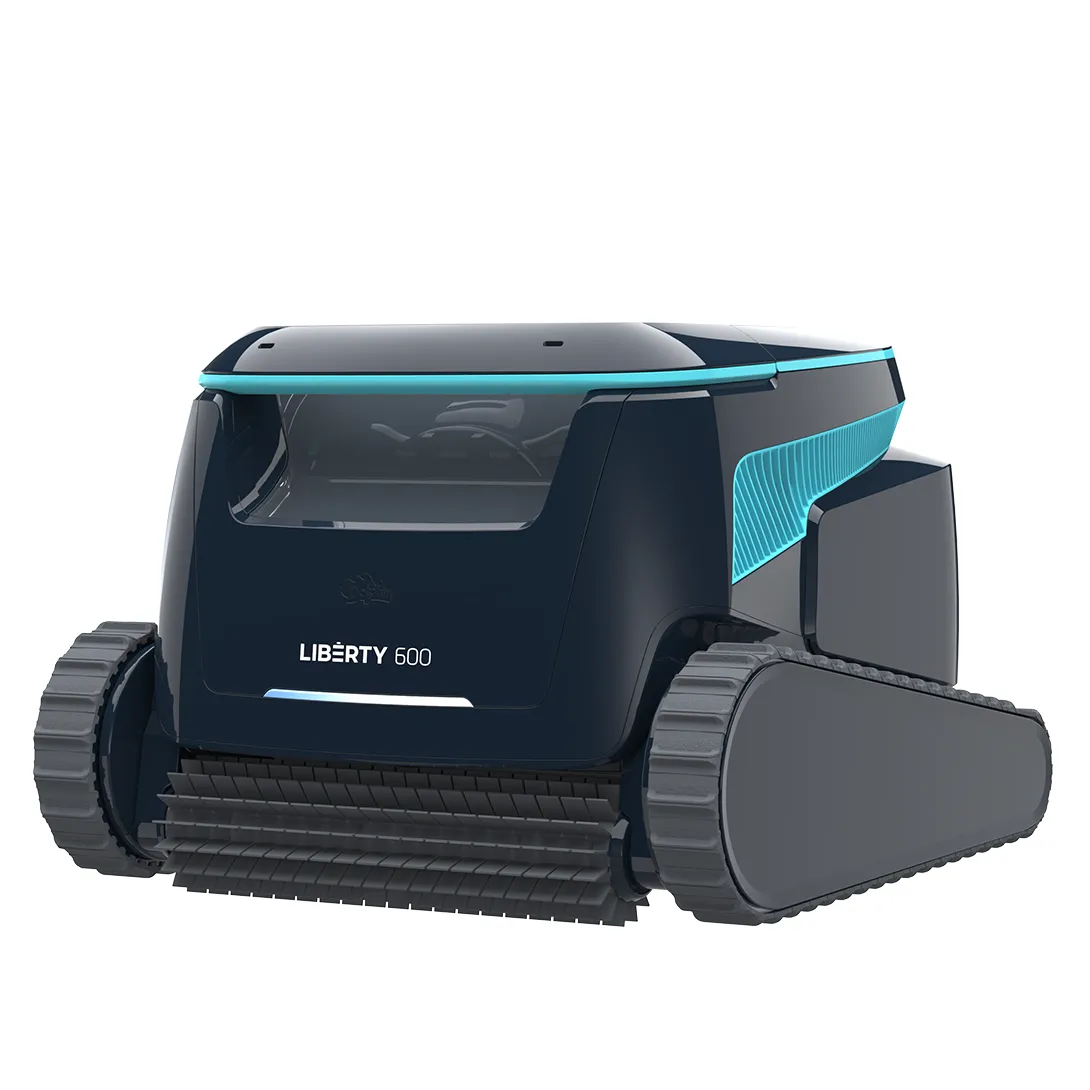 vs
Both clean underwater without a mains cable trailing to the pool. The included filter package and the pickup routine are better starting points than the longest runtime claim.
Read the guide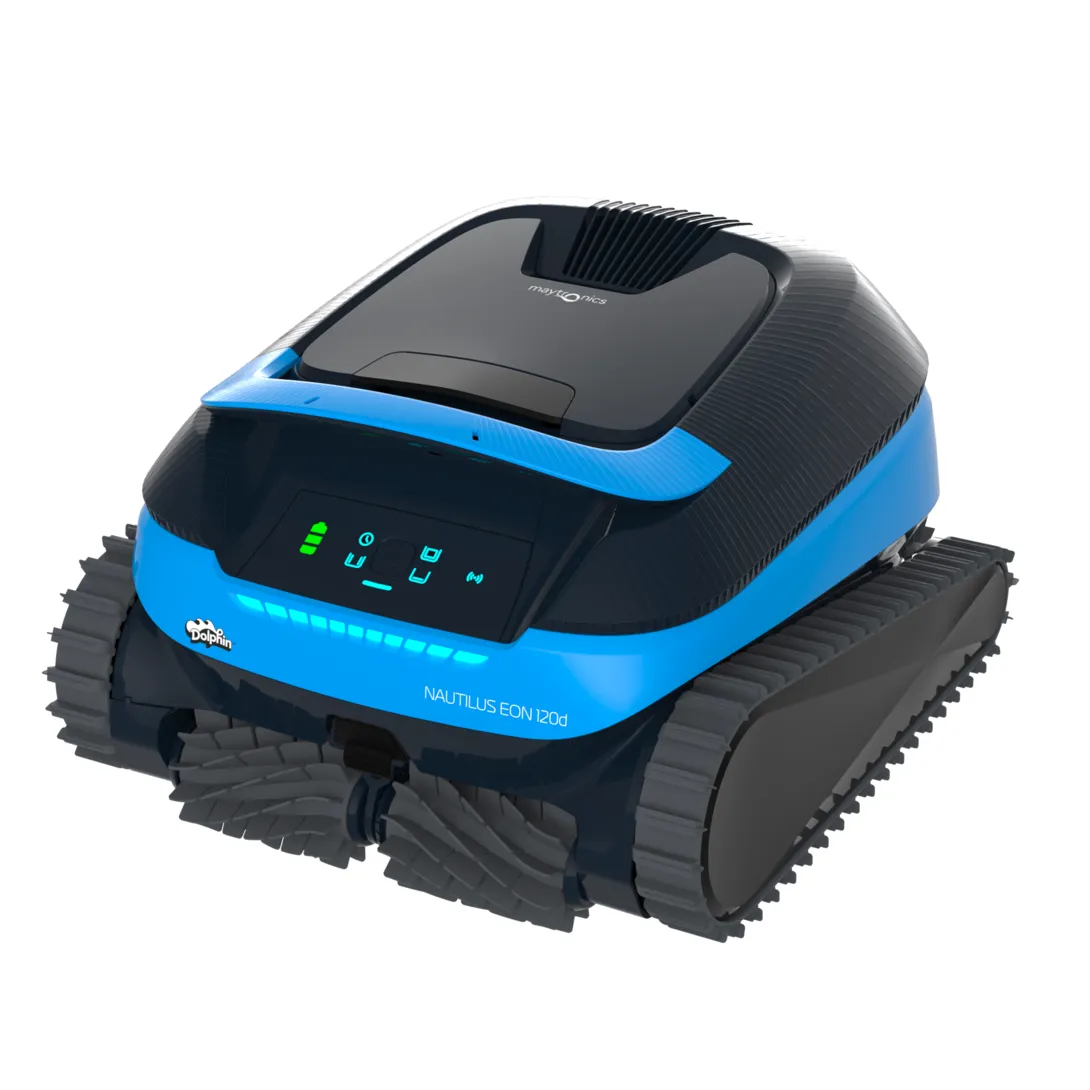 vs
The EON 120d has a backwash filter and a stated 50-foot pool limit. The AquaSense 2 offers longer advertised floor cleaning and parks at the surface. Start with the pool you have and how you want to empty and retrieve the cleaner.
Read the guidevsThese robots offer different reasons to spend: Z1 Pro has a handheld remote for underwater communication, while Sora 70 adds surface skimming. We'd decide which job or control feature you actually want before comparing their area and runtime headlines.
Read the guide
A useful schedule keeps up with the debris without turning every available hour into another cleaning cycle. We'd start with the pool's normal use, check what remains after a run and adjust the mode and frequency from there. The robot's timer isn't a maintenance plan by itself.
Read the guideChoose the part of the pool that needs cleaning before selecting the longest program. AquaSense 2 and Ultra give Floor and Standard modes different jobs; Ultra also has Pro and Custom controls. The same word or button sequence doesn't necessarily mean the same thing on another cleaner.
Read the guideEmptying the basket is the first job, but don't stop there if hair or grit is caught around the brushes and tracks. A few checks after a clean are easier to fit into the routine than packing a dirty robot away and wondering why the next session isn't going well.
Read the guide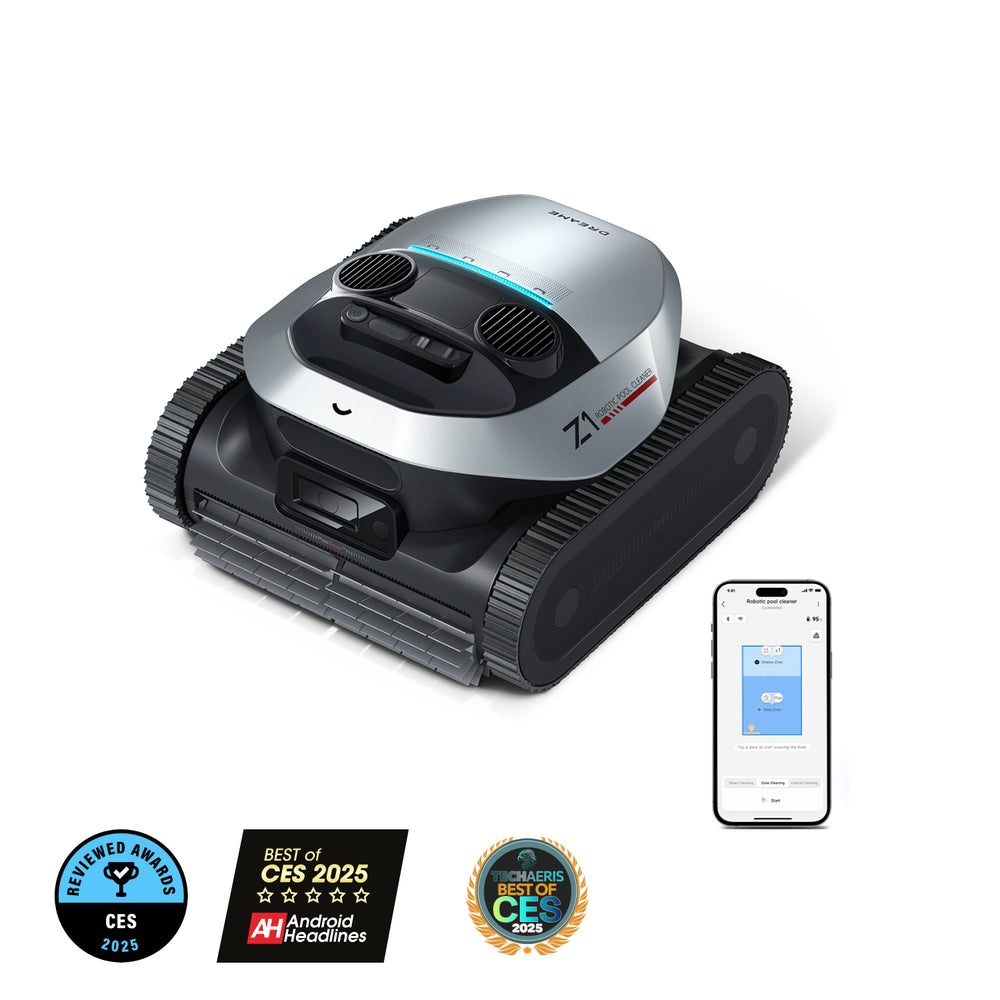
Work out the pickup routine before the cleaner is sitting at the bottom. A retrieval hook, surface parking and an app return button do different jobs. Here's how we'd plan the reach, timing and handling, using exact Dreame, Beatbot and CHASING examples.
Read the guideDo the setup on dry land before lowering the cleaner into the pool. Read the exact manual, check the supplied parts, charge it correctly and pair the app while the robot is still easy to reach. Then choose the task and follow its own launch procedure. AquaSense 2 and Ultra are the examples here, with their steps kept model-specific.
Read the guide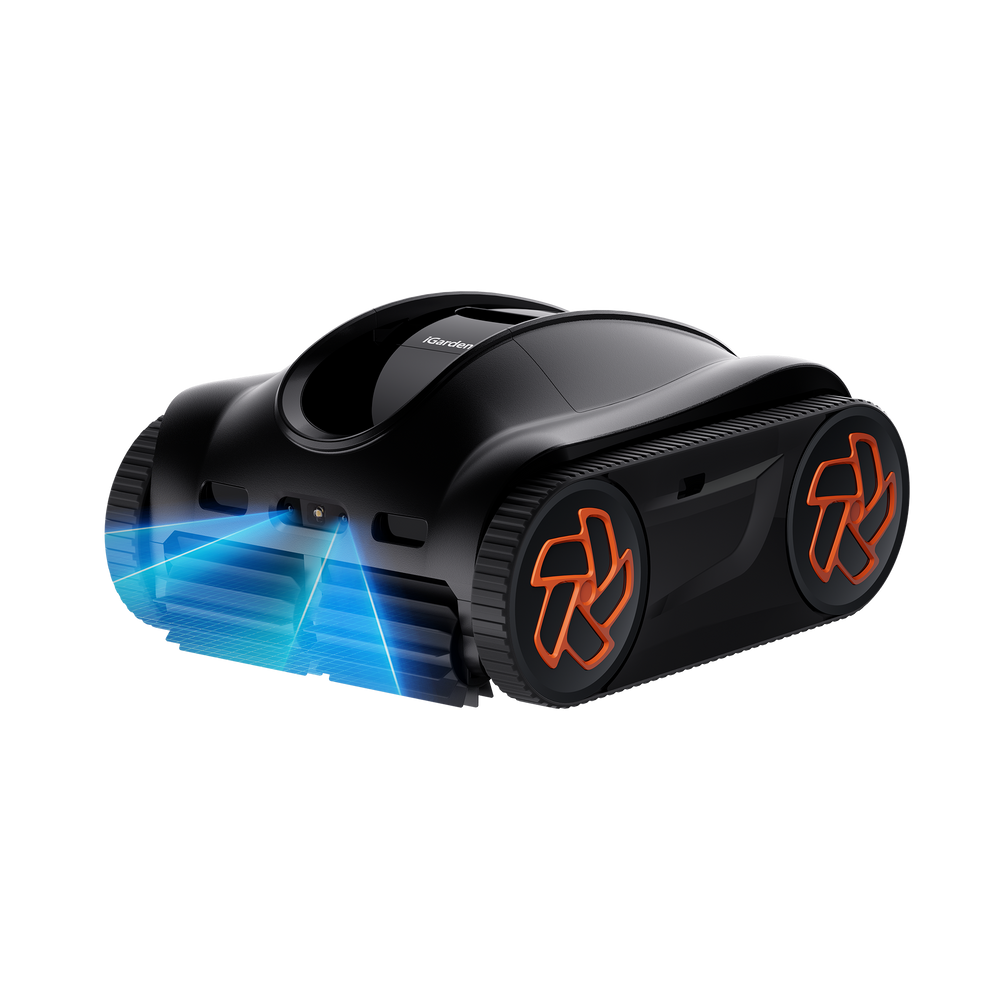 vs
K-AI 70 adds camera-guided floor targeting and a finer floor-filter layer. Sora 30 offers a different basket and runtime package, but its surface parking does not collect floating leaves.
Read the guide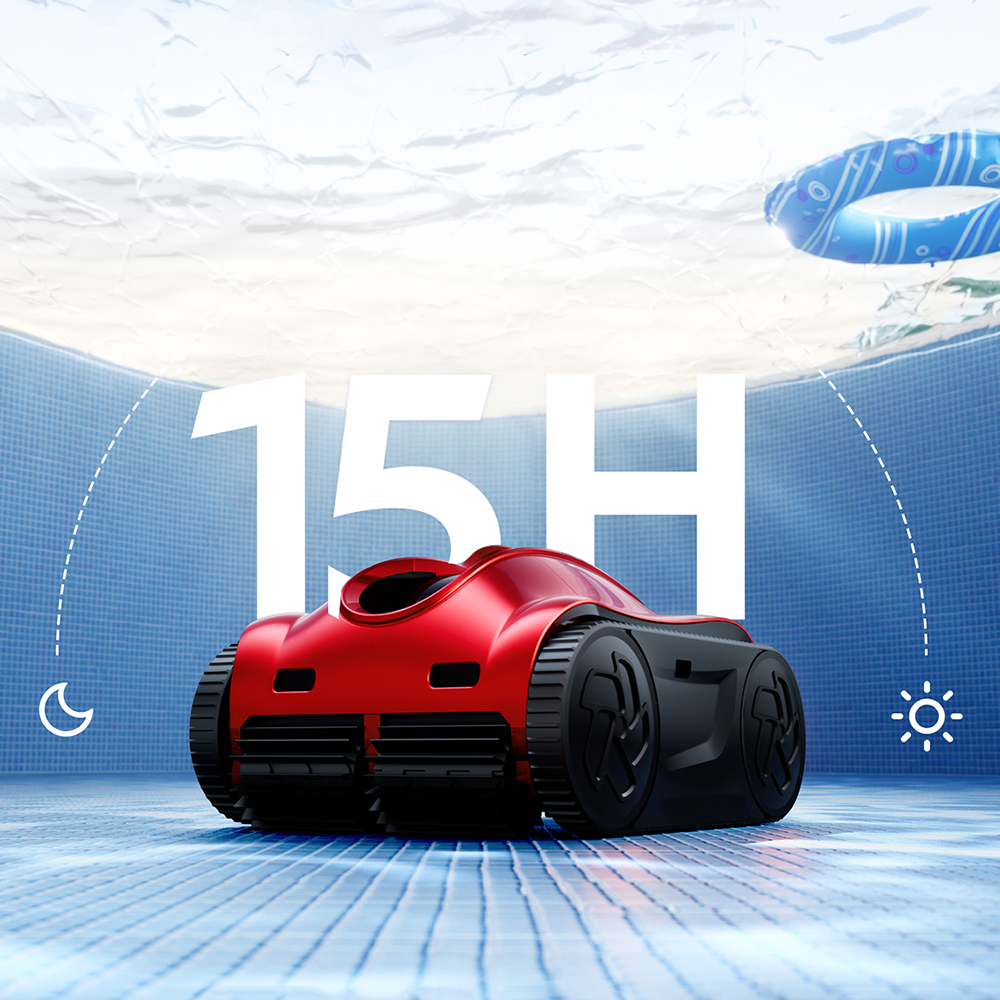 vs
K Pro 150’s longest duration refers to floor cleaning. Sora 70 adds surface skimming with its own separate runtime. Choose the cleaning job first, then check the exact pool and delivered filter package.
Read the guide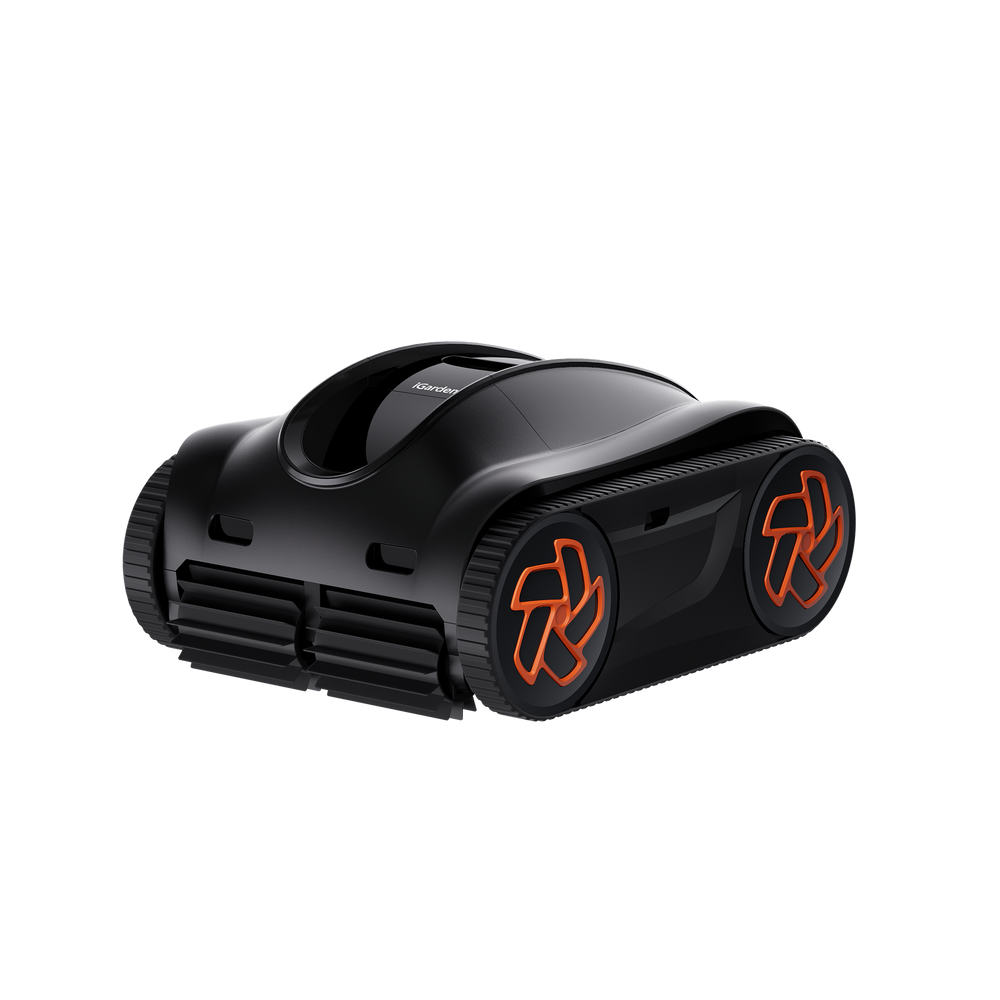 vs
Compare the cleaning mode beside the runtime. K36 lists 3.6 hours for the floor and 2.25 for full coverage; Sora 10 lists up to five and four hours respectively. Pool dimensions and the supplied filter still come first.
Read the guidevsK90 publishes nine hours in floor mode and a shorter full-coverage duration. AquaSense 2 lists four floor-only hours, a wireless dock and surface parking. Start with the pool and filter package before choosing around the largest number.
Read the guidevsK90’s nine-hour headline is a floor-mode figure. Once you compare full cleaning modes, the gap to Sora 30 is much smaller. Pool dimensions and the supplied filter may matter more.
Read the guide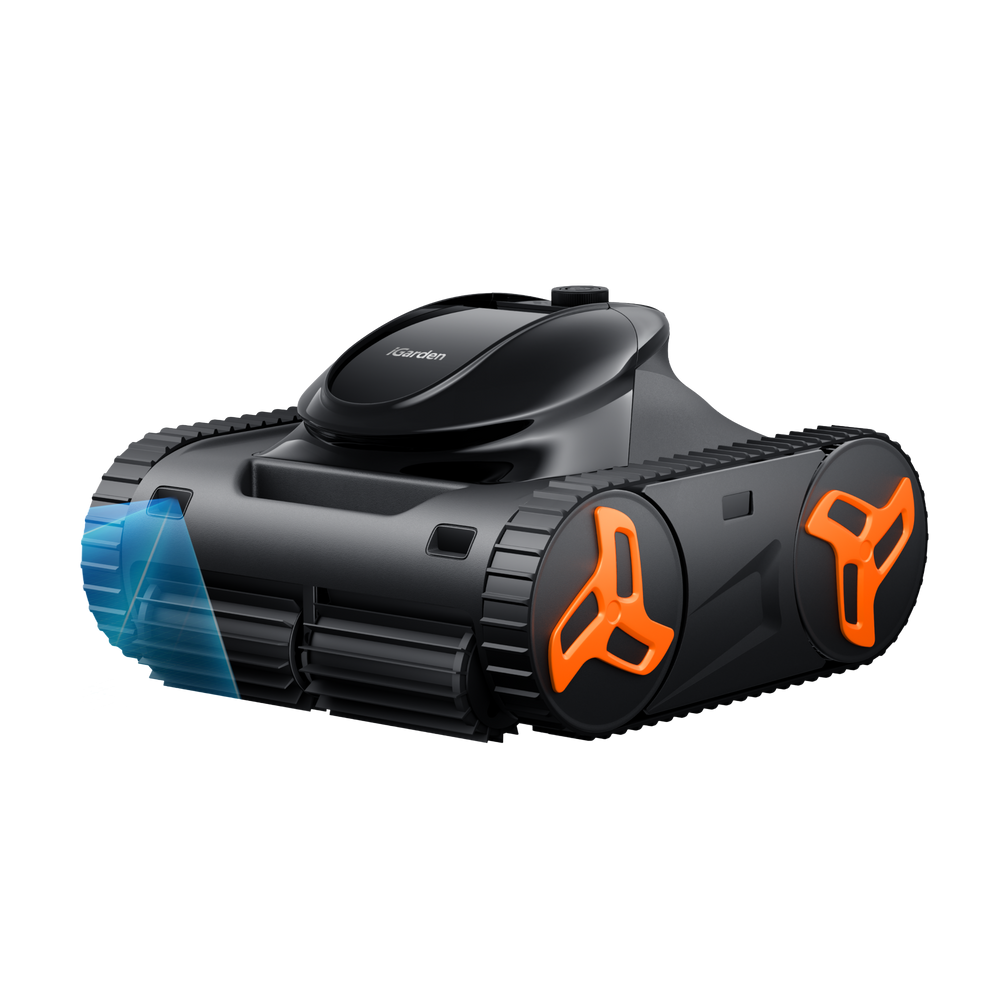 vs
KN-AI 40 adds a camera-targeting stage after its floor pass and lists a 32.8-foot pool length. Deep Blue Sora 10 lists a larger basket and longer floor-only endurance. Physical fit and the recurring debris should come before the AI label.
Read the guide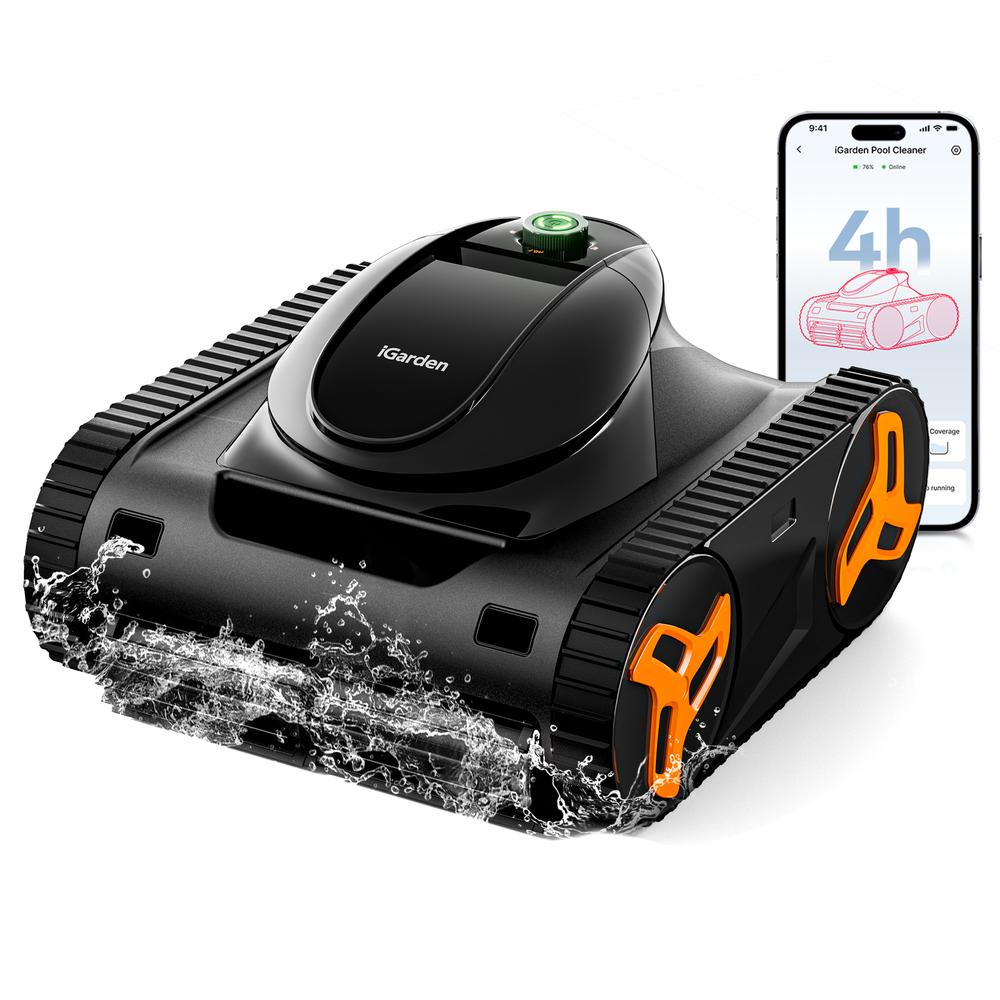 vs
These cordless cleaners both cover the floor, walls and waterline. The more useful differences are how long each mode runs, what comes in the basket, and whether the pool meets the physical limits.
Read the guide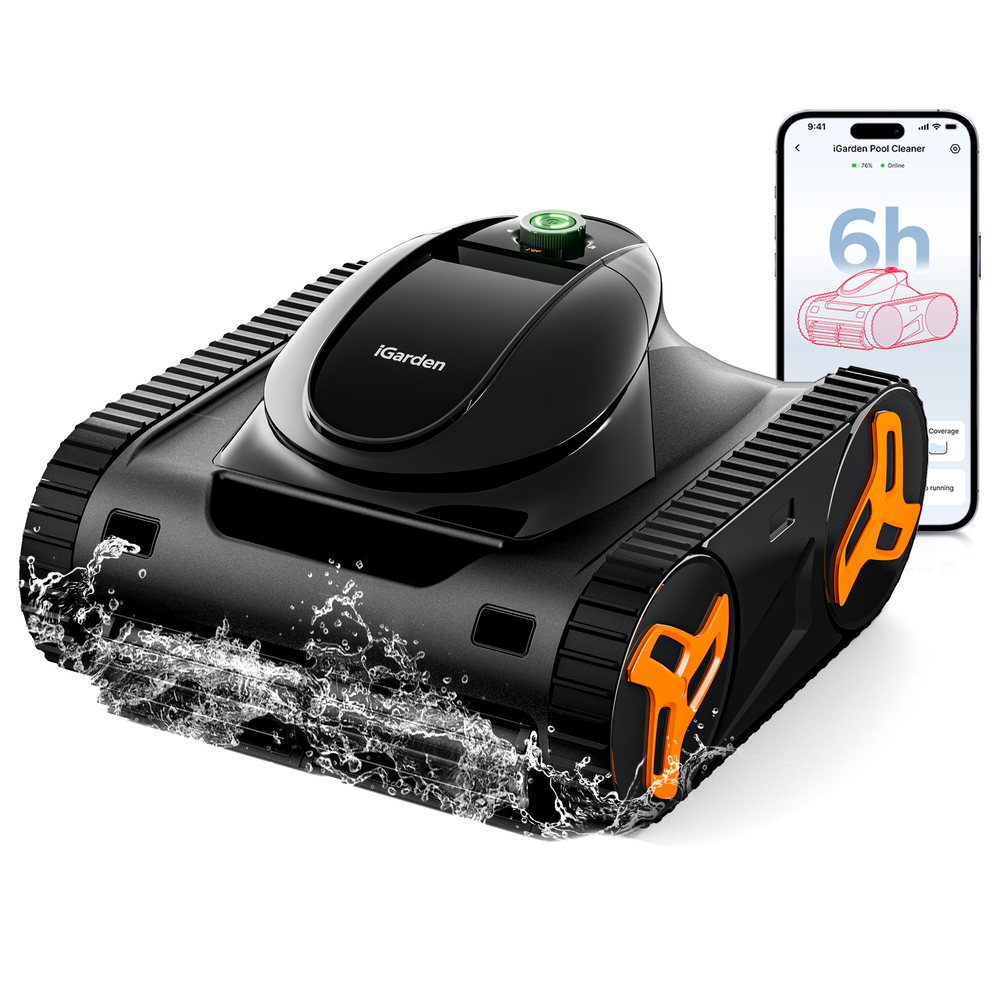 vs
The KN60 advertises six hours on the floor. Beatbot lists a shorter floor run for the Sora 30, a separate duration for full cleaning and a quicker recharge. Think about the surfaces you clean and how soon you need the robot ready again.
Read the guide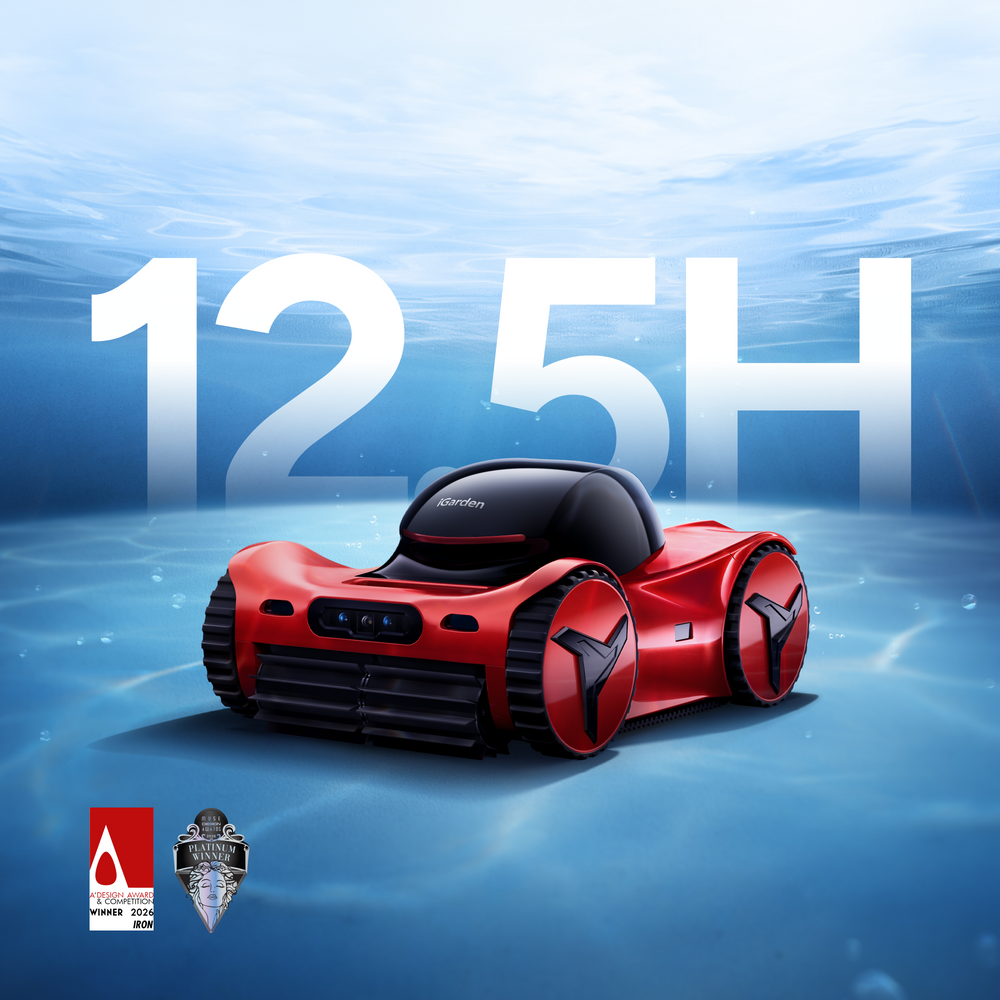 vs
M1 AI 125 offers camera-guided underwater cleaning and a 12.5-hour floor-mode claim. AquaSense 2 Ultra adds surface skimming with different runtime figures for different tasks. Decide where the debris collects before comparing the batteries.
Read the guidevsM1-AI 45 combines camera-guided cleaning with a 29.5-foot pool-length limit. Sora 10 lists a larger floor-cleaning coverage claim and a different basket. Compare the actual pool, cleaning mode and filter package before the battery headlines.
Read the guidevsBoth combine underwater cleaning with surface collection. Rover X10 lists a finer replaceable filter and longer mode-specific duration claims; Ultra has a different basket arrangement and charging time. Pool fit and care still matter more than counting cleaning zones.
Read the guidevsBoth clean floating debris as well as underwater surfaces. Rover X10 lists interchangeable 180- and three-micron filters; Sora 70 includes a 150-micron basket with a separate finer option. Compare the actual filter arrangement and selected mode before the runtime headlines.
Read the guide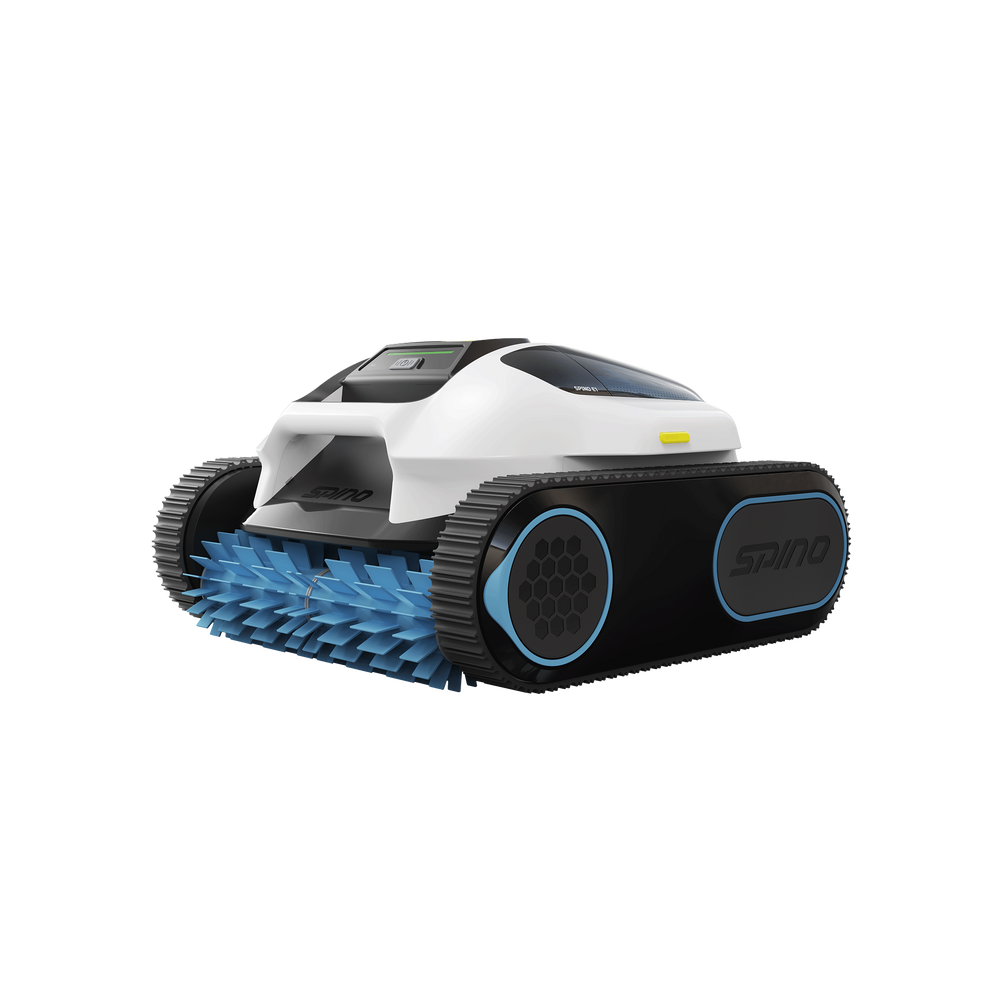
We'd choose an above-ground pool robot by the actual pool construction, water depth and cleaning jobs, then work out how you'll lift it out. The models here advertise above-ground use, but that broad label doesn't confirm every liner, wall and ladder arrangement.
Read the guideCheck the actual filter before paying for a bigger robot. Sora offers model-matched fine accessories, while Aiper, CHASING and iGarden add other documented filter systems. The supplied package and cleaning routine matter alongside the advertised micron rating.
Read the guideFor a larger pool, we'd start with the floor area and the cleaning jobs you want covered, then check how the cycle and recharge fit around swimming. A long surface-only runtime isn't the same promise as a complete floor, wall and waterline clean.
Read the guideStart with where the leaves end up. A combined surface-and-underwater cleaner suits one routine; a dedicated skimmer alongside another robot suits another. Beatbot and Aiper now give you both kinds of comparison.
Read the guideWith a smaller pool, we'd check the cleaning jobs, filter and handling before paying for capacity. The choices here now include Aiper's S3 and a corded CHASING option alongside SPINO, Dreame and Sora.
Read the guideA shallow-cleaning badge is only useful if the robot fits the space you want cleaned. We'd measure water depth and the usable length and width first, then compare the exact requirements for Sora 30, Sora 70, AquaSense 2 Ultra and Sora 10.
Read the guideStart with explicit vinyl compatibility, then look at the condition and shape of your pool. We'd compare the cleaning jobs, size and retrieval routine after that. More sensors or a bigger pump aren't a guarantee that a robot will suit a loose or damaged liner.
Read the guideFirst separate normal parking from an unexpected problem. A cleaner waiting at the edge, one tilting immediately after entry and one tilting after its basket fills need different answers. We'd note the timing, task and filter before following the exact model's entry and care instructions.
Read the guideWatch what happens when it stops before assuming the battery or motor has failed. Finishing a task, parking on low battery, getting trapped and stopping with an alert need different answers. We'd save the message and check the selected job, basket and location one step at a time.
Read the guideThe map in the app may describe the pool floor rather than the outline you see from the deck. Check what the exact model maps, whether the map finished and whether the cleaner actually missed the job before resetting anything.
Read the guideA route that looks irregular isn't necessarily a missed area. Start with the selected mode and what remains after the task ends. Beatbot's exact AquaSense 2 and Ultra help sections explain changes in path planning, while Ultra's floor map can omit steps and shelves. Those are different questions from a robot that never reaches a dirty patch.
Read the guideStart by watching what the cleaner actually does. A floor-only task, normal waterline parking and a robot struggling to climb are different situations. We'd check the selected mode and error record before adding longer cycles or changing the pool setup.
Read the guideStart with the selected mode and filter before assuming a motor has failed. A full basket, the wrong filter arrangement or a feature outside the robot's pool-fit limits can change what you see. These checks use exact iGarden and Beatbot examples, with the model's own instructions controlling the work.
Read the guideFirst separate failed setup from a robot that only appears offline while submerged. We'd check the exact model, pairing state and supported network, then keep the error message before changing settings. Sora 30 and 70 have explicit manufacturer steps for both Wi-Fi and Bluetooth pairing.
Read the guideLook at what happens to the dirt before assuming the pump has failed. Does the robot miss the patch, push debris ahead, or pick up dust that comes back through the outlet? Those observations help separate a cleaning-mode problem from a filter limit or a fault needing support.
Read the guideStart by separating a robot still cleaning from one that has finished but can't surface or present its handle. Beatbot's AquaSense 2 and Ultra help sections give specific basket, entanglement and coping checks. Record what happens and use the exact model's poolside retrieval instructions before inspecting it.
Read the guideA silent remote can be a flat handset, an automatic timeout or a feature the cleaner never had. Identify the control system first, then use the indicator and model instructions to choose the next step.
Read the guideA cleaner that climbs a wall isn't automatically suited to every step or shallow shelf. We'd record where it catches, retrieve it using the approved method, then compare the water depth and usable space with the exact model's requirements before trying again.
Read the guideYes, when the exact cleaner supports your pool's salinity and other operating conditions. The three Sora models here require salt below 5,000 ppm; Dreame Z1 Pro uses a different limit wording and adds a chlorine condition. Check the water before choosing the features.
Read the guideLeaves floating across the water and grit sitting on the bottom are two different jobs. A surface skimmer won't replace an underwater cleaner. Here's when we'd buy one, the other, or a robot that can handle both kinds of debris.
Read the guidevsSora 10 already covers the floor, walls and waterline. Before paying more for Sora 30, we'd check whether its retrieval features or shelf-cleaning requirements would make life easier around your pool.
Read the guidevsSora 30 already cleans the floor, walls and waterline, and parks at the surface for retrieval. Sora 70 adds surface skimming. We'd decide how much help you need with floating leaves before paying for the extra job.
Read the guidevsBoth can skim the surface and clean underwater. We'd start with Sora 70, then consider Ultra if its mapping or longer surface sessions would make a difference to your pool routine.
Read the guidevsBoth tackle the floor, walls and waterline without surface skimming. We'd compare the pool size, filter and charging routine first: Sora 10 has the higher floor-only runtime claim, while SPINO E1 lists a shorter charge and explicitly includes Pebble Tec among its supported finishes.
Read the guideWe'd start with Sora 70 if you want one robot for floating debris and underwater cleaning. If your skimmer already does its job, you may be happier with a simpler model—or put more weight on charging and retrieval.
Read the guide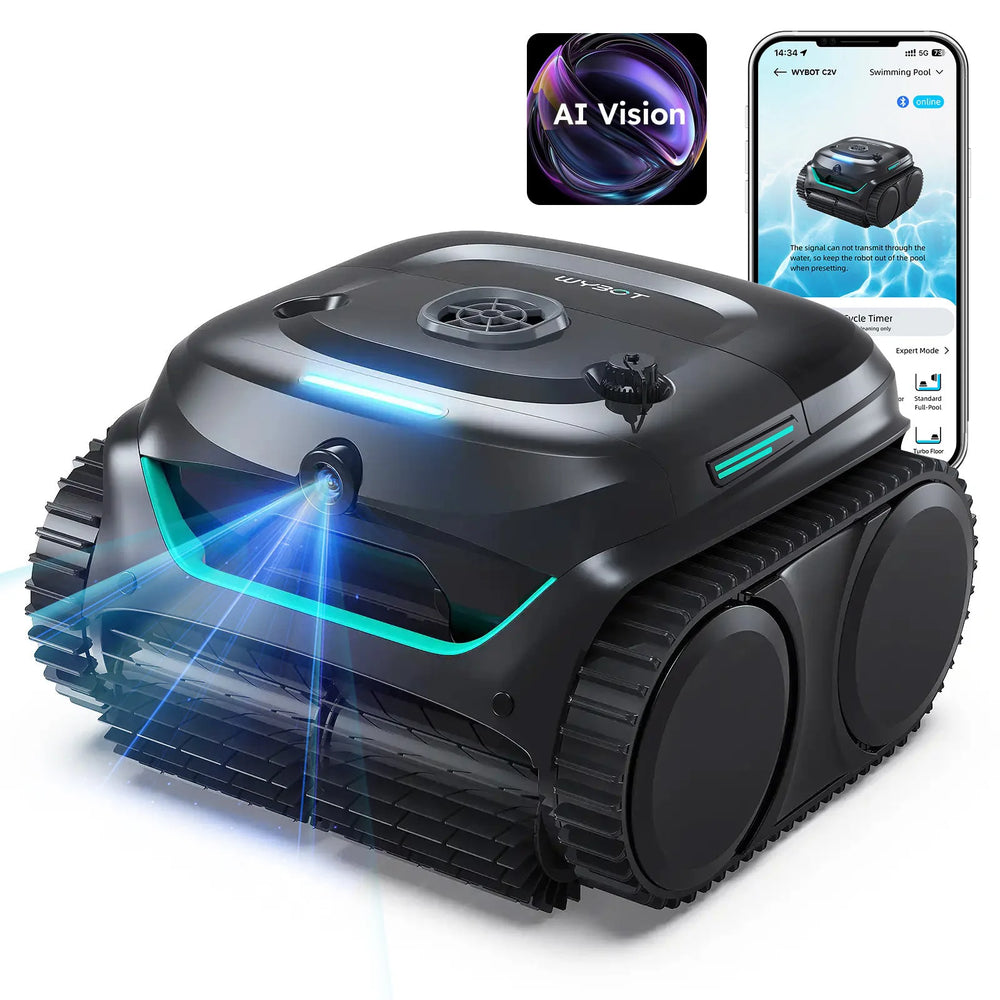 vs
WYBOT’s camera task, Beatbot’s surface parking and the two filter arrangements answer different needs. Check the pool and the debris first, then compare only the programs you would actually use.
Read the guide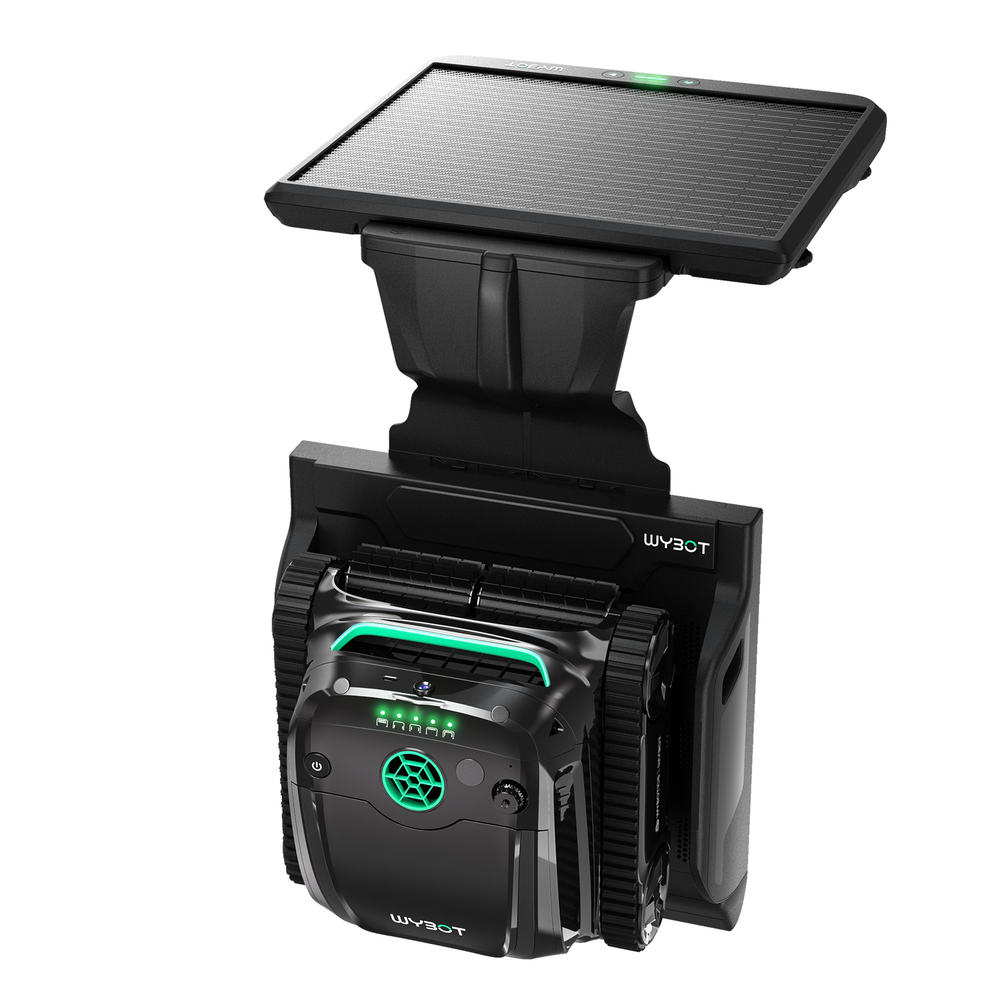 vs
The S2 Solar Vision can return to its in-pool dock for charging. The AquaSense 2 Ultra cleans floating debris as well as underwater surfaces and charges on its dock out of the pool. Start with the job you want to spend less time doing.
Read the guide