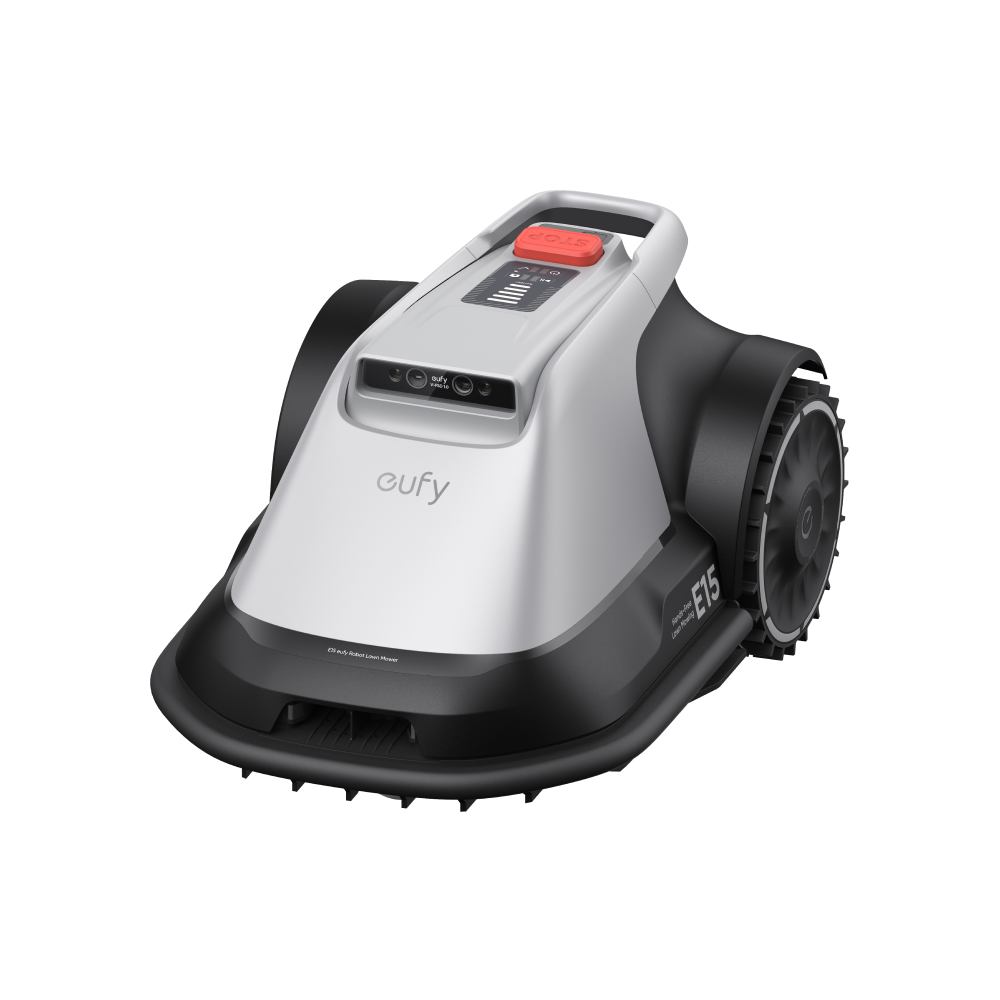
Inside the lineup
eufy.
Two generations of camera-based lawn navigation. Keep the original E15 and E15 Gen 2 separate when comparing area and setup requirements.
2reviewed US modelsSee the lineup ↓
The current catalog
Meet the lineup.

Our recommendations come from published specifications. We may earn a commission from qualifying purchases. As an Amazon Associate, we earn from qualifying purchases. How we work
The field guide
Make sense of eufy.

Setup guide · 3 min read
Can a Robot Mower Cross a Driveway Between Lawns?
Some robot mowers can travel between mapped lawns, but a pathway feature doesn't approve every driveway. Check the surface, level changes, route width and vehicle access before buying. E15 Gen 2 pathways and Navimow H2 channels show why the answer needs to stay specific to the mower and the route.
Read the guide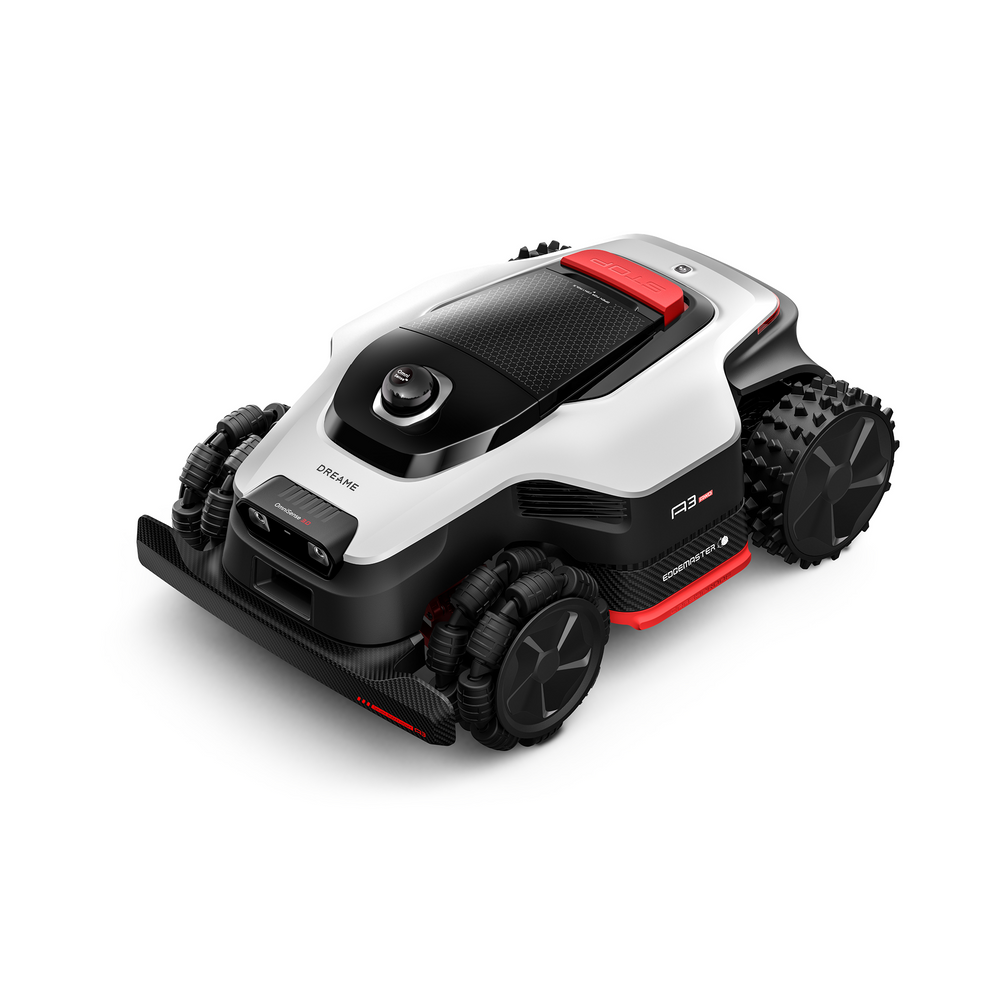
Setup and care guide · 6 min read
Can Robot Mowers Cut Long Grass? What to Do Before the First Mow
Sometimes, within the limits of the exact mower. But an overgrown lawn is a different job from keeping it tidy every few days. Check the starting grass height before sending a robot into it, even if the mower offers a tall cutting setting.
Read the guideOwnership guide · 3 min read
Can Robot Mowers Handle Fallen Leaves?
Don't buy a robot mower expecting it to clear leaf piles. We'd prepare the lawn as the exact manual requires, then use the mower for the grass. Returning fine grass clippings is a different job from collecting leaves or working through a wet mat that hides the lawn.
Read the guidePractical guide · 6 min read
Can a robot mower work in hot weather? Check the lawn and the machine separately
A mower can be within its operating range while the grass needs a break. Start with whether the lawn is growing, then check the exact working conditions, charging limits and schedule.
Read the guide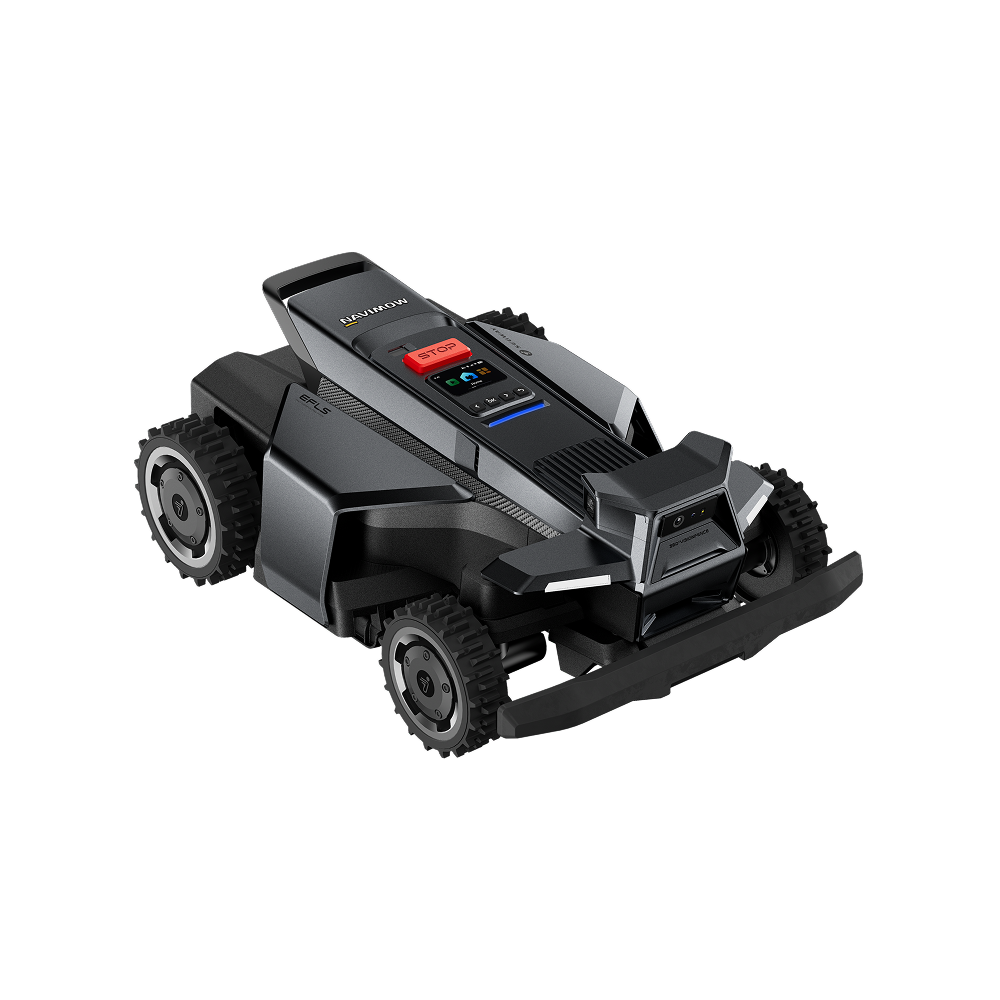
Ownership guide · 6 min read
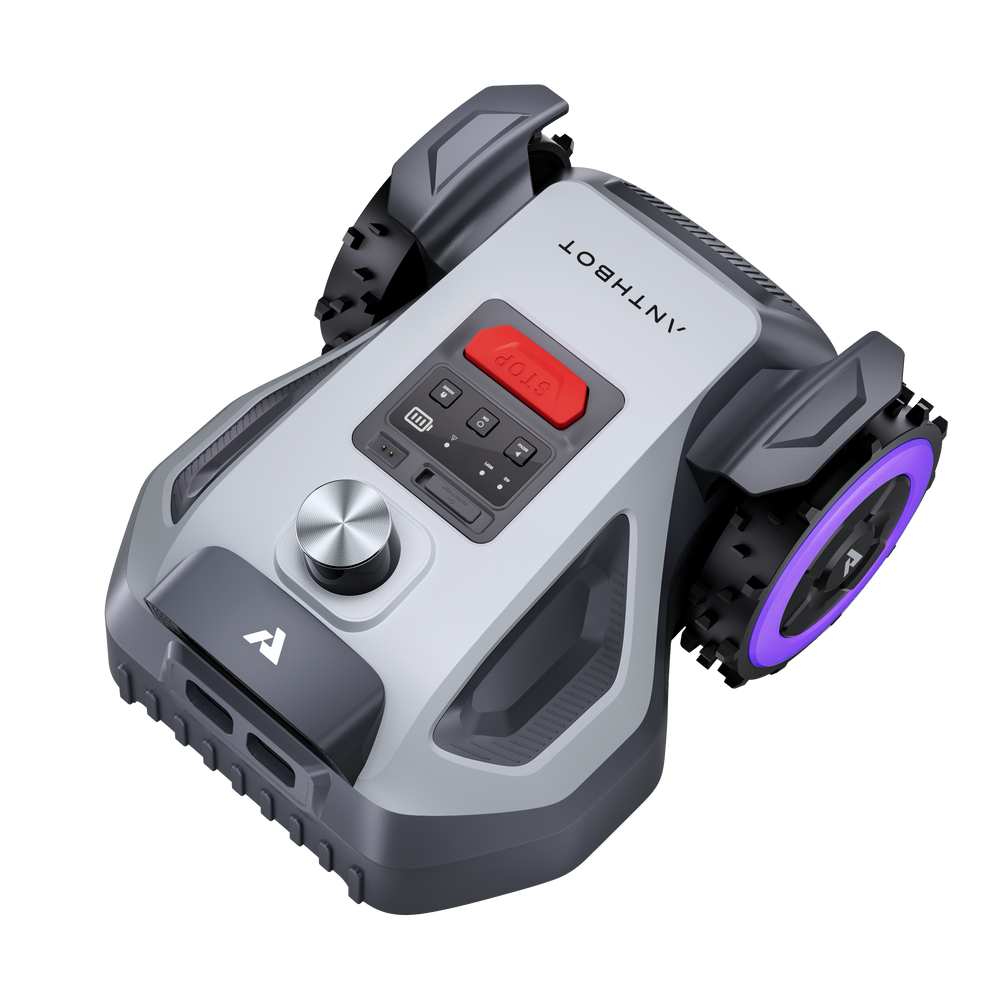
Can Robot Mowers Mow in the Rain?
Weather resistance doesn't tell you whether the mower should keep cutting a wet lawn. We'd check the exact rain-sensor behavior and manual, then plan around the condition of the grass and ground. These examples return home when rain is detected.
Read the guideOwnership guide · 4 min read
Can You Use a Robot Mower With Dogs? Plan the Routine First
A dog-owning household can plan around a robot mower, but animal-detection marketing isn't a reason to leave the dog on the lawn during a run. We'd arrange separate lawn time, clear toys and other objects, and check what closed gates do to the mower's route.
Read the guideOwnership guide · 4 min read
Do Robot Mowers Need a Garage? What to Check Before Buying One
Check the mower's package and installation instructions before adding another shelter to the order. Some include a garage; others list one as an accessory. We'd choose the right model-specific cover and station location together, rather than assume any box over the charger will do.
Read the guide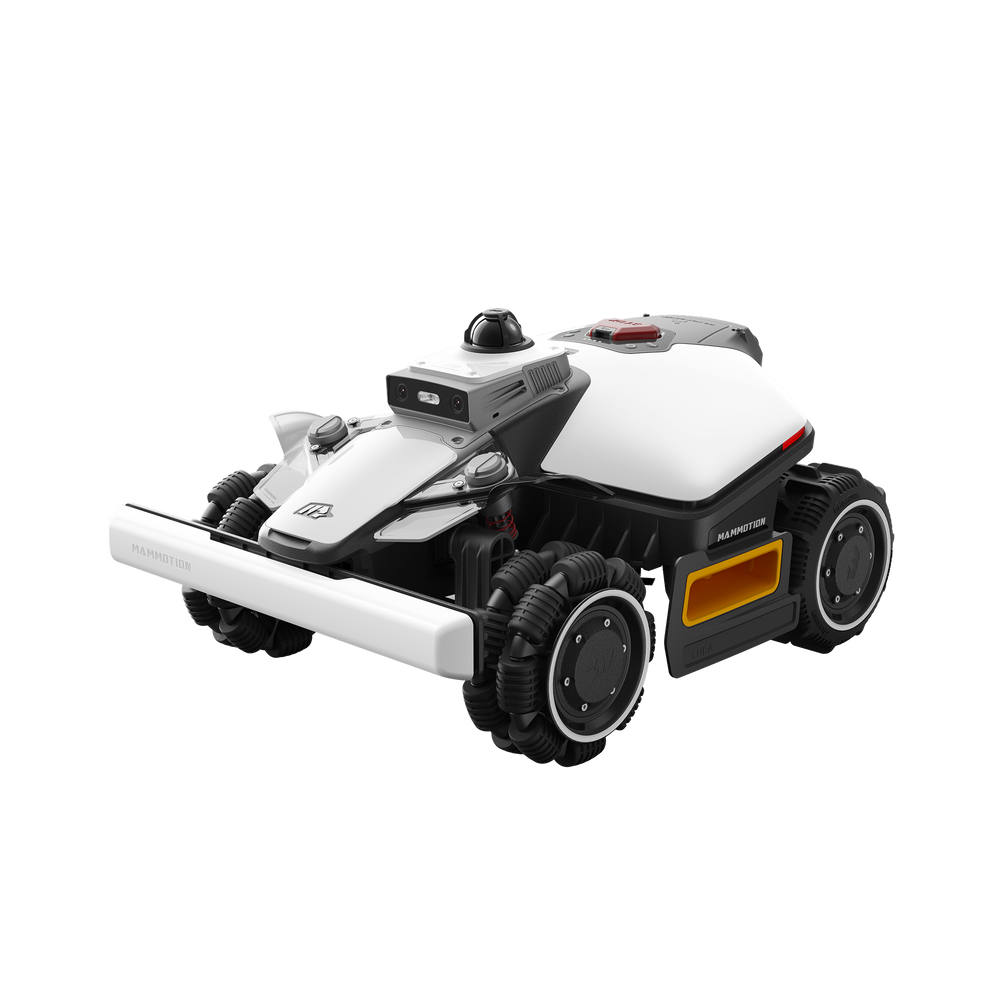
Ownership guide · 7 min read
Do Robot Mowers Need a Subscription? 4G, RTK and App Costs Explained
A free app, included cellular data and lifetime positioning are different promises. We'd ask which features you need, how they connect and what happens when an included period ends before comparing the long-term cost of a mower.
Read the guideSetup guide · 5 min read
Do Robot Mowers Need Wi-Fi Across the Whole Yard?
Not every mower needs your home Wi-Fi to reach every corner. The answer depends on how it maps, what it needs to keep mowing and which app features you want away from the house. We'd check those jobs separately before buying more network equipment.
Read the guide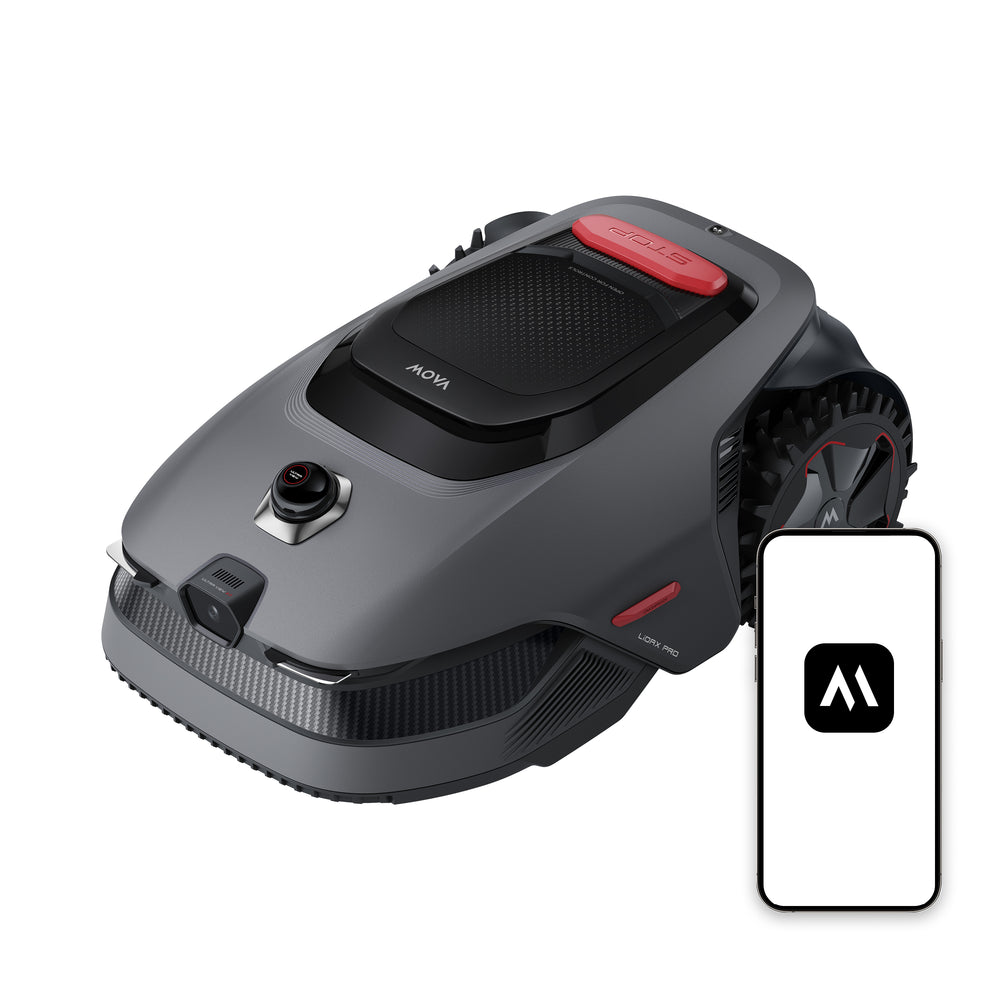 vs
Model comparison · 6 min read
eufy E15 Gen 2 vs MOVA Pro 800: Match the grass before the map size
The eufy has a larger stated lawn allowance, while MOVA reaches a taller cut. Grass restrictions, real working hours and the route to the dock can settle this small-yard comparison before navigation branding does.
Read the guide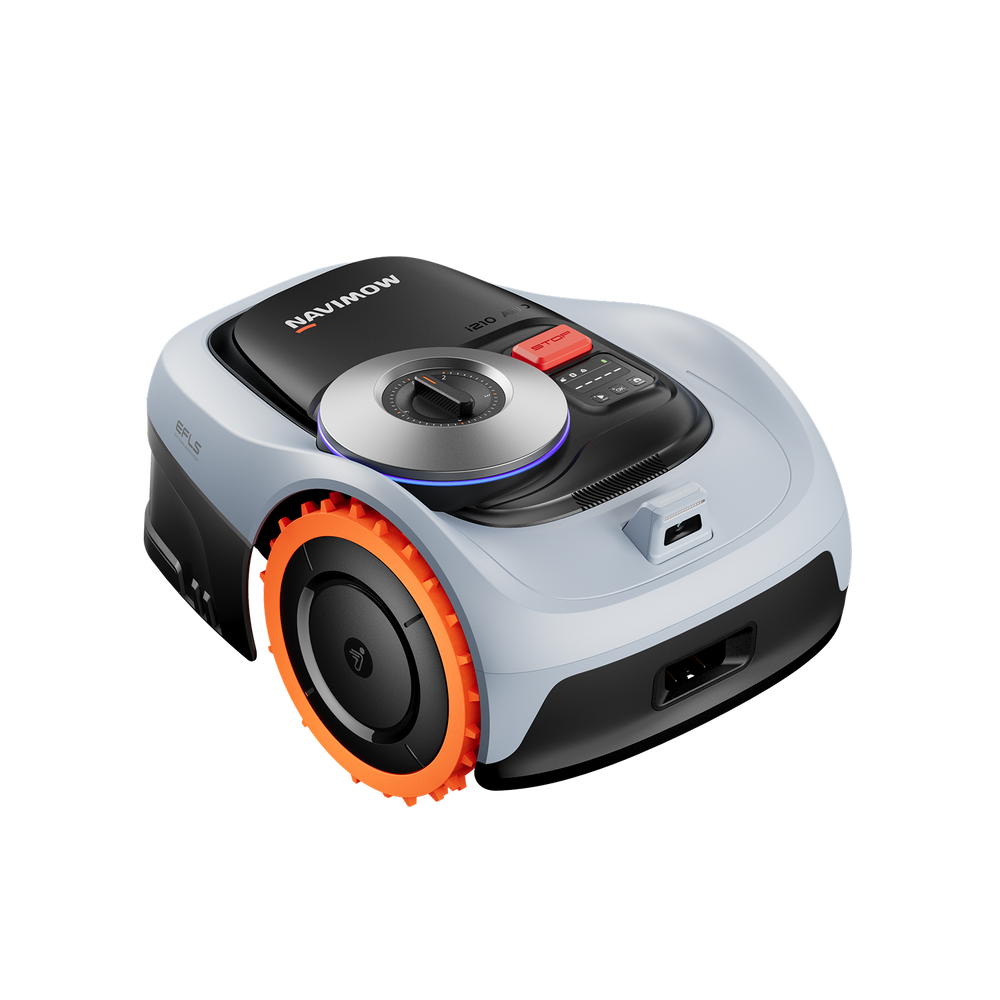 vs
Model comparison · 4 min read
eufy E15 Gen 2 vs Navimow i210 AWD: Which Suits Your Small Yard?
Both sit around the quarter-acre tier. The useful difference is how they would work in your garden: eufy's camera-based setup and grass restrictions versus Navimow's AWD and supported network RTK arrangement. We'd check the lawn and normal mowing hours before choosing from the feature lists.
Read the guidevsModel comparison · 6 min read
eufy E15 vs Dreame A3 AWD 1000: Which Is Better for a Small Yard?
Both avoid a perimeter wire and RTK station, but they suit different small lawns. We'd check eufy's grass restrictions first, then compare your usual cutting height, the ground and the amount of grass that actually needs mowing.
Read the guidevsModel comparison · 8 min read
eufy E15 vs E15 Gen 2: What Changed?
Gen 2 has a higher lawn-area rating, but the official manual confirms the same published cutting range, deck width and mowing-time range as the original. We'd choose around lawn fit and the mapping routine, rather than assume a new generation will finish faster.
Read the guideOwnership guide · 3 min read
How to Choose the Right Cutting Height for a Robot Mower
Start with the grass species and local mowing guidance, then choose a robot setting within that range. The app’s default or highest number isn't a universal answer. Check the actual finished grass height, lower gradually when needed and keep initial-lawn preparation separate from the height you plan to maintain.
Read the guide
Maintenance guide · 5 min read
How to Clean a Robot Lawn Mower
The grass underneath is only part of the job. Wheels, camera lenses and the charging station need attention too. Here's a practical cleaning routine using eufy E15 Gen 2 and Navimow X3 examples, with each model's instructions kept where they belong.
Read the guidePlanning guide · 4 min read
How to Measure Your Lawn for a Robot Mower
The property size on a listing isn't necessarily the amount a mower will cut. We'd draw each patch of grass, subtract the house and hard surfaces, then add the mowing zones together. The awkward routes and available working hours need checking alongside that total.
Read the guideFirst-use guide · 3 min read
How to Prepare Your Lawn for a Robot Mower’s First Run
Clear the loose objects, check the starting grass height and settle the boundaries before launching the first map. E15 Gen 2 and Navimow H2 give different initial-grass instructions, so a robot's maximum selectable cut isn't the preparation limit. Allow time to learn its normal route and return to charge.
Read the guideSetup guide · 3 min read
How to Set Up No-Go Zones for a Robot Mower
Start by walking the lawn and marking the places the mower must avoid, then use the exact model's mapping instructions. E15 Gen 2 no-go zones and Navimow H2 off-limit islands are useful examples, but their names and setup rules differ. Keep the route back to the charger in view too.
Read the guideSetup and care · 5 min read
Moving a robot mower’s charging station: Check the new route before restarting
A better-looking corner is only useful if the mower can locate and reach it. Check the new installation first, use the exact model’s relocation procedure, then verify the return journey before restoring the schedule.
Read the guideSeasonal mower care · 4 min read
How to restart a robot mower after winter
Before restoring last year’s schedule, check the machine, the charging station and the lawn it is returning to. A shifted dock or a newly planted bed needs attention even when the mower starts normally.
Read the guide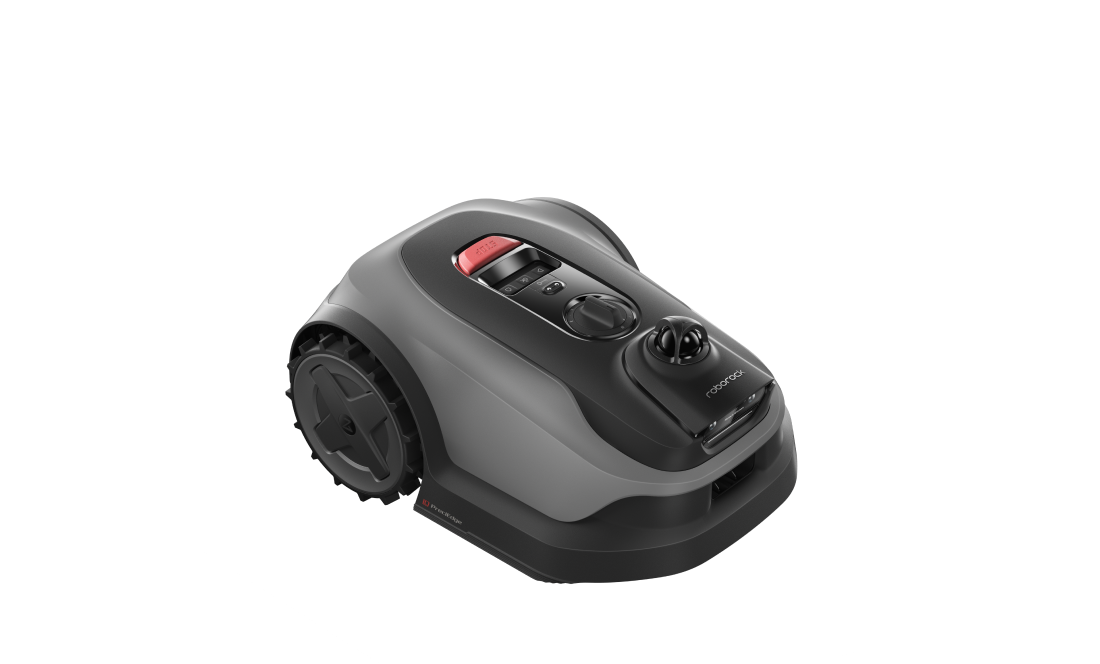 vs
Model comparison · 4 min read
Roborock RockMow S2 LiDAR vs eufy E15 Gen 2
Two mowers that skip the RTK antenna can still suit different lawns. The S2 LiDAR reaches 80 mm, while the E15 Gen 2 has room for a larger grass area within its 75 mm cutting range.
Read the guideLawn care · 5 min read
Robot mower after dethatching: Remove the loose material before restarting
The material lifted by a dethatcher is a different cleanup job from ordinary fine clippings. Keep the automatic mower paused while you remove that debris, assess the lawn and check the exact machine’s mowing requirements.
Read the guideLawn care · 5 min read
Robot mower after lawn aeration: Check the cores and ground before restarting
Core aeration leaves soil plugs on the surface and may be followed by seeding or other lawn work. Keep the turf-care plan and the exact mower’s operating requirements together before restoring the automatic schedule.
Read the guideSeasonal care · 5 min read
Robot mower after overseeding: Care for the old grass and protect the seedlings
Established grass can still need mowing while new seedlings develop. Plan that care around the seedbed, watering and the robot’s complete route, rather than restart its usual schedule after a fixed number of days.
Read the guidePractical guide · 6 min read
Robot mower and sprinklers: Plan separate schedules and a dry route
A rain sensor does not coordinate the irrigation controller. Check the exact mower instructions, leave the required space around sprinkler heads and account for watering changes before starting the next mowing session.
Read the guideLawn care · 5 min read
Robot mower around exposed tree roots: Protect the roots and plan the route
A wheel clearing a raised root does not establish that the cutting system can pass without damage. Keep exposed roots out of an unapproved mowing route, then check the tree-care plan, exact exclusion settings and the mower’s return to charge.
Read the guideMower troubleshooting · 5 min read
Robot mower blades not spinning: Check the task before the cutting system
A mower travelling between areas, a protective stop and an obstructed cutting system are different situations. Record the task and any warning from a safe distance, then follow the exact shutdown instructions before inspection.
Read the guideLawn care · 5 min read
Brown grass tips after robot mowing: Check the leaf before blaming the lawn
A lawn that looks pale after mowing may have torn leaf tips, but brown patches can have other causes. Look closely at the grass, check the cutting conditions and follow the exact mower’s maintenance instructions before changing the lawn-care plan.
Read the guide
Installation guide · 6 min read
Where Should You Put a Robot Mower Charging Station?
The nearest outlet isn't always beside the best docking spot. Before securing the base, check the ground, the approach and the route from every lawn the mower will maintain. Leave yourself room to reach the equipment too.
Read the guidePractical buying guide · 6 min read
Robot Mower Edge Cutting: Will You Still Need a Trimmer?
Probably, especially beside walls and fences. An edge-cutting feature can reduce the strip left behind, but the shape of your borders matters as much as the mower. A level path the robot can straddle is a different job from grass growing straight against a wall.
Read the guideLawn care · 5 min read
Can a robot mower handle fallen apples and pine cones?
Clear fallen fruit, cones, sticks and other hard debris before mowing. Camera or LiDAR obstacle avoidance helps with navigation, but it does not turn the cutting system into a fruit crusher or remove the owner’s lawn-clearance checks.
Read the guideTroubleshooting guide · 4 min read
Why Does My Robot Mower Keep Getting Stuck?
Start by recording the spot and the message. Wheels spinning in soft ground, debris caught near a wheel and a mower paused with a positioning alert need different answers. We'd follow the exact shutdown and handling instructions, then check the ground, visible obstructions and supported route before changing settings.
Read the guideLawn care · 5 min read
Robot mower leaving clumps: Check moisture, grass length and the deck
Tiny clippings left among the grass are expected. Heavy wet mats are a different problem. Check when the clumps appear, how much grass is being removed and what the exact mower allows before adding more runs.
Read the guideTroubleshooting guide · 5 min read
Why Is My Robot Mower Leaving Uncut Patches?
Before changing every setting, look at where the grass is being missed. A strip beside a wall, an unmapped corner and a patch the mower drives over without cutting need different checks. We'd work through the map, grass and maintenance one step at a time.
Read the guideSetup buying guide · 7 min read
LiDAR, RTK and Camera Navigation: Which Robot Mower Setup Suits Your Yard?
The labels overlap: many robot mowers combine cameras with another positioning system. We'd compare the exact model's equipment and connection requirements, then ask about the awkward parts of your yard instead of choosing a technology name on its own.
Read the guideLawn care · 5 min read
Robot mower near ponds and pools: Check the boundary and the route
A grass edge beside water needs more attention than an ordinary border. Use the exact mower’s entry restrictions, have the installation assessed and check every connector before allowing automatic mowing near a pond or pool.
Read the guideTroubleshooting guide · 4 min read
Why Isn’t My Robot Mower Charging?
First work out whether it reaches the base, docks badly or sits there without charging. Those are different problems. We'd save the message, check the exact indicators and follow the model's power-off instructions before inspecting the base and visible connections.
Read the guideTroubleshooting guide · 4 min read
Why Won’t My Robot Mower Connect to Wi-Fi?
Start by noting what failed: adding the mower, getting an online status, or sending a command from indoors. Then follow the instructions for the exact model and generation. A Wi-Fi problem, a Bluetooth pairing problem and a positioning warning can need different fixes.
Read the guideTroubleshooting guide · 5 min read
Why Won’t My Robot Mower Return to Its Charging Station?
First work out where the return goes wrong. A mower that never starts home, one that circles the station and one that docks without charging need different checks. We'd save the app message, inspect the route and follow the model's maintenance instructions before changing the map.
Read the guideTroubleshooting guide · 4 min read
Why Won’t My Robot Mower Start?
A blank display, a locked control panel and a mower waiting for its schedule need different checks. We'd record the status first, then work through power, normal start controls, locks and the permitted operating conditions before assuming a motor has failed.
Read the guideLawn care · 5 min read
Robot mower on frosty grass: Check the lawn before the timer starts
A warmer forecast does not prove the grass or shaded charger approach has thawed. Keep the mower paused while frost, frozen ground and the exact machine’s temperature requirements are assessed separately.
Read the guideLawn care · 5 min read
Robot mower on new sod: When is the lawn ready?
Fresh sod can look like a finished lawn while its roots are still establishing. Check rooting, ground firmness, grass height and the complete mower route before restoring repeated automatic mowing.
Read the guideTroubleshooting · 5 min read
Robot mower scalping your lawn? Check the cut, ground and wheel marks
A pale lawn after a large height change needs a different response from a gouge on the same hump every day. Stop the damage, record where it happens and work through the height, ground and blade checks in that order.
Read the guideMower troubleshooting · 5 min read
Robot mower sensor warning: Clean the right surface, then check what returns
A dirty lens, an unsuitable route and a persistent sensor fault need different responses. Save the exact warning before changing anything, then follow the care instructions for the model and generation you actually own.
Read the guideMower troubleshooting · 4 min read
What to check when a robot mower’s battery run gets shorter
Start by comparing similar mowing runs. Grass growth, the route and the selected mode can change how long the mower works and how much ground it covers before returning to charge.
Read the guideLawn care · 5 min read
Robot mower making an unusual noise or vibrating? Stop and check what changed
A new rattle, scraping sound or vibration needs a closer look before the next scheduled mow. Use the exact shutdown instructions, check the permitted owner-accessible parts and keep damage separate from ordinary blade care.
Read the guide
Seasonal care guide · 7 min read
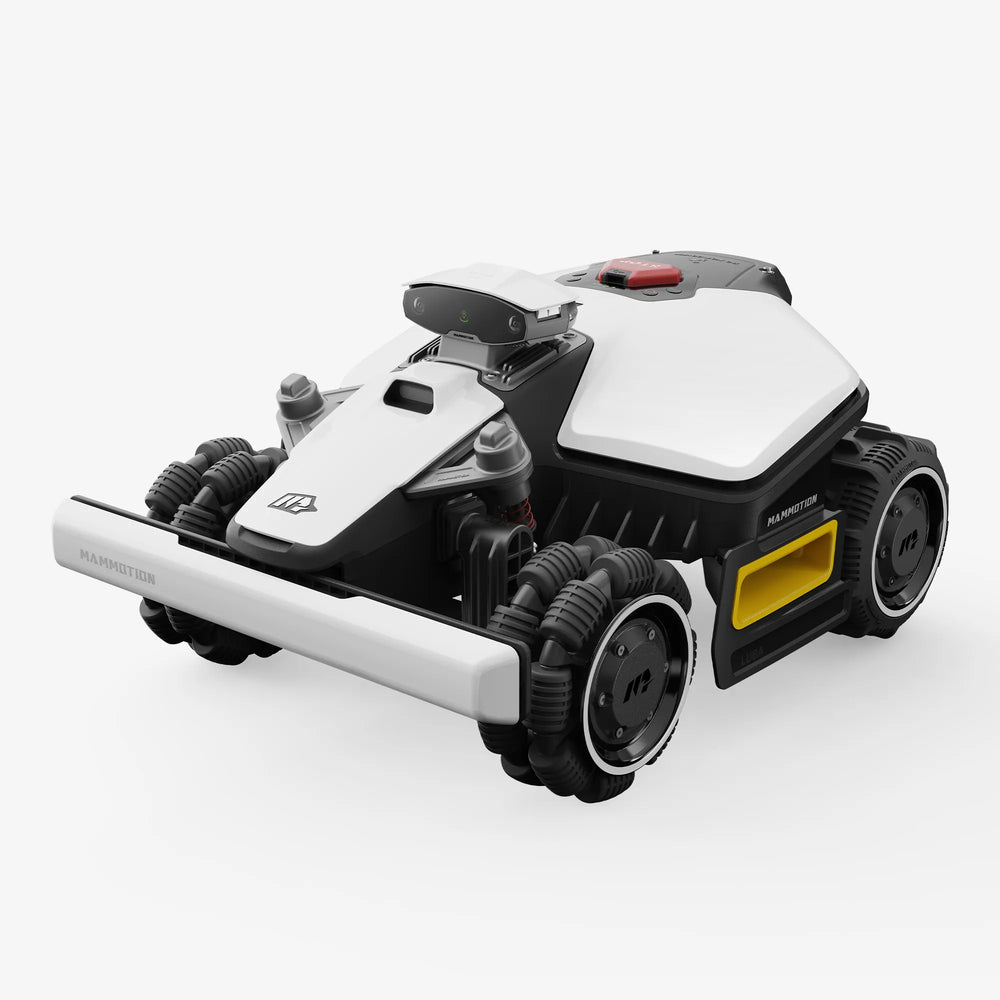
How to Store Your Robot Mower for Winter
Don't assume every robot mower wants the same charge before a winter indoors. Mammotion's instructions for the models below say about 80%; eufy E15 Gen 2 calls for at least 85%. Start with your exact model, then make time to clean it and let it dry.
Read the guide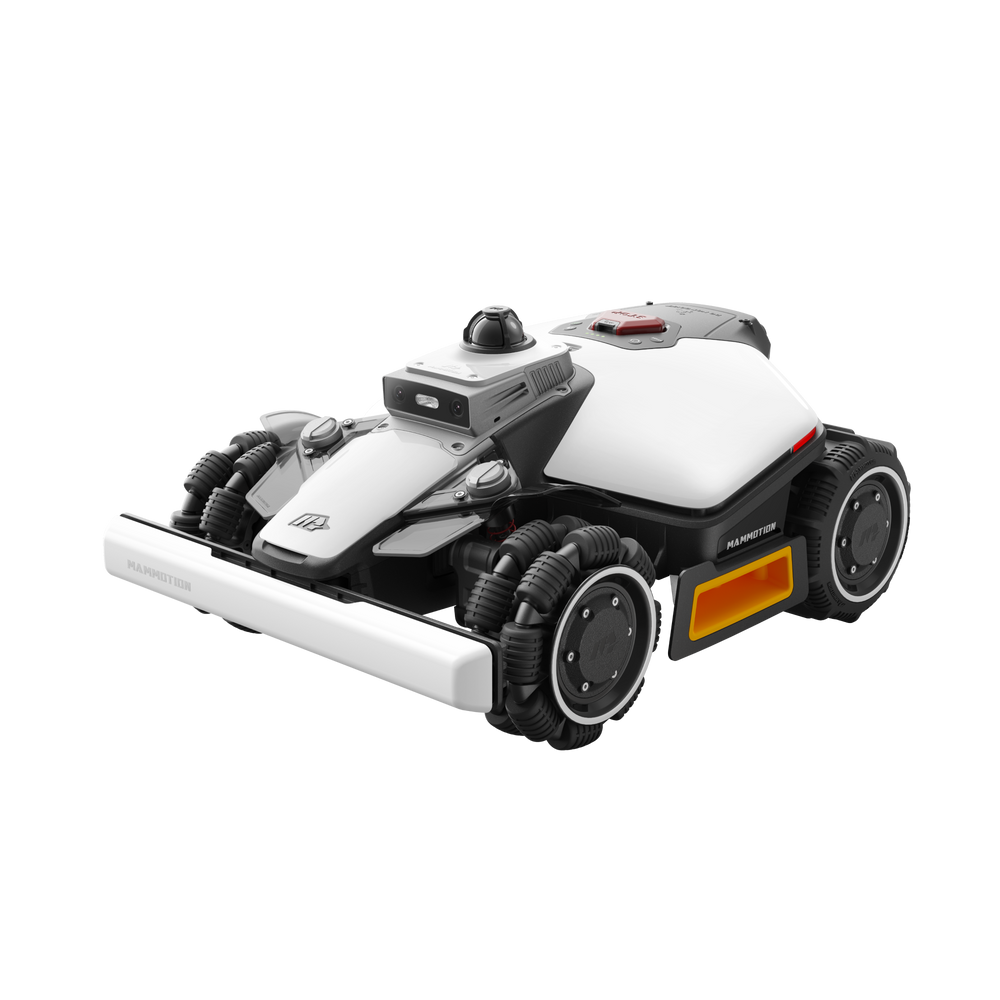
Property buying guide · 8 min read
The Best Robot Mowers for a Low Cut
If you already know you want to maintain a lawn around an inch high, the exact height version matters more than the model name. We'd start with standard-height LUBA models, then consider the original eufy E15 only where its grass and terrain restrictions fit.
Read the guideSetup buying guide · 7 min read
Robot Mowers for Separate Front and Back Lawns: What to Check
Two lawns don't necessarily need two mowers. The important questions are whether one robot can cover their combined area, travel between them and get back to charge. A closed gate can matter more than a long list of mapping features.
Read the guide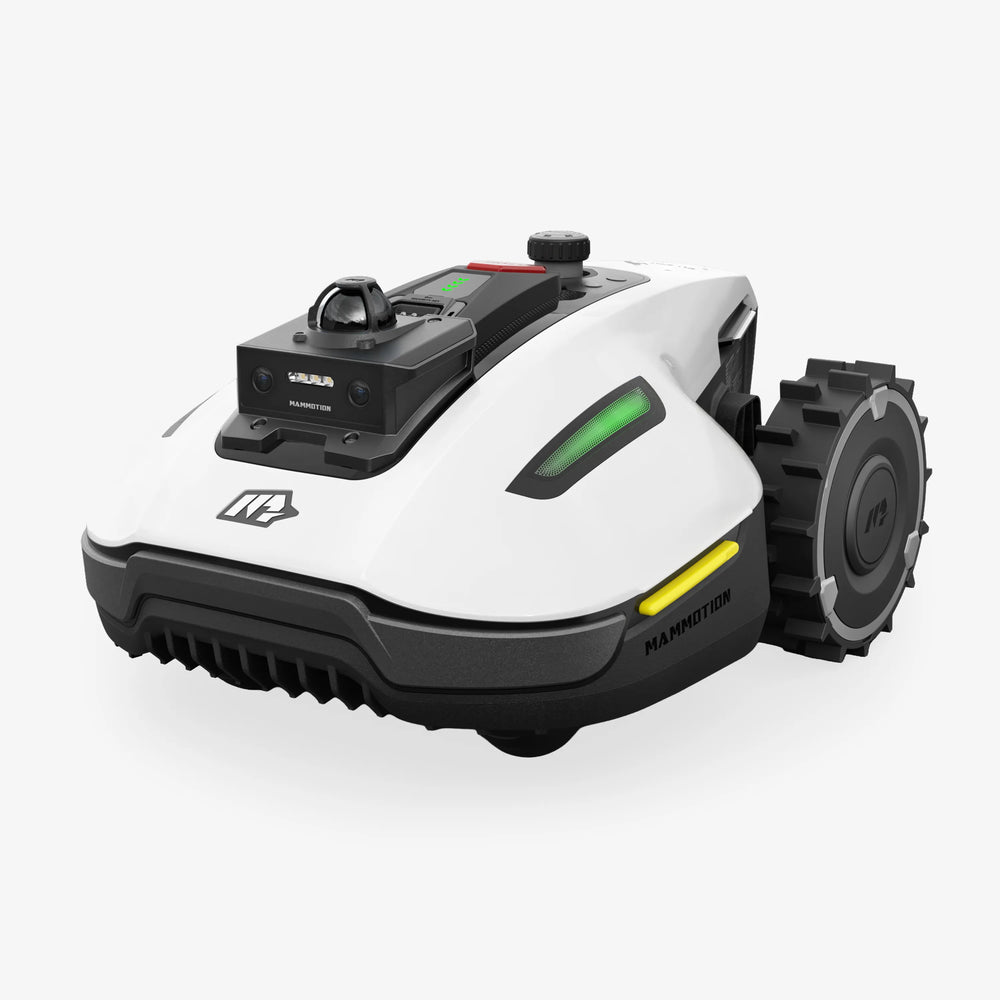
Best for small yards · 10 min read
The Best Robot Mowers for a Small Yard
A small lawn can still have a steep patch, an awkward gate or grass you want kept taller. We'd compare the exact area, cutting range and installation before choosing among these Mammotion, Dreame, eufy, Navimow and ANTHBOT options.
Read the guideMower setup and mapping · 4 min read
When should you remap a robot mower?
A new flower bed or a changed mowing direction may need an edit rather than a fresh map. Identify what changed, check the exact app tools and keep a record of the working installation before deleting anything.
Read the guideMaintenance guide · 6 min read
How Often Should You Replace Robot Mower Blades?
Use the interval for your exact mower, then inspect the blades rather than waiting for the calendar alone. E15 Gen 2 and Navimow X3 use different guidance. We'd keep the right replacement set ready and check the fastening instructions before starting the job.
Read the guide